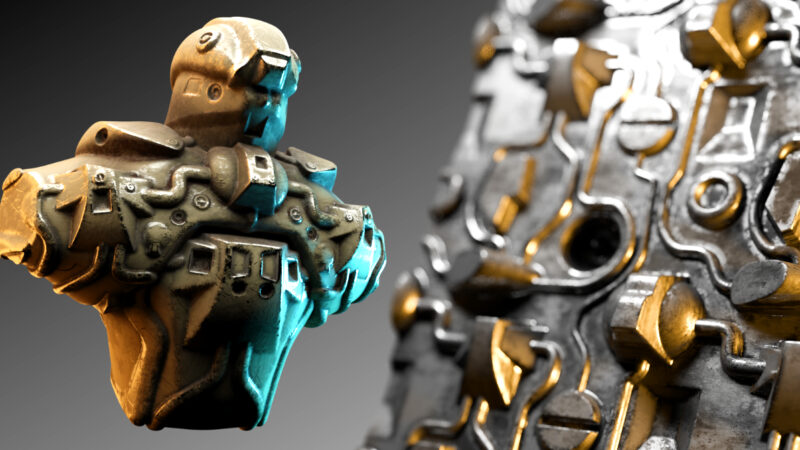
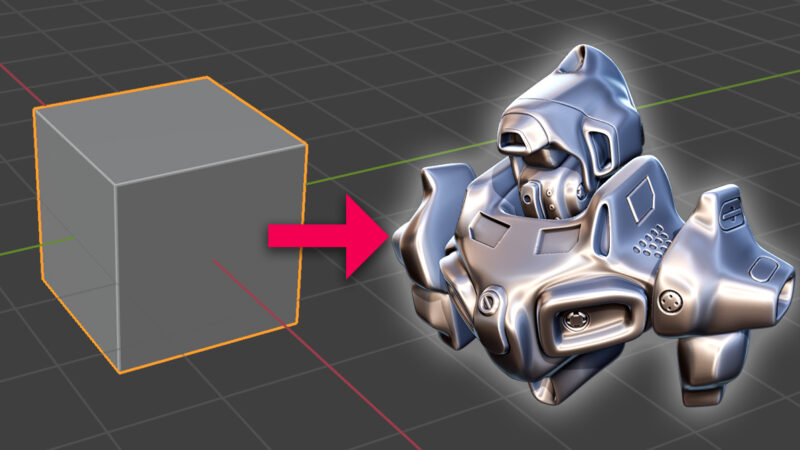
Michael Bridges stumbled upon something pretty cool about MatCaps, those nifty material captures we use in Blender. Turns out, you can have a MatCap for each object, not just one for the whole scene!
If you’re new to MatCaps, they’re like a shortcut for lighting and reflections in your models. They’re quick, stylish, and save loads of time. In the video, we dive into how to set them up, where to find them, and even create an asset you can use in all your Blender projects.
Plus, there’s a neat trick to make sure your MatCaps look just right on each object. I won’t spoil it all here, but trust me, it’s worth a watch. Who knew MatCaps could be so versatile and handy? So, if you’re curious to learn more about MatCaps and how to level up your Blender game, watch the video and let’s dive in together!
I am a self confessed technology geek, and love teaching people new things.I think it is a real shame that so many people carry around such wonderfully capable devices yet do nothing but the basics on them. Computers, laptops tablets and smart phones can do much more than most people know. I would like to guide, reassure and educate people in using their technology to add to their livesI have been playing, yes playing, with technology for as long as I can remember and I still do that today! Admittedly these days with other commitments I do have to watch what I spend as technology can burn a very deep hole and quickly!As my parents will testify, I have always been inquisitive! even if it meant taking something apart to see how it worked. Of course not knowing how to put it back together again! To this day I love learning new things and developing myself as a person.Despite my techy background I remain firmly grounded and talk to people using every day language, unnecessary techno-babble drives me bonkers. This allows me to chat with people with limited knowledge on a subject and help them understand more.By day (and sometimes night) I run a successful local technology support company in Nottingham (UK).