

Behind the Scenes: The Moon Carrier

About
My Name is Jad Nassour I have a bachelor’s degree in Architectural Design.
I have experience in Wire Sculpting, designing and executing public art installations, architectural design, and 3D Visualization.
I’m based in Beirut, Lebanon.
Background in 3D
I have 8 years of working experience in Archicad, Lumion, 3ds Max, and Rhinoceros, all of which I learned from online courses and tutorials.
I have 8 months of experience in Blender 2.8. Since I already have a good working knowledge of 3ds Max, learning Blender was easy. In the beginning, I just learned the shortcuts and I watched quick YouTube tutorials based on the requirements needed for a given project.
I was introduced to Blender by my cousin Sami Nassour who’s an old Blender user. He wanted to model something and I suggested that he model and rig a wire character so that I could use it to create wire artworks. The result was amazing, I loved how easy it was to pose the characters.
Motivation and inspiration
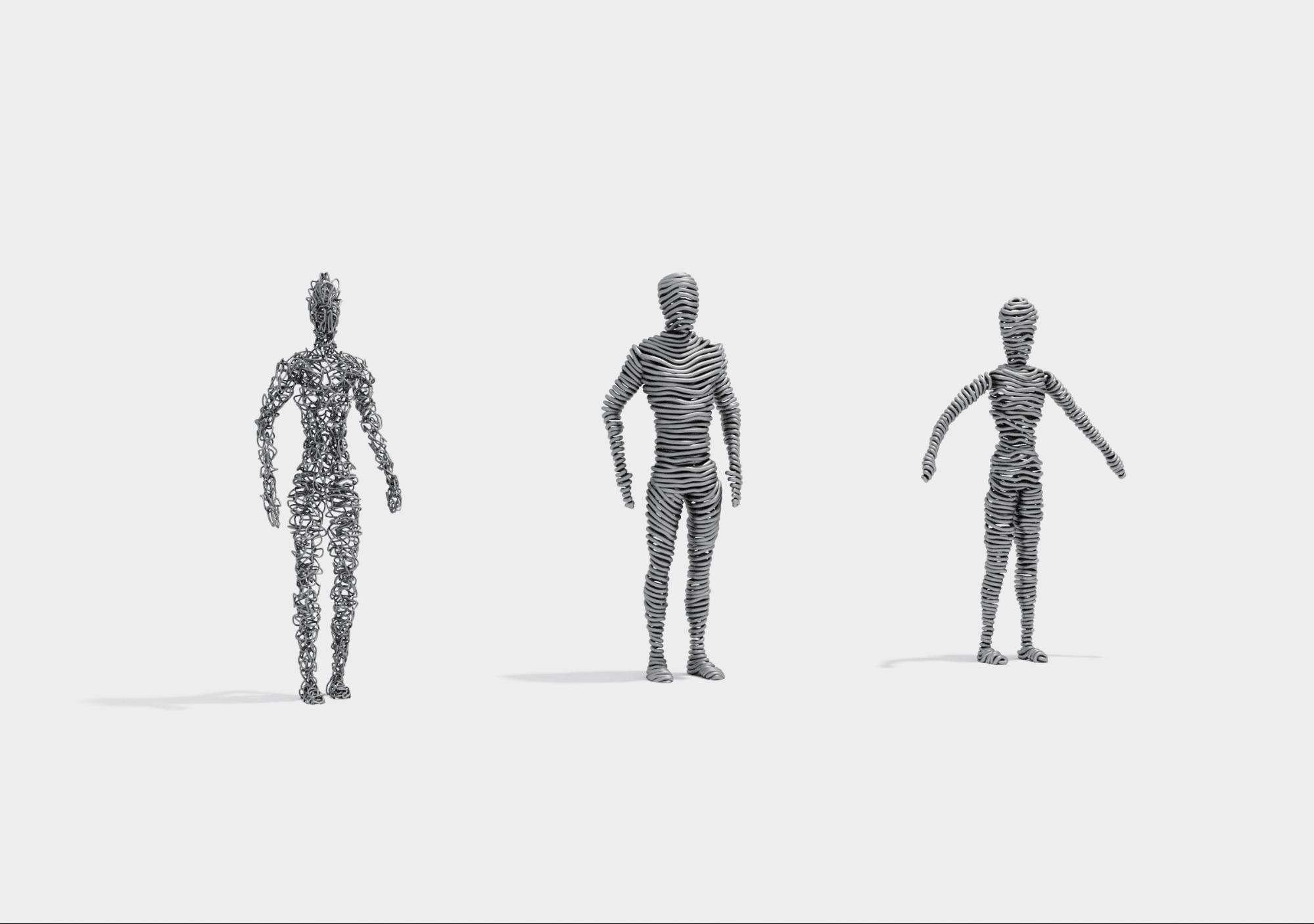
In addition to the real metallic wire sculptures that I create, I had started experimenting with wire art in the digital world. I was creating abstract wire art using the line and curve as the basic elements of my work in 3ds Max and Rhinoceros.
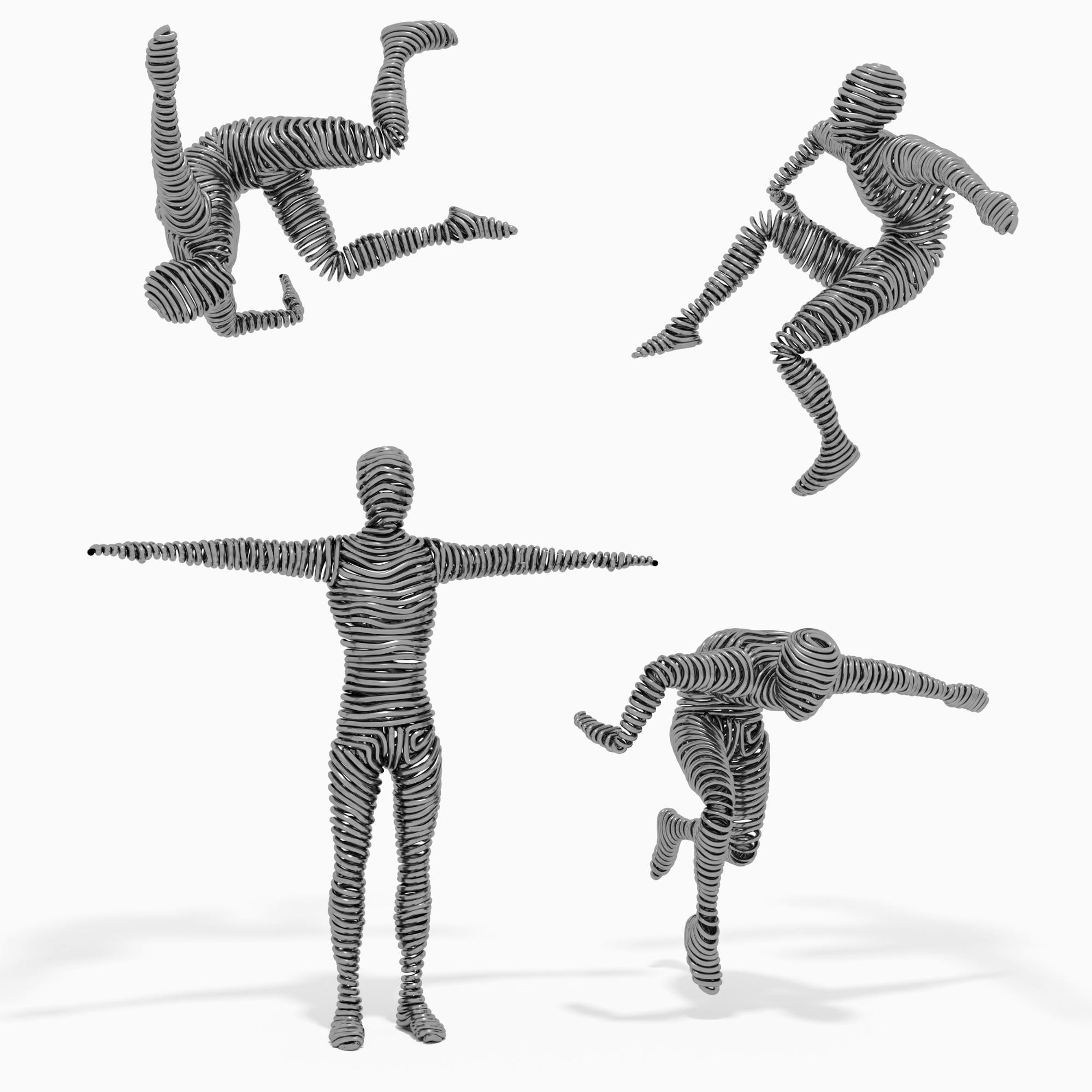
With the release of Blender 2.8, I started my series of digital wire art compositions that mimic various recognizable social behavior instances that are twisted through my imagination.
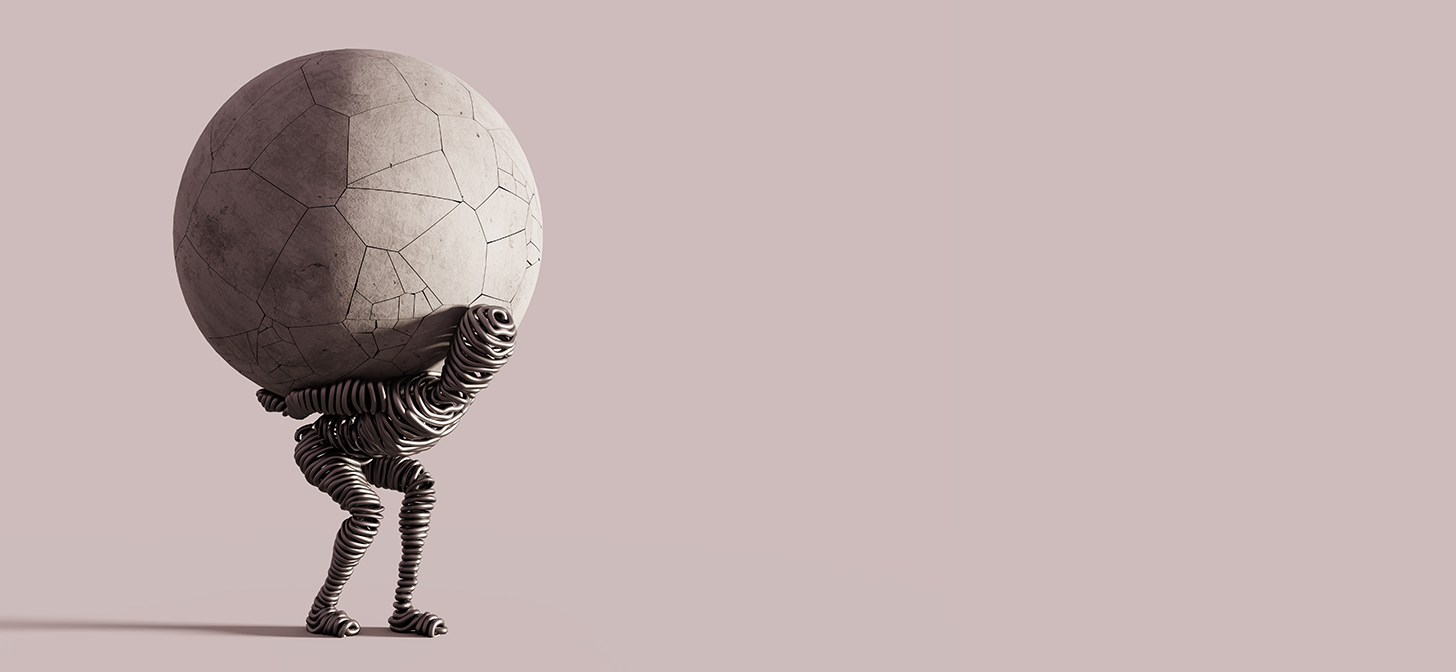
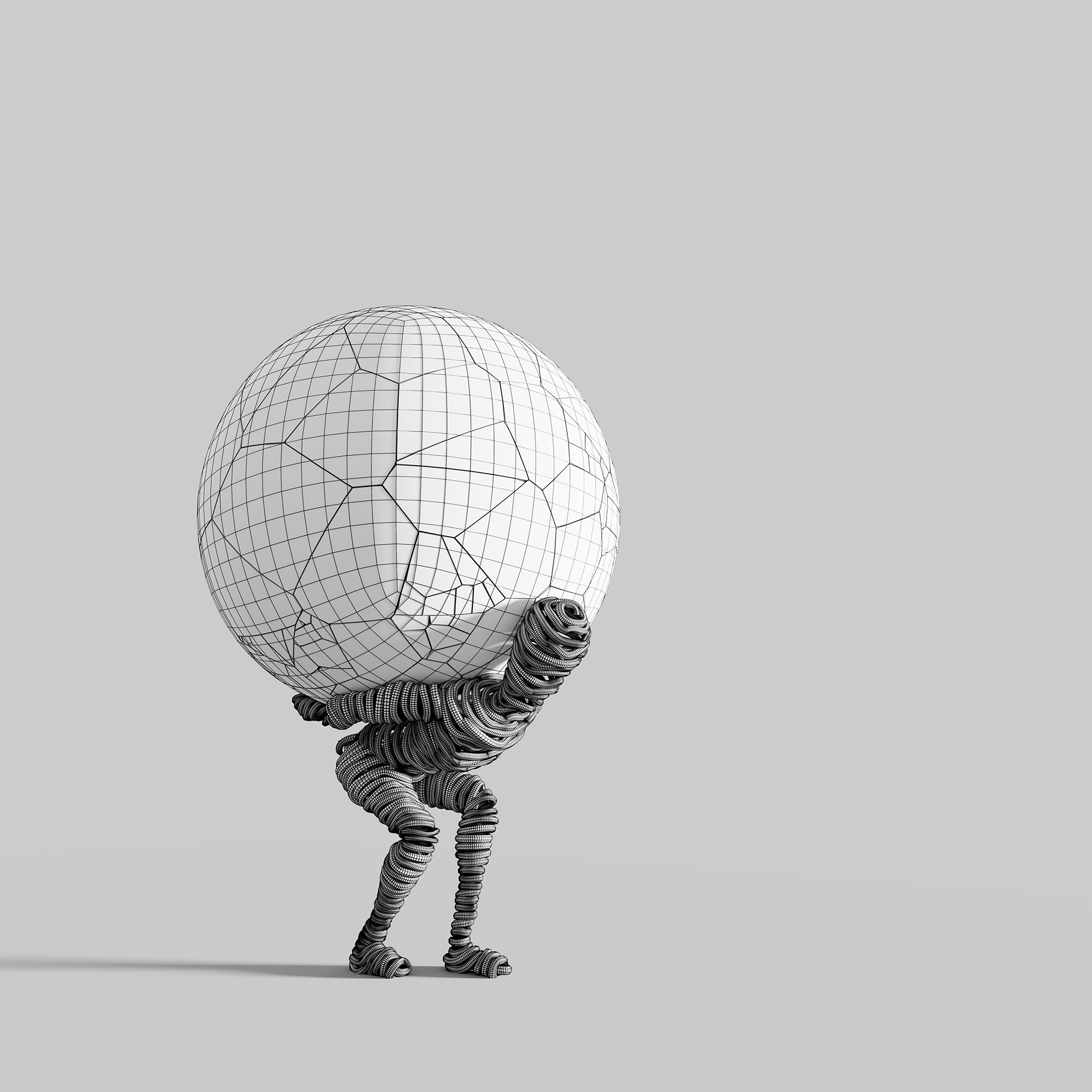
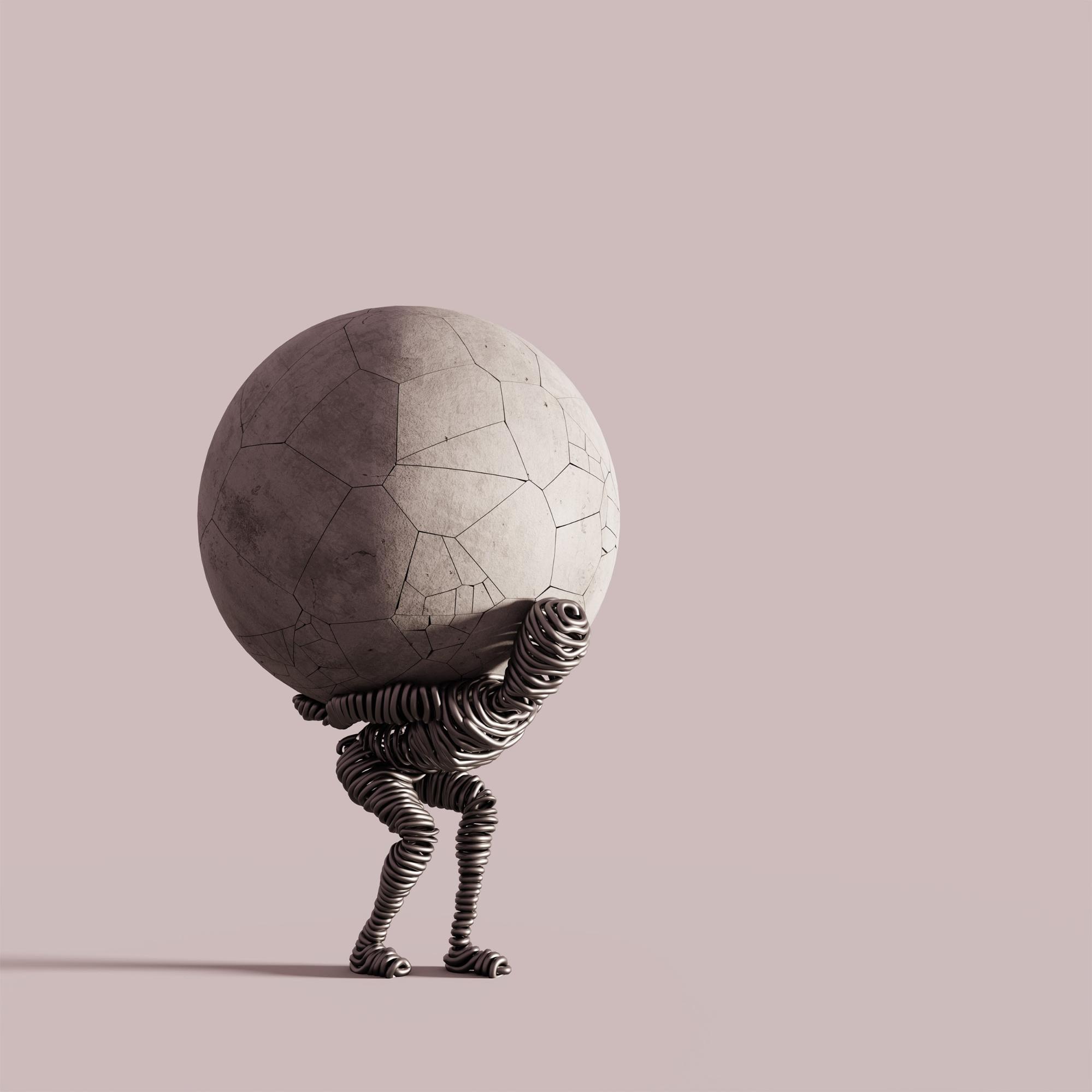
The Moon Carrier represents a struggling, migrating human figure who carries with him the heavily destroyed memories symbolized by the cracked concrete sphere.
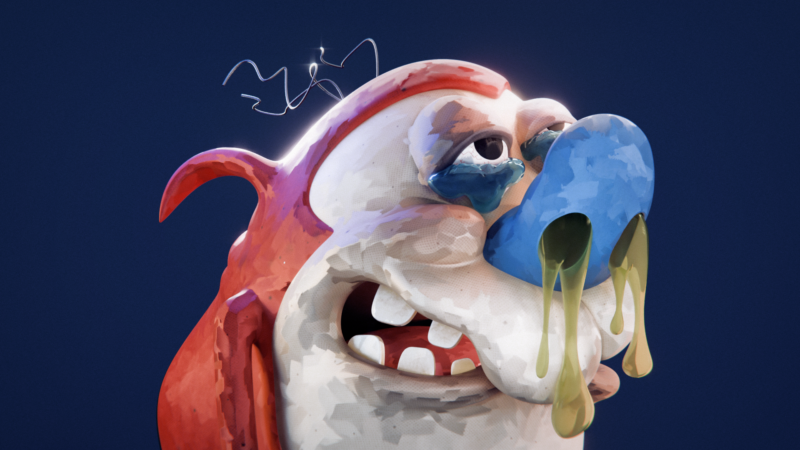
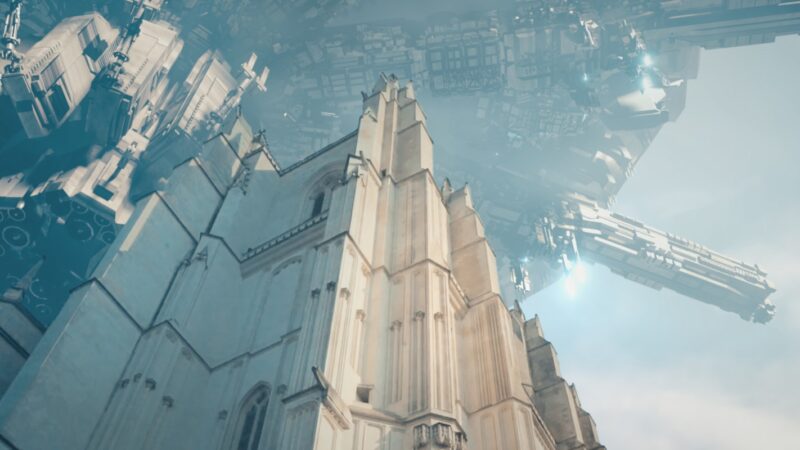
Other artworks from the series:
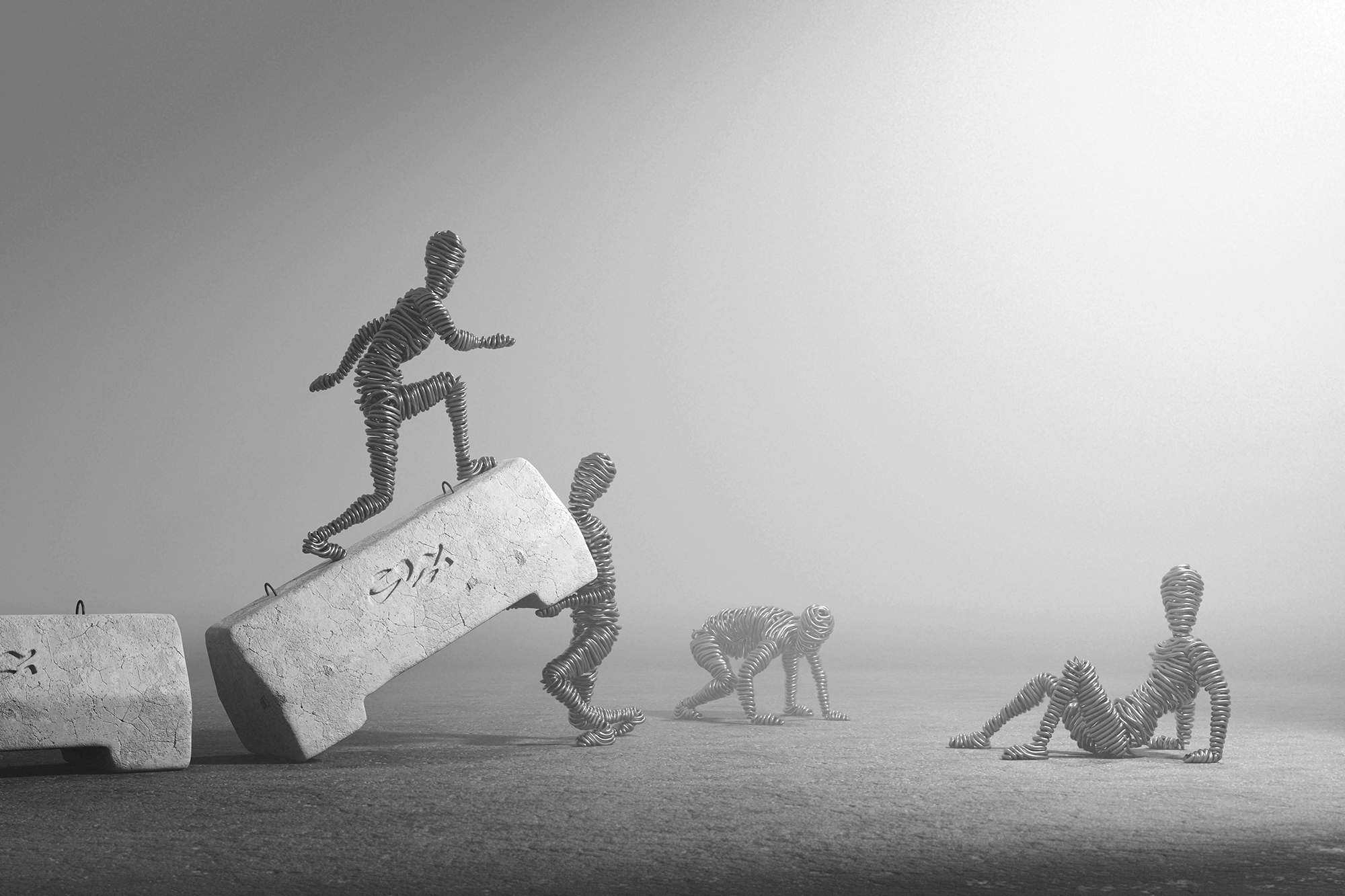
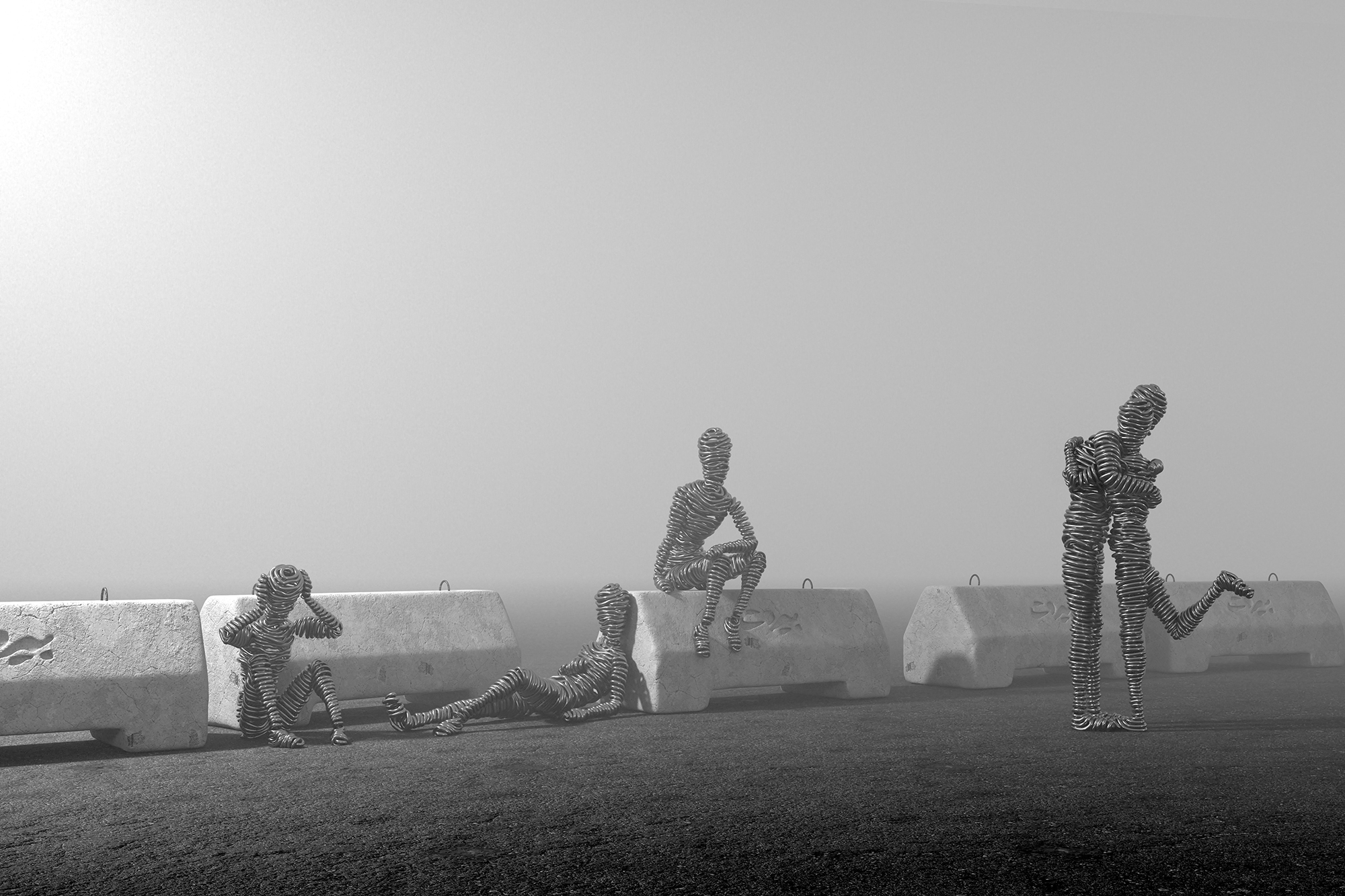
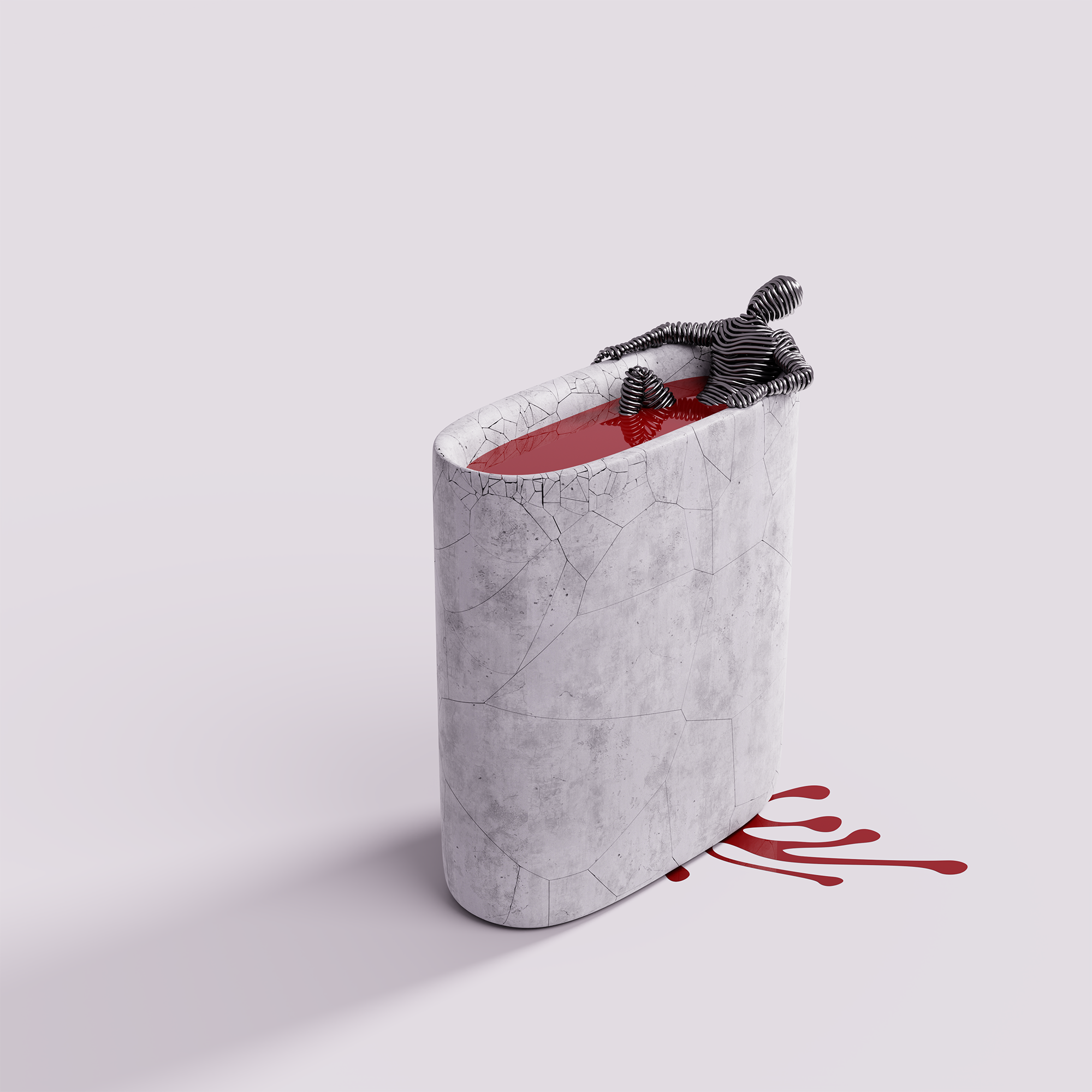

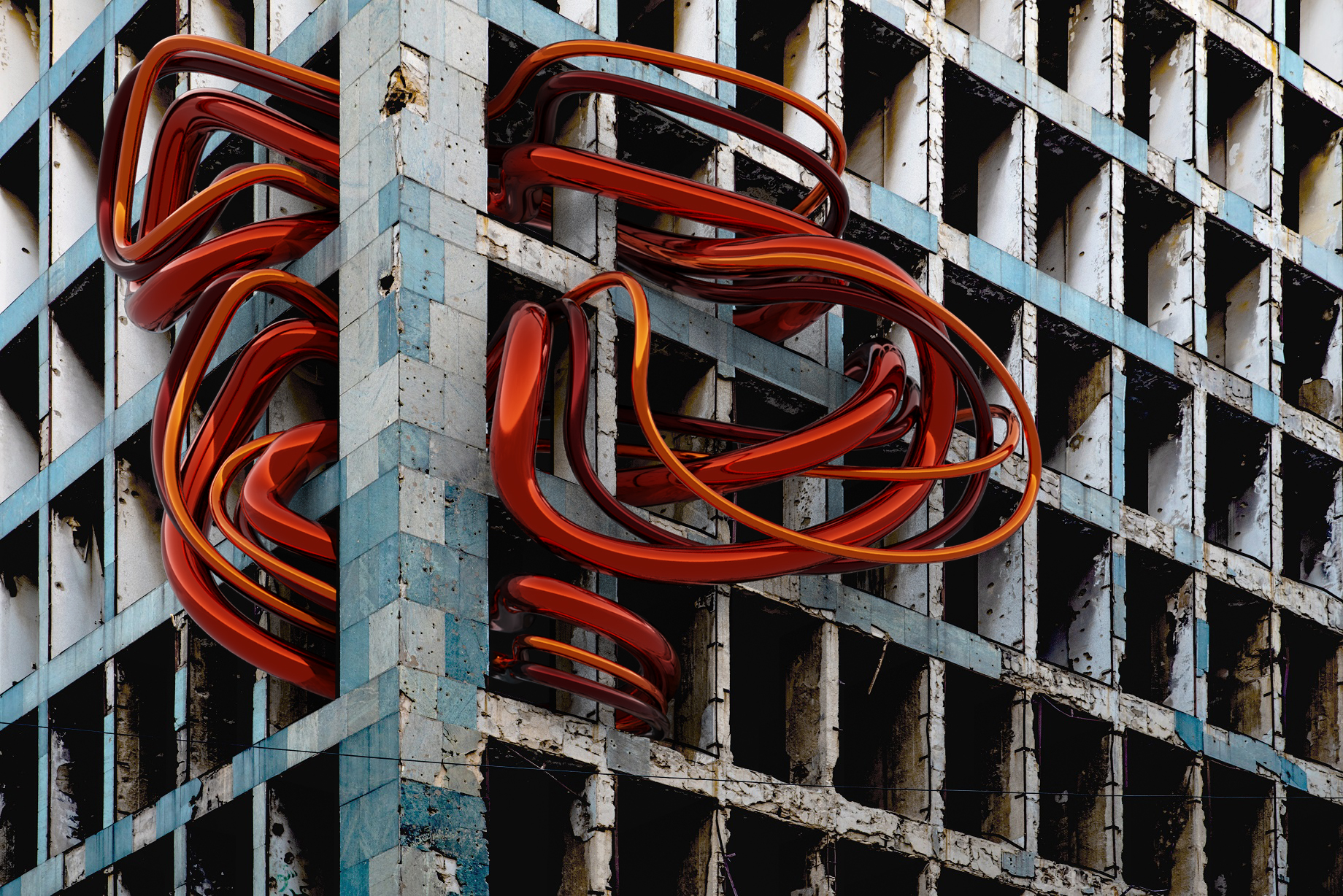
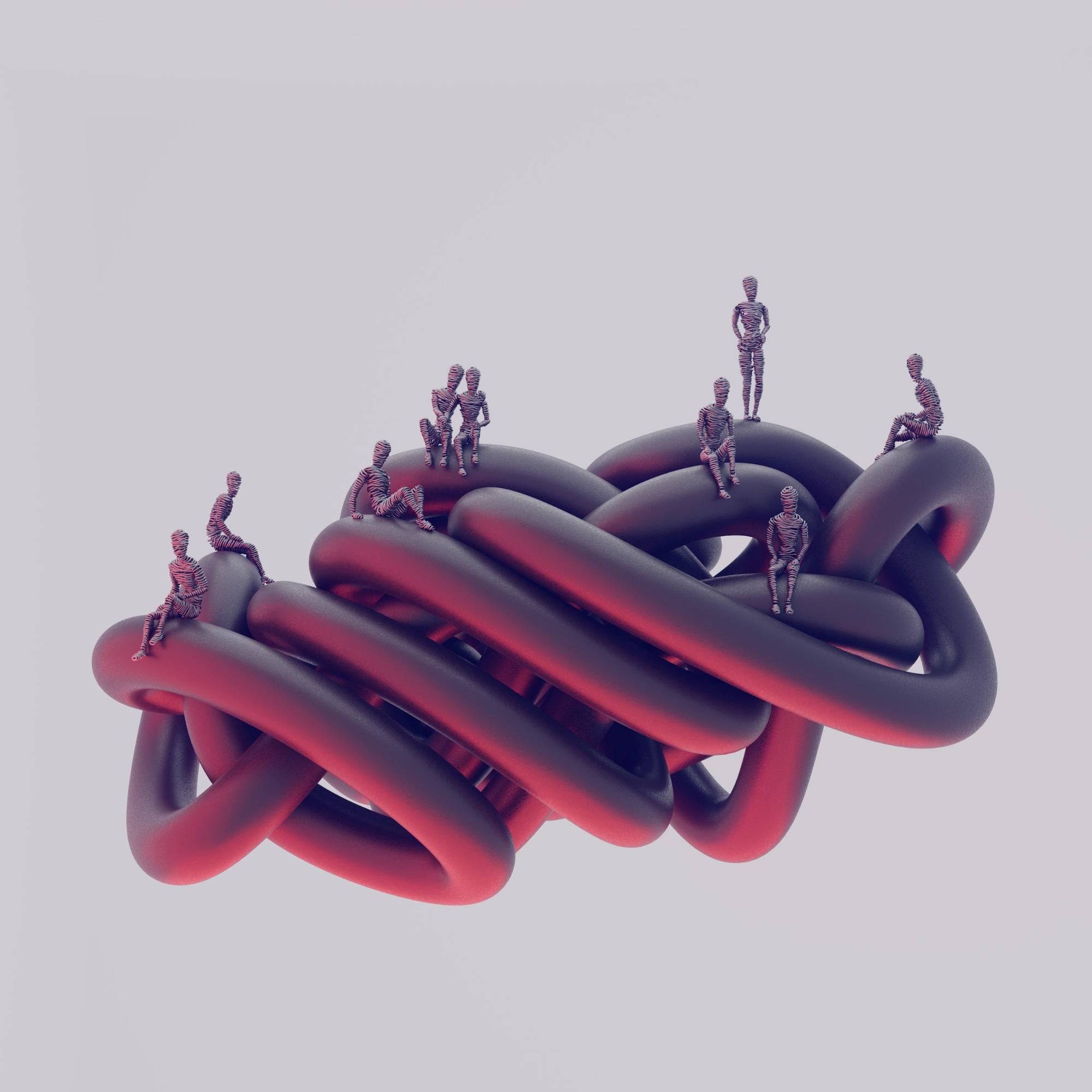
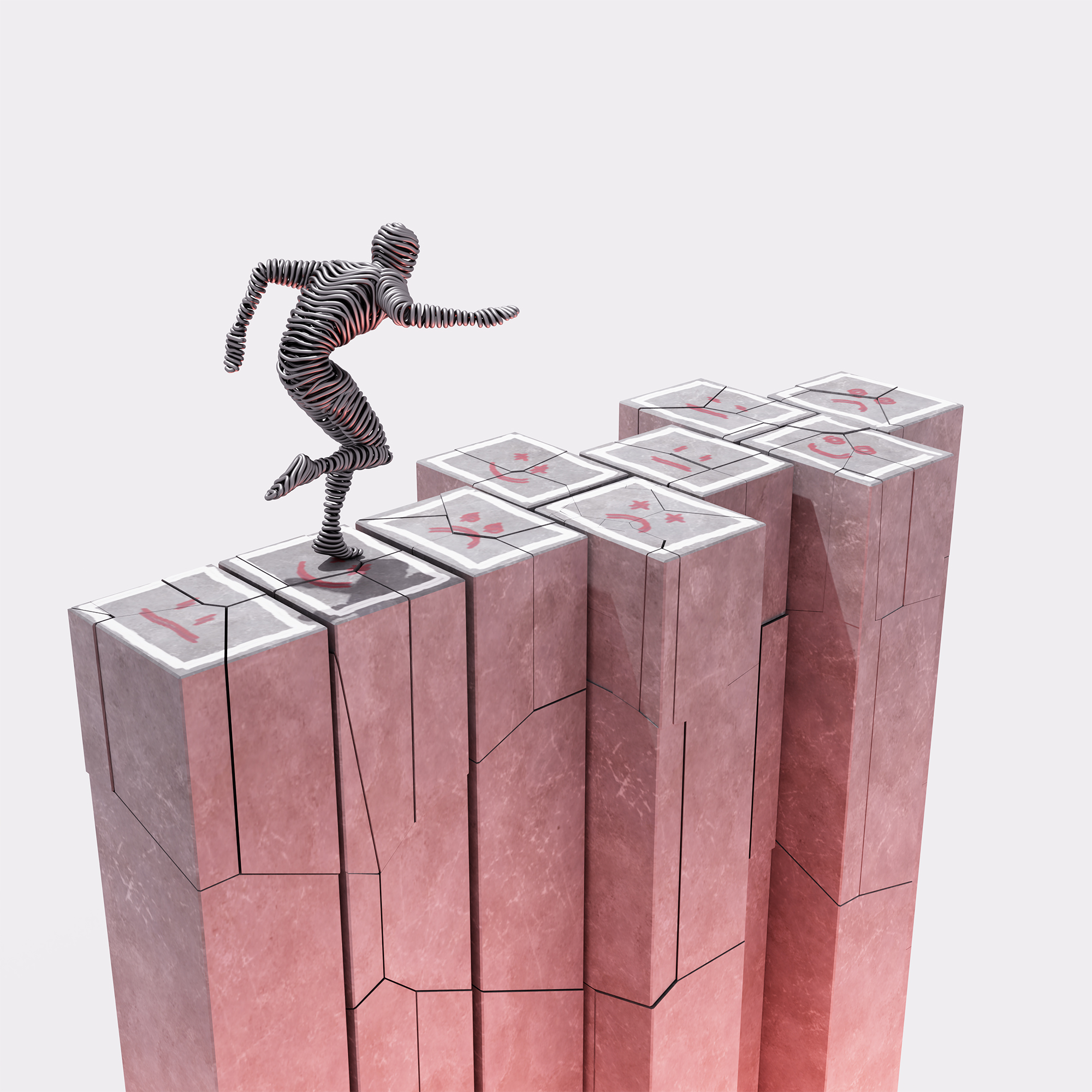
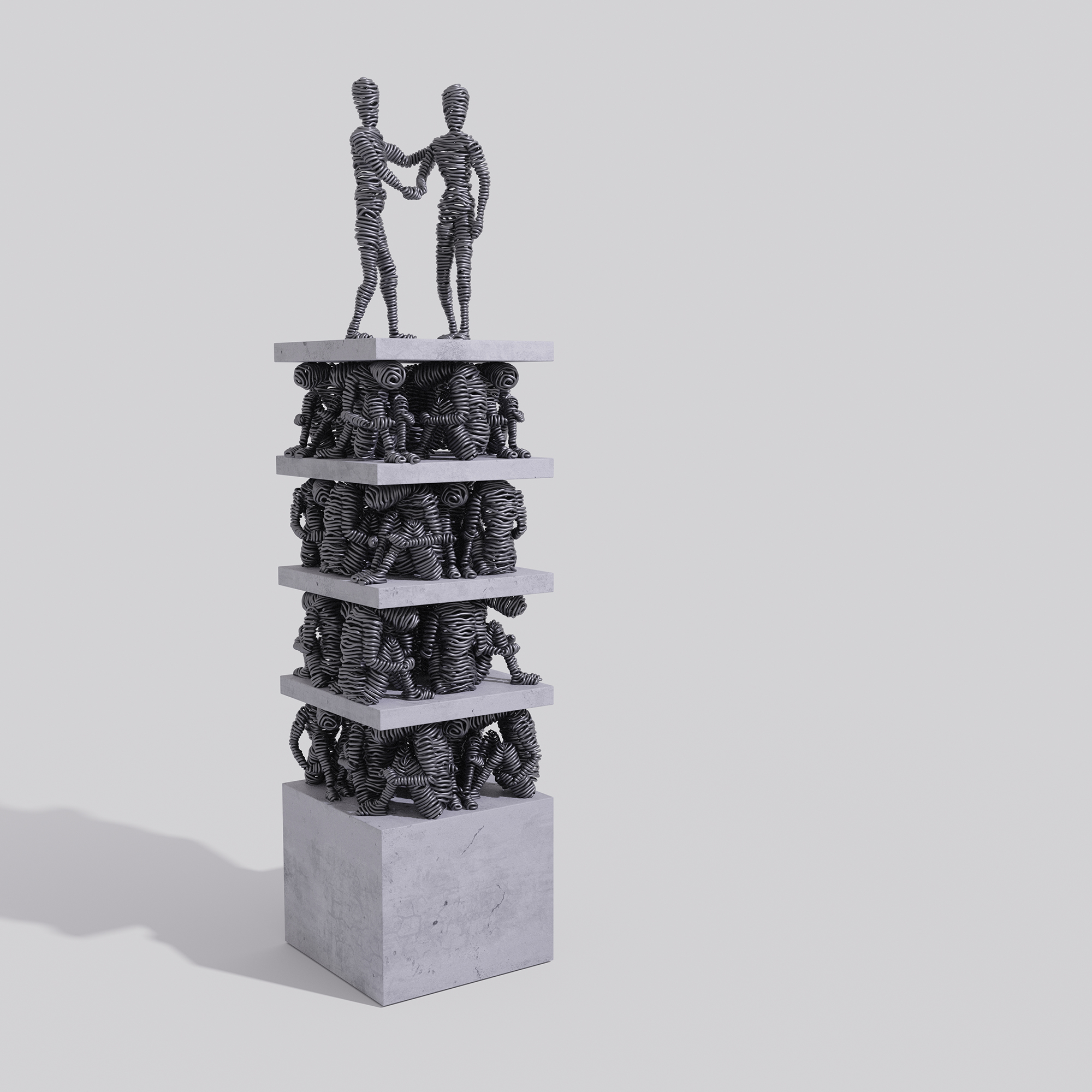
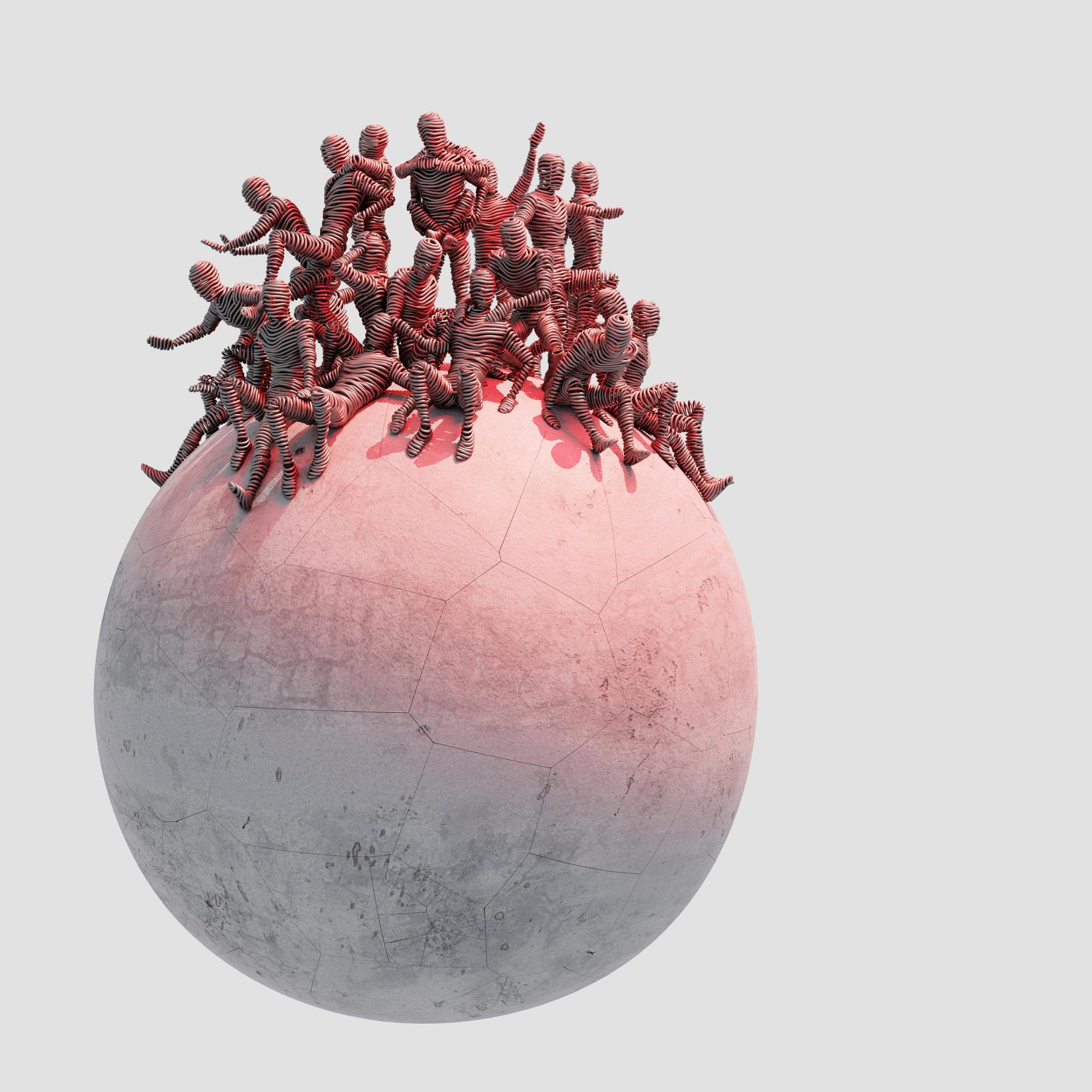
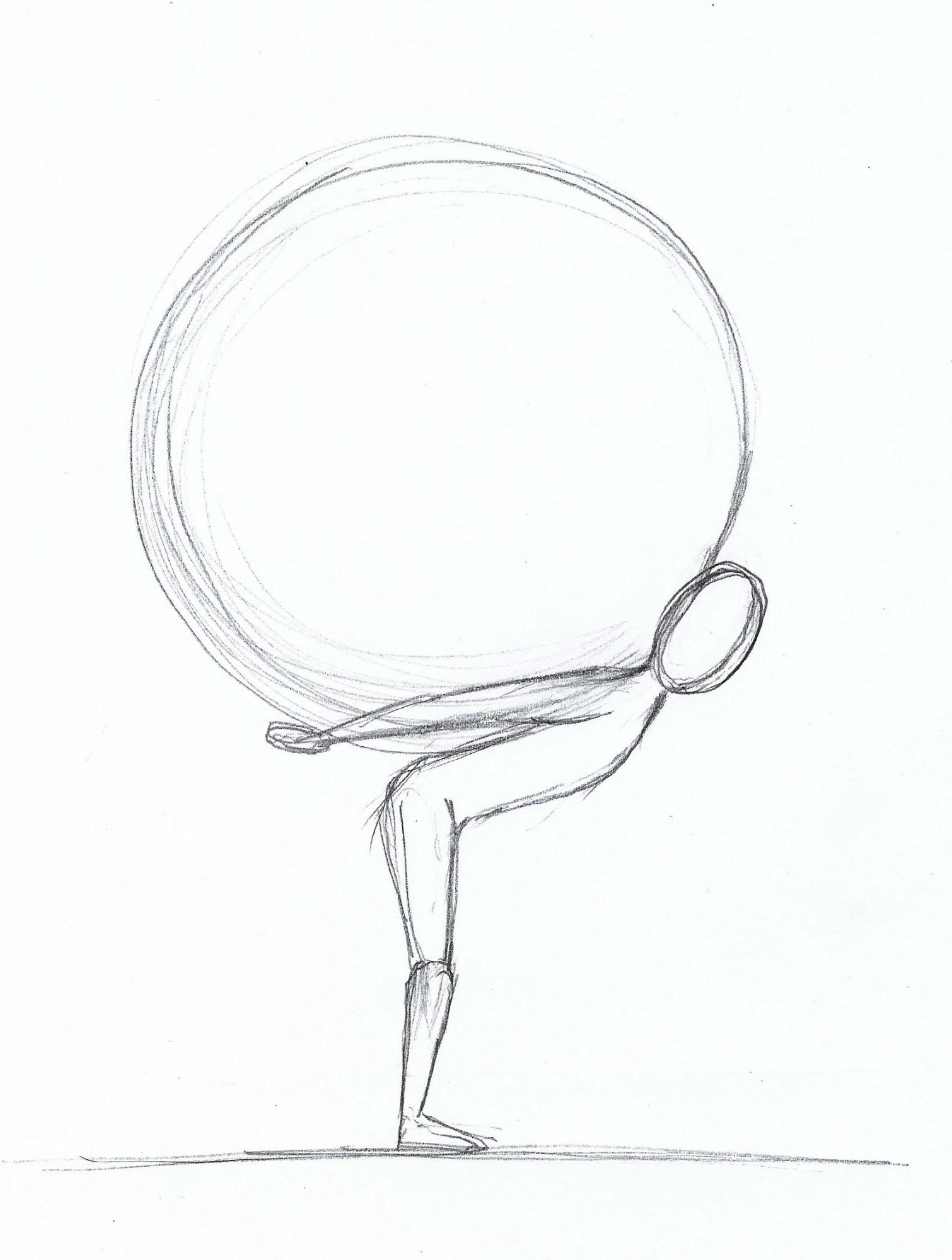
Most of the inspiration I get is from real-life struggles and situations as well as the surrounding natural environment that I sketch and then transform into real or digital artworks.
Tools
- CPU i7 3770 3.40ghz
- GPU GTX 1060 6gb
- 16gb Ram
- 500GB SSD
- Windows 10
- Blender 2.83 Cycles
Process
01- The wire character
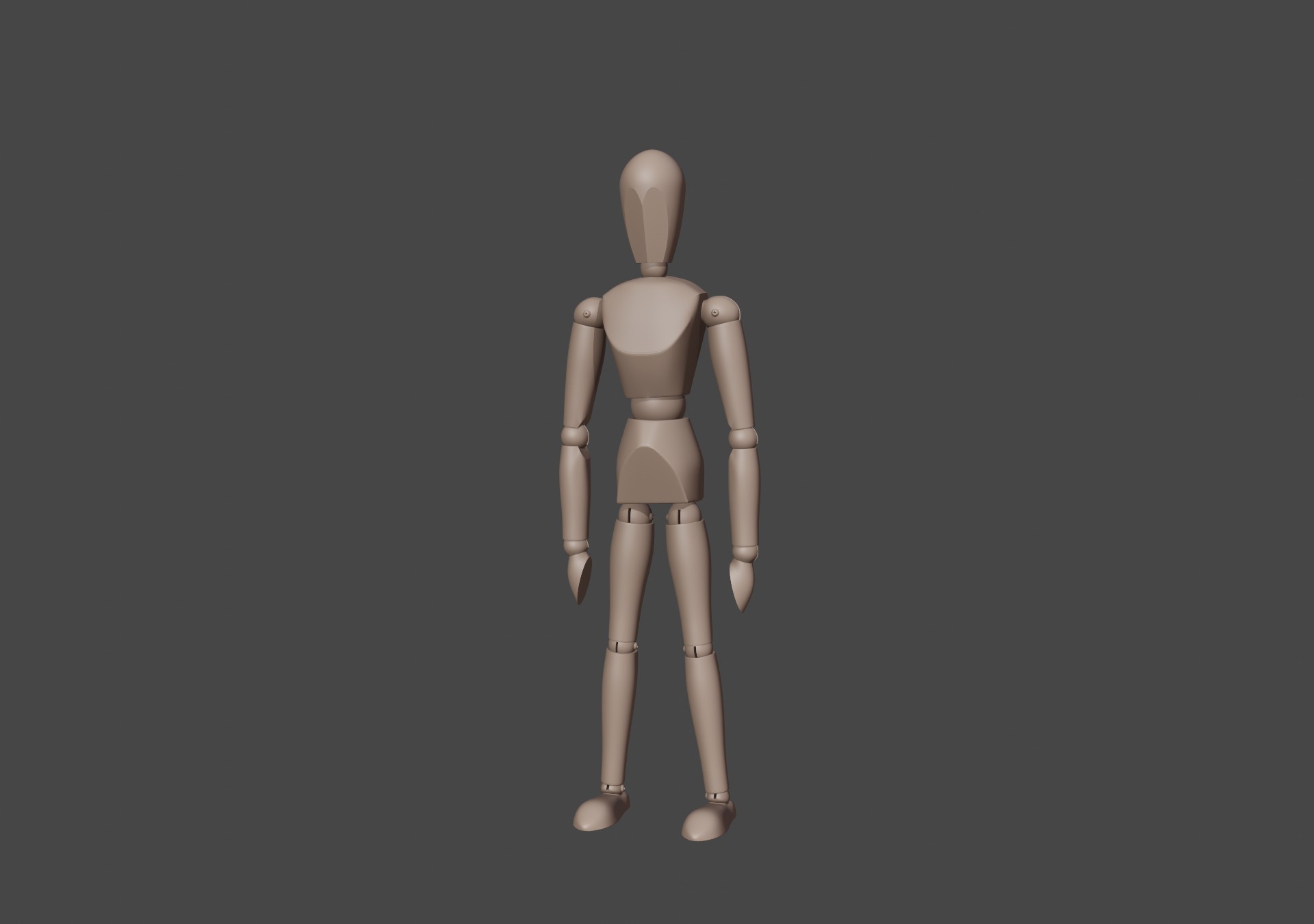
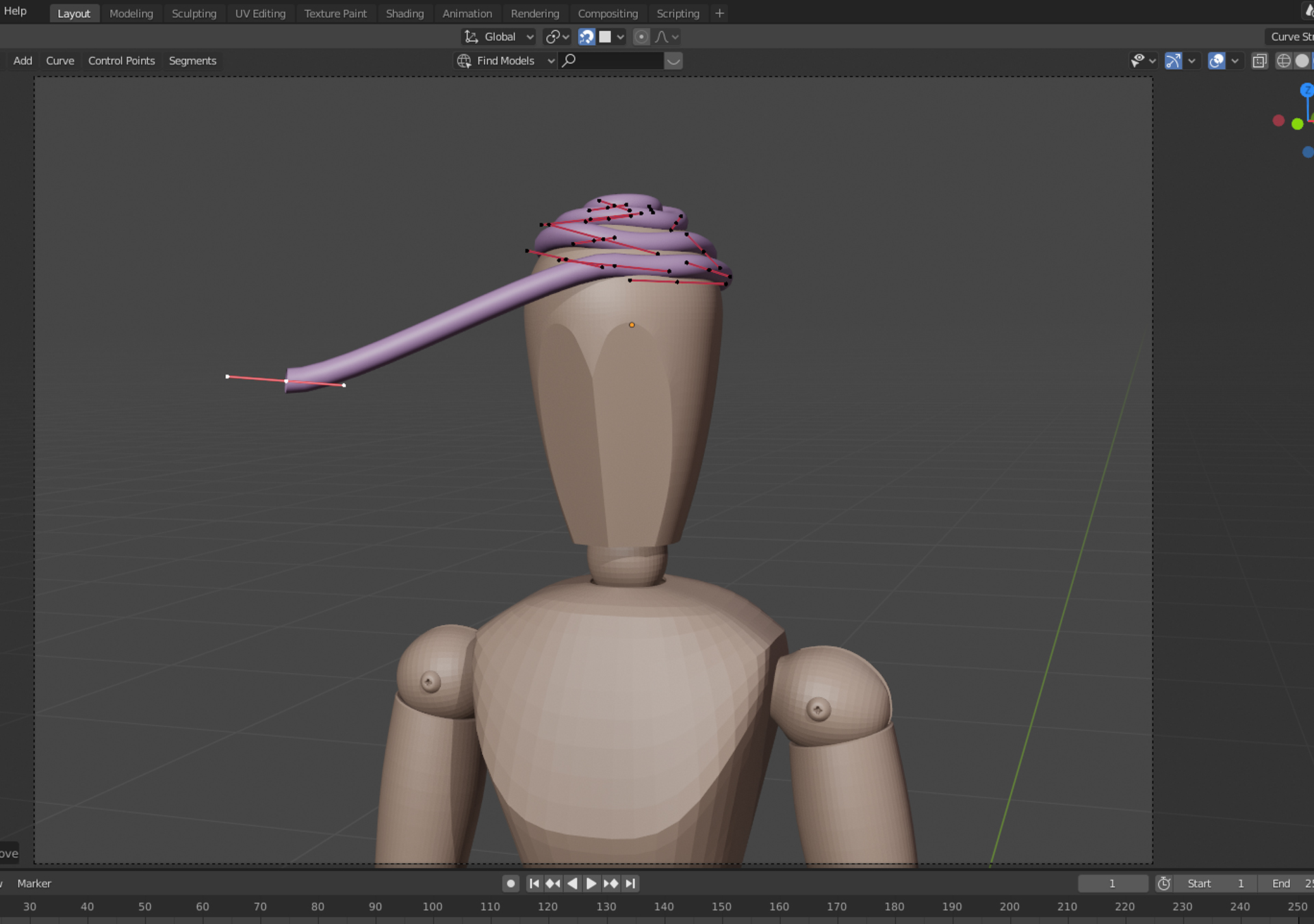
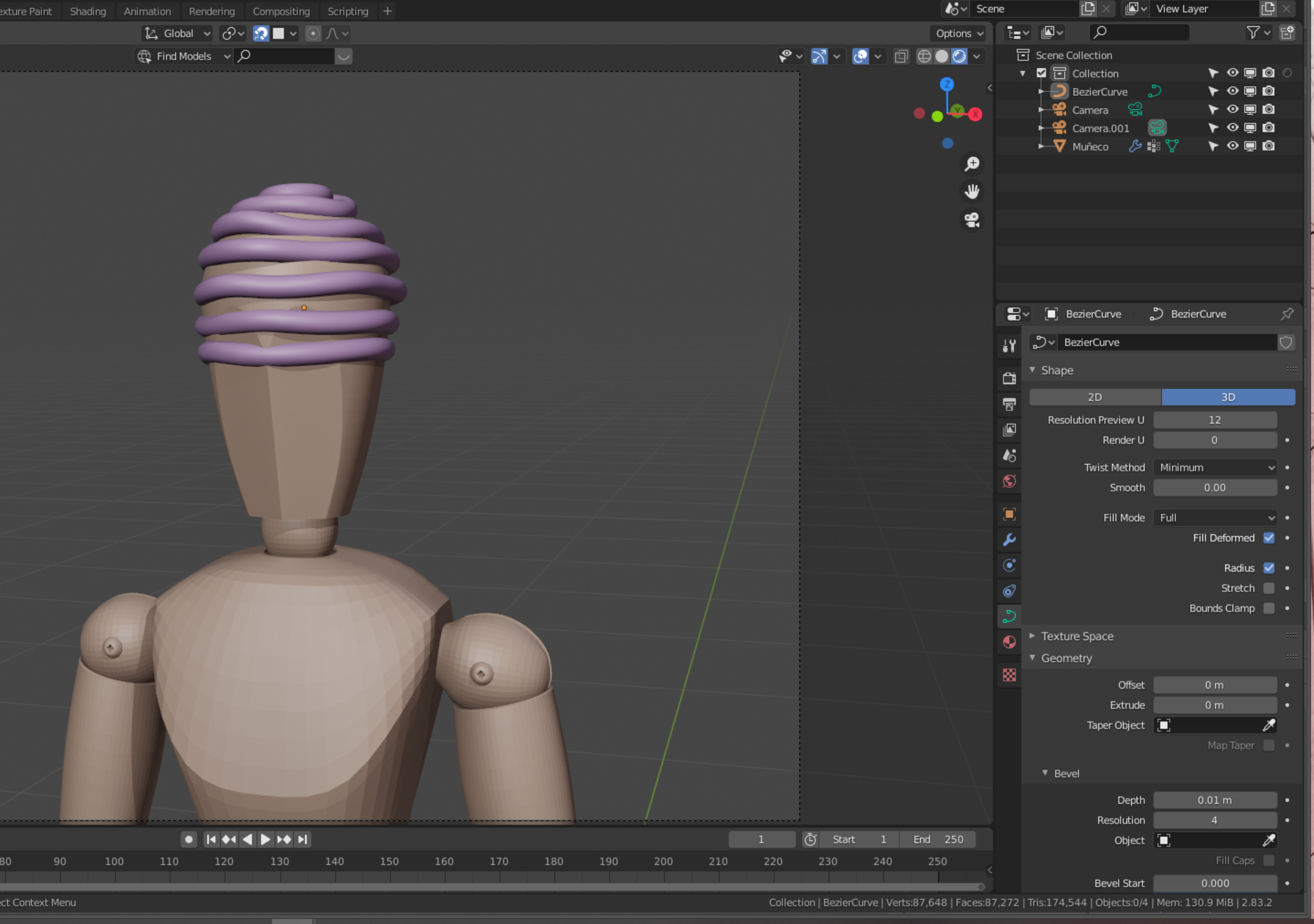
The wire character was created using a bezier curve to model the character on top of a mannequin base model from the internet.

I turned on Snap to Face to snap the curve point to the base mesh.
02- Rigging the wire character
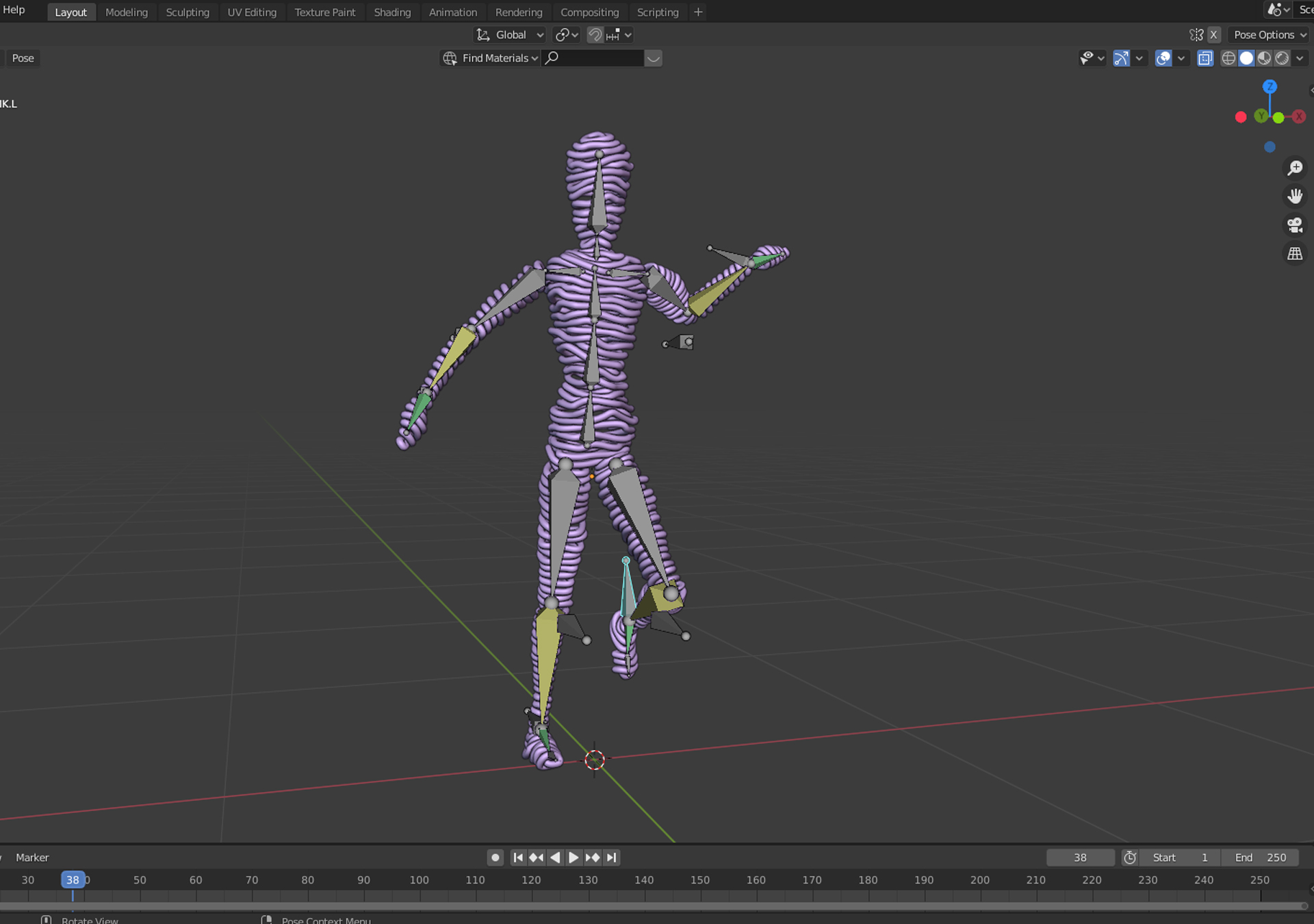
I followed Royal Skies LLC’s YouTube quick tutorials to create the rig.
03- The Moon
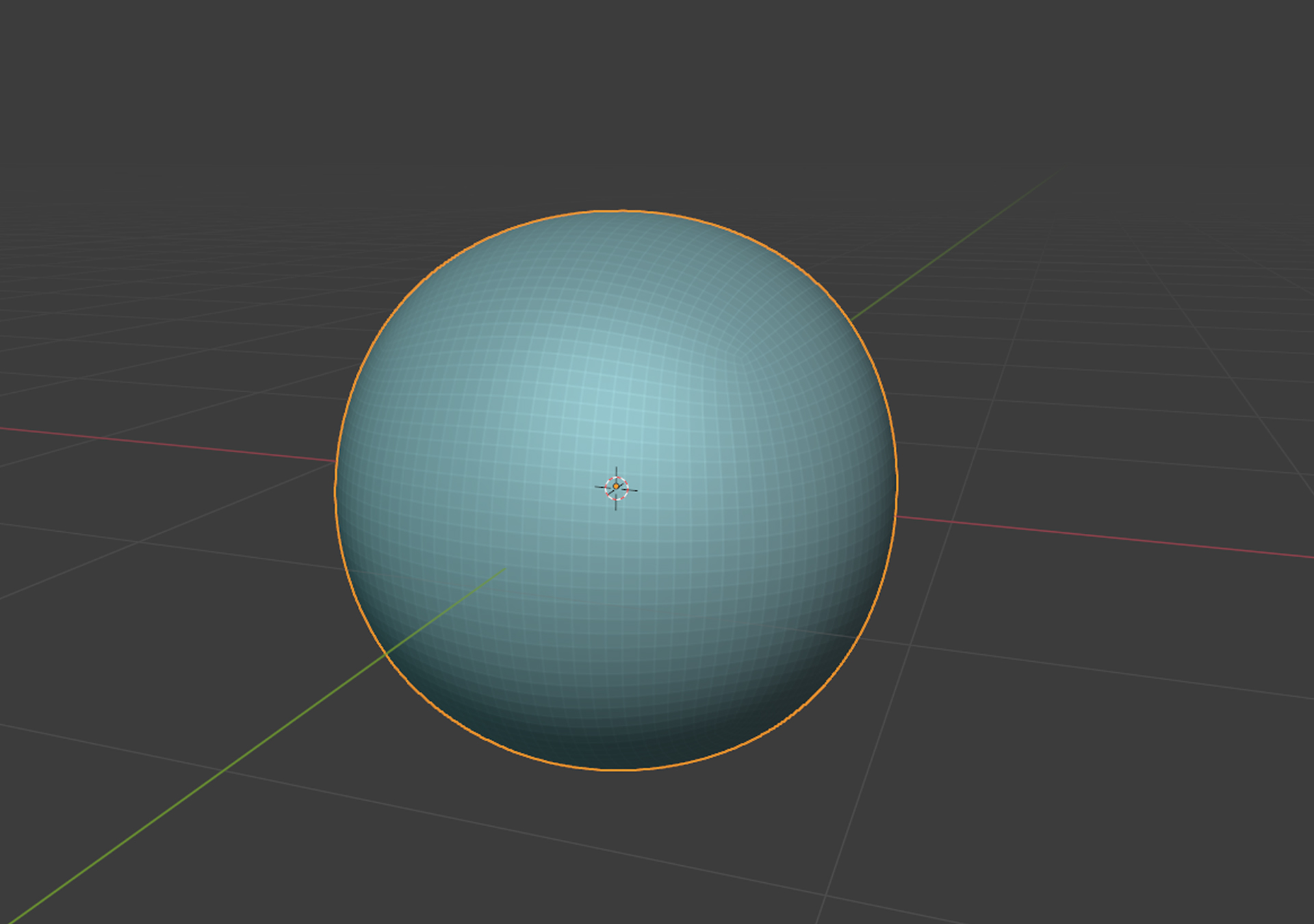
A subdivided cube used to create the moon.
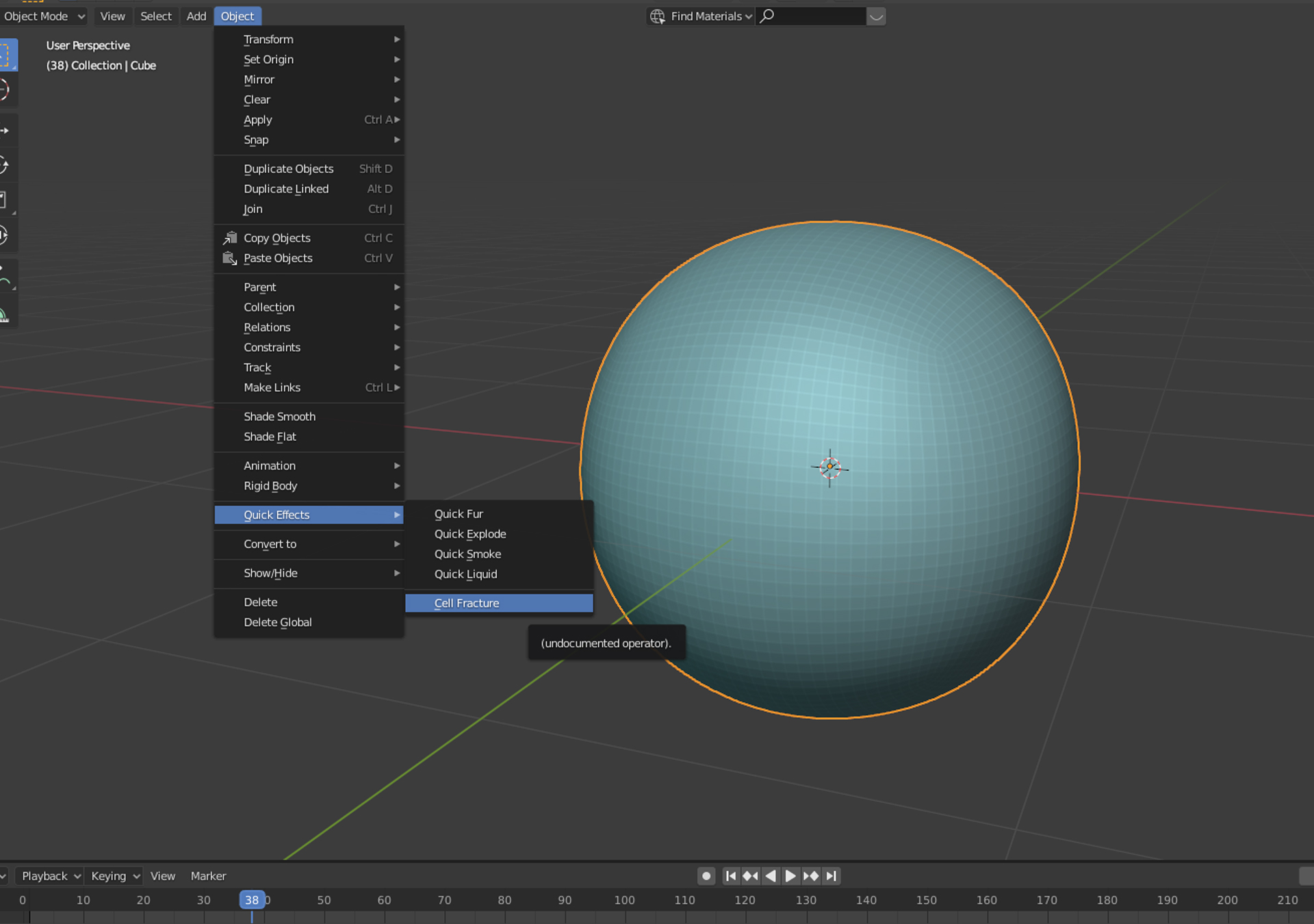
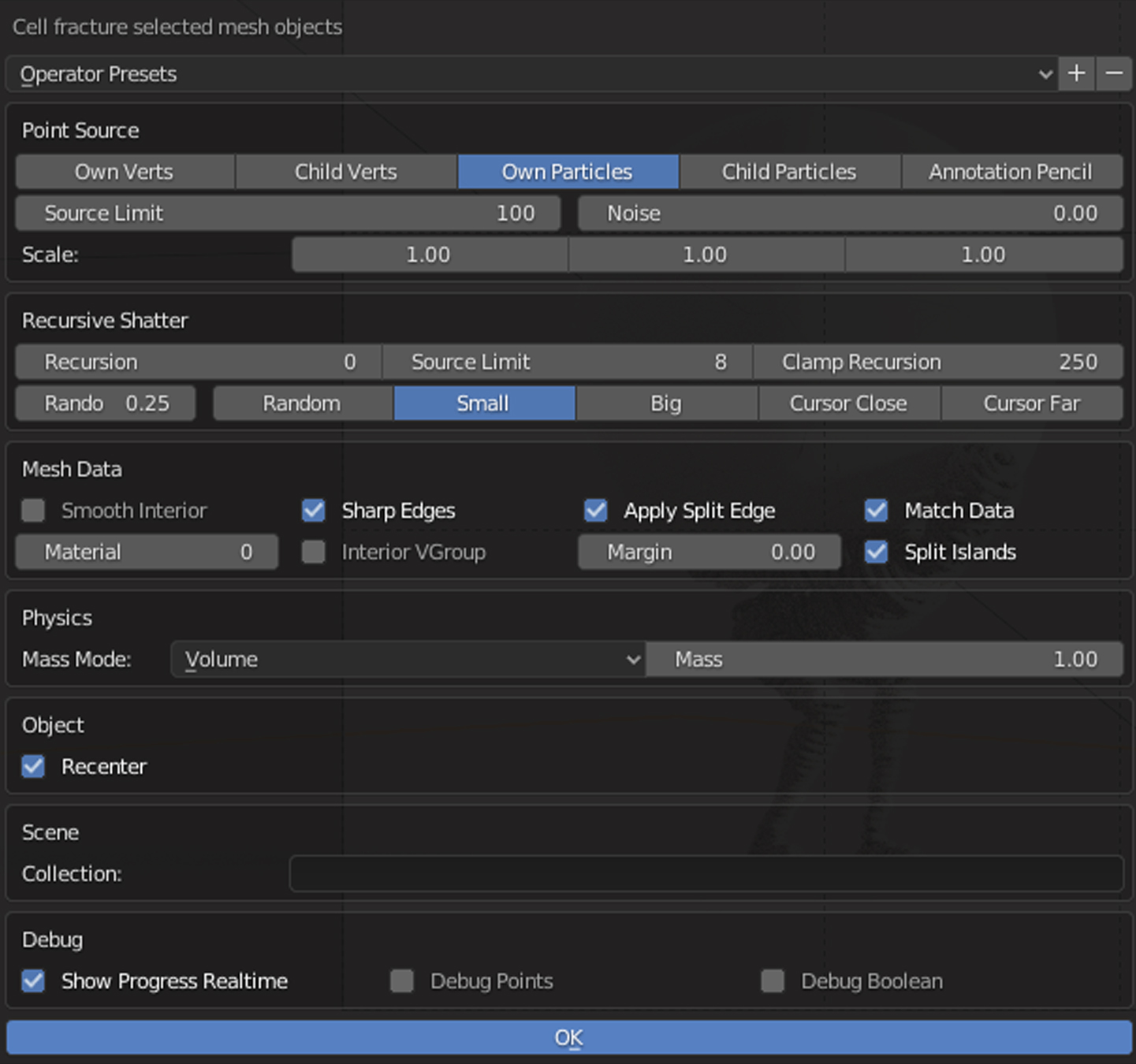
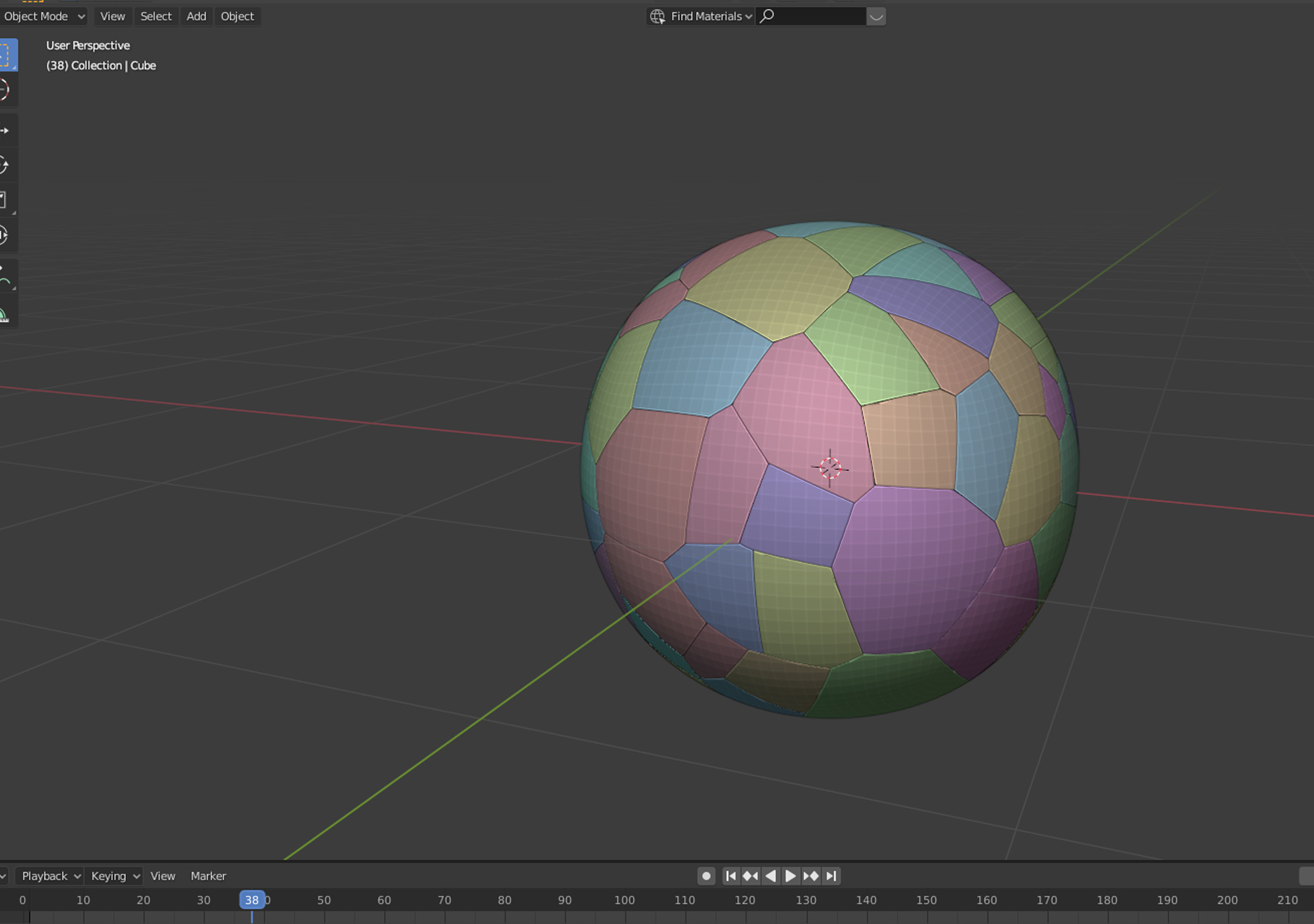
The Cell Fracture quick effect was used to create the cracks on the Moon.
04- Scene setup
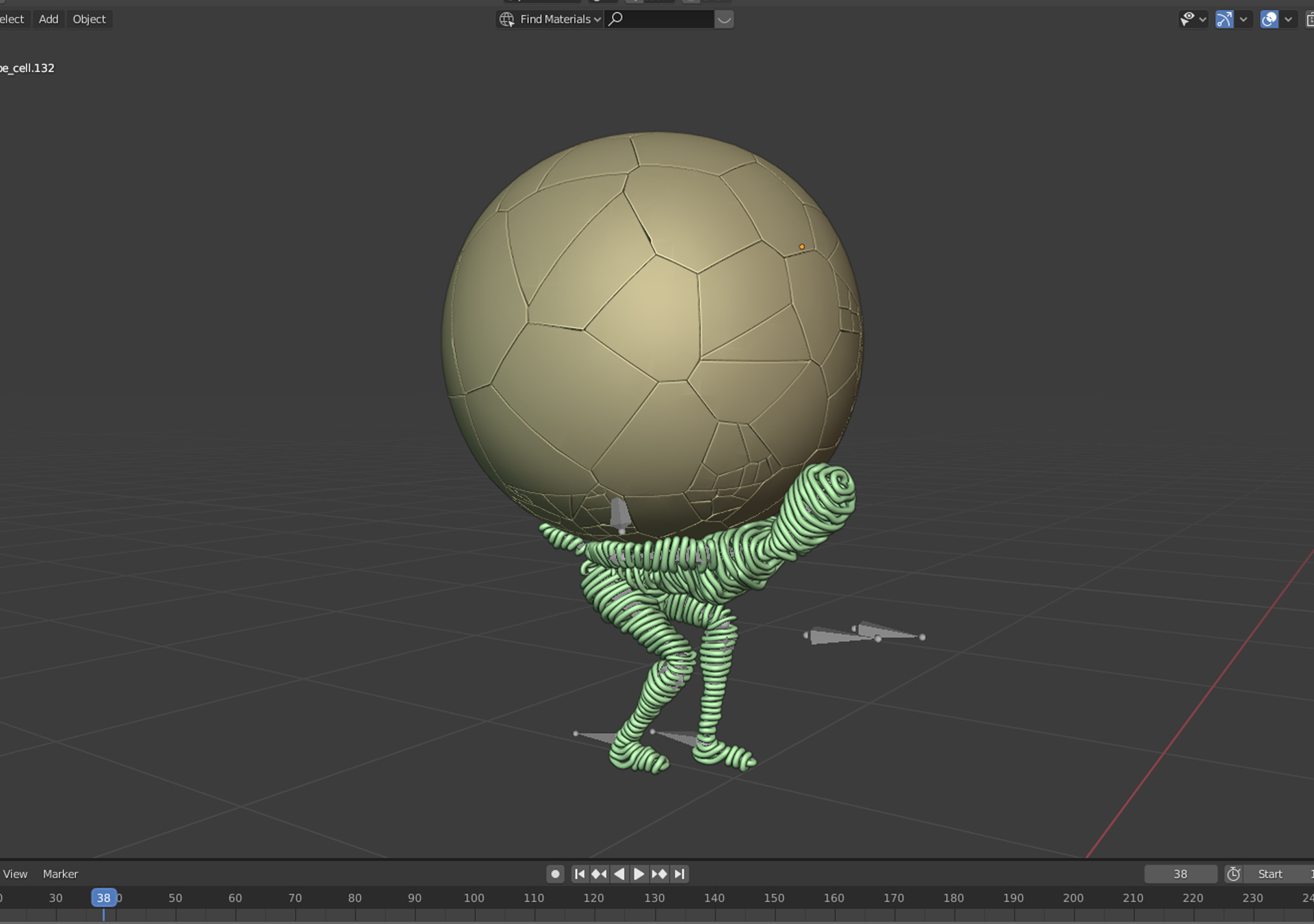
Posing the wire character under the cracked moon.
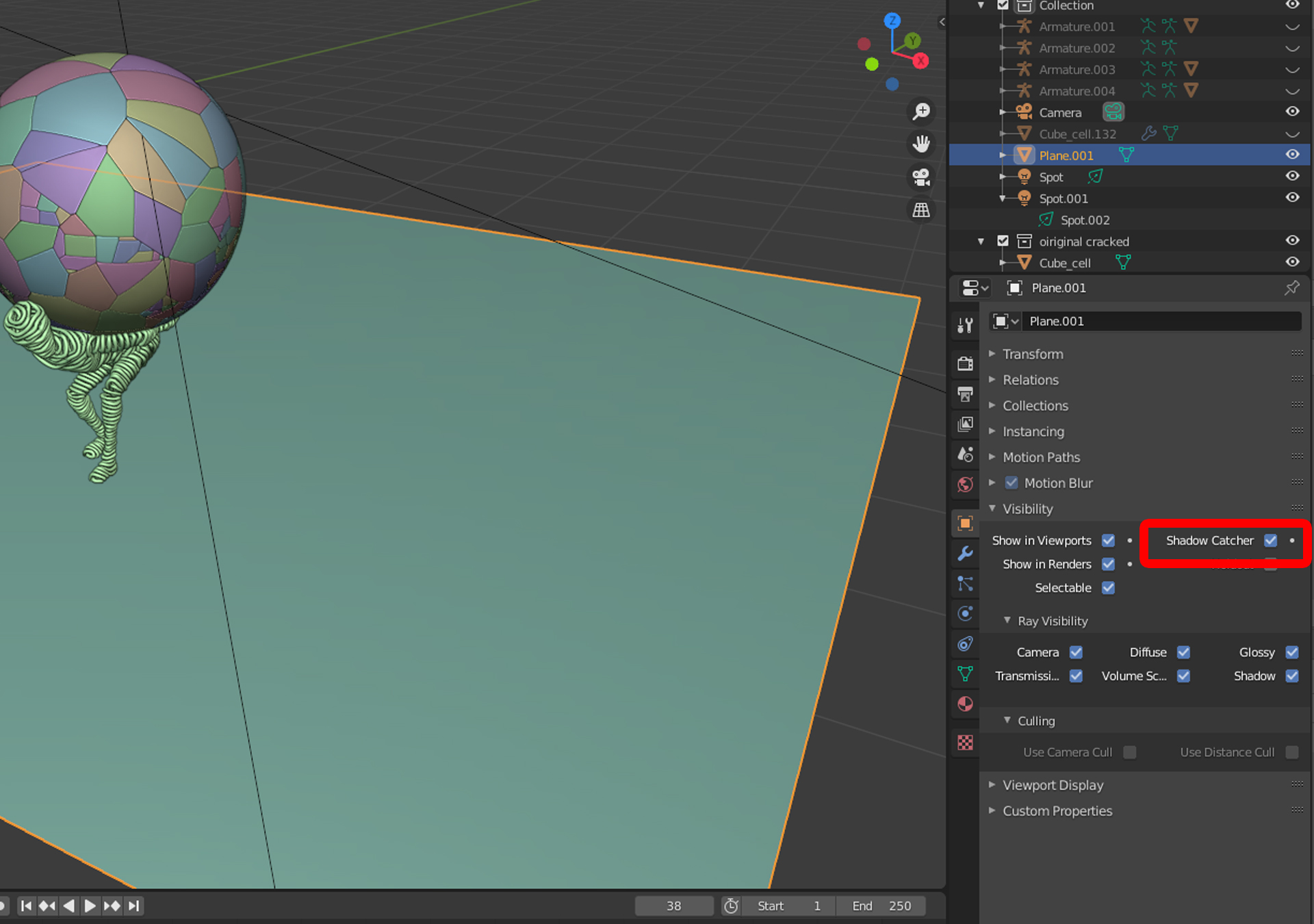
I added a ground plane with the object visibility set to Shadow Catcher so that the plane could be invisible and show only the shadows.
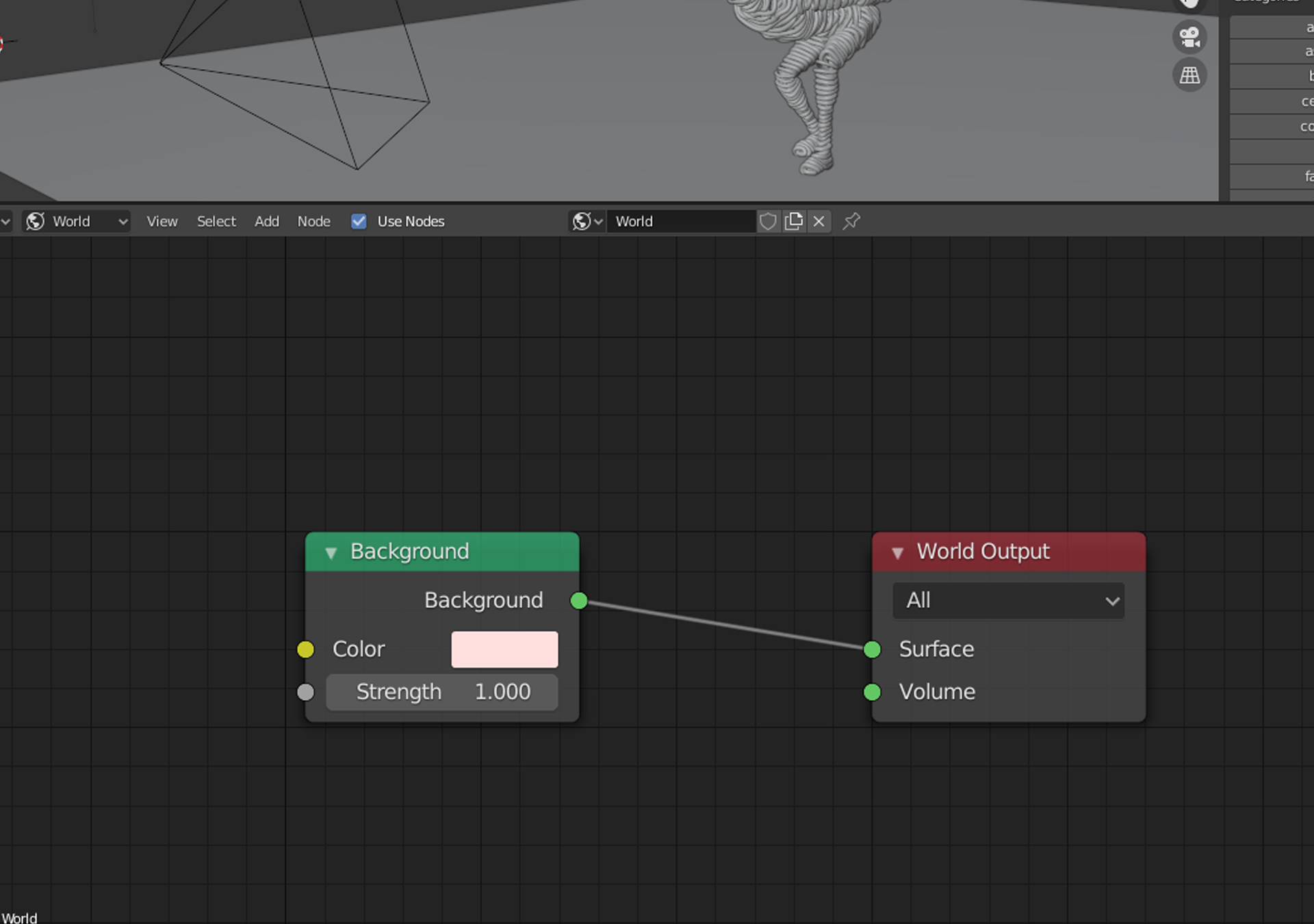
I added a uniform background color for the world.
About the Author
 Jad Nassour, Artist, Architect and 3D visualizer.


This is awesome, well done ma man !!!! Well composed article and description!
Nice job. Keep it up.
Fantastic!