• Home
  • Art
    • Behind the Scenes
    • Images
    • Video
    • Games
    • Models & Rigs
    • Headers
    • Repositories
  • Development
    • Blender Development
    • Add-ons
    • Python Scripts
  • Education
    • Books
    • Tutorials
    • Videotutorials
    • Training Videos
  • Community
    • Conferences
    • Contests
    • People
  • Contribute
    • Contact
    • Submit News
    • Submit Header Graphic
    • Supporting BlenderNation
  • Home
  • Art
    • Behind the Scenes
    • Images
    • Video
    • Games
    • Models & Rigs
    • Headers
    • Repositories
  • Development
    • Blender Development
    • Add-ons
    • Python Scripts
  • Education
    • Books
    • Tutorials
    • Videotutorials
    • Training Videos
  • Community
    • Conferences
    • Contests
    • People
  • Contribute
    • Contact
    • Submit News
    • Submit Header Graphic
    • Supporting BlenderNation
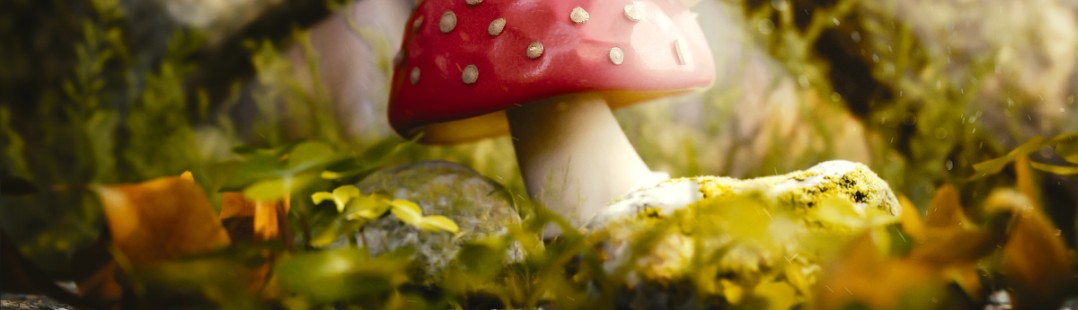
Poisonous Mushroom
BlenderNation
Poisonous Mushroom
Tutorials

Quick Tip for Interior Lighting in Blender

Wayward Art Company · February 27, 2017

Wayward Art Company writes:

Here is a quick tip for lighting an interior scene in Cycles. Cheers!

Author Wayward Art Company
Advertisement
Ads help pay for running BlenderNation. Please consider adding us to your allow list.

1 response

  1. howiemnet
    27 February 2017 at 12:11

    I’m a wee bit confused as to why he uses the two environment images as strengths for the background shader. It’d probably make things a little easier to control if rather than mixing the images first, then plugging them into the background shader, he instead duped the background shader, so each HDRI image had its own shader. Then use a Mix shader, with the gradient as the factor, to mix ’em together. You then have two separate Strength controls, which’ll behave in a more consistent way. You really don’t want an HDRI image to be plugged into a background shader’s colour AND strength inputs, or the results could be difficult to control

    Reply

Leave a reply Cancel

Your email address will not be published. Required fields are marked *

Featured posts

  • Best of Blender Artists: 2026-30
  • Best of Blender Artists: 2026-29
  • Best of Blender Artists: 2026-28
  • Overgrown: a Feature Film Project by Blender Studio
  • Blender 5.2 LTS: Physics Just Got Insane!

Support BlenderNation

Keep independent Blender coverage alive

BlenderNation is run by a small passionate team. Your support makes continued independent coverage possible.

Support on Patreon →
Related articles
Tutorials

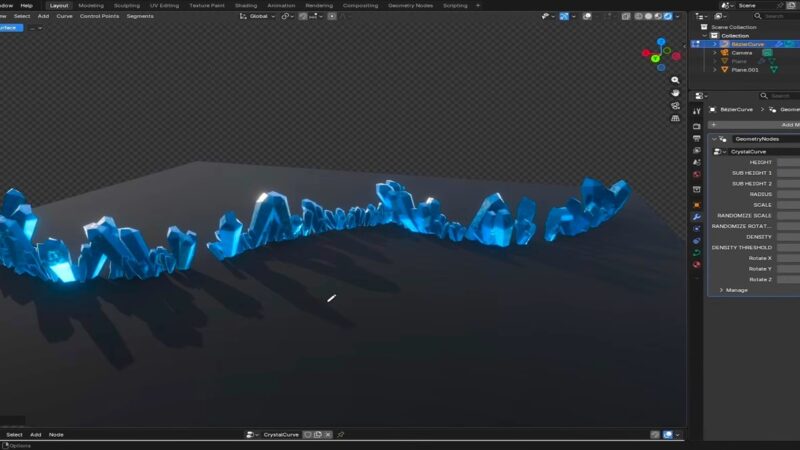
Free Download: Procedural Crystal Generator

Community Reporter · June 18, 2026
Tutorials

Ball & Bars with Geometry Nodes

Community Reporter · May 18, 2026
Tutorials

Disks Rotation with Geometry Nodes

Community Reporter · April 30, 2026

About BlenderNation

BlenderNation collects the best free and paid resources for the Blender 3D community.

Support BlenderNation

Become a supporter Advertise

Contact

Contact us Submit news

Follow us

LinkedIn Mastodon
© 2026 BlenderNation — Part of the vrotvrot.com network
View full size ↗