

Creating Procedural Bricks with Blender 2.9

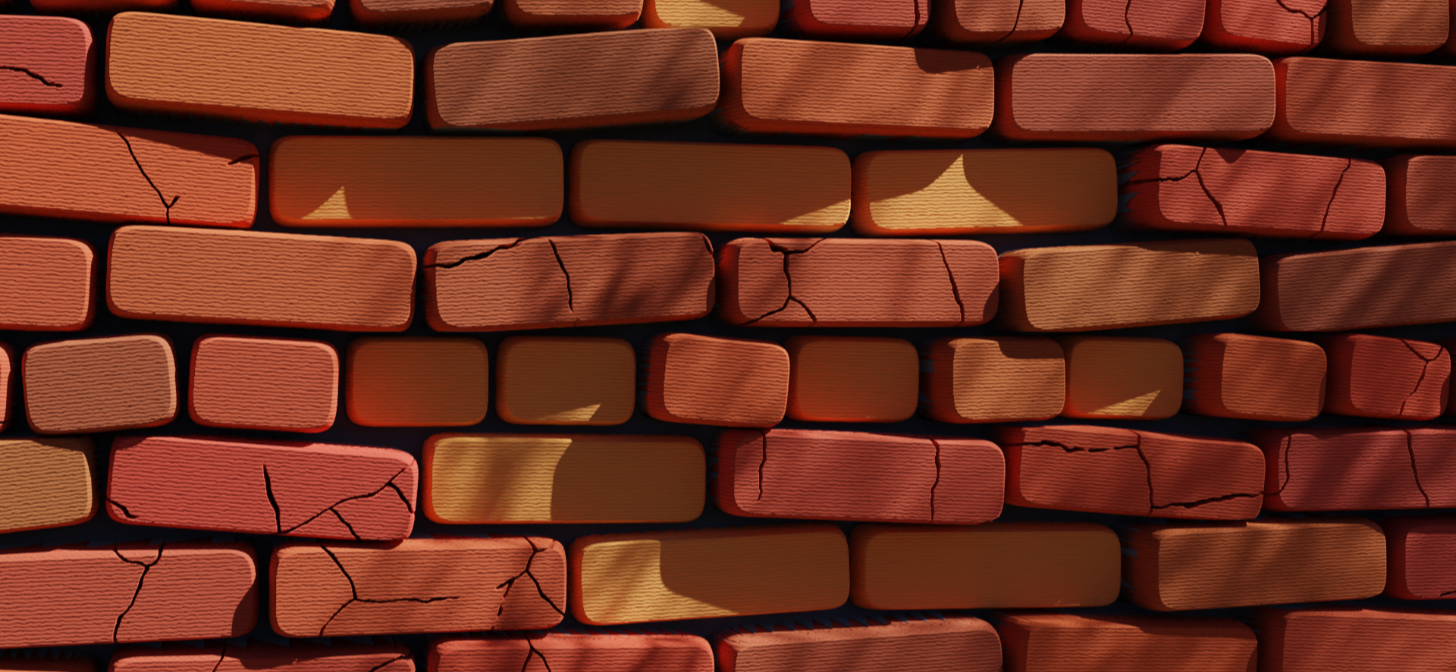
Erin writes:
Finally resuming the procedural tutorial series! This time we’re making a stylised brick shader which brings a whole bunch of controls and options for expansion! It’s really simple to add patches of repaired brick or use an image to mask out a design. You could take the same idea and just straight up remove bricks and have some damage there.
If you like this content then consider subscribing for more procedural goodness!
I also have a Discord server which is focused around proceduralism where we run events and host livestreams and seminars!


Thanks for this bricks tutorial. Pardon the newbie question, but you have notes like “Less than” and “modulo”. Are these stock nodes that you’ve renamed? I ask since they don’t show up when I do a node search. Thx.
Hi K,
Less than will be a Math node (add>converter>Math Node) and modulo will either be a math node or a vector math node. You can tell which one l use from the colour, the math node has a blue header and the vector math node has a purple header. Thanks!
Your tutorials are just awesome!
I’ve seen people complaining about them being too fast. I beg you to not listen to them.
I hope I speak for majority when I say I like how fast and to the point they are.