GIF animations made in Blender


pablolpz writes:
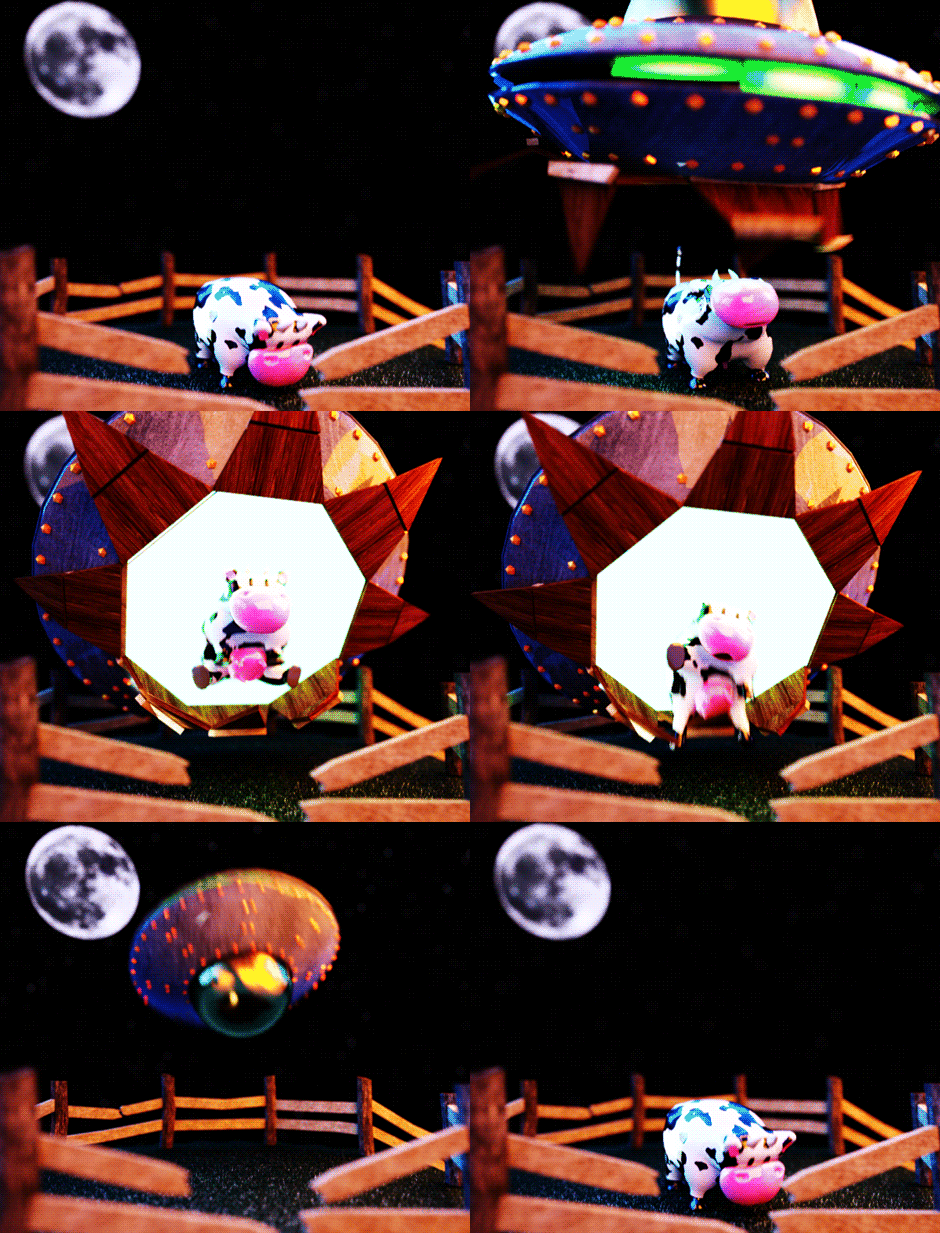
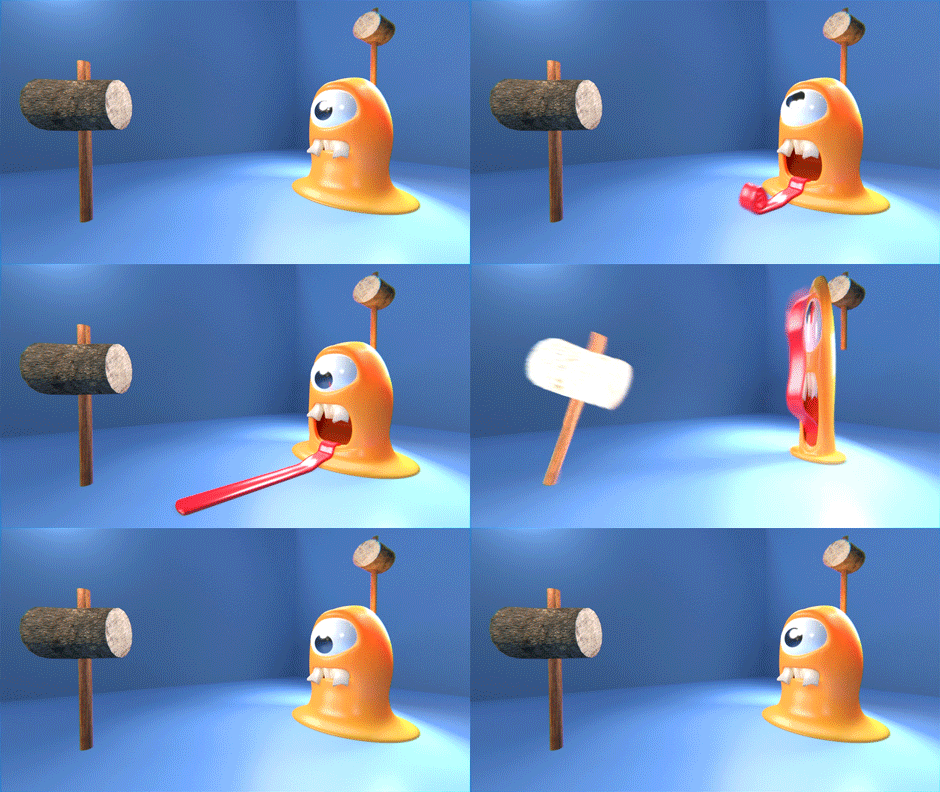
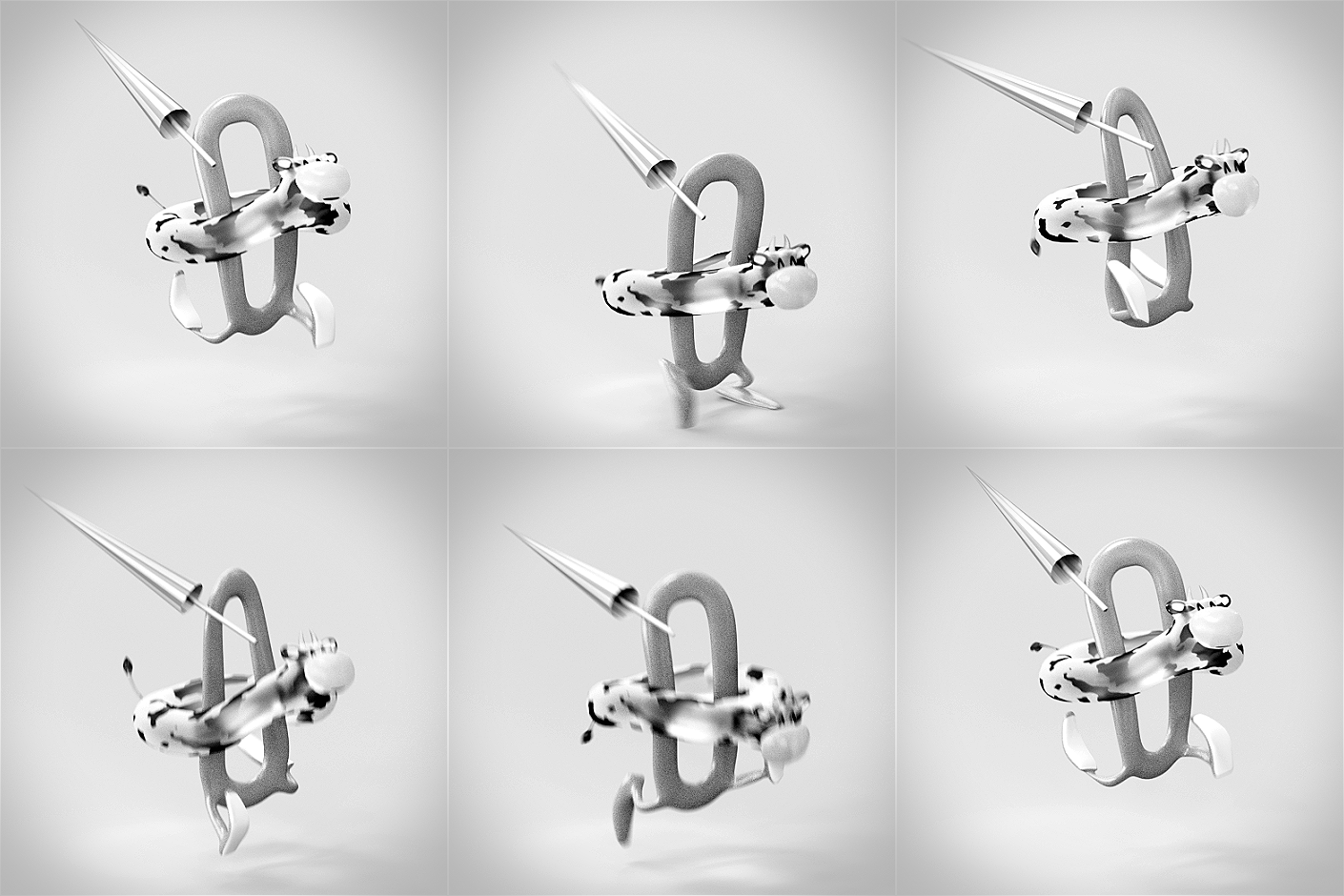
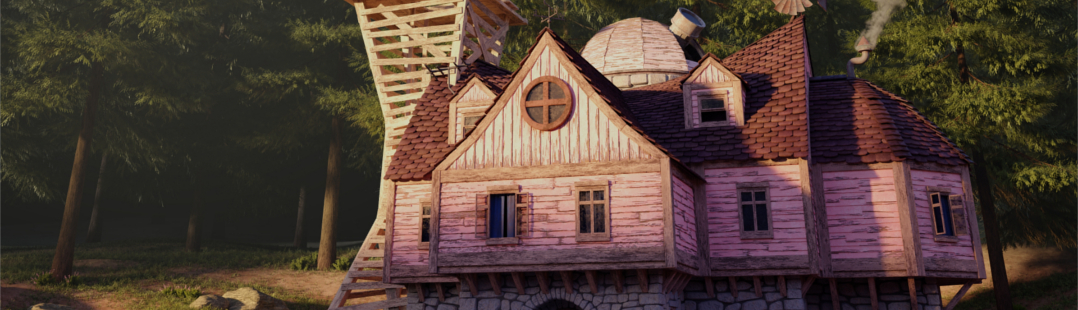
I’m Pablo López, 3d artist and animator from Spain, co-owner of LaCatedral Animation Studio. I created a Giphy channel where I upload loopable GIFs made in Blender, I hope you like them!
Link


pablolpz writes:
I’m Pablo López, 3d artist and animator from Spain, co-owner of LaCatedral Animation Studio. I created a Giphy channel where I upload loopable GIFs made in Blender, I hope you like them!
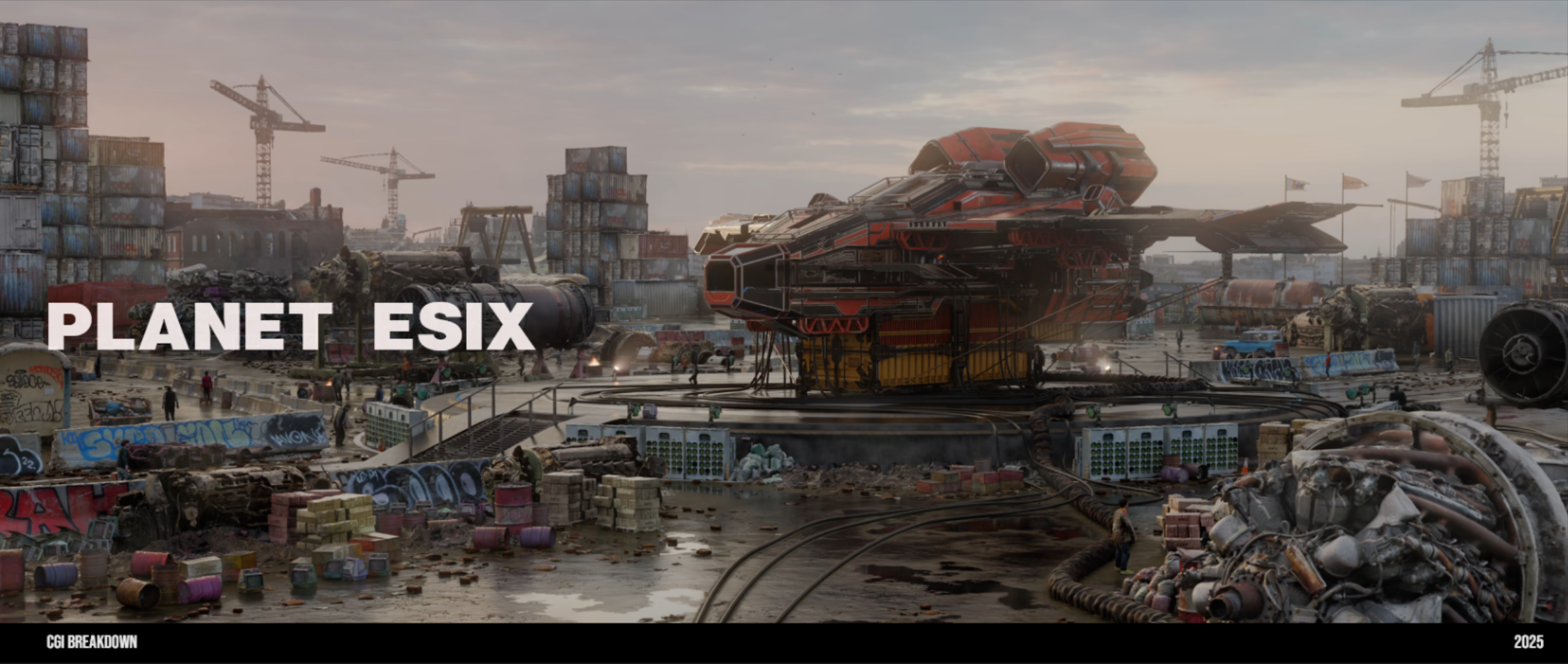
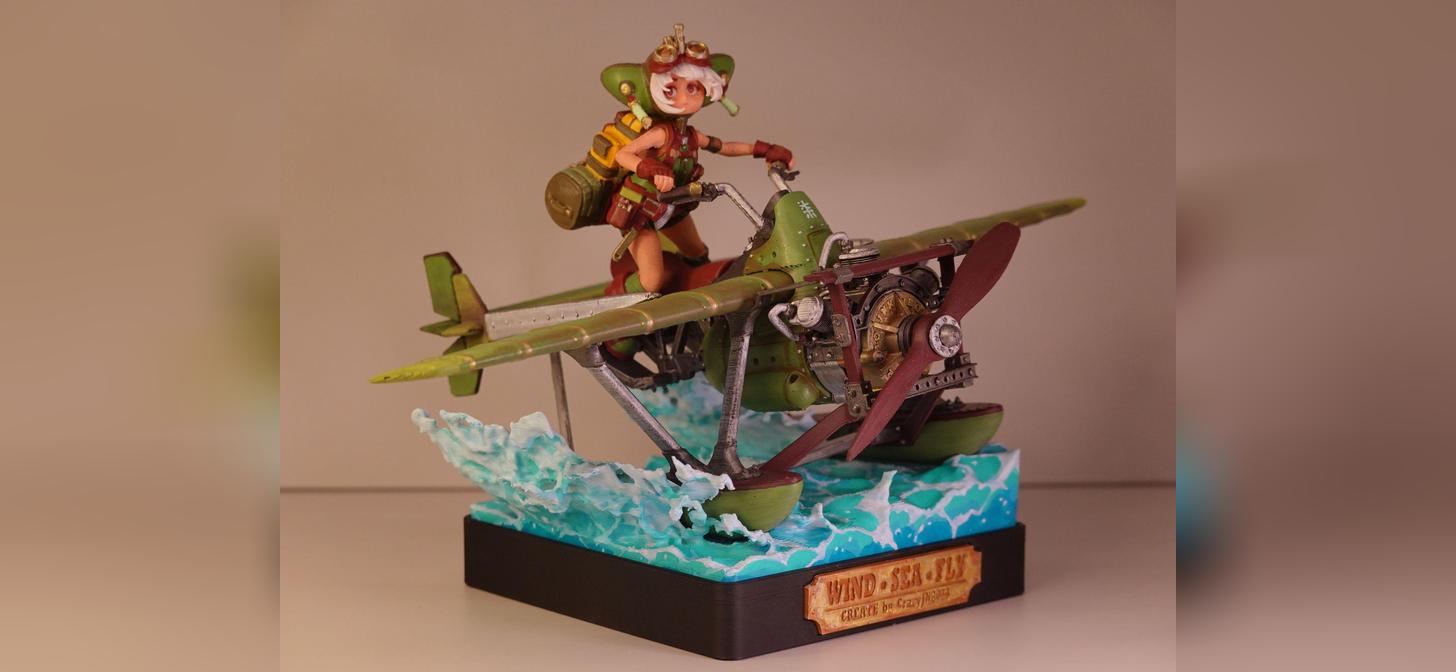

I’m interested to learn how to make the animated gif using blender,but Pablo Lopez has not added any tutorial. If I were the owner of blendernation I would have asked a short tutorial for those who wants to be known through “blendernation”. I think it for many reasons,the first of all is the promotion of knowledge about blender. In this specific case,pablo lopez earnt a good visibility without giving anything in return…
these are high level animations for inspiration.
You can’t make gifs directly in blender. You render your animation into pngs or mpeg. Then you use imagemagick to stitch them into gif or convert the mpeg into gif with ffmpeg.
I didn’t know that. But this is an additional reason to make a video tutorial on blendernation about how to use blender in integration with ffmpeg. It creates greater value because integration between the different tools is a factor that generates greater knowledge.
Sorry Mario, but I don’t have the time to make a tutorial. As a general guide, you can use one of a walk cycle. Just make sure that if your animation lasts 100 frames, frame 0 should be the same as frame 101, and the key curves should be constant (if you start the animation with an object accelerating, it has to end the animation accelerating, or it will “jump” even if it position is the same).
This kind of animations are usually 2d / abstract / c4d, I just wanted to try to make something similar in Blender to improve my skills.
Cheers.
I know,but this is exactly what I meant before : you found the time to advertise your (good) works,but you didn’t find the time to make the tutorial,but you know better than me,that blender is a open source project and that means that often,alongside open an source software,cultural and pedagogical forms are used to spread knowledge,as well as the method by which the product was built. If I was the owner of BlenderNation I would not let you publicize it without giving up something in return.
@Mario it’s a good thing you’re not me, or BlenderNation would feature far less art! Everyone has his own role in this community. Some share their code, others their knowledge and even others share their art. I share my time by sifting through Blender stories to share. To each their own, your argument sounds like you believe artists should be forced to write tutorials, which in my opinion is madness.
I remind to you that the open source license sets rules such as redistribution of source code to create culture around the product, and many companies provide advice that explains how they use, they teach, they solve problems, they provide additional knowledge, they make courses on linux and on open software, they make conferences. Exactly what the blender developers and many addons creators do. I know very well that there are those who decide not to do so and I know also what could happens if the people who have a proprietary software vision increase and if people that decides to share their skills to others diminishes : it would also diminish the social value and the technological wealth generated by the open source software. I do not want to force someone to do something, but I want to express my perplexity about who make something that’s not functional for the whole ecosystem, but very functional for himself, appealing to freedom of expression. I want also remind to everyone of the beauty of blender and open source software. At the end,anyway, it is a matter of point of view whether to support Linus’s philosophy or the Stallman’s more rigid philosophy. And I’m sure that if this site was mine, I could and I would use different criteria when choosing what could be published. After all, you also made choices when you decided to reject my works, saying they haven’t the right quality when I believe that they are good enough to appear on this site.
Amazing and inspiring animations, and a cool idea to make them animated gifs. Thank you for sharing them with us :)
TUTORIAL
Step One:
Learn how to use Blender (focus on animation and exporting) from the many, many, many sources of knowledge out there.
Step Two:
Open up your preferred Web Browser and Google “How to make an animated GIF” sit back and marvel at the embarrassment of riches before you.
Step Three:
Try not to be such an embittered, entitled brat and figure out how to do some things on your own.
AMEN!