

Mecha Piano by Gabriel de Laubier

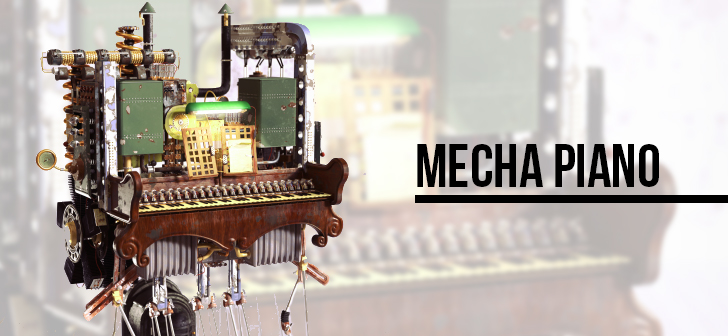
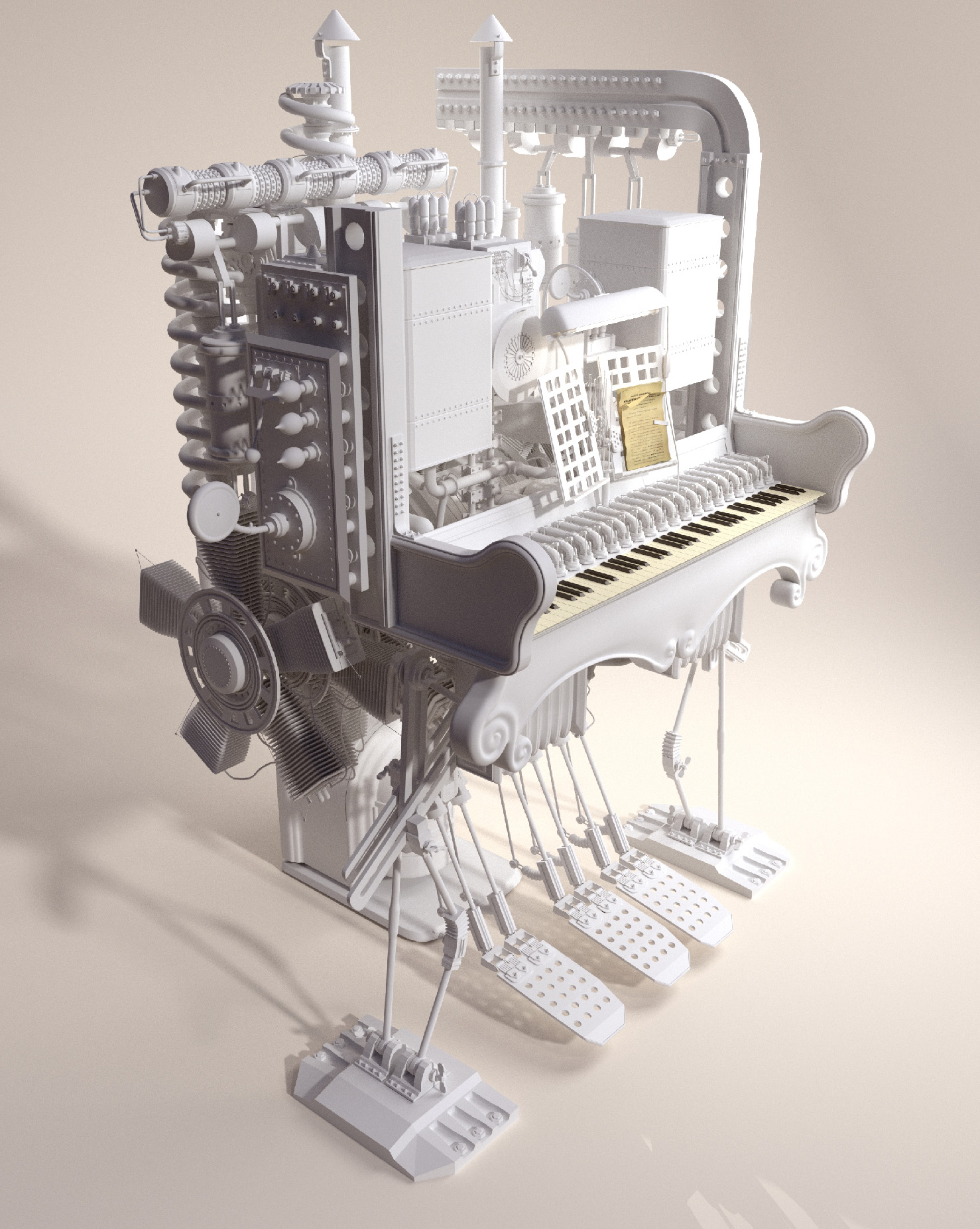
Hi, I’m Gabriel de Laubier, or Elbriga on most social media, I’m a digital designer from Paris, working freelance (and looking for more work). Recently I made this mechanical piano using Blender, trying Substance Designer and PBR shading in Blender for the first time.

The first step was to actually model the whole machinery. This started as an excercise in blender using mesh instances to make a very dense model. Basically, it allows the duplication of groups while only keeping one instance of it in memory. Some of the following assets are used a lot in the scene:
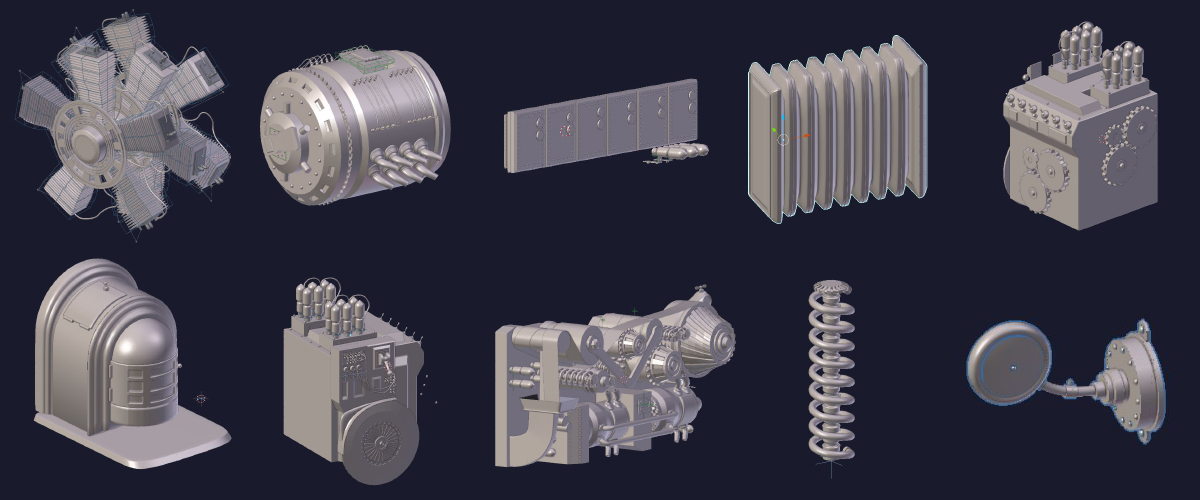
This is especially adapted in this example:
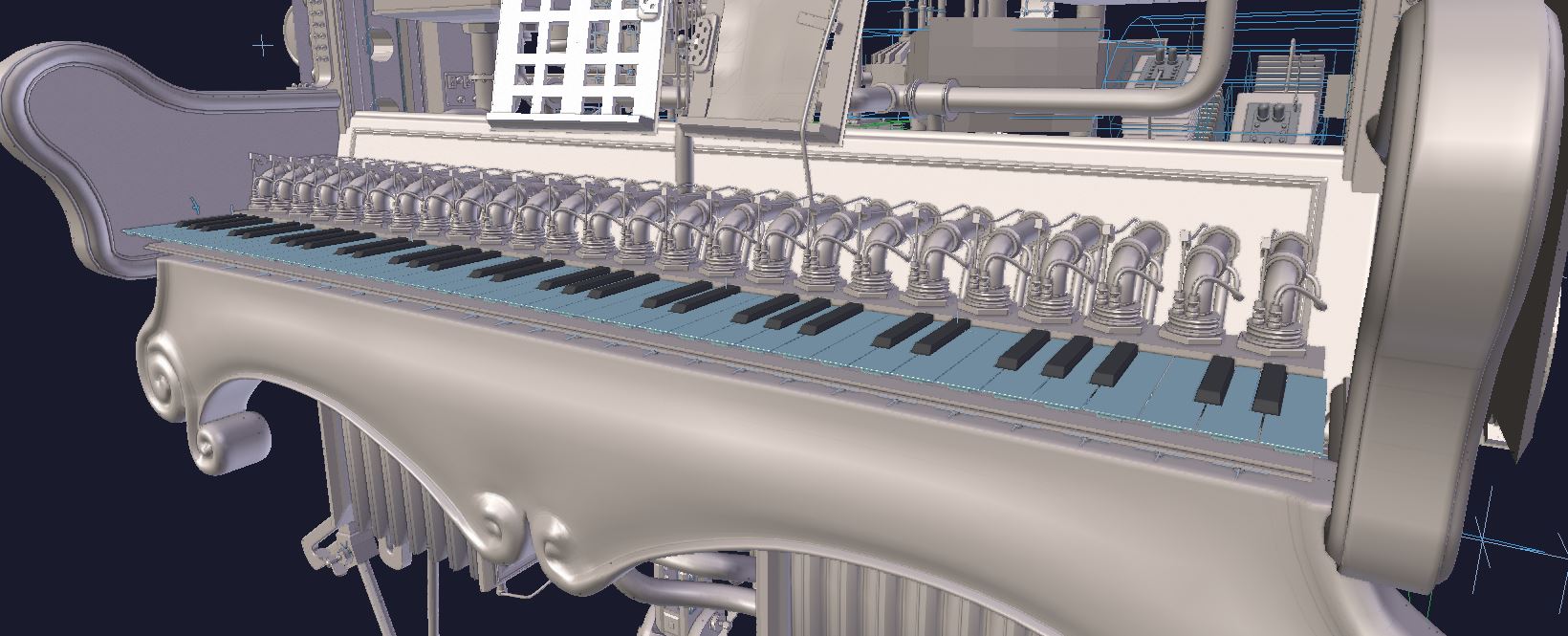
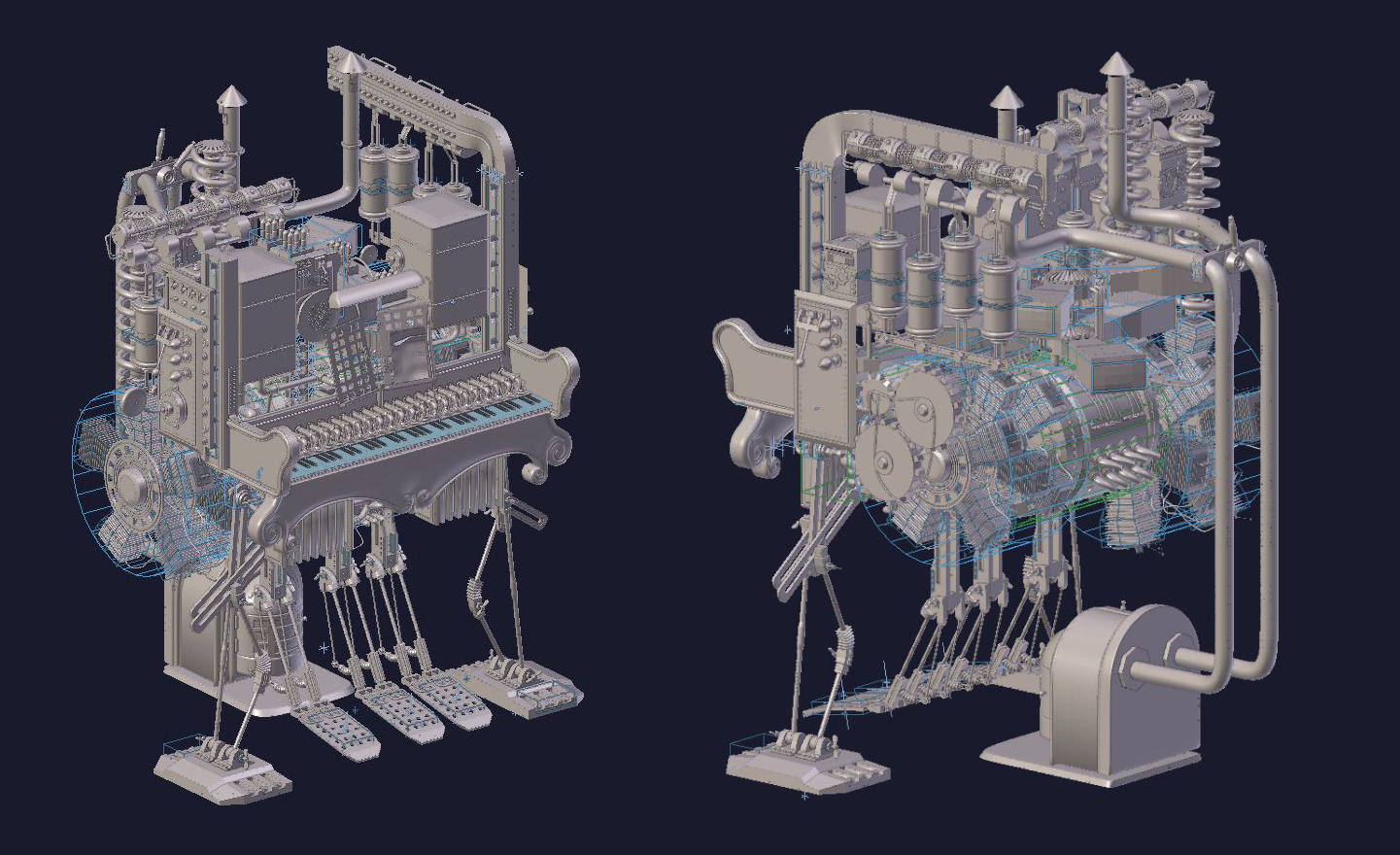
With only a few assets and some unique pieces to give the whole thing a proper structure, it’s possible to achieve quite a dense result:
Next step is making the textures. I used Substance Designer, so almost all the textures are procedural. I found that Substance Designer works very much like Blender, but with a much larger collection of noises, generators and tools that allow very complex materials without using bitmaps at all. The openGL viewport makes it especially nice to work with.
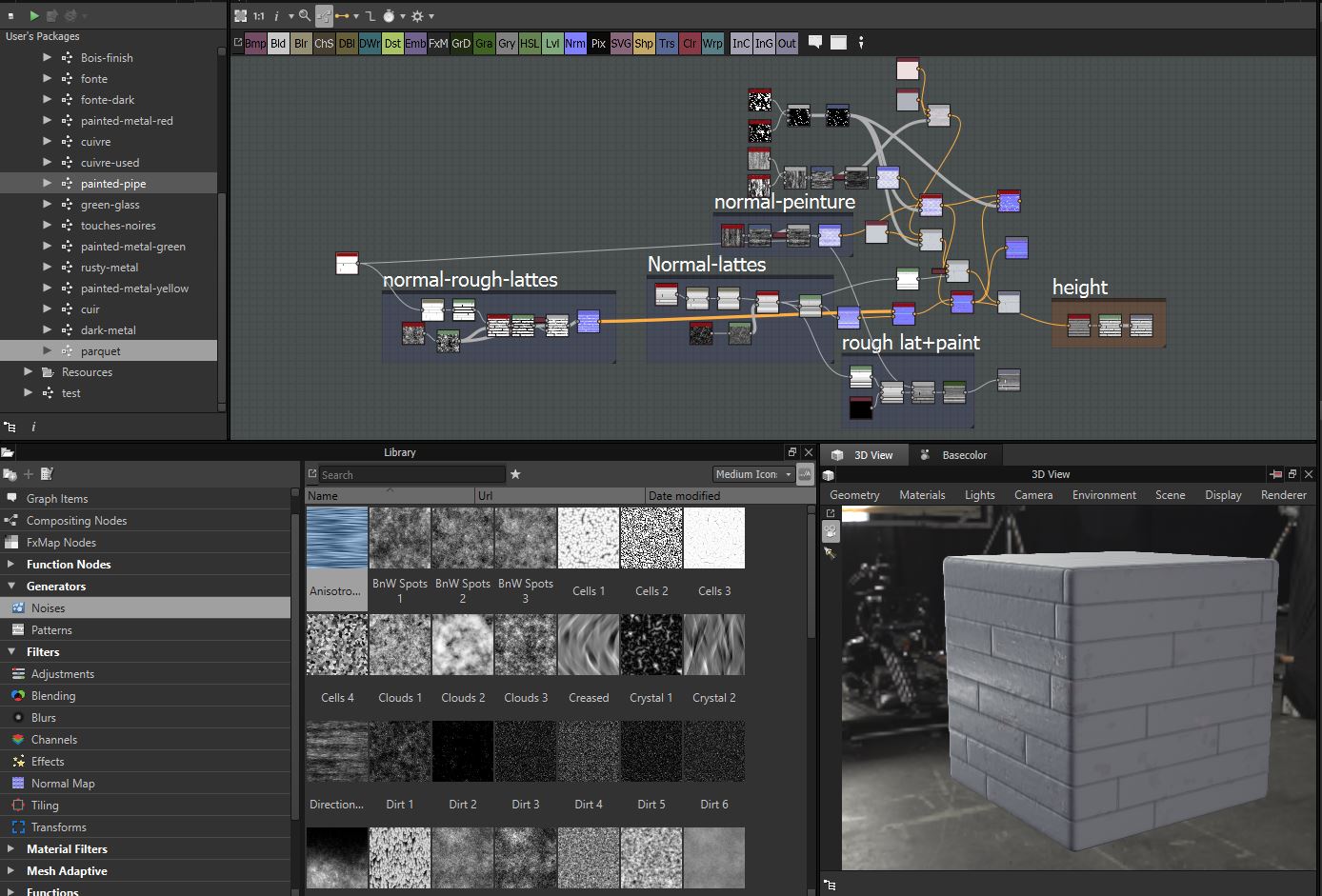
I then exported all textures as bitmaps and plugged them in the PBR shader made by MattRM.
Then all is left is lighting the scene and… actually, in the end, the scene is hugely memory-demanding since all duplicates are “made real” to add texture variations, so I ended up using Qarnot renderfarm to render it (they put CPUs in radiators to provite heat in winter and save energy, while passively cooling renders – pretty neat!)
Thanks for reading!
You can follow me on twitter: @Gabriel_d_L

Very cool looking machine.
Wow… this is amazing. Thanks for the work flow notes. Great advice for all. Hope to see it animated some day, that would be fantastic!!!!!! Of course, it is fantastic right now too!
Indeed very amazing !!!
What about this piano in a Cowboy bar, somebody playing on it with a sign: ” Don’t shoot the pianist!”
I would love to animate that :p but the rendering for one frame was really a pain, so even a few seconds would need a significant budget ^^ Never say never though :)
Also, thanks alot for the feedback!
Excellent!
It reminds me of this image I did a few years ago:
http://i.imgur.com/00O5z8k.jpg