

SVG Animation Output for Blender Freestyle

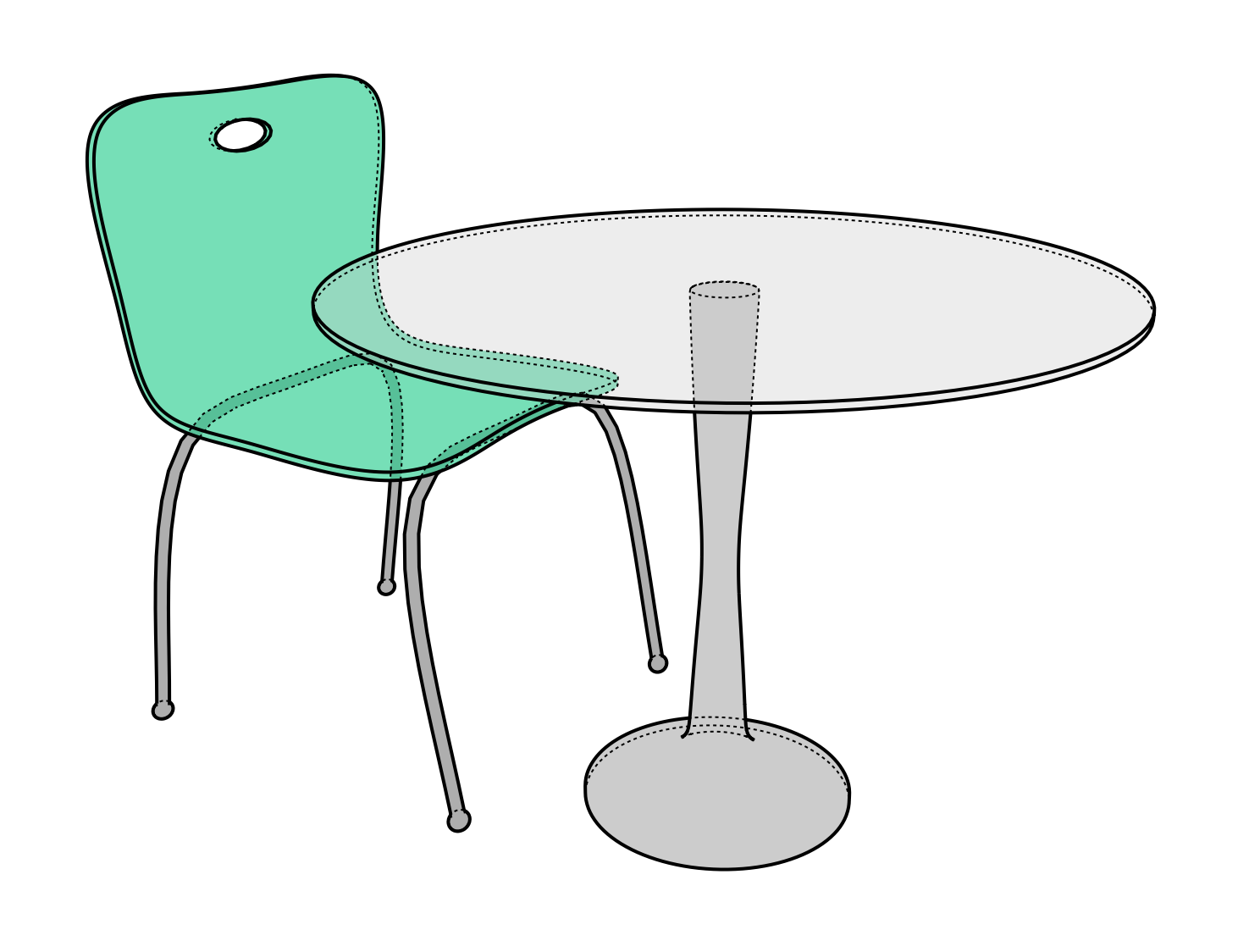
A new script by Francesco will render out your Freestyle animations to an SVG file. It stores each frame in a layer and will even give you access to all the components in the frame in sub-layers.
Francesco writes:Hello guys, I wanted to let you know that I’ve been working on some code originally written by Jarno Leppänen that uses the Freestyle integration in Blender to render scenes to SVG format.
I’ve updated Jarno code to the new 2.70 freestyle API, and enhanced it, introducing the possibility to render animations besides still images. Everything gets rendered to a single SVG file, that when opened in Inkscape presents each single frame in a separated Inkscape layer, containing sub-layers for the rendered components (e.g fills, invisible edges, visible edges).
All comes in form of python modules to be used in freestyle script-rendering mode.
Maybe some of your readers could be interested.
Links
Getting Started
Open the scripts as text blocks in your .blend file and make sure Freestyle python scripting mode is enabled. Now you can add the scripts as style modules. You can render still images or animations, the svg file will be written on the same directory of the source blender file. When opened in Inkscape each rendered frame will be in a separate layer, with sublayers for the different types or rendered elements (e.g. fills, invisible lines, visible edges) according to the modules you used to render.

Oh, I’m definitely going to have to find time to check this out. Will this integrate with a vector based animation program like Synfig?
This is killer, exactly what I’ve been waiting for! Anything that will lead to easier integration of Blender animation sequences into interactive web applications is greatly appreciated, thank you.
I’m working to add the ability to output a real frame-by-frame animated SVG file, ready to go online, hope to get there soon
this is an example of animated SVG produced by this addon, it’s a frame-based animation directly saved as SVG file from blender. I will push the new code to the github repository very soon, just need to polish it a bit.
http://www.hv-a.com/freestylesvg/test_freestyle.svg
Hmm I wonder if this could be incorporated into Adobe Edge animations, that would be brilliant!!!!
Hmm I tried to run the scripts in 2.70 and have Freestyle activated and get a error “Python script fail, look in the console for now…” am I missing something?
HI Ross,
it seems you are trying to run the script directly in text-editor, that’s not how it is supposed to work. Correct workflow is as following:
– load the scripts you intend to use in text editor
– go to ‘render’ panel and enable freestyle
– go to ‘render layers’ panel and in freestyle section choose ‘python scripting mode’ as Control Mode
– add the style modules you previously loaded, clicking ‘Add’ and choosing them in selection field clicking on the left icon (this way you pick the pre-loaded text blocks, if you click on the icon to open the script file here it won’t work). You can use as many style modules as you want, they get rendered in SVG in a sequence, so the first module you have will be the bottom layer in Inkscape
– go to ‘render’ panel and choose render or animation. the SVG output will be written in the same directory where the .blend file is, so it’s a good idea to save your blend file before rendering
Ok thanks hvfrancesco,
got it working, although when I render it out I get a svg file, but it doesn’t animate, ie if i drop it and drag it into my Chrome browser it shows all the frames as a single image, sorry for my noobness :)
hi ross, have you added the animate.py module to your module queue in render-layers panel? that is the module that adds the animation tags for each frame
Doh missed that one, ok so I open the animation in Inkscape and can see it has separate layers, but when I drop and drag the SVG into my Chrome browser it still doesn’t play it just shows all frames as a static image. You mention I have to use tags so do I have to reference it from a html5 file?
the tags are written in the SVG file by animate.py module. If you open the resulting file in firefox or chrome you’re supposed to see it animated. it is obviously a sub-optimal trick, as it is frame-by-frame animation and not an interpolation of the paths, so the files tend to grow quickly in size for complex objects, but it should work out of the box. Maybe you can try with firefox. what is your chrome version?
Hey there
my Chrome version is 33.0.1750.152 and Firefox 22.0 on a 10.8.5 iMac and same on a PC Chrome version is 33.0.1750.154 and Firefox 28.0 I dropped and dragged your example files ( test_freestyle_advanced.svg & test_freestyle.svg ) into both of those browsers and they didn’t animate, ie just looked like this…
Dunno if this matters, but I work for a university and they have managed machines, so would they be blocking anything?
hi ross, these two examples are not supposed to be animated.
Please, go to the github page and check if you can see the animations there.
I suggest you to get the latest version of the code, add the animate.py script to your freestyle script queue and open the resulting svg file with a text editor. If the layer groups contain an tag, then the svg animation is supposed to be working in most browsers.
You can check SVG animation support here: http://caniuse.com/svg-smil
Ok thanks hvfrancesco,
those new files worked, so sorry about all the hassle, now time to play!!!
Is there an easy way to also have each frame exported out as separate SVG’s?
I’m working in Adobe Edge and when I import the SVG it just loops and I can’t control it, where as if I had separate SVG’s I could better control them (especially if I want to preview it on the timeline) or will that increase the file size too much?
Waoow! I have been fiddling with SVG output for some time, but never got a nice result. I am trying to output elevations and sections of an architecture project, but get messy result with the old svg writer http://www.geocities.jp/blenderyard/freestyle/svgwriter_b26/README.html. I usually got multiple lines in the same place!
This method works perfectly! Only one line per edge, not that messy. The only thing is that lines are split at intersections of objects, I can live with that, but also: Lines between vertices are given extra points, although the line is straight. How do you prevent freestyle/this python script from introducing points on straight lines?
Thank you a lot! This feature will be very-very much appreciated by many of us!
animated SVG capability is now on the repo, just get it and test it :)
Can this be used in Blender 2.82?
I’d like to export an .svg animation (frames to separated layers).
Please let me know if there is an update for this addon.
Thanks!