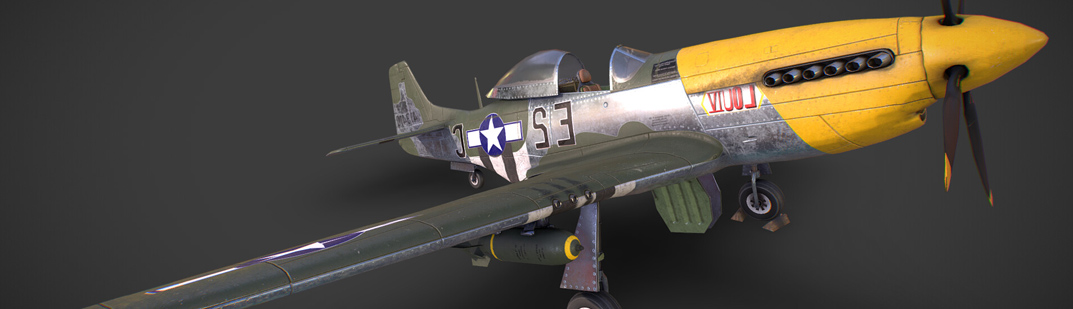

 Yet another handy tutorial from Jonathan Williamson, this one is about how to use projection painting, a new feature in 2.49.
Jonathan explains:
With the release of Blender 2.49 comes the ability to stencil images onto your model via projection. This tutorial goes through the process of setting up your model and it's UVs in order to “projection paint†your textures on.
Watch the tutorial here!

20 Comments
Awesome, gonna watch this as soon as I can!
Wow. This IS really cool. I'm not really into texturing (mainly because i would need good photos for that), but this is a really fast method of texturing a complex model, if you have enough views of the reference.. Thanks
for italian people:
http://www.vimeo.com/4964993
:D
thats super cool.... great tut....
@Omar: You don't need good images to make good textures! Many of the greatest textures are created from scratch! I personally hated texturing before I played around with it a bit...
Anyhow, this is a really cool feature in blender 2.49. I can see how it could be extremely useful!
That was an amazing tutorial.
Following those steps I textured a simple face in around 15 minutes...
obviously not the best quality around, but amazing nonetheless!
Oh my god!! Kick ass feature, you can't go wrong with AWSOME!!
What the hell ?!?!? oh man...
Pretty sweet!
this is so awesome!
easy to grasp, and fast to apply into ones workflow.
thank you jonathan for the newest coolest video tutorial
in my collection!
now, i just have to crack that human modeling already... :)
I have searched for many hours trying to find good Gimp tutorials on texture painting, with no success.
Anybody know where to find some good ones?
That was very amazing. Thanks for posting. I wish I could find the time to try all these features....
great tut thx.
Very interesting tutorial.
Thanks for that.
That is a great feature and technique. Is there any place with quality free faces images?
I think it would be a nice feature if the image being cloned could be ghosted on the model aswell, that way you can better see the areas you wish to paint.
Great tutorial Jonathan Williamson, I had difficulties to understand well that features at 2.49 launch , but with your tutorial I understood all the potential & power of it. Thanks !
This is a must see for all who are still unfamiliar with this brilliant tool! The tutorial is done very well and the projection painting is shown pretty professionally right in front of you. Well done there!
very nice hut. wirklich sehr schick gemacht
Anyone back-issue searching like myself (for creating my Blending Life 2 texture) might like to see the revised link, which can be found at:
http://www.blendercookie.com/2009/06/18/texturing-with-projection-painting/
this is so awesome!
easy to grasp, and fast to apply into ones workflow.
thank you jonathan for the newest coolest video tutorial
in my collection!
now, i just have to crack that human modeling already… :)