
How To Speed Up Blender Viewport Playback

Matthias writes:
Hello Folks,
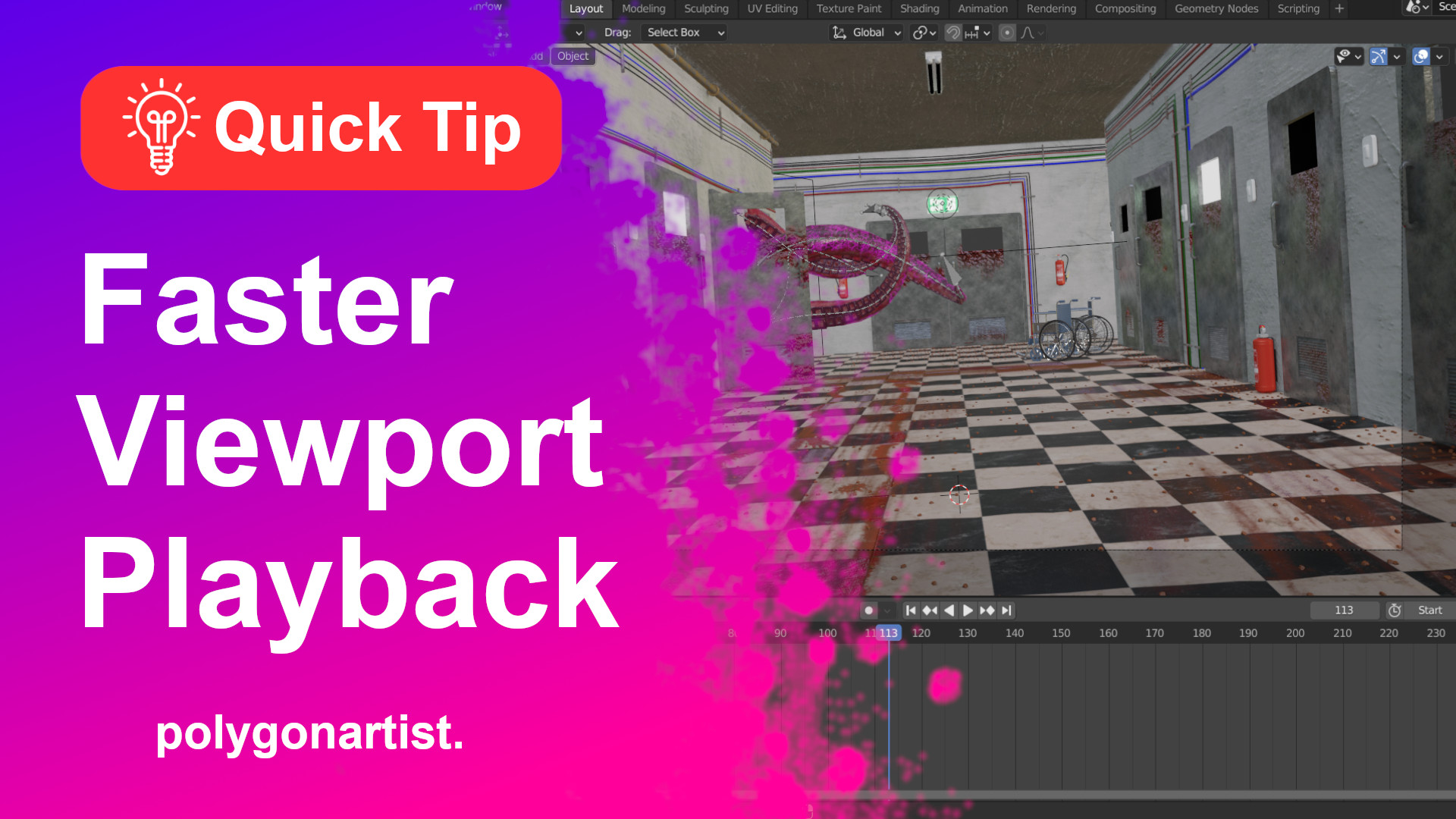
If you’re struggling with slow playback in your Blender viewport, here is a quick tip on how to speed up Blender viewport playback while working with animations by tweaking a few settings within Blender.
Hope this helps!
Stay Awesome.




Great tips! Use these often. Frame skipping especially is good if you’ve gotten your scene within about half of real time (12fps on a 24p timeline) and you want to see your motion. 12fps is plenty to get an idea of where everything is moving.
I really don’t understand why the Max Subs is set to 6 by default?
6 is an insane amount of subs on any object, so how can that be considered a simplification?
Who the hell is using more that 6 subs in the first place??!