

Tutorial: Randomising textures for duplicated objects

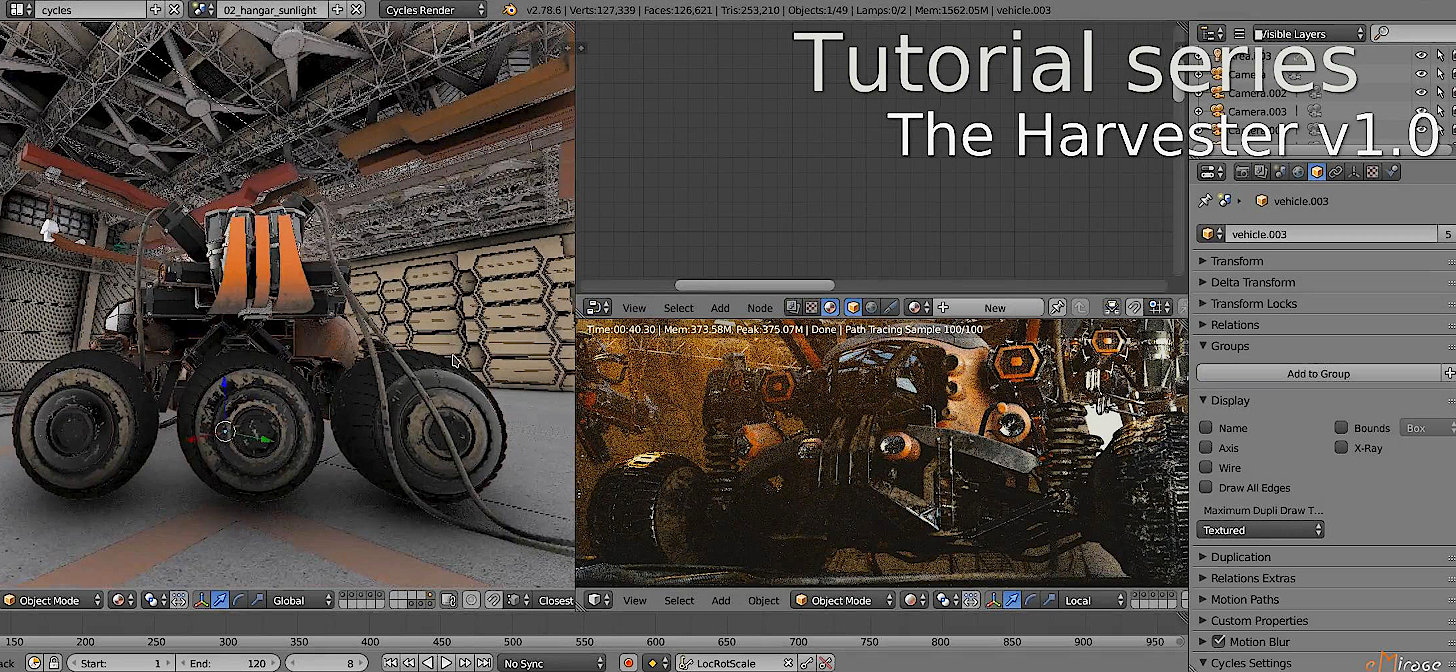
eMirage writes:
Hi everyone, this is Hamza CHEGGOUR from eMirage, I want to share with you a simple trick from my Harvester Blender Project on how to make textures look different on duplicated objects.
As you may know, using instances for duplicating objects is a good way to optimise your projects, but the issue is that the resulted objects looks exactly the same, a workaround to this is to add randomness to the texture coordinates.
In this short video I’ll show you how create a custom node group that makes the texture coordinates changes randomly.

Great tutorial, man.
Great tutorial here bro, thanks for sharing with everyone!
Fantastic trick! I’ve wondered this very thing. Great quick tip tutorial! On a side note, I’d like to see Blender’s procedural textures get optimized and the return of some of the classic Blender Internal procedural textures.
A very nice explanation, thank you!
By the way, can you explain baics how did you made scenes like
02_hangar_sunlight or 03_hangar_night_moon_light in your file, it seems I can’t get ways of scenes organization)
To fast !
Yess, very helpfull. Thanks a lot!