
Clean up your Blender Data with Scene Auditor Pro

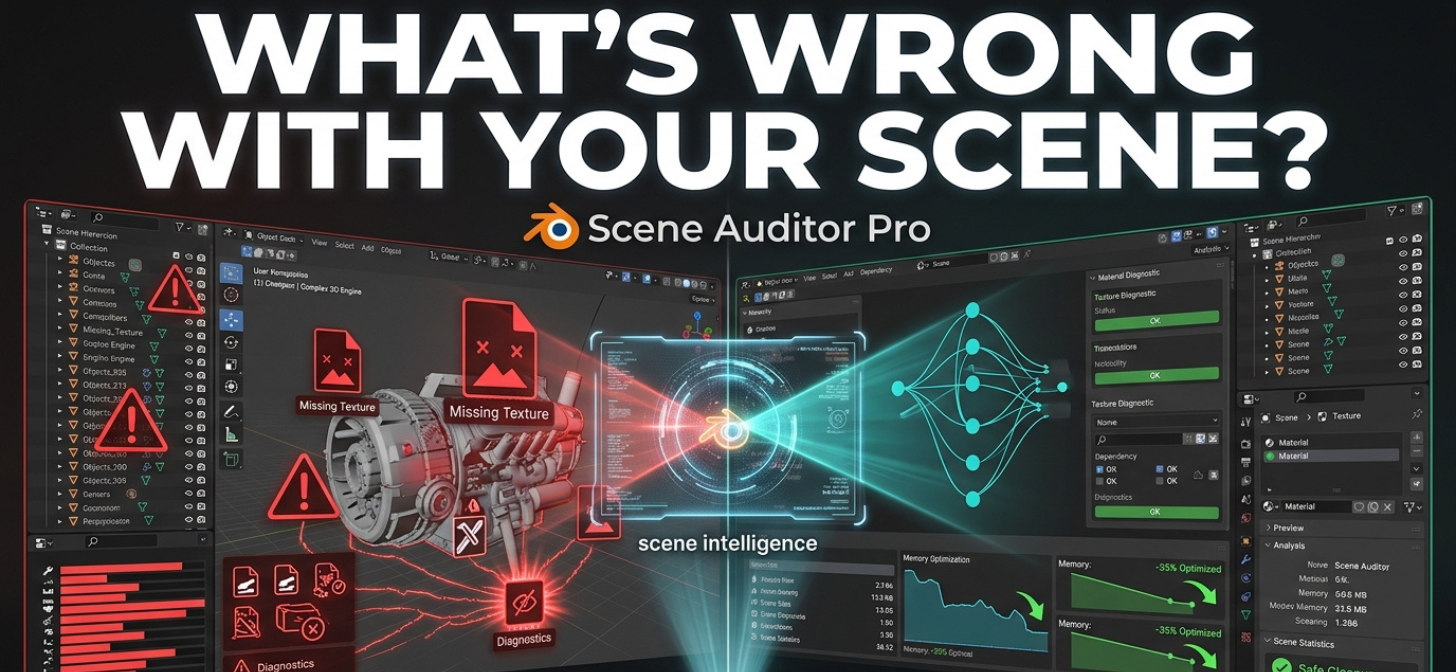
Large Blender scenes become messy fast. Duplicate materials pile up silently. Hidden orphan datablocks inflate file sizes. Massive textures destroy memory usage. Dependencies become impossible to track safely. Scene Auditor Pro helps find and clean up junk in your Blender projects.<!–more–>
Eventually, many artists reach the same point:
“Why is this .blend file suddenly 2GB?”
That problem is exactly what Scene Auditor Pro is designed to solve.
Created for Blender 5.x production workflows, Scene Auditor Pro is a professional scene analysis and optimization toolkit that scans your entire project and reveals the hidden structure behind your scene.
Instead of relying on Blender’s standard Outliner alone, the addon builds a full logical dependency graph from scratch — allowing artists to finally understand exactly how objects, meshes, materials, textures, collections, and datablocks are connected.
What Makes It Different?
Scene Auditor Pro focuses on the kinds of problems that usually only become visible after projects grow large:
- Hidden orphan datablocks bloating scene size
- Duplicate materials and textures wasting memory
- Oversized texture maps slowing rendering
- Unknown dependencies making cleanup risky
- Heavy scenes with unclear bottlenecks
- Asset pipeline issues before export to Unreal/Unity
- Fear of deleting data because you don’t know what depends on what
The addon turns those invisible problems into clear visual diagnostics.

Key Features
Full Scene Dependency Analysis
Visualize relationships between:
- Objects
- Meshes
- Materials
- Textures
- Collections
- Linked datablocks
Quickly identify what is actually connected and what is safe to remove.
Orphan Datablock Detection
Find hidden unused:
- meshes
- materials
- textures
- actions
- node groups
- datablocks
before they silently increase project size and memory usage.
Duplicate Material & Texture Detection
Detect repeated assets across large scenes and identify opportunities to reduce unnecessary duplication.
Especially useful for:
- game assets
- kitbash scenes
- ArchViz imports
- large environment projects
Scene Health & Optimization Analysis
Get immediate visibility into:
- largest assets
- texture-heavy materials
- memory-heavy elements
- problematic scene structures
The addon helps identify the real reasons scenes become slow or bloated.
Safe Cleanup Workflow
Instead of blindly purging data, Scene Auditor Pro lets users inspect dependencies before cleanup, reducing the risk of accidentally breaking production scenes.
Pipeline & Export Validation
Useful for:
- Unreal Engine pipelines
- Unity exports
- ArchViz workflows
- production cleanup
- scene handoff preparation
Built For Professional Blender Workflows
Scene Auditor Pro is aimed at:
- Environment artists
- Game developers
- Technical artists
- ArchViz professionals
- Animation pipelines
- VFX scenes
- Large Blender productions
- Anyone managing heavy .blend files
The addon is especially valuable once projects grow beyond simple scenes and start accumulating hidden technical debt.
Why This Matters
Blender has become incredibly powerful, but scene complexity has grown alongside it.
As Geometry Nodes, kitbashing, simulations, linked assets, high-resolution textures, and large procedural environments become more common, understanding scene structure is becoming increasingly important.
Scene Auditor Pro addresses a growing workflow gap: understanding what is actually inside your Blender scene — and what is hurting performance.
G