
Build Your First Blender Add-on: A Complete Beginner Walkthrough

“Hey Claude, make me an add-on, no mistakes.” Catchy line, but it raises a real question for anyone learning Blender Python today: is leaning on LLMs every day quietly eroding the coding muscle you actually need?
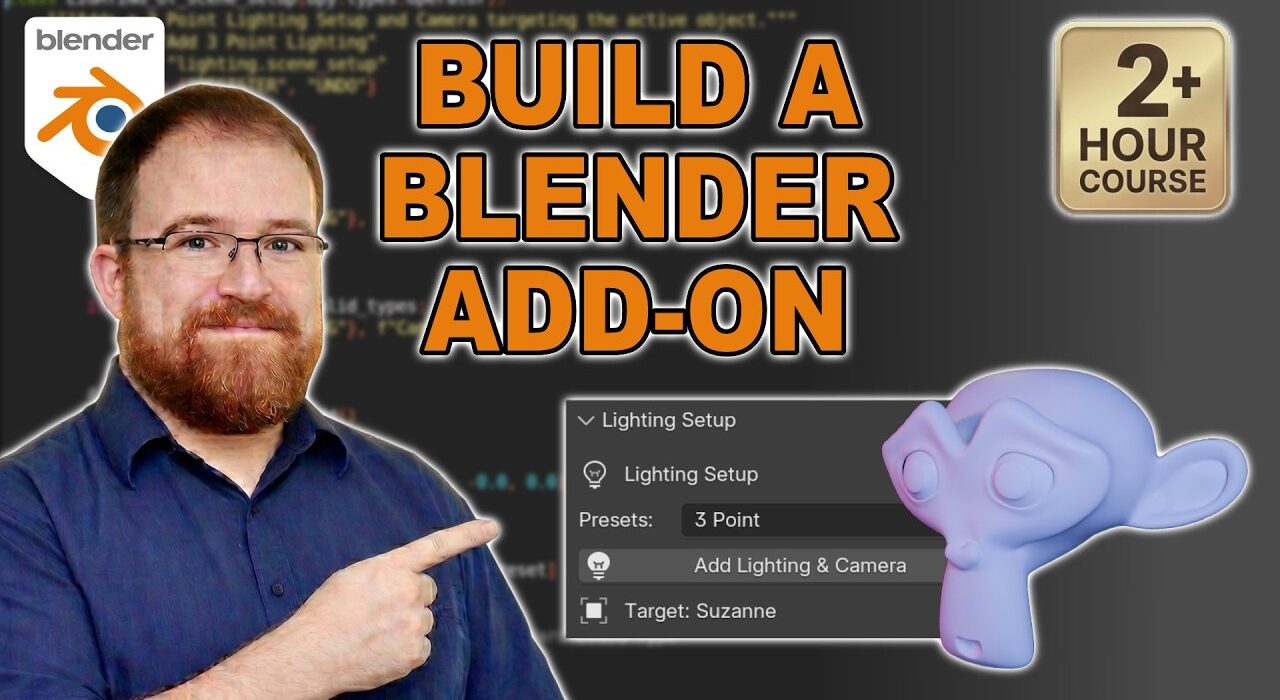
This is a complete beginner Python add-on tutorial, built from scratch with no AI shortcuts and no copy-pasted scripts. It starts at `import bpy` inside Blender’s scripting workspace and ends on a fully installable add-on that drops in a Suzanne, a camera, and a three-point lighting rig with one hotkey, all following whatever you’ve selected.
Along the way the video covers where Python actually lives inside Blender, using the Info Editor to discover the commands behind every button, and the operator framework (`bpy.types.Operator`, `bl_idname`, `bl_label`, `execute()`, register/unregister). From there it walks through turning a script into a real add-on with `bl_info`, then upgrading to the modern TOML manifest and the Extensions system, including SPDX licence guidance and a custom hotkey assignment.
The second half builds the lighting rig in code: spawning camera and lights, adding Track-To constraints so the lights follow the subject, and storing those constraints with rotation offsets so the setup feels intentional rather than random. It then layers on a proper N-panel UI, polishes operator output with `self.report` and guard clauses, and refactors the lights into a clean data structure with lists, dicts and loops.
By the end you’ll have a working add-on you can actually install, plus a clear mental model of how Blender’s Python API, operators, manifests, hotkeys and UI panels all fit together. It’s a long one (around 2.5 hours), but it’s the complete journey from “what is bpy?” to “I built that.”