

Endless Fields | Cinematic CGI + Breakdown

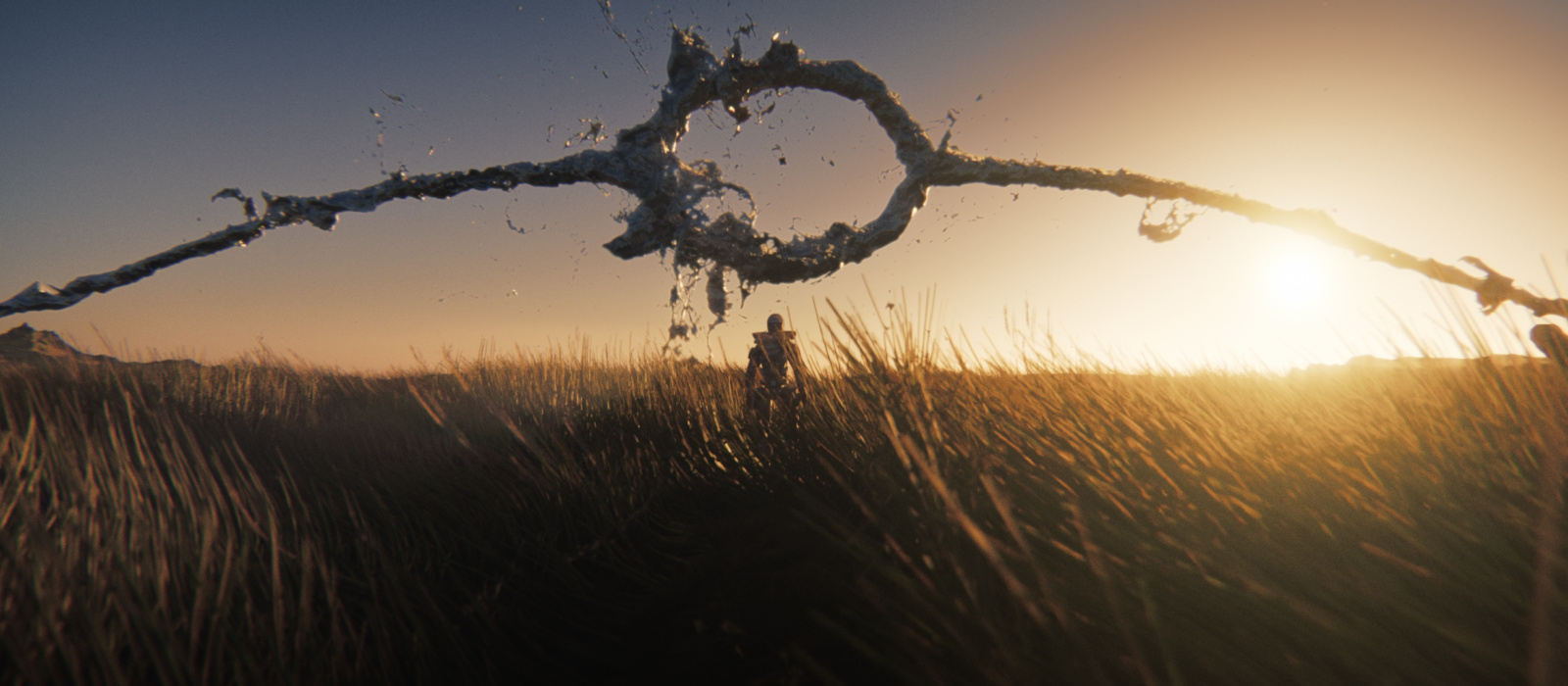
Dmitry Proskurin shares a cinematic CGI scene created entirely in Blender.
The environment was built with a focus on atmosphere and scale, with special attention to lighting and composition.
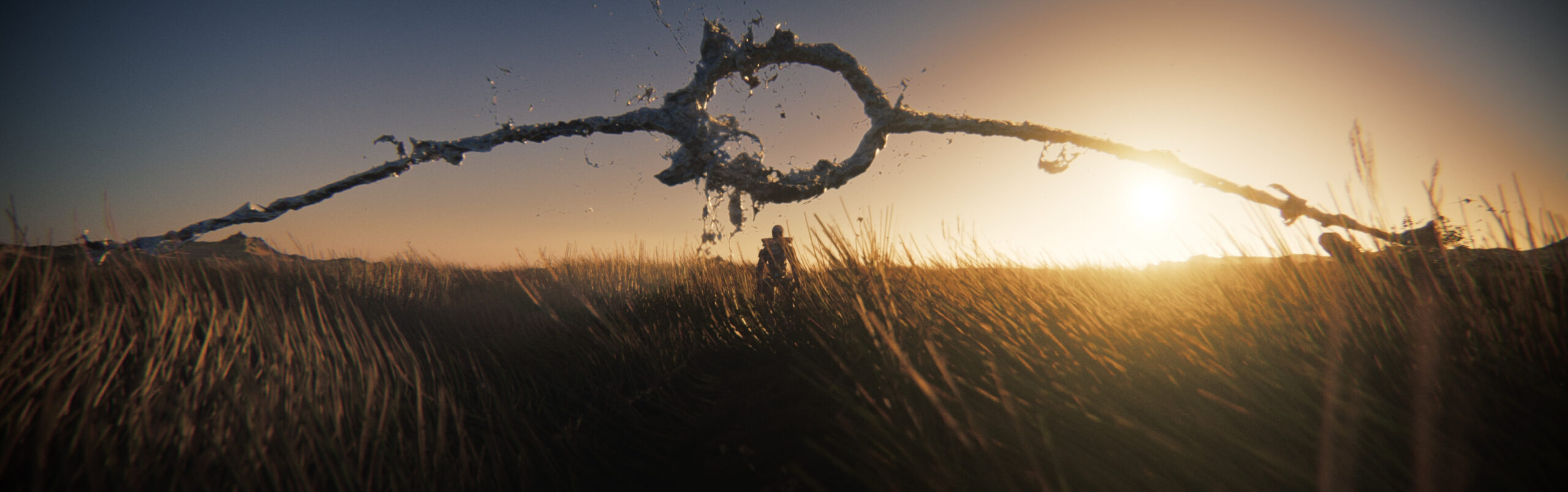
For the grass animation, I developed procedural setups using Geometry Nodes, allowing me to simulate both wind motion and basic collision interaction in a fully procedural way.
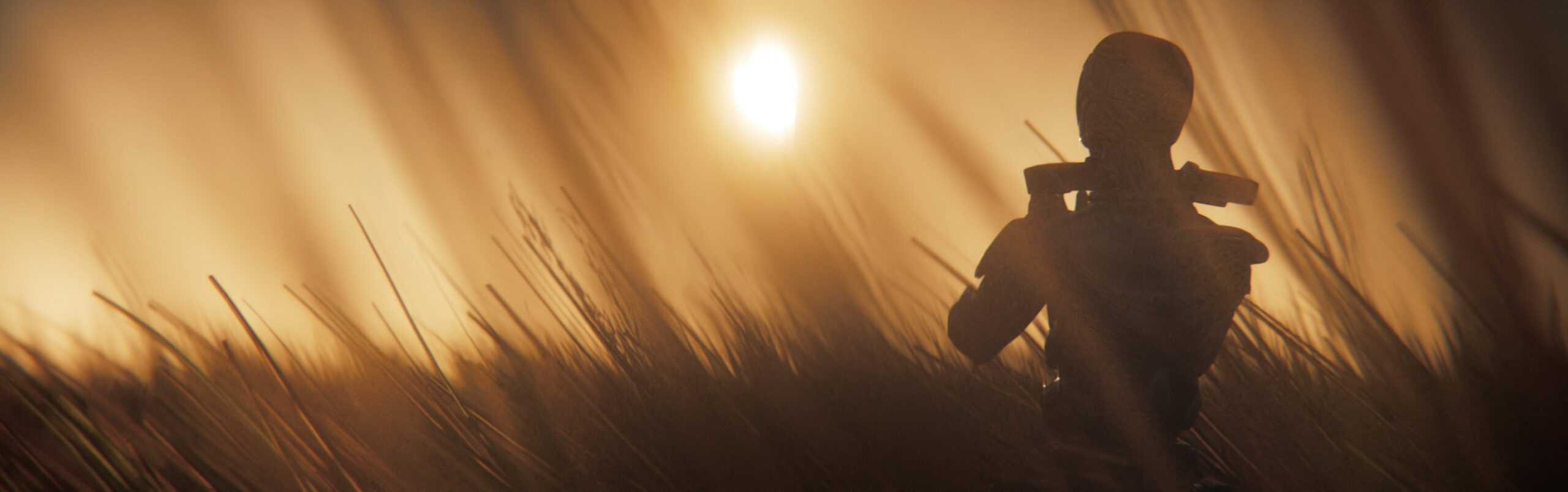
For the abstract liquid elements, I used LiquidGen to generate and integrate fluid-like motion into the scene.

All compositing was done directly in Blender, which turned out to be surprisingly powerful and fully capable for this type of work.
The final edit and assembly were completed in DaVinci Resolve.
If you’d like to see a full guide on how I created the animated grass, feel free to leave a comment under the video or this article.


Stunning images and backgrounds.
Smooth animation, interesting visual effects, masterful lighting and impeccable rendering.
And all this with just Blender and DaVinci Resolve?
– I’d love to know your method for compositing in Blender.
*I encourage you to make this video; I’ll be the first to watch it!
In my work, I use Blender for my concept art, but I still prefer to do the compositing in Photoshop. Perhaps out of habit, but also due to a certain lack of understanding of this phase.
With the exception of Blender Shader Editor, I’m not a fan of hierarchical tree-structured systems. As with Ps, Ae, Pr, etc., I approach things empirically. That’s why software like DaVinci Resolve, Substance Designer, Nuke, etc., put me off! Yet, I know how great DaVinci Resolve is for color compositing.
However, when it comes to Blender, I remain skeptical about compositing, despite excellent tutorials like those from Blender Guru!
Perhaps your future video will convince me to use compositing directly in Blender?