

Learn BonsaiBIM with a Full Project: A Course by Architect Ryan Schultz

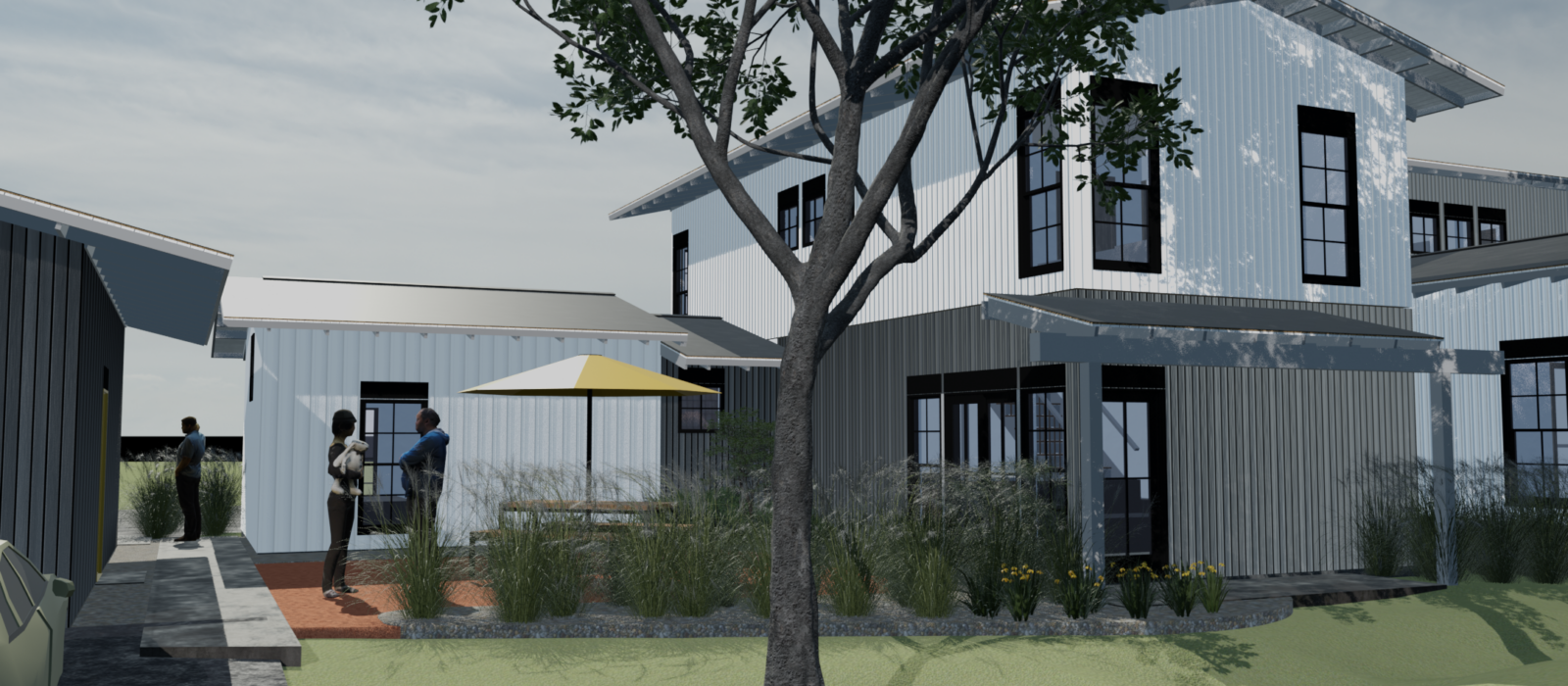
BonsaiBIM turns Blender into a full BIM authoring tool. So instead of using Blender just for visualization or modeling, you can use it to design an actual building with all the professional data attached: wall types, materials, spatial relationships, schedules, construction documents, the works. Learn how to use it with this new course.
If you already use Blender, you are closer to professional BIM than you think. BonsaiBIM (formerly BlenderBIM) runs directly inside Blender and has matured into a serious open-source alternative to tools like Revit. The catch has always been the learning curve. Documentation exists, the community is active, but what most architects need is someone who has shipped a real project with the software and is willing to walk through every decision along the way.
That is exactly what architect Ryan Schultz has done.
Ryan created a comprehensive online course where he develops a full architectural project using Blender and BonsaiBIM from first launch to finished construction documents. This is not a theoretical overview or a set of disconnected feature demos. He starts from Blender fundamentals, works through IFC data structures, models an entire building with site layout, and carries the project through to drawing production with sheets, schedules, and documentation.

What Makes This Course Different
The best way to describe Ryan’s approach is project-driven learning. Instead of teaching isolated features, he builds a complete project from the ground up, and you follow along as the model grows in complexity. You see how decisions made early in the project affect documentation later. You watch him work through real problems — demolition plans with CSS-driven drawing styles, geometry-based type workarounds, managing IFC version history with Git.
That last point is worth pausing on. Most architects have never version-controlled a BIM model. Ryan treats the .ifc file like source code — tracked in Git, with a full history of every change. For anyone who has lost work to a corrupt file or needed to roll back a design decision, this workflow alone may be worth the price of admission.
Ryan approaches the software as a fellow architect, not as a developer. He explains not just how to do things, but why certain workflows make sense from a project perspective.
A Note on IFC-Native Modeling
One thing that sets BonsaiBIM apart from most BIM tools is that it is IFC-native — the model is an IFC file, not a proprietary format with an IFC export bolted on. That distinction matters for interoperability, long-term file access, and avoiding vendor lock-in.
It also enables something more subtle, but powerful:
the ability for a building design to be reused, adapted, and redeployed in entirely different contexts without being trapped in a specific software ecosystem.
The course builds this understanding from the ground up, so you finish with a clear mental model of how IFC works, not just how to click the right buttons.
Build Once, Adapt Anywhere
One of the most overlooked advantages of an IFC-native, open workflow is that the project you build is not just a one-off deliverable — it becomes a reusable asset.
Because the model, data, and documentation are all open and editable:
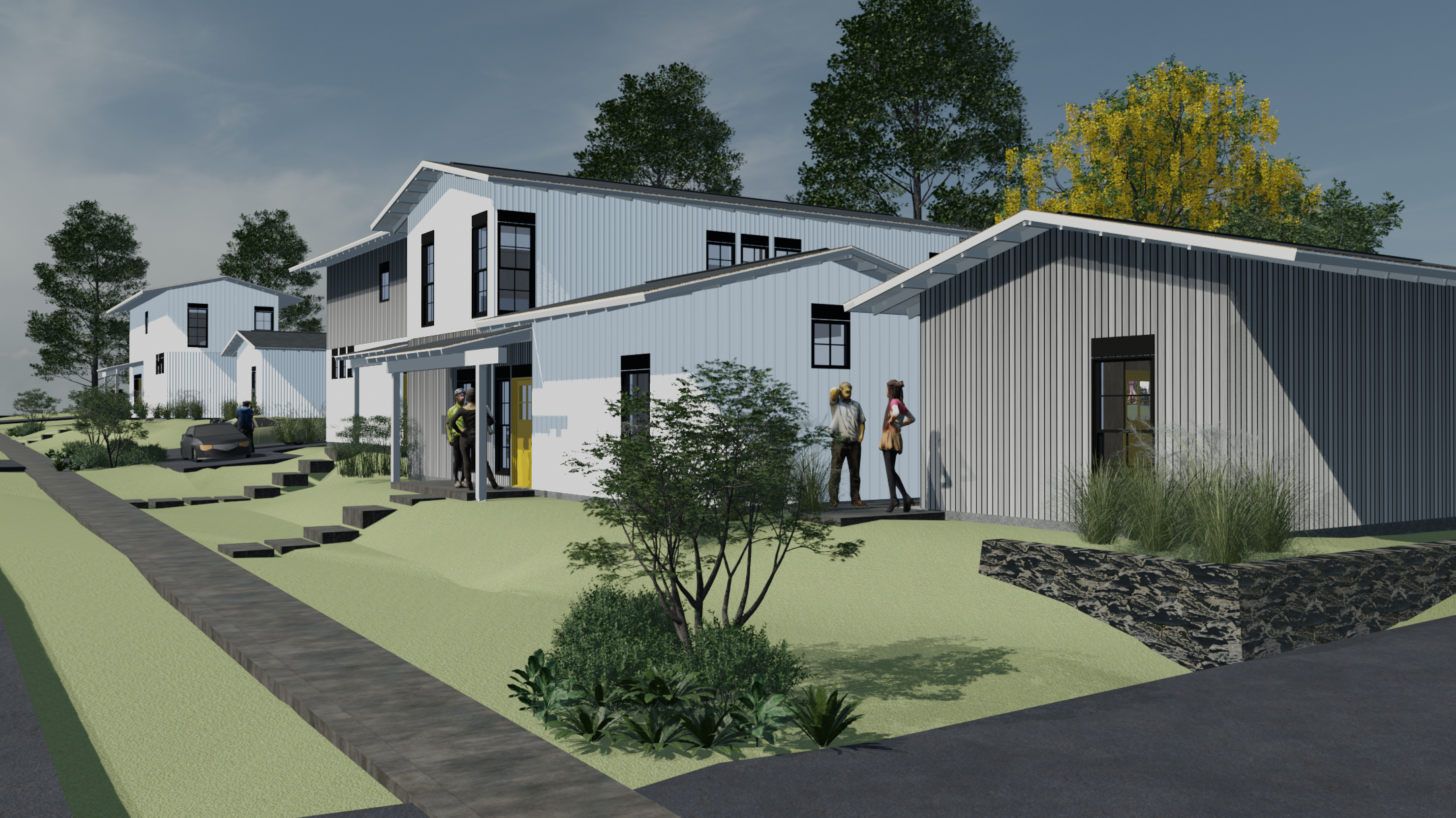
- A building developed in the course can be placed on a completely different site
- The same design can be adapted to new zoning, setbacks, or topography
- Teams can fork the project, modify it, and develop their own variations
- Local jurisdictions or builders can take the files and bring them to permit with minimal rework
This is a fundamentally different model from traditional BIM workflows, where files are often locked into proprietary formats and tied to a single project lifecycle.
In practice, this means:
You are not just learning how to model a building — you are learning how to create a shareable, extensible building system.
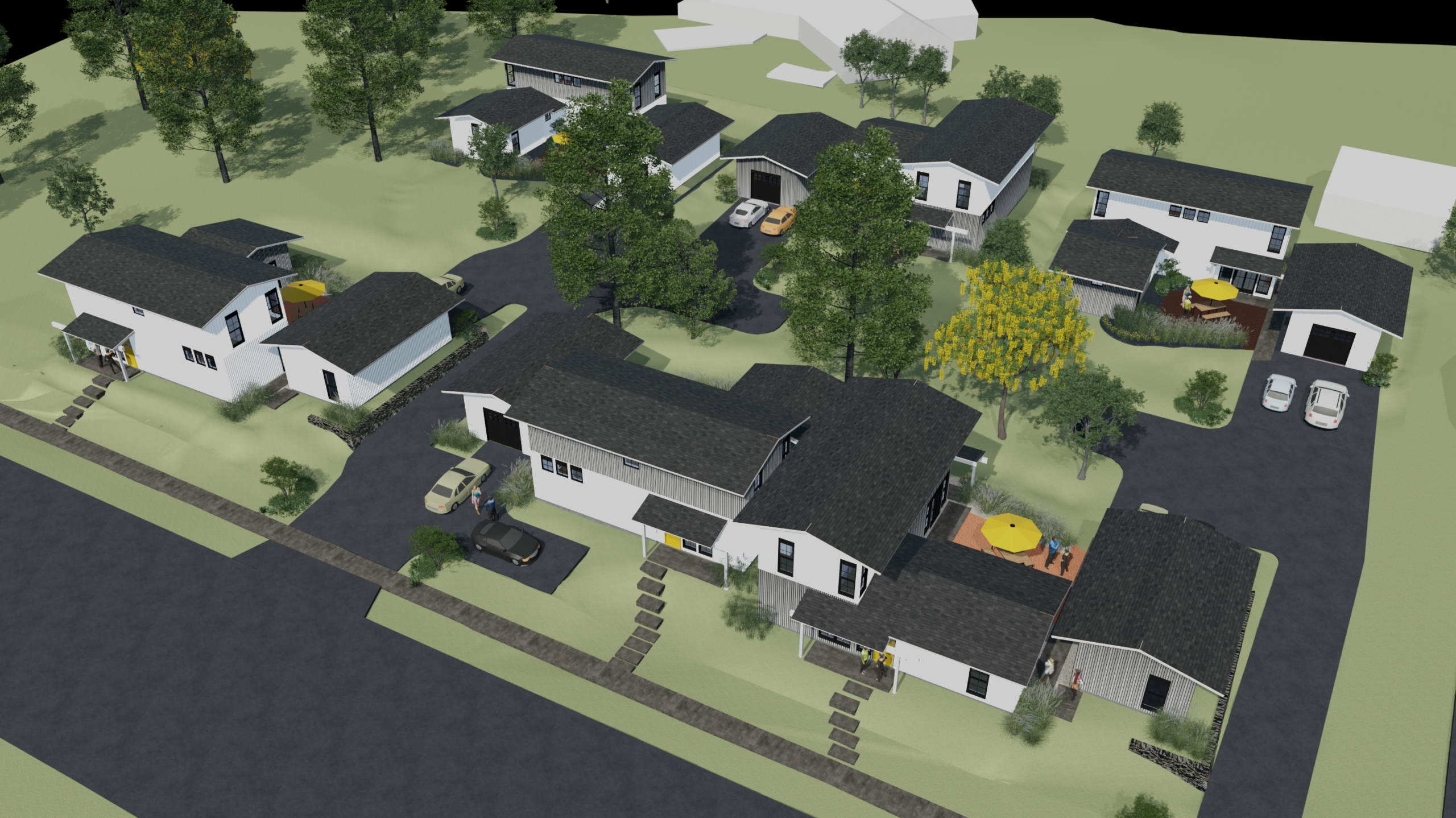
This idea is especially relevant as more cities explore pre-approved plans, ADUs, and standardized housing solutions. An open IFC model can serve as the starting point for multiple real-world projects, not just a single design exercise.
What the Course Covers
The course spans over 130 videos organized into clear learning stages.
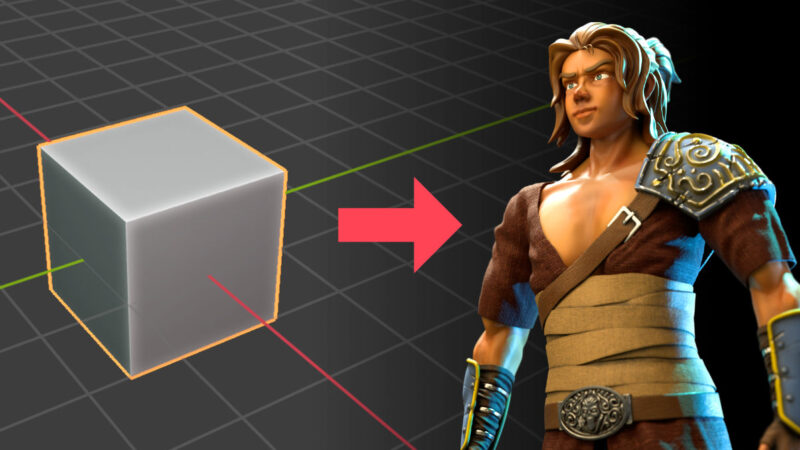
Blender Fundamentals — Before touching BonsaiBIM, Ryan builds a solid Blender foundation: navigation, object manipulation, edit mode, modifiers, materials and PBR textures, lights, and cameras. If you already use Blender for visualization or modeling, much of this will be familiar — and you will find that those skills carry directly into the BIM workflow.
BonsaiBIM Setup and IFC Concepts — Installation options, the BonsaiBIM interface, and then a thorough introduction to the IFC data model: classes, attributes, spatial containers, property sets, types, quantities, aggregates, materials, and styles. This is the foundation that makes BonsaiBIM more than just a modeler.
Building Modeling — This is where the project takes shape. Slabs, walls (basement walls, layered wall types), footings, custom profiles, pipe segments, beams, parametric stairs, railings, roofs, and more. Practical workflows like pulling assets from other files, creating wall types from templates, and working with arrays and linked aggregates for floor assemblies.
Drawings and Documentation — One of the strongest sections of the course. Plan, section, and perspective drawings; CSS-based drawing style customization; intelligent tags and annotation types; sheets; dimensions; CAD import; demolition plans. Ryan also covers the asset folder structure and how to modify default.css to match your office standards.
Advanced Workflows — Git for version control of IFC files, texture library management, IfcSpaces and space tags, schedules and custom properties, site modeling with housing types, SVG patterns in drawings, and representation contexts for doors and other elements.
Who Is This Course For?
If you are an architect or designer who wants to move to open-source BIM without spending months piecing things together from forum posts and scattered documentation, this course offers a direct path. The structured, project-based format takes you from first launch to finished documentation in a logical sequence.
It is also a strong fit if you already use Blender for architectural visualization and want to understand how that work connects to a full BIM workflow — the skills overlap more than you might expect.
Whether you are new to BonsaiBIM or have been experimenting and want to fill the gaps, the course gives you a complete picture of how a real project comes together.
Supporting Open-Source BIM Development
This is a paid course, and here is something worth highlighting: part of the revenue goes directly into the Bonsai development fund. Investing in your own learning also helps fund the continued development of the software itself. It is one of those rare situations where two good things happen at once.
Open-source BIM depends on community support to keep pace with proprietary tools. Courses like this one create a sustainable path for that development — and give architects a way to participate in something larger than their own project.



I lives in Syria so I need what you give in course
thank you