
Hip Hop Artist Turns Himself into an Animated 3D Character with Blender & Character Creator

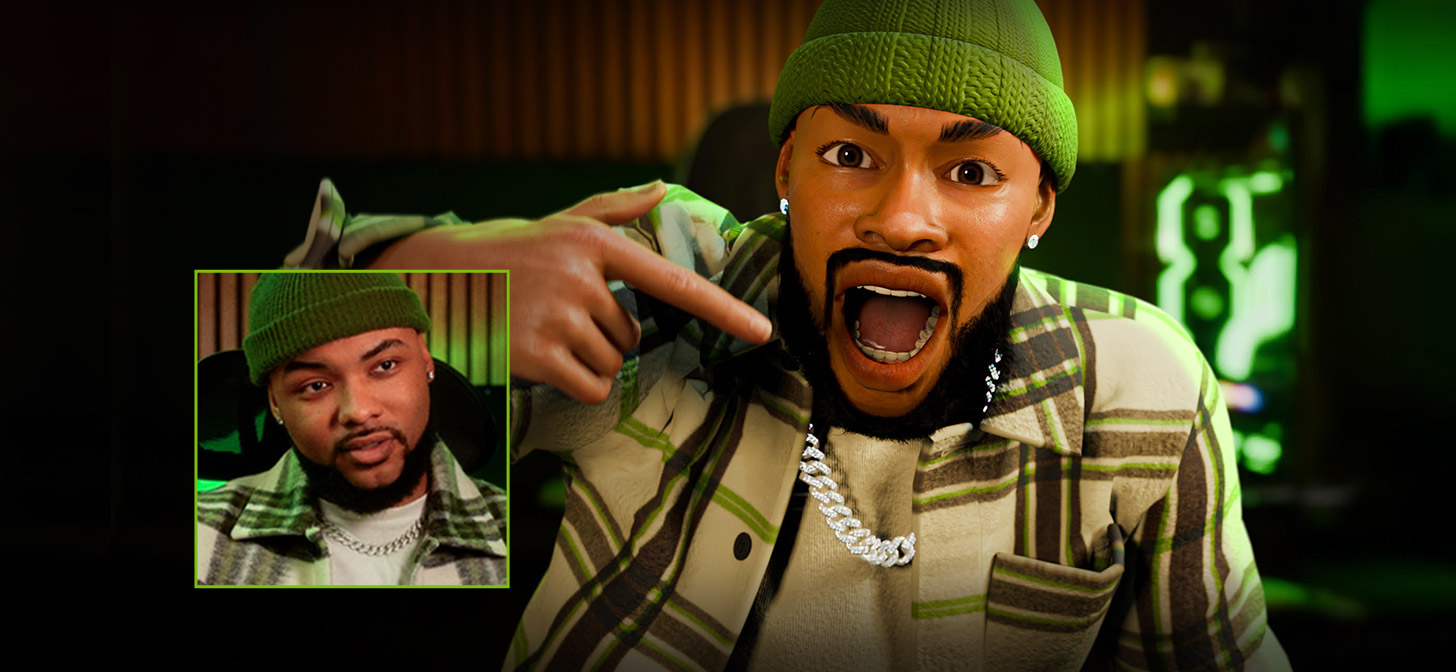
Self-taught in Blender through tutorials and trial and error, Hip Hop artist Ali Tomineek built a 100-million-view animation career and shares how he combined it with Reallusion to speed up his entire workflow.
Ali Tomineek
My name is Ali Tomineek. I’m an artist and 3D creator born and raised in Phoenix, Arizona. To be clear, I’m a Hip Hop Artist. Not just a rapper. Everything I do is rooted in Hip Hop culture.
The way I animate, direct, write, and tell stories all come from that same foundation. Hip Hop isn’t just something I listen to, it’s how I see the world.
I’ve been creating music and videos for over 15 years, but my journey into 3D animation began around six or seven years ago. Like many self-taught artists, I learned Blender through YouTube tutorials, online articles, and community forums. In 2021, I started posting my viral celebrity animations featuring my signature animated character, Lil’ Ali. Those videos quickly took off, reaching over 100 million views, and opened doors to collaborations with brands like BET, ESPN, Hulu, and NBC.
Using Character Creator to Move Fast Without Losing Style
Speed is everything in animation. The faster I can move from an idea in my head to a character on screen, the better.
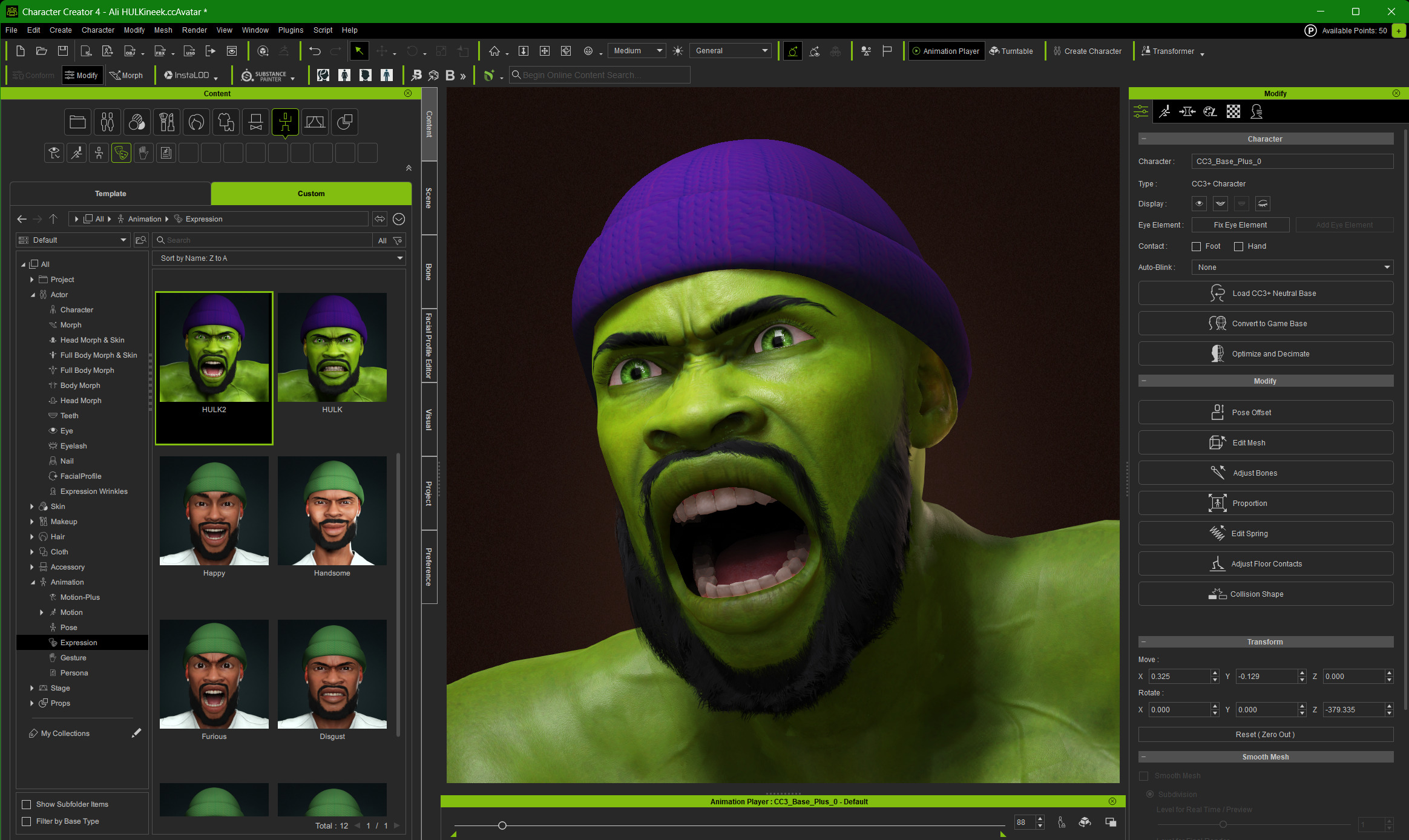
Character Creator has been a massive part of that process for me. It removes a lot of the tedious and time-consuming steps that usually slow character creation down. With just a few clicks and morphs, I can turn a concept into a fully realized character.

Sometimes I use Character Creator purely as a brainstorming tool, building out the base of a character before sending it over to Blender for final detailing and scene work. Other times, I’ll create an entire character start to finish directly inside Character Creator. That flexibility is insane. It lets me adapt my workflow based on the project instead of forcing every idea into the same pipeline.
FACE-ing My Fears: Solving Facial Animation and Lip Sync
No character feels alive without facial expression. But for a long time, facial animation was honestly the most intimidating part of my workflow.
I used to animate facial expressions and lip sync completely by hand. Every syllable. Every mouth shape. It was painfully slow. I tried optimizing by creating libraries of saved mouth poses to reuse during lip-sync sessions, which helped a bit, maybe ten percent faster. But I knew there had to be a better way.
That’s when I discovered AccuFACE for iClone.

AccuFACE gave me something I’d been searching for for years: a reliable facial motion capture solution. I could track facial motion from pre-recorded video or even stream my performance in real time directly onto my character’s face.
Watching my digital character mirror my expressions for the first time was wild. It felt like seeing a digital version of myself come to life. Almost like watching your kid say their first words. I’m not a dad, but that’s the closest comparison I’ve got.

Feeling Crowded: Building Worlds with ActorCore
When I think about 3D animation, I don’t just think about individual characters. I think about entire worlds. Concerts. Sporting events. Parties. Full environments that feel alive.

But here’s the problem: you can’t build a believable world without people. And animating dozens or hundreds of characters one by one is a nightmare. Try filling a nightclub scene with 100 dancing characters, and your computer will probably tap out before you do.
That’s where ActorCore comes in.

ActorCore handles the heavy lifting by letting me generate, simulate, and animate crowds quickly. With just a few clicks, I can populate a scene with characters that move naturally and independently. Background crowds are one of those subtle details that people don’t always notice when they’re done right, but they’re impossible to ignore when they’re missing.

Communication Is Key: Blender and Reallusion Working Together
Blender is home base for me. Everything eventually ends up there.
That’s why Reallusion’s Auto Setup for Blender is such a big deal in my workflow. I often need to work iteratively, bouncing back and forth between Character Creator and Blender while refining a character or animation. Knowing that the tools communicate cleanly gives me peace of mind.

I don’t have to worry about losing data, breaking shaders, or dealing with weird crashes when using Blender DataLink. I can focus on creating instead of troubleshooting. When software actually works together instead of fighting each other, it makes high-quality visuals feel way more achievable.
Check out the final result here, and you can also find more details about how I created my own digital double.
The Magic of 3D Animation
Over the past six or seven years, I’ve really come to understand the power of 3D animation. Being able to mimic life, express emotion, and tell stories visually feels like magic.
Animation makes the impossible possible. It lets us communicate beyond language. That’s something I’ve admired since I was a kid watching movies like A Goofy Movie or Shrek. Even back then, I knew I wanted to create my own 3D animated film one day.
That wasn’t a dream or a vague goal. It was a promise. A commitment to keep going, no matter how long it took.
Now, looking at the characters and worlds I’m able to create today, I’m proud of how far I’ve come. And I know this is only the beginning.