
SketchUp to Blender: Migration Guide for Architecture and Design


Allan Brito presents his latest book that will help transition SketchUp users.
With the bulk of “professional” tools migrating to subscription models and slowing down on significant updates, many people have started looking for alternatives to replace their established workflows. A massive group of SketchUp users sees Blender as a potential replacement, not only for 3D modeling but also to take advantage of Cycles and Eevee for rendering. A capable 3D modeling tool paired with powerful rendering options? An incredible combo.
Today, I’m proud to announce my latest guide for people looking to make the switch: SketchUp to Blender: Migration Guide for Architecture and Design.
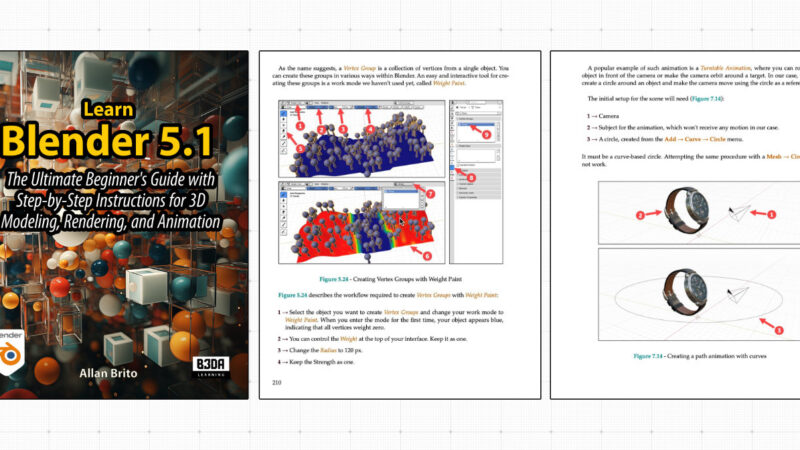
Cover Image:

What makes this guide unique? It was written specifically for people who already know and use SketchUp. The book provides side-by-side comparisons between SketchUp and Blender features, explains the differences, and shows you exactly what you need to successfully move to Blender.
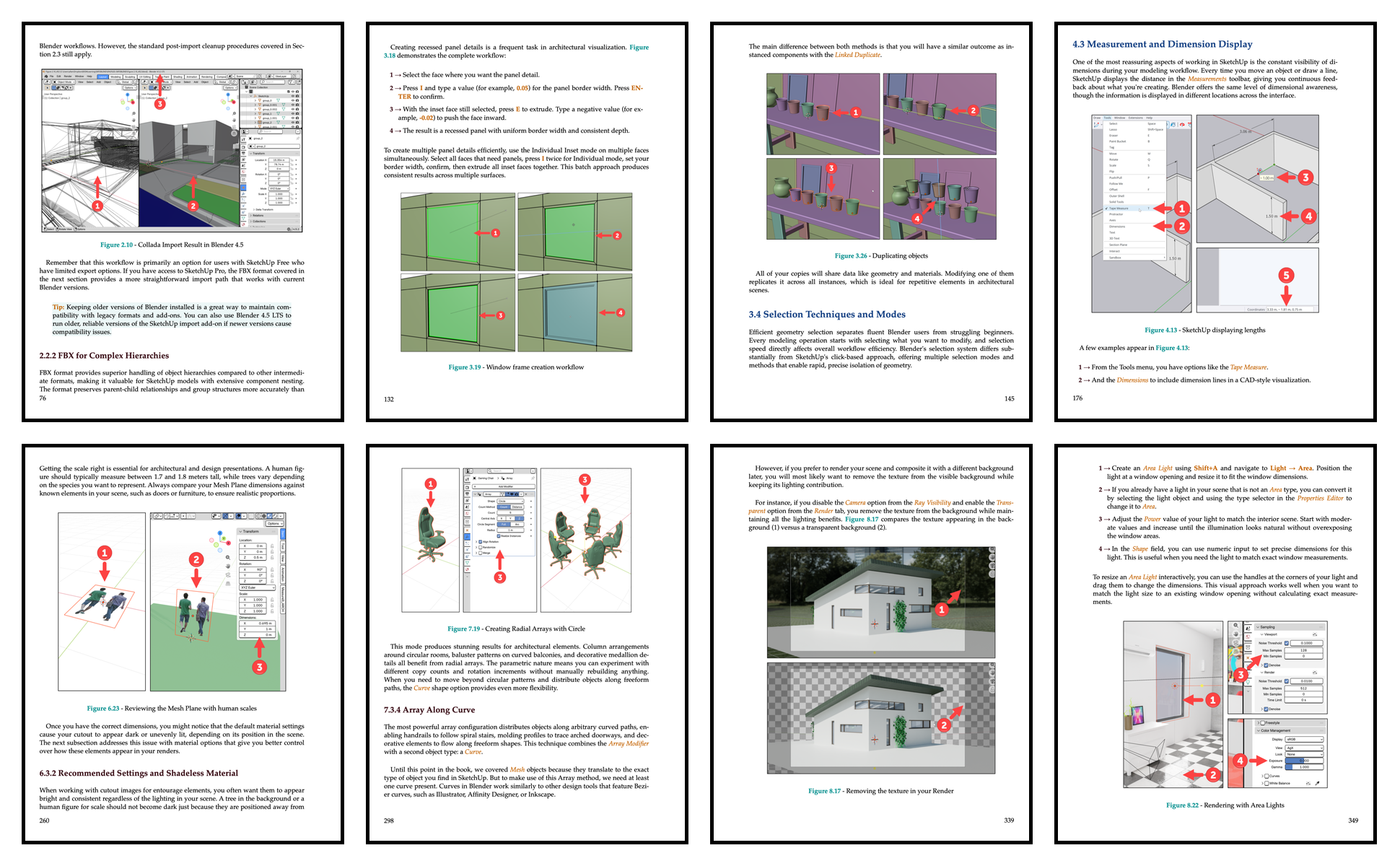
Here are just a few of the topics covered:
- Workflow migration from SketchUp to Blender
- Importing existing projects from SKP files
- Modeling tool equivalents and translations
- PBR materials for architecture and design
- Non-destructive workflows
- Rendering with Cycles and Eevee
The guide spans 369 pages printed in full color and is also available as an ebook. On the book page, you can:
- View the complete table of contents
- Download sample PDF pages
- Preview selected pages
This book is the perfect reference for professionals and students looking to migrate to Blender with a SketchUp background. Don’t start from scratch. Bring your existing workflow with you.
Translated versions of the book will be available soon.
You can also explore my other Blender books, download sample PDF pages, and expand your learning resources: