
Link, Append, Pack & Library Overrides Explained

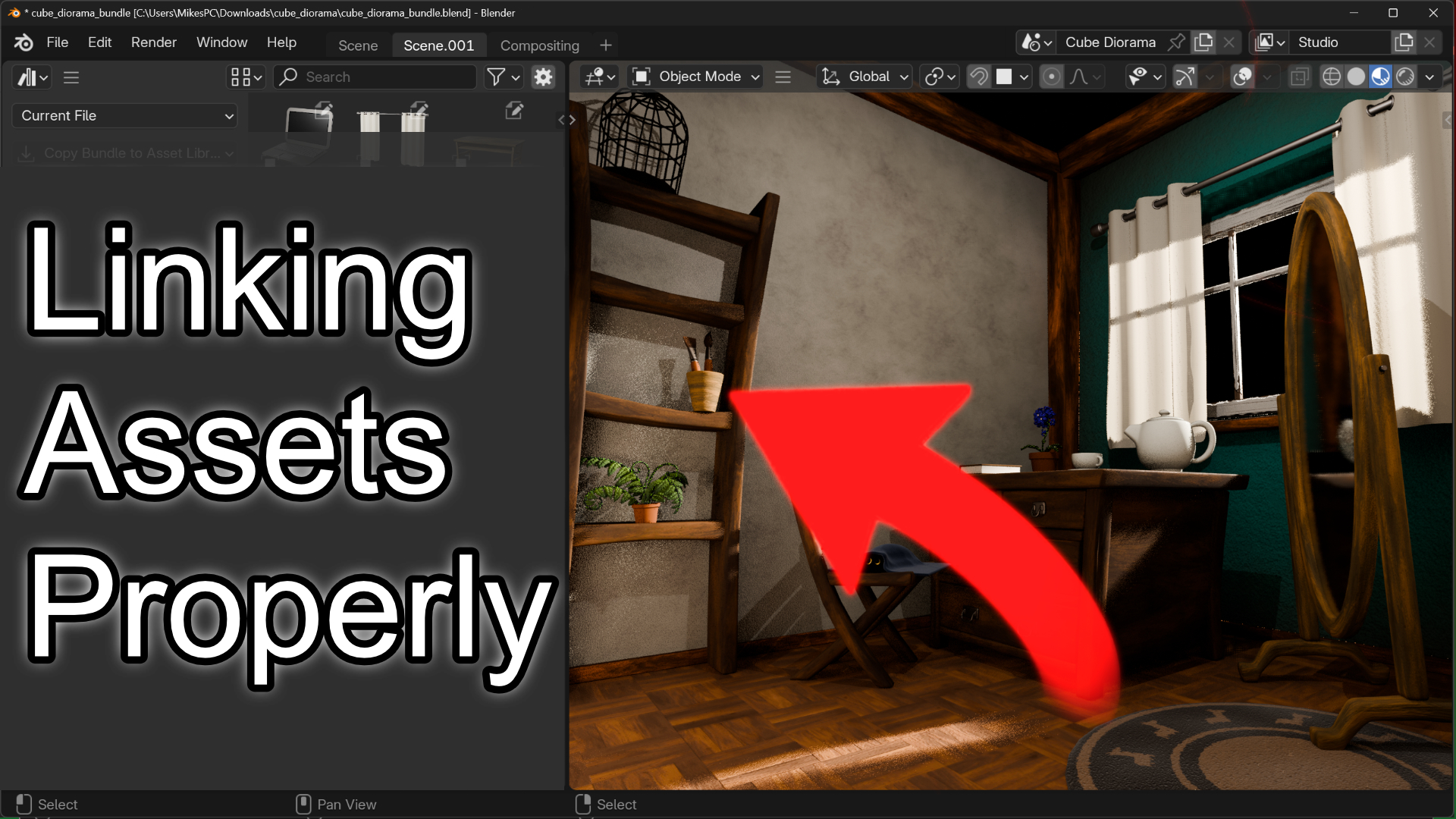
Michael Bridges breaks down Blender’s asset importing system, showing you exactly when to use Link, Append, and Pack. I’ll help you avoid the two most common asset nightmares: broken update propagation and accidental global overrides.
Have you ever linked assets perfectly, made updates to the source file, but nothing changed in your scene? Or worse, made what you thought was a small edit to one instance only to watch every asset across your entire project change simultaneously?
Today we’re exploring the three import methods available in Blender’s asset browser: Link, Append, and Pack. Each one has a specific purpose, and understanding when to use each one is critical to maintaining a smooth workflow. I demonstrate exactly what happens under the hood with each method, showing you how linked data behaves versus packed data versus appended copies.
We also tackle library overrides, which let you make unique edits to individual instances while still receiving updates from the source file. This is the secret to having both flexibility and consistency in your projects. I show you how to set up overrides correctly, how to monitor what’s been overridden using the outliner, and how to force updates when you need them.
By the end of this video, you’ll have a complete understanding of Blender’s asset system and know exactly which method to use for your specific workflow needs. No more guesswork, no more broken links, and no more accidental global changes.