

Before You Buy a GPU for Blender, Watch This

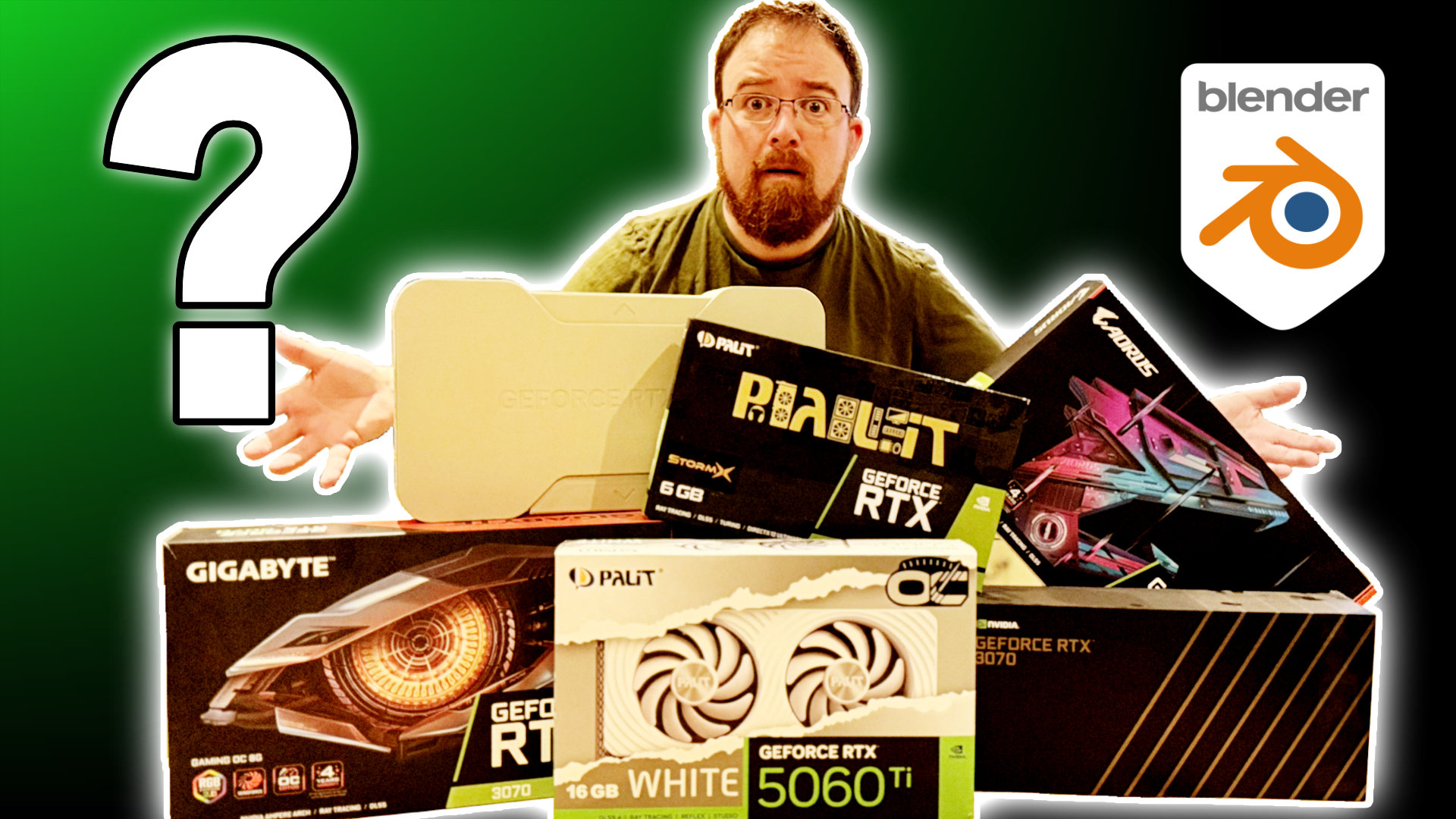
Michael Bridges walks you through the 10 essential factors for choosing the perfect GPU for your Blender workflow, from physical fit and VRAM needs to power requirements and future-proofing. By the end, you’ll know exactly which GPU matches your budget and workflow without overspending.
Have you ever wondered why your friend’s cheaper GPU renders faster than yours? Or why a mid-range card sometimes outperforms a more expensive one? The answer lies in understanding what Blender actually uses your GPU for, and more importantly, what it doesn’t. From physical dimensions and power supply requirements to VRAM allocation and thermal management, every decision matters.
I cover the difference between NVIDIA’s OptiX acceleration and AMD’s HIP implementation, explain why textures eat both system RAM and VRAM simultaneously, and reveal which workflows are actually CPU-bound rather than GPU-dependent. We’ll also explore compatibility considerations for Blender 5, PCIe bandwidth requirements, and whether those gaming-focused features like DLSS actually help with rendering.
Whether you’re working with Cycles rendering, sculpting high-poly meshes, or building complex geometry node setups, choosing the right GPU can dramatically improve your workflow. But here’s the challenge: how do you avoid overspending on features you don’t need while ensuring you have enough headroom for future projects?
I share real-world testing insights, including how Apple Silicon’s unified memory compares to traditional discrete GPUs, why laptop GPUs can’t be directly compared to desktop counterparts, and practical optimization techniques that can squeeze more performance from your current hardware without spending a penny.