Learn How to Rip Cloth in Blender


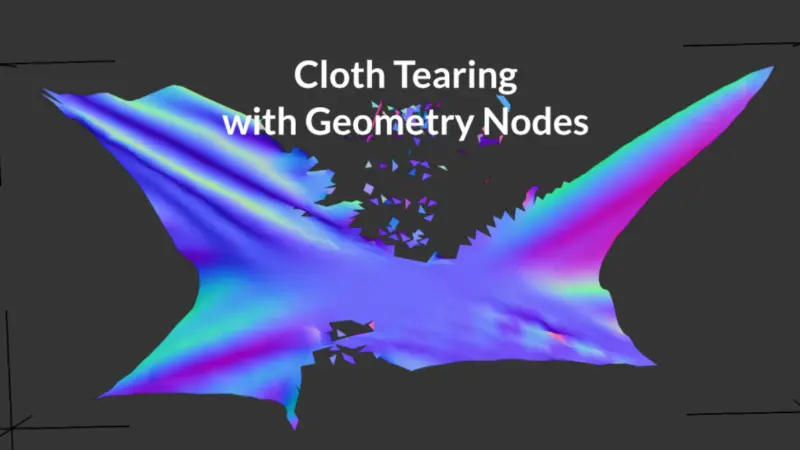
In this tutorial by PIXXO 3D, learn how to create a destructive cloth tearing effect in Blender using a non-procedural method. This approach permanently modifies the mesh topology, offering a unique way to simulate cloth destruction.
Key Steps:
- Setup: Start with a subdivided plane, assign a vertex group for the border, and apply a cloth simulation.
- Collision Object: Add a UV sphere as a collision object and animate its movement to interact with the cloth.
- Shape Key: Convert the cloth simulation into a shape key to control the deformation before tearing.
- Cutting the Cloth: Use the knife tool in edit mode to manually cut the cloth where the tear should occur.
- Final Simulation: Reapply the cloth simulation after cutting, adjust the timeline, and bake the result.
- Materials and Rendering: Use a fabric texture from Polyhaven and set up lighting and motion blur for a polished final render.