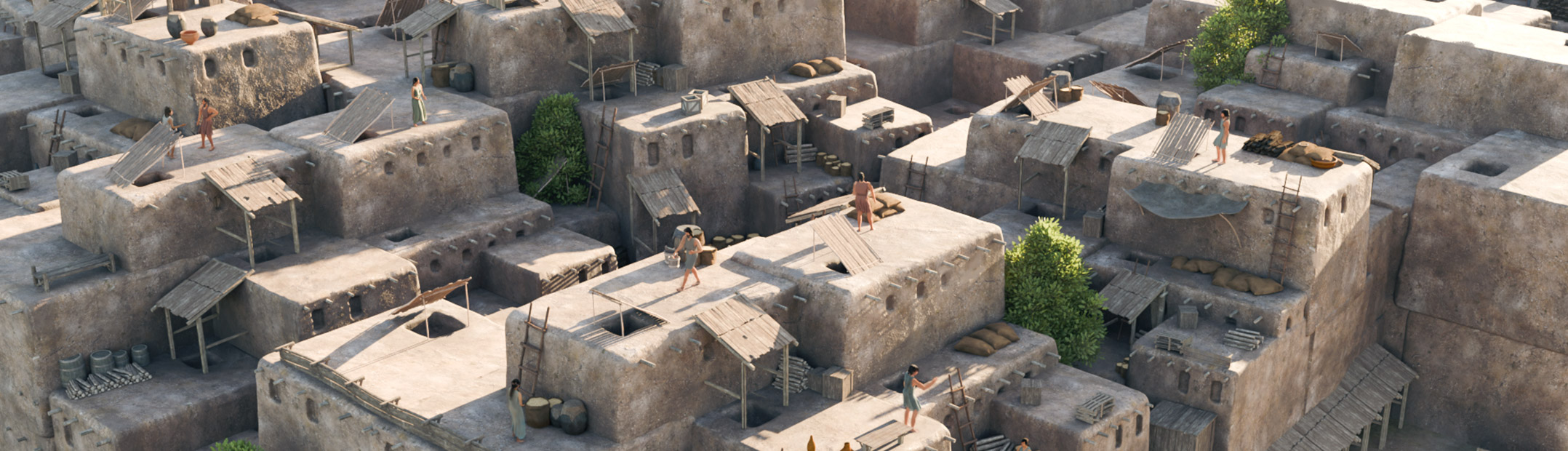

A Light and Free Photogrammetry Workflow for Blender with COLMAP


Polyfjord shares a collection of tools to quickly convert video footage into a tracked pointcloud.
In this tutorial we’re exploring a fully automated workflow for 3D camera tracking using only free and open-source software! This technique uses the power of photogrammetry with COLMAP to create incredibly precise 3D tracks and point clouds from any video footage.
This tutorial covers the entire process from downloading the necessary tools (COLMAP, FFmpeg and a custom script I’ve put together) to importing the final animated camera and scene data directly into Blender.

I’ve tried tracking like 6 shots with these tools and I have yet to get one that actually tracks properly. Followed everything to a “T” btw. Could it be that this only works for wider shots that are already easy to track?