
Create a Manga Style Animation with Grease Pencil (BLAME! Edition)


Dive into creating Manga-style NPR rendering with this super extensive and free tutorial series by Harry Helps.
Hello Everyone!
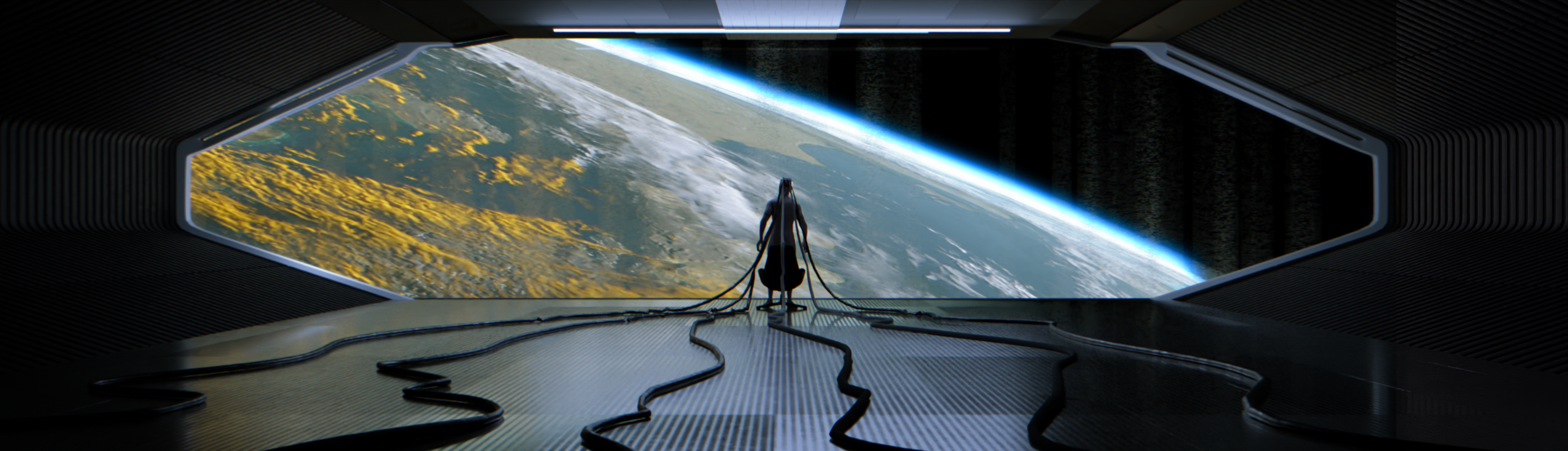
In this comprehensive tutorial, we’ll create a subtle looping animation of a manga style environment in Blender! We’ll be using a panel from the manga “BLAME!” as our reference!
We’ll start with a ready-made starter file and design custom materials to give it a manga aesthetic. Then, using the grease pencil tool, we’ll draw hand-crafted elements directly into the scene. To enhance the manga aesthetic, we’ll apply compositing overlays that give it the feel of a manga page. In the final step, we’ll animate the camera and export the finished piece as both a video and an animated GIF!
I hope you enjoy the tutorial!
See the full 17-part playlist here: