
Quick Tip: Text Inside a Circle

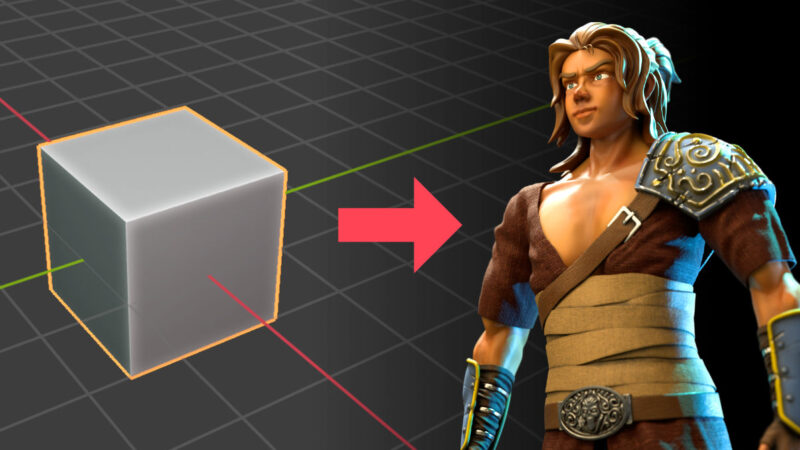
Learn a useful trick with Blender’s Pen tool with this new tutorial by John R. Nyquist.
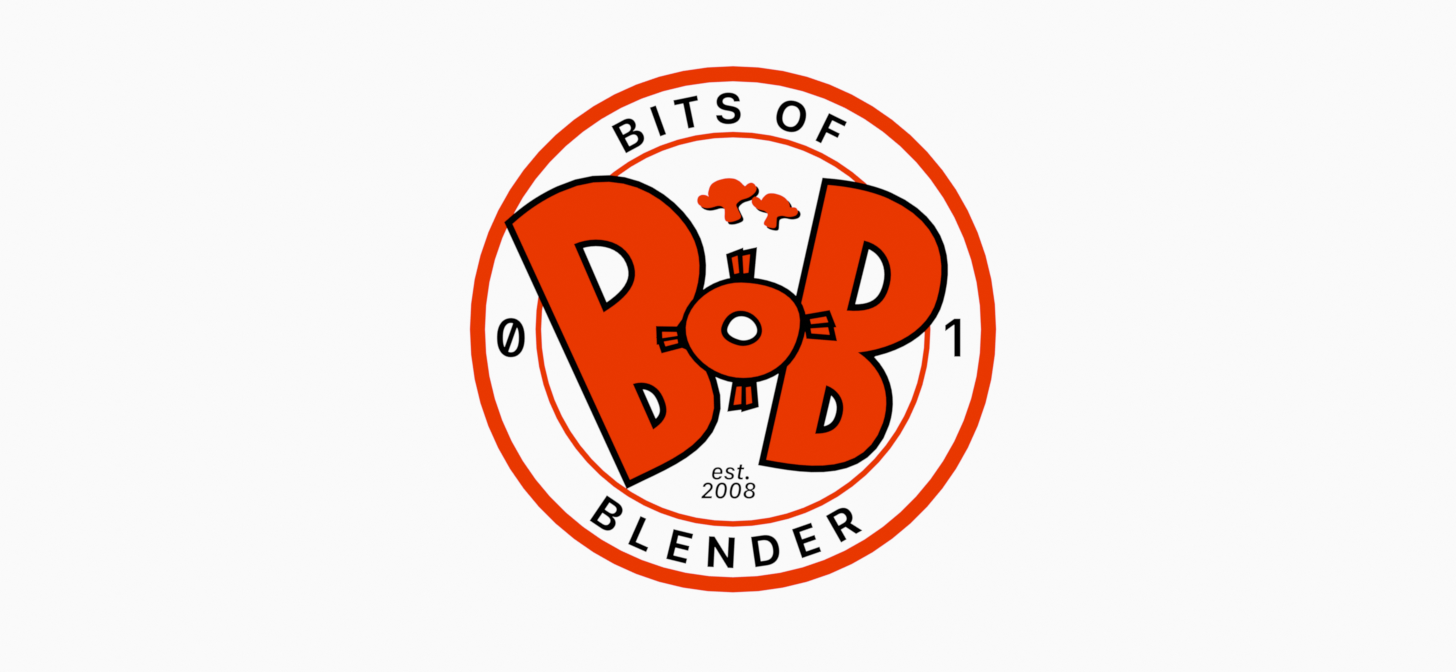
For the new Bits of Blender logo (my series of quick tips and tutorials for the Blender community), I used Blender 4.4 to create the 2D art. I began with thumbnails using the Grease Pencil. For the final artwork, I switched to Blender’s Curve object. The Curve edit mode’s Pen tool, introduced a few years ago, should feel familiar to anyone who’s used vector drawing tools like Illustrator.
The logo’s circular design features text wrapped around the outside of a bezier circle and the inside of another. Getting the text to align inside the circle had me stuck for a moment. I realized it was a matter of scaling the circle on the negative Y axis, which is not something you’d do in Adobe Illustrator! I created a one-minute Bit tutorial to share the solution.
Let me know what you think of the new logo, and/or share your own tips for working with Blender’s Curve tools!