
Behind the Scenes: Bird in Nature

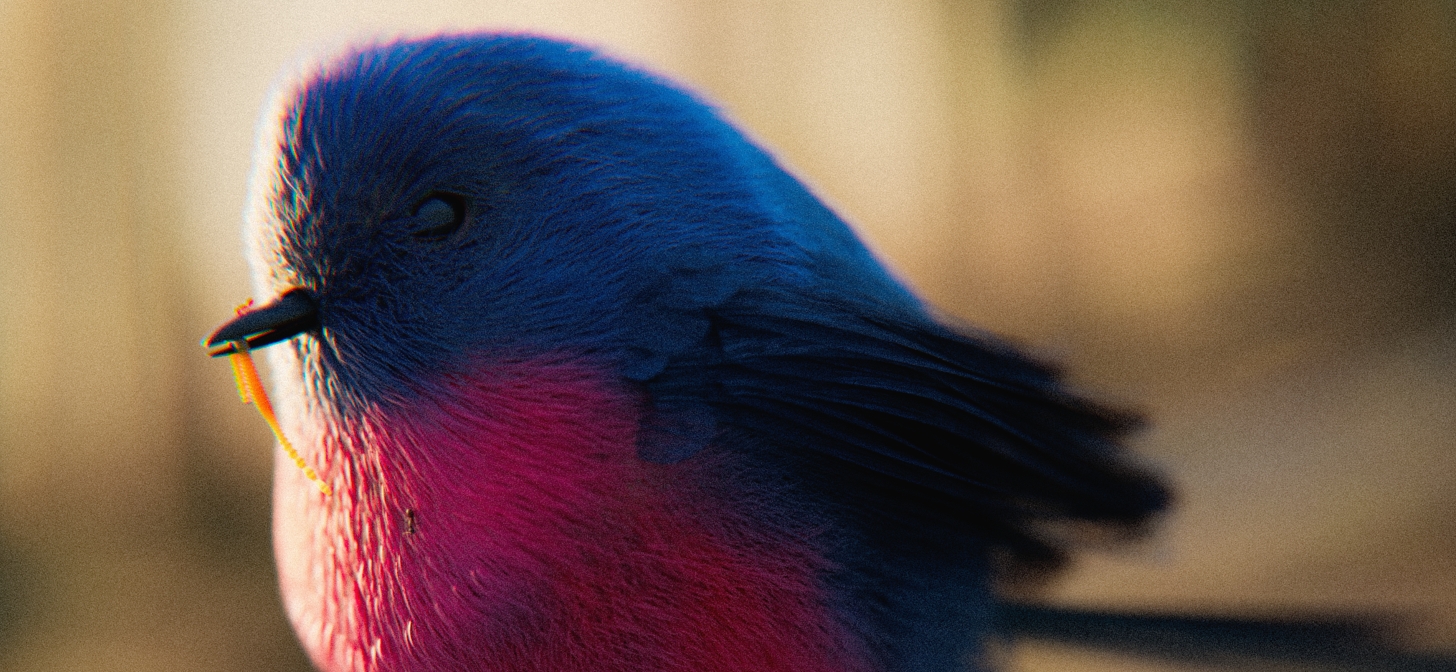
Dive into the creative journey of Rodolpho Rodrigues as he transforms everyday inspiration into a realistic 3D bird, using Blender’s particle system, procedural textures, and beautiful lighting to bring his vision to life.
INTRODUCTION
Hello, my name is Rodolpho Rodrigues. I was born and raised in the city of Anápolis-GO, Brazil. I am a biologist by training, and I migrated to 3D in mid-2019. Since then, I have found 3D to be an escape valve—a way to express myself and bring to life everything that goes on in my head.
INSPIRATION
I usually do weekly studies based on things I see in my day-to-day life while walking around the city. One day, as I was arriving home, I noticed some birds playing on a power pole, and that inspired me to create a piece of art featuring a bird. At first, it was just a general theme, which I developed further throughout the process.
PROCESS
In these weekly studies, I try to make the simplest things look beautiful. I avoid using multiple software programs; I do all the 3D work in Blender.
- Polygonal modeling
- Procedural textures with mask painting in Blender and PBR texture
- Fur using the particle system
- Rendered in Cycles
References
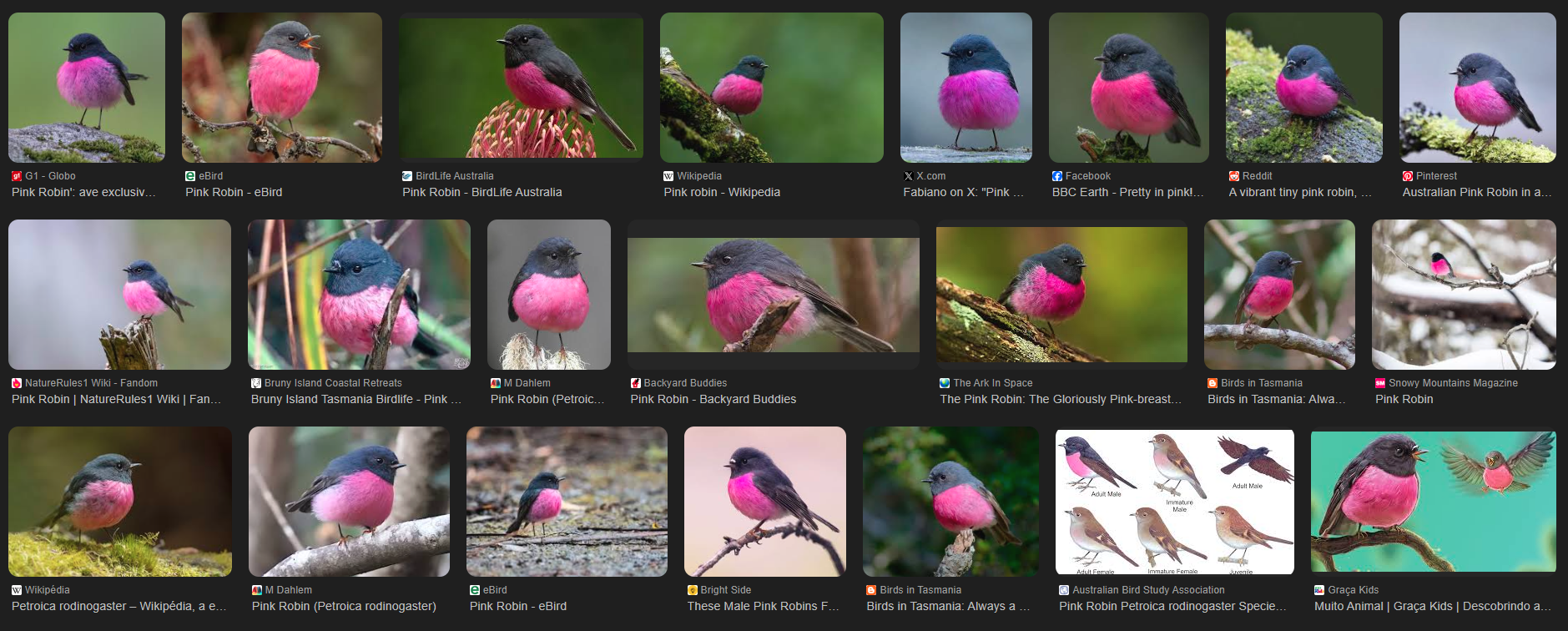
As references, I used photos of this bird:
The focus of this study was to create the bird using the particle system and to achieve beautiful lighting. For the modeling, I used the subdivision technique.
Modeling
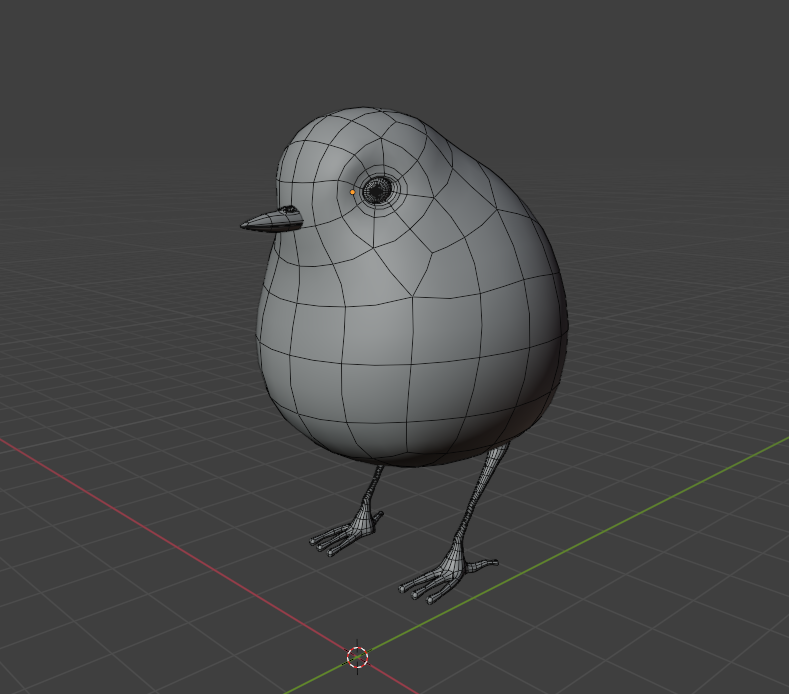
I started by making the base of the bird:
For the downy part of the body, I used the particle system with the concept of guide lines.
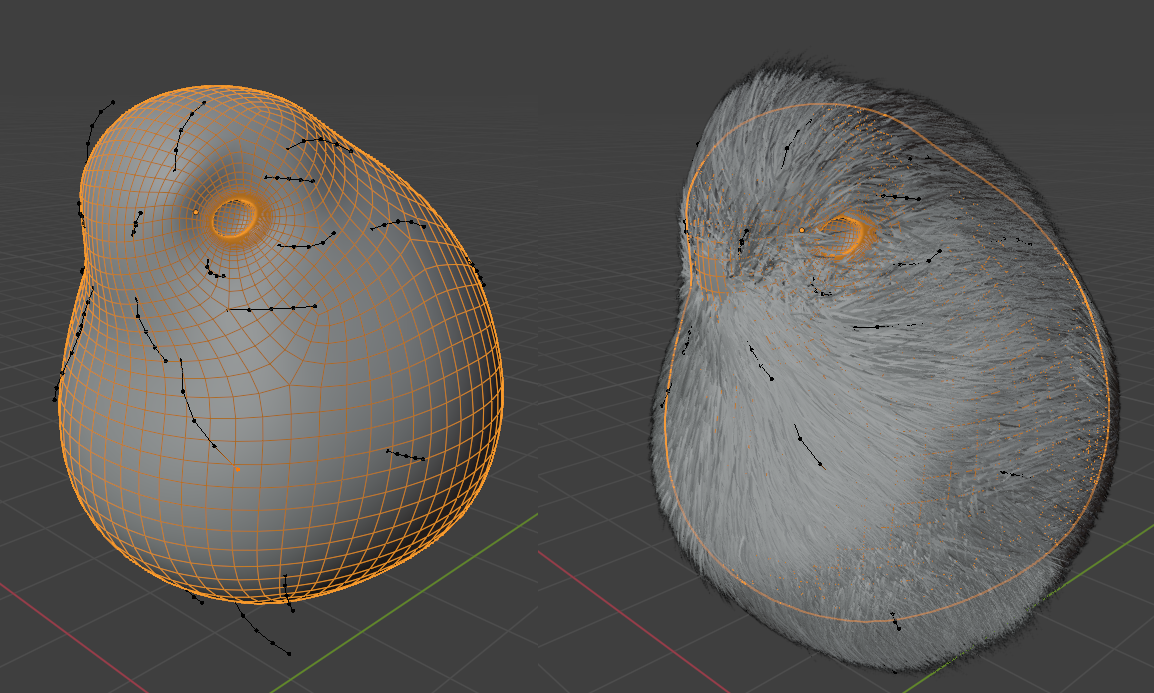
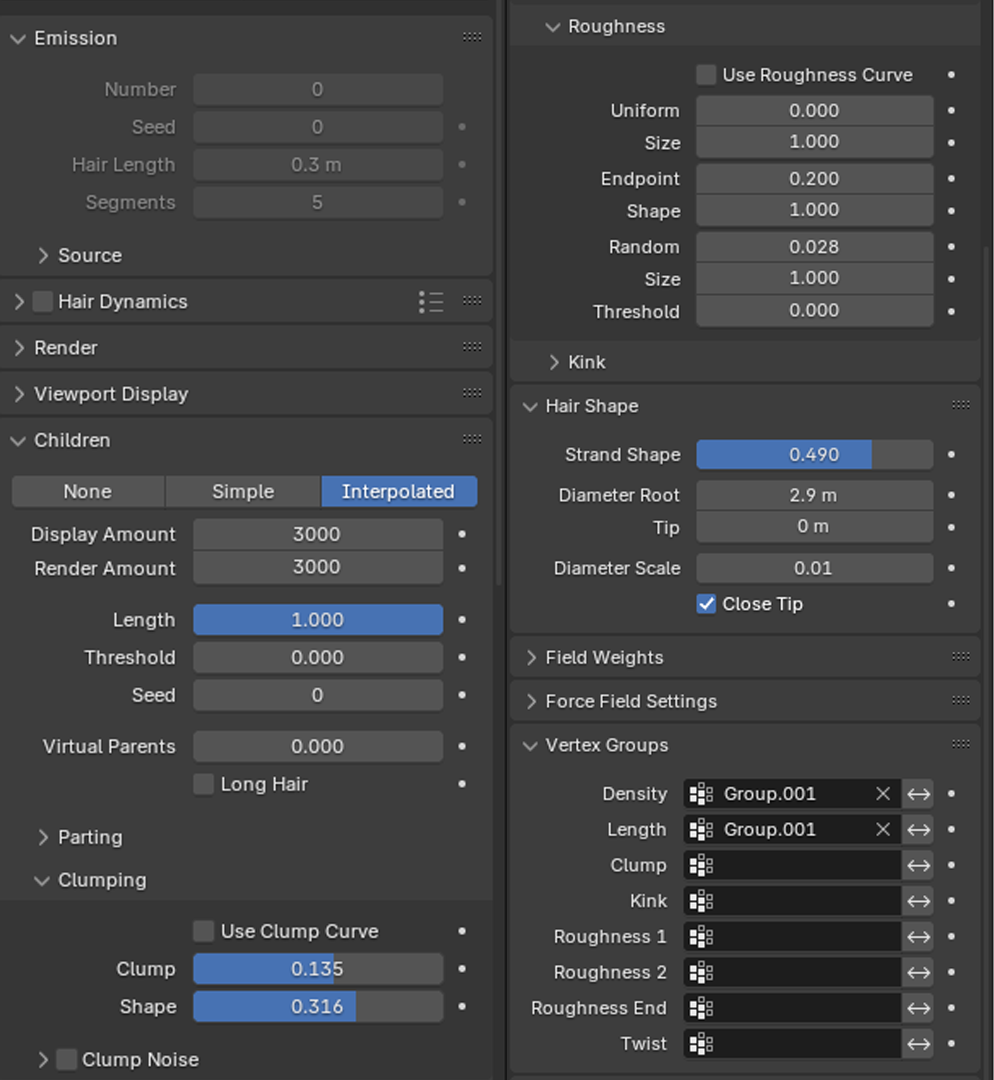
The hair configuration was as follows:
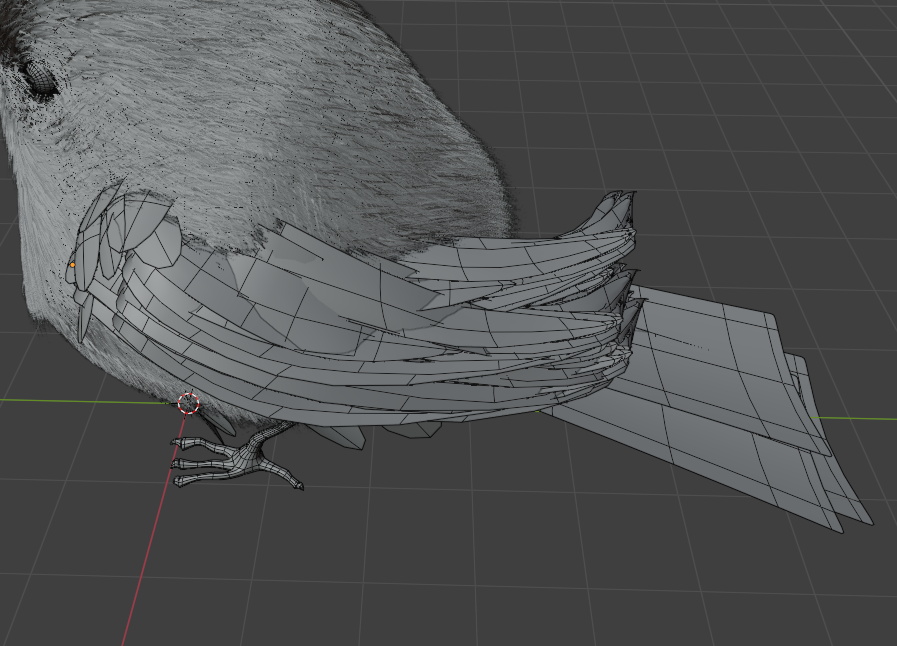
For the wing and tail feathers, I used the concept of “hair cards,” creating planes and then applying a texture to them.
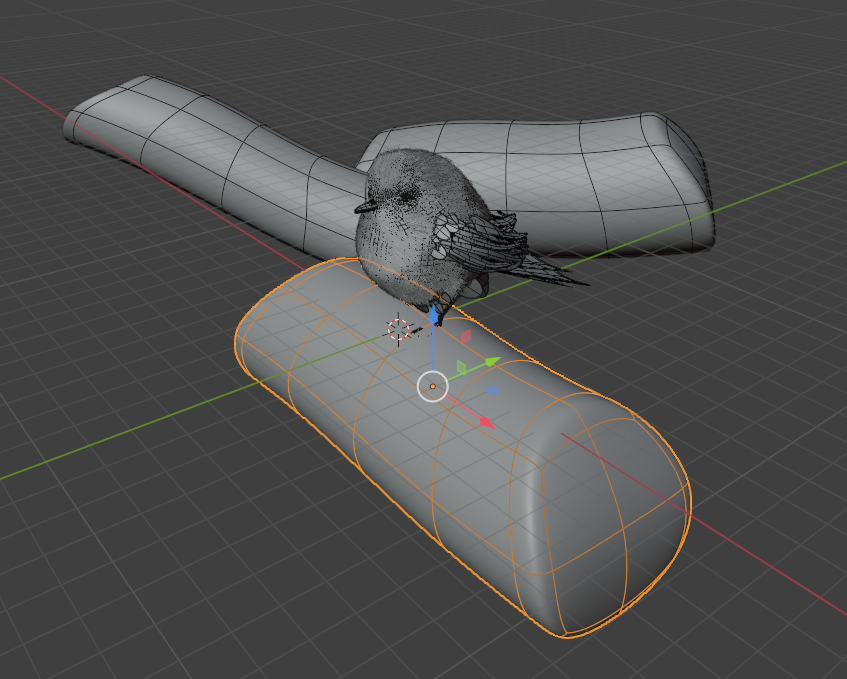
For the trunks, I used a low-density mesh with subdivision set to level 6, since I planned to use a PBR texture.
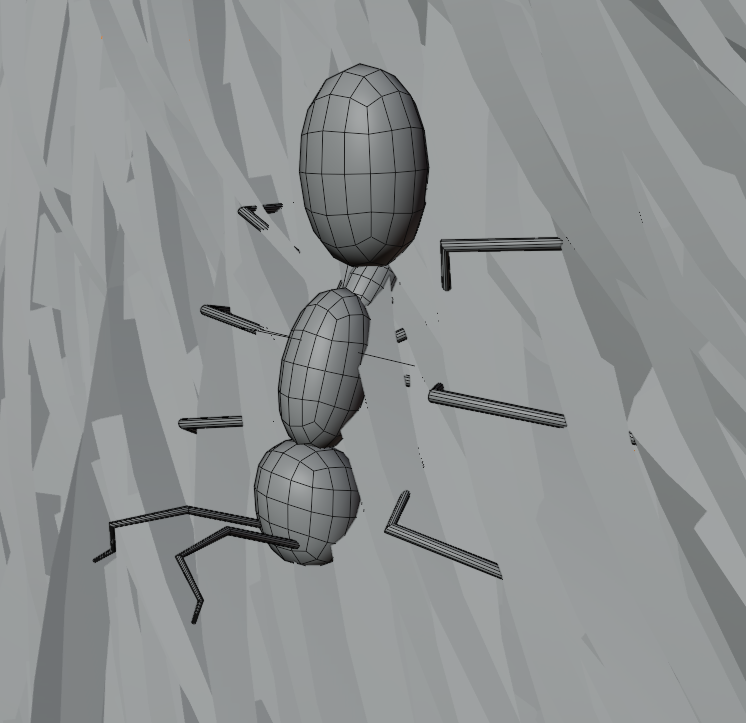
For the ant, I made it using basic shapes:
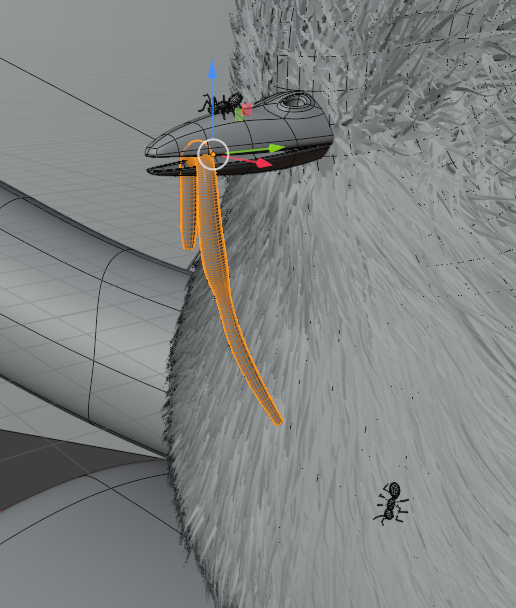
For the worm, I made it using curves:
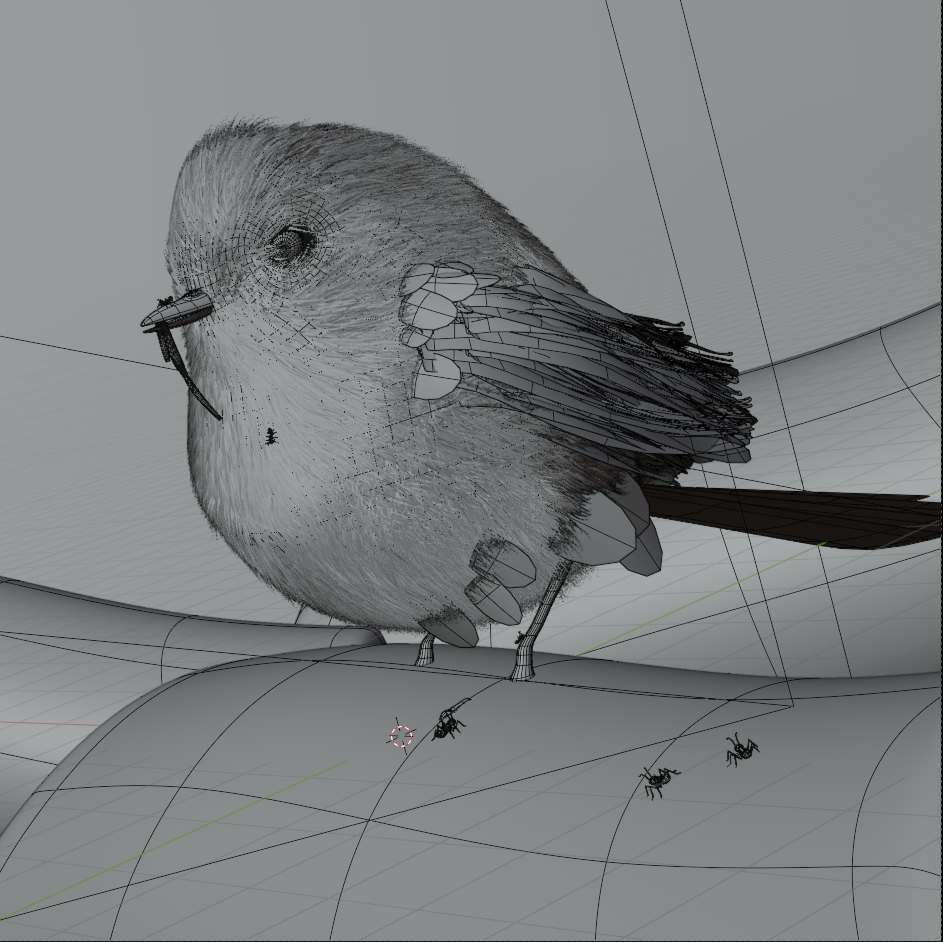
Shader
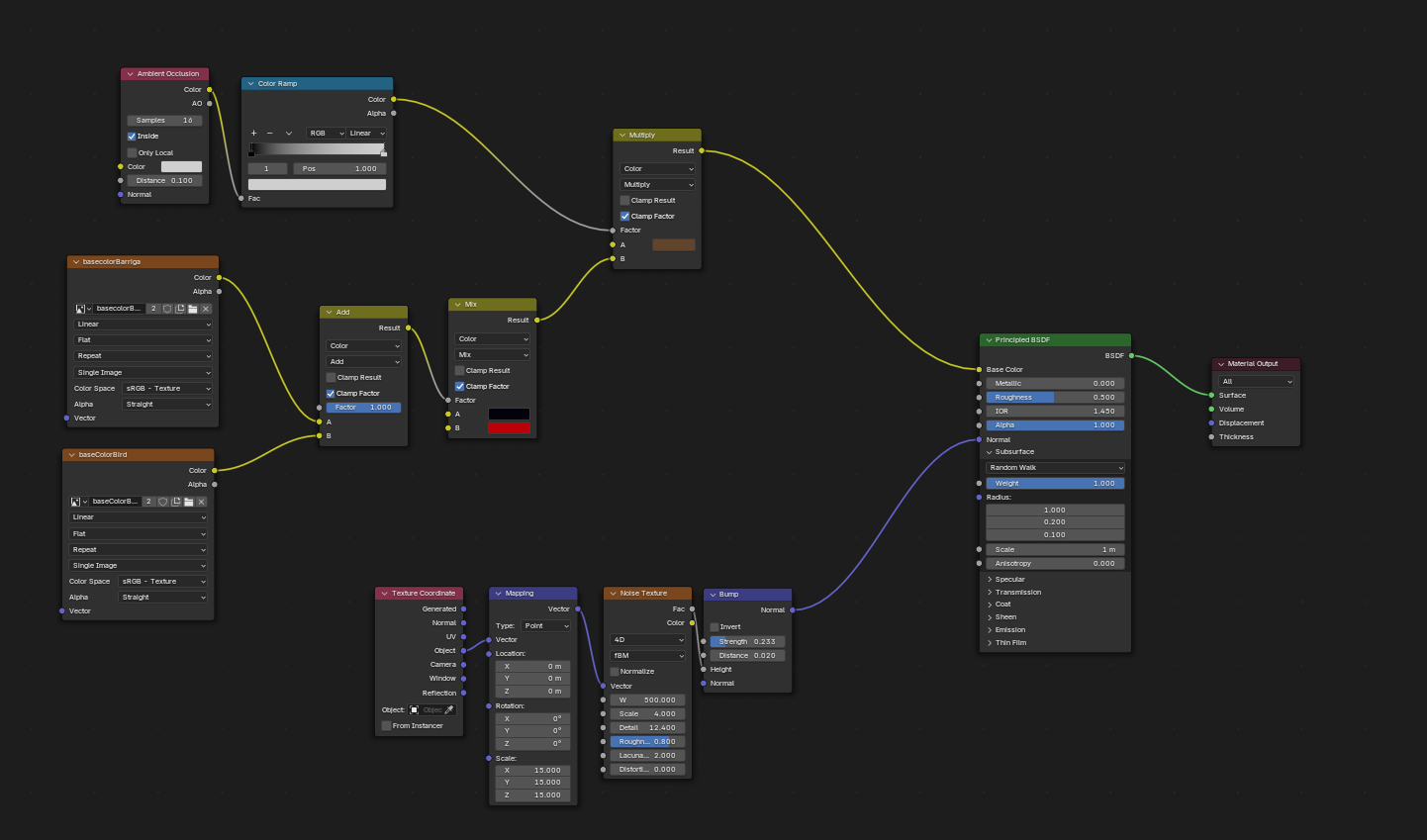
For the shaders, I combined mask painting with procedural textures.
Body shader:
Body feather shader:
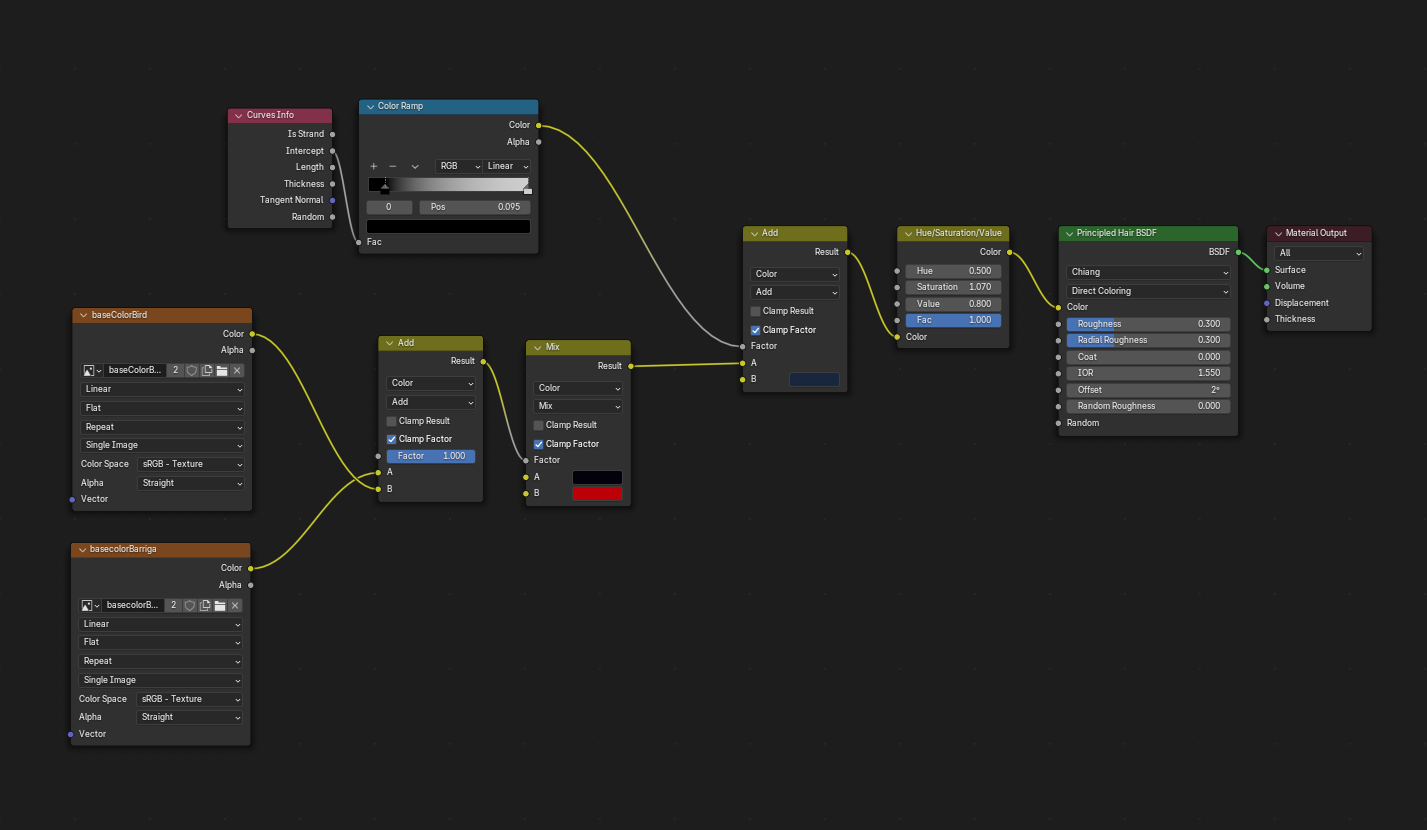
Wing and tail feather shader:
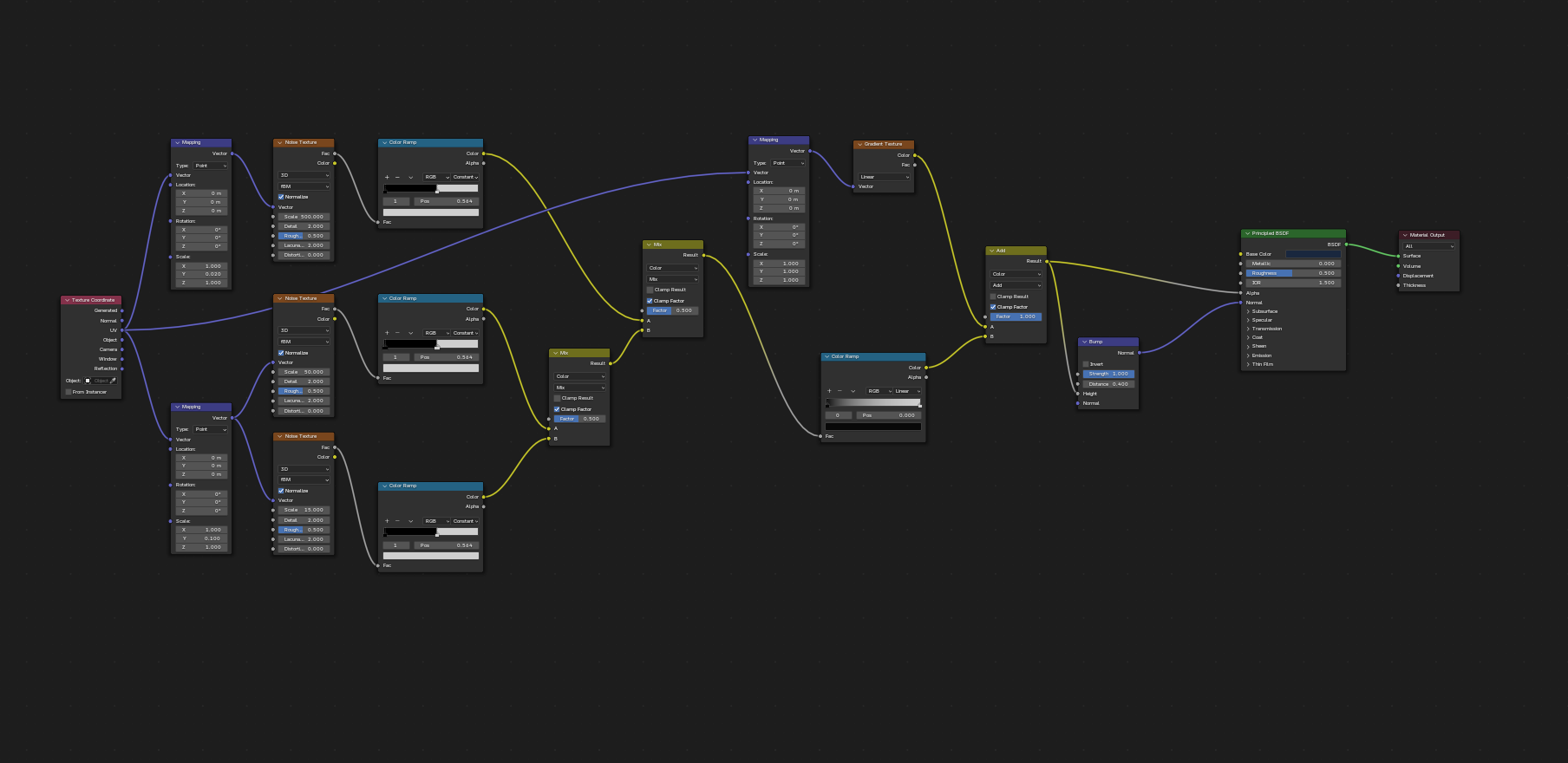
Trunk shader:
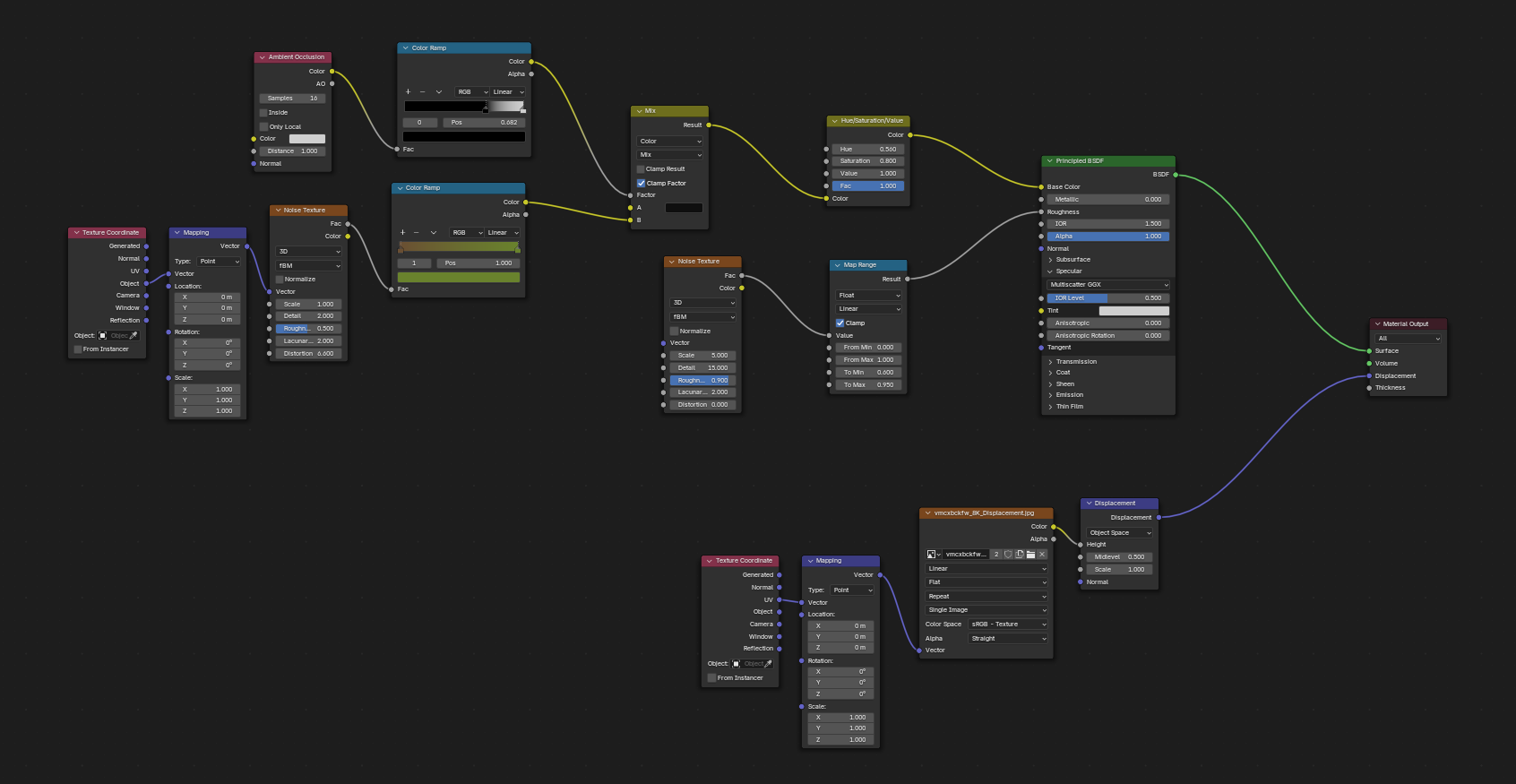
Worm shader in the beak:
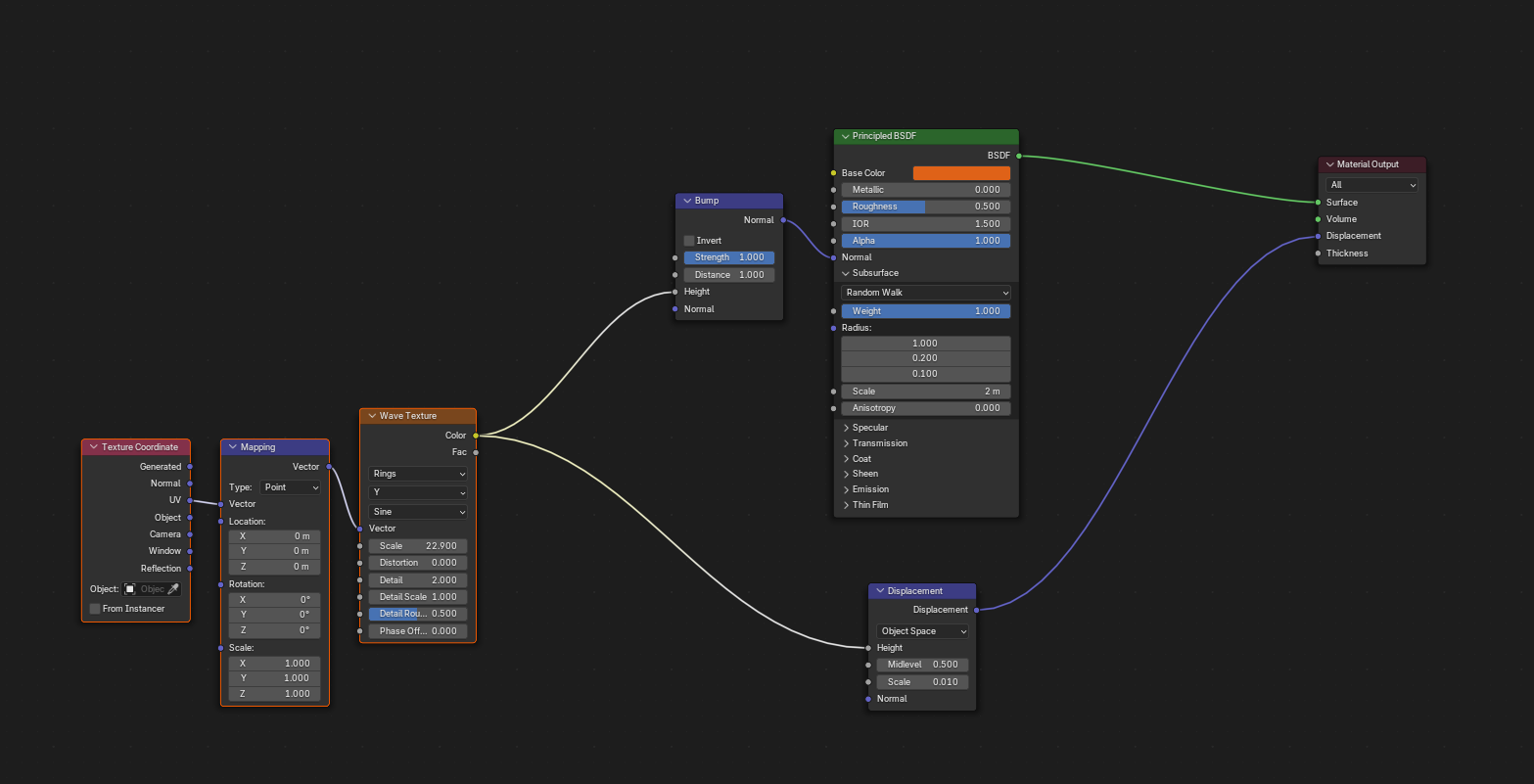
Ant shader:
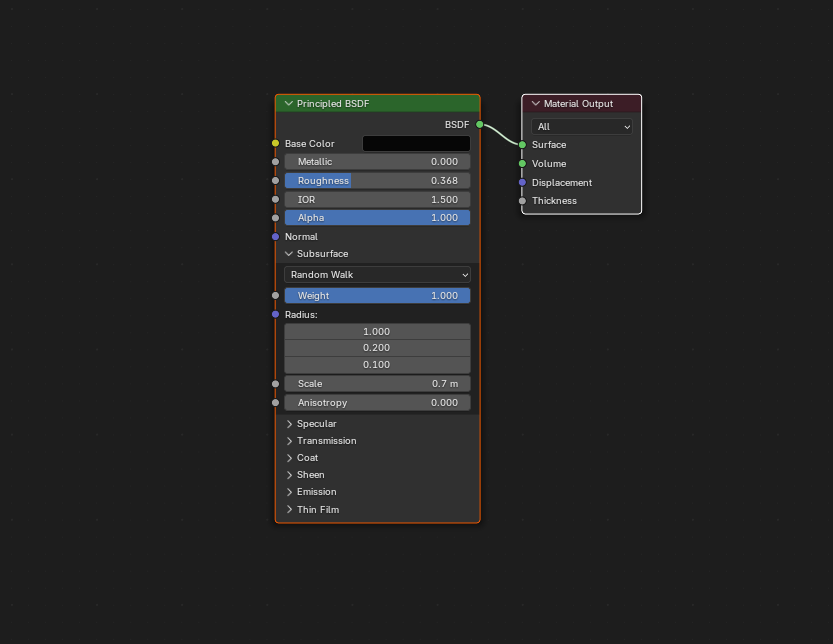
Lighting
For the lighting, I used two area lights and a procedural texture for the world light.
Key light:
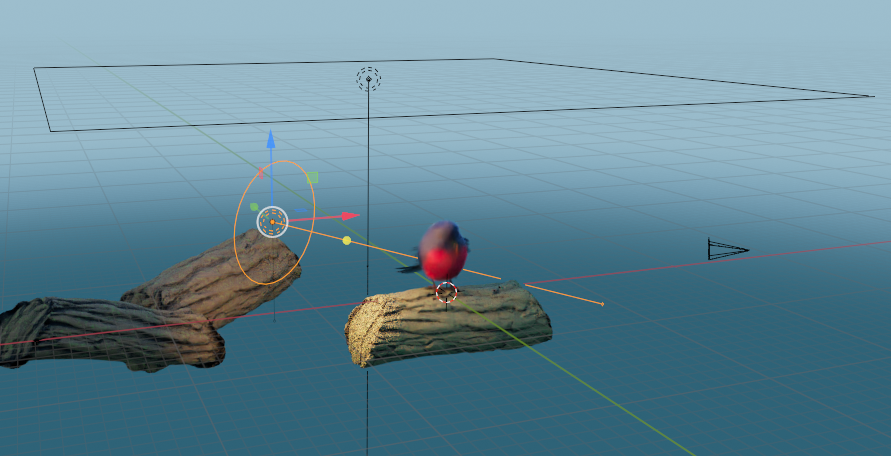
Fill light:
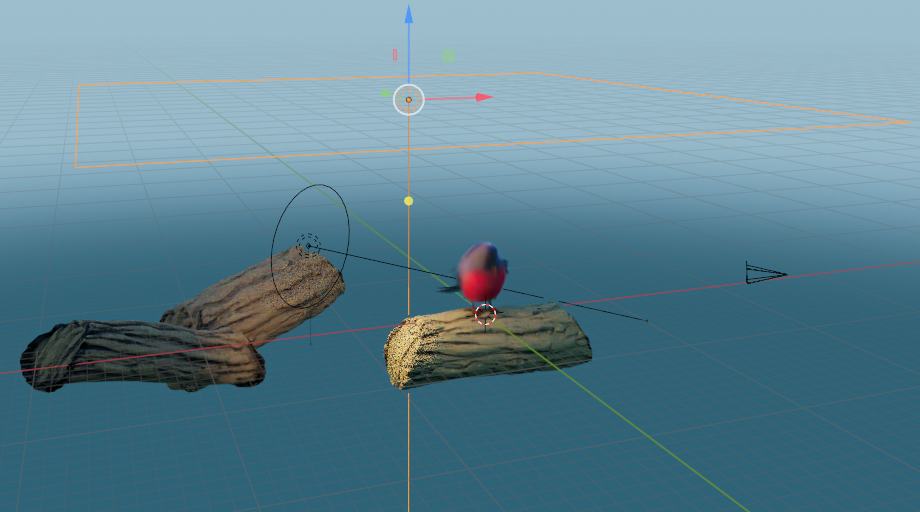
Light of the world:
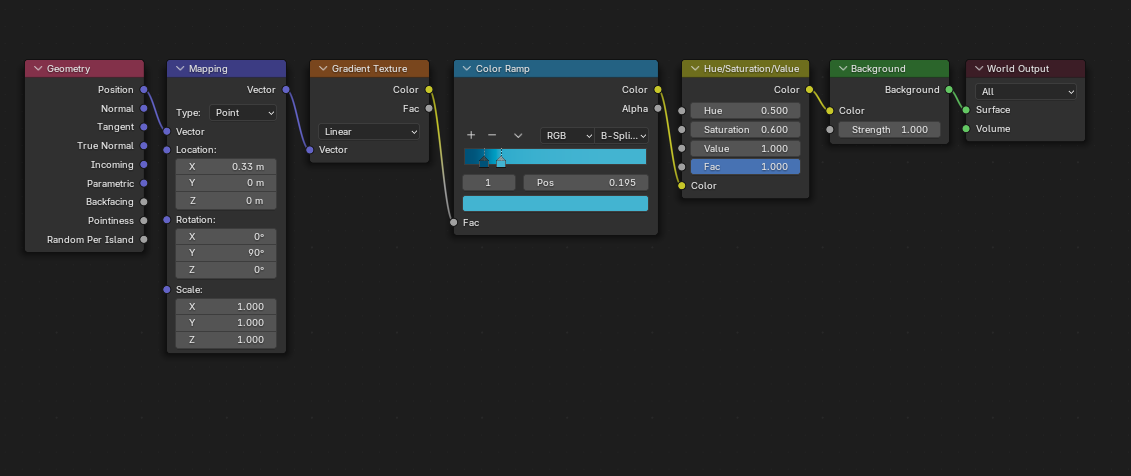
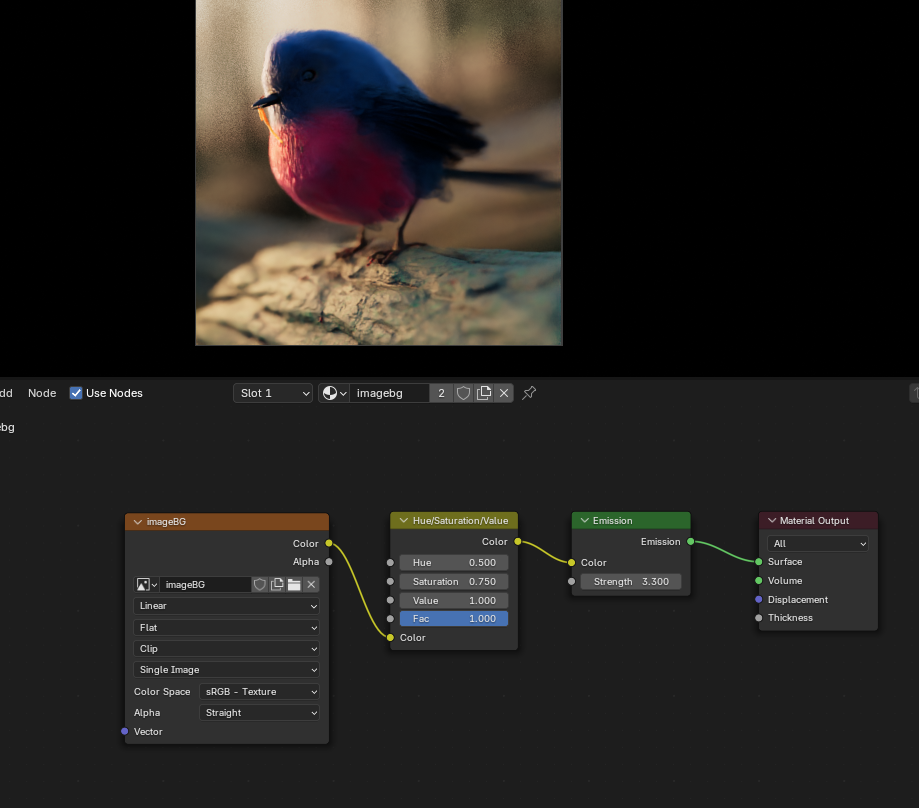
Finally, I used an image to improve the ambiance of the background.
Camera
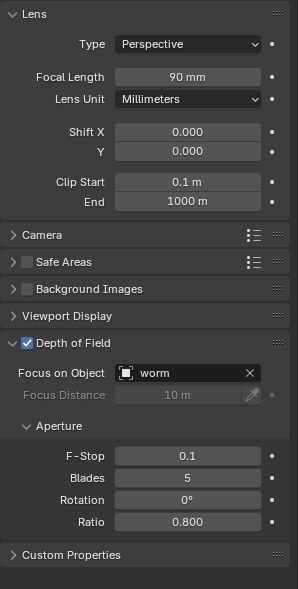
The camera settings I used were these:
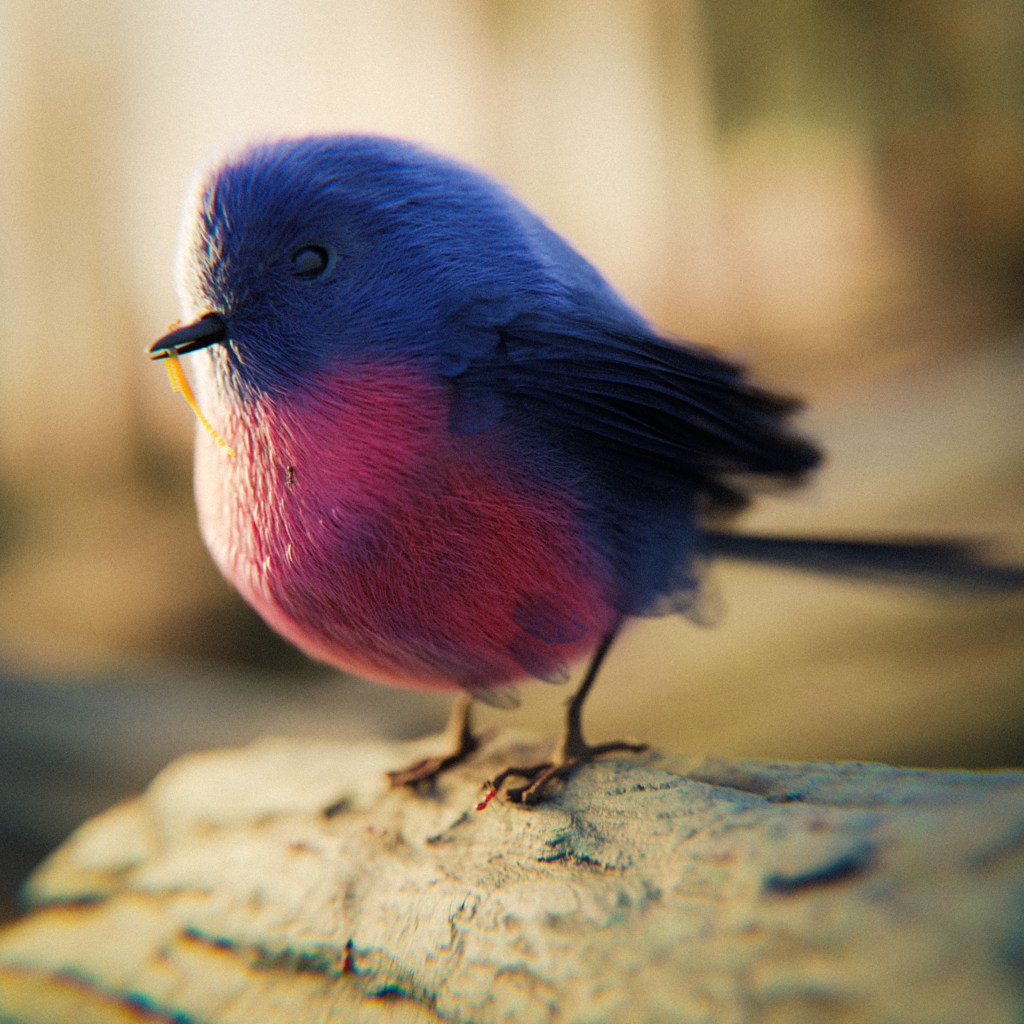
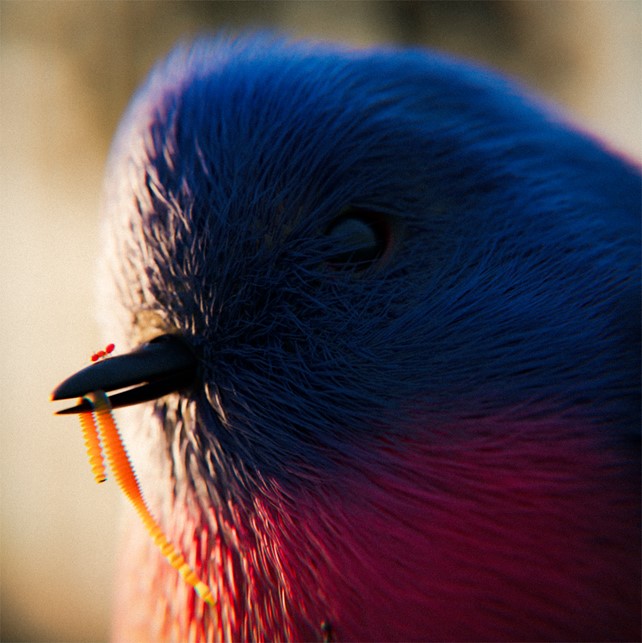
RENDER: Bird in Nature
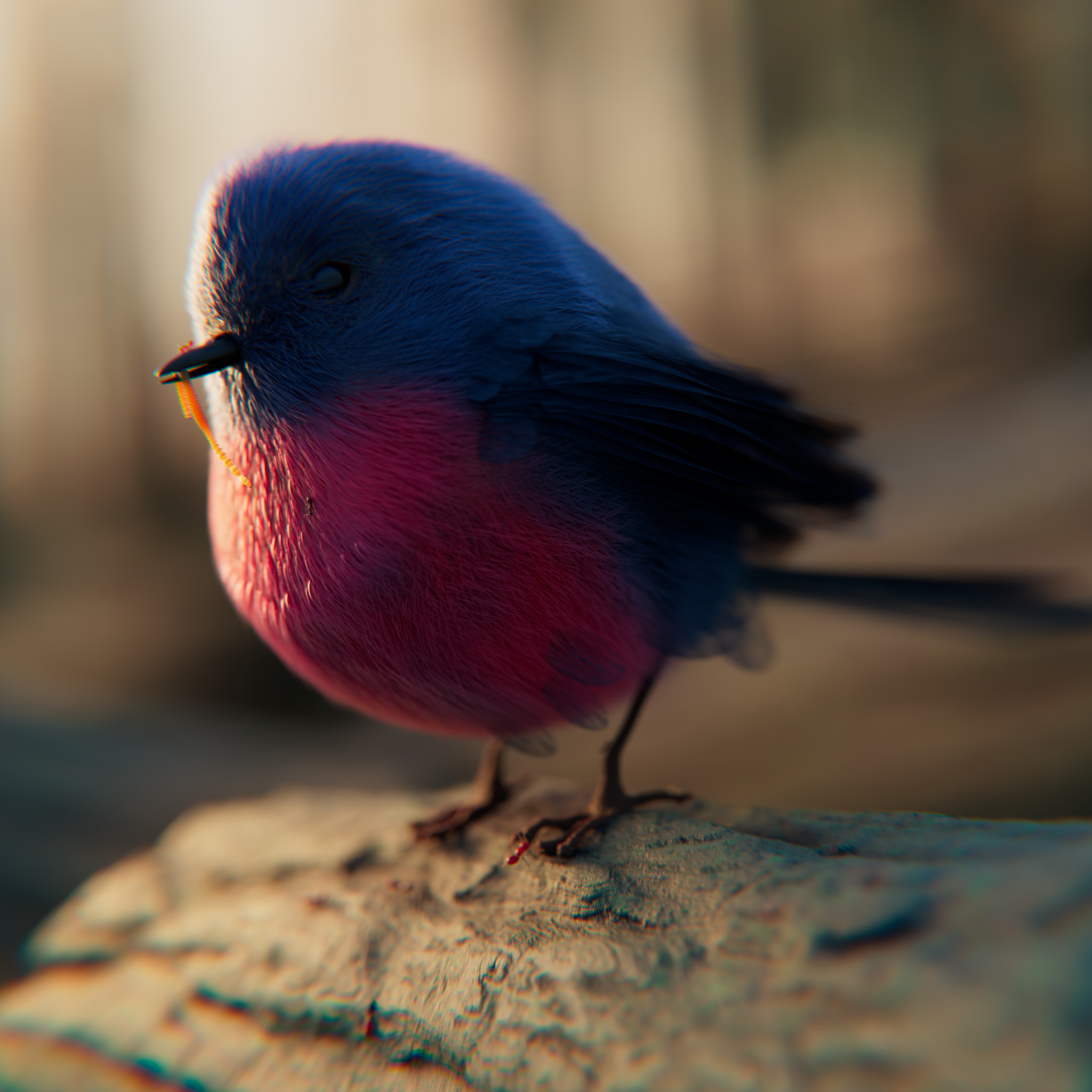
Final render with post-processing done in Photoshop using Camera Raw.
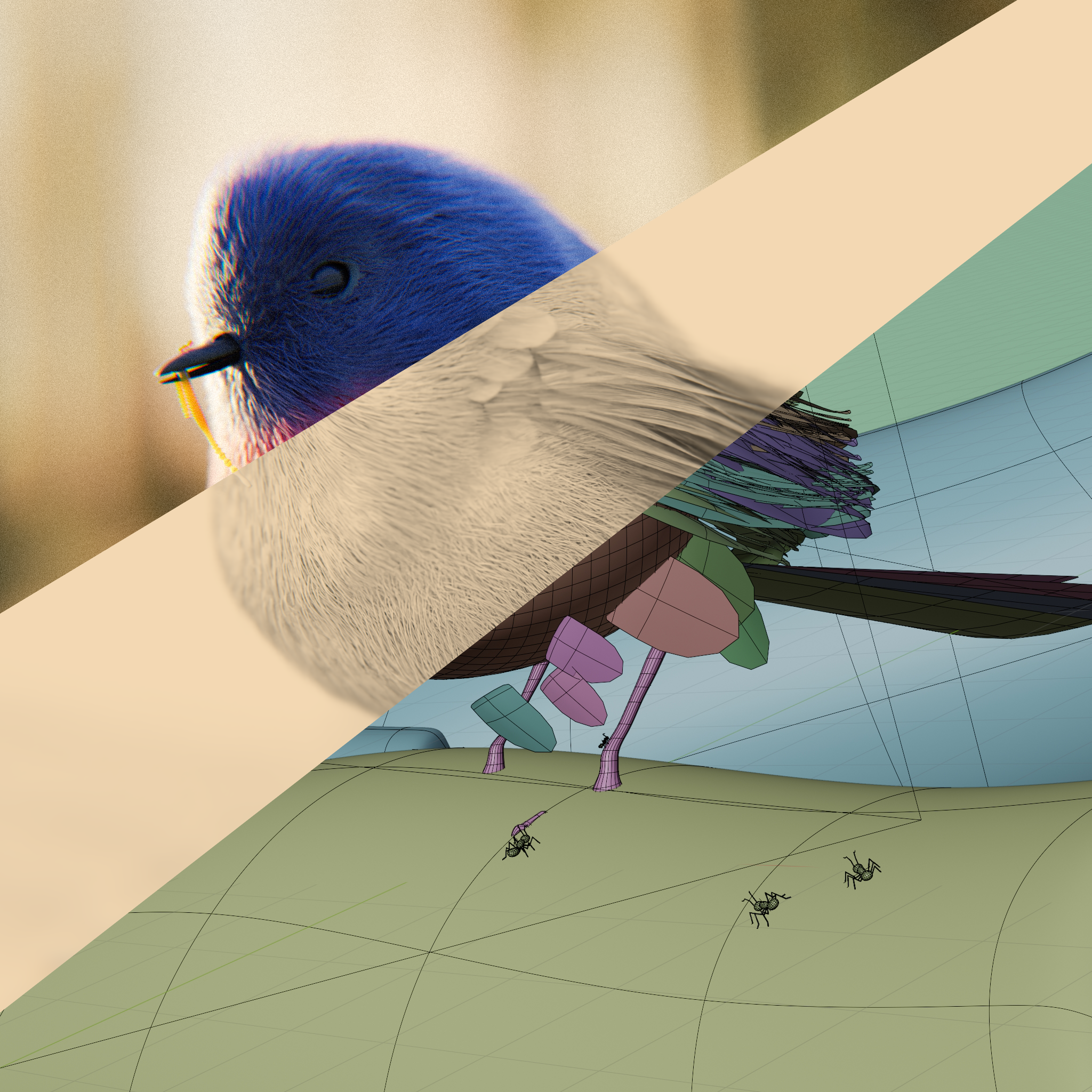
Render without post:
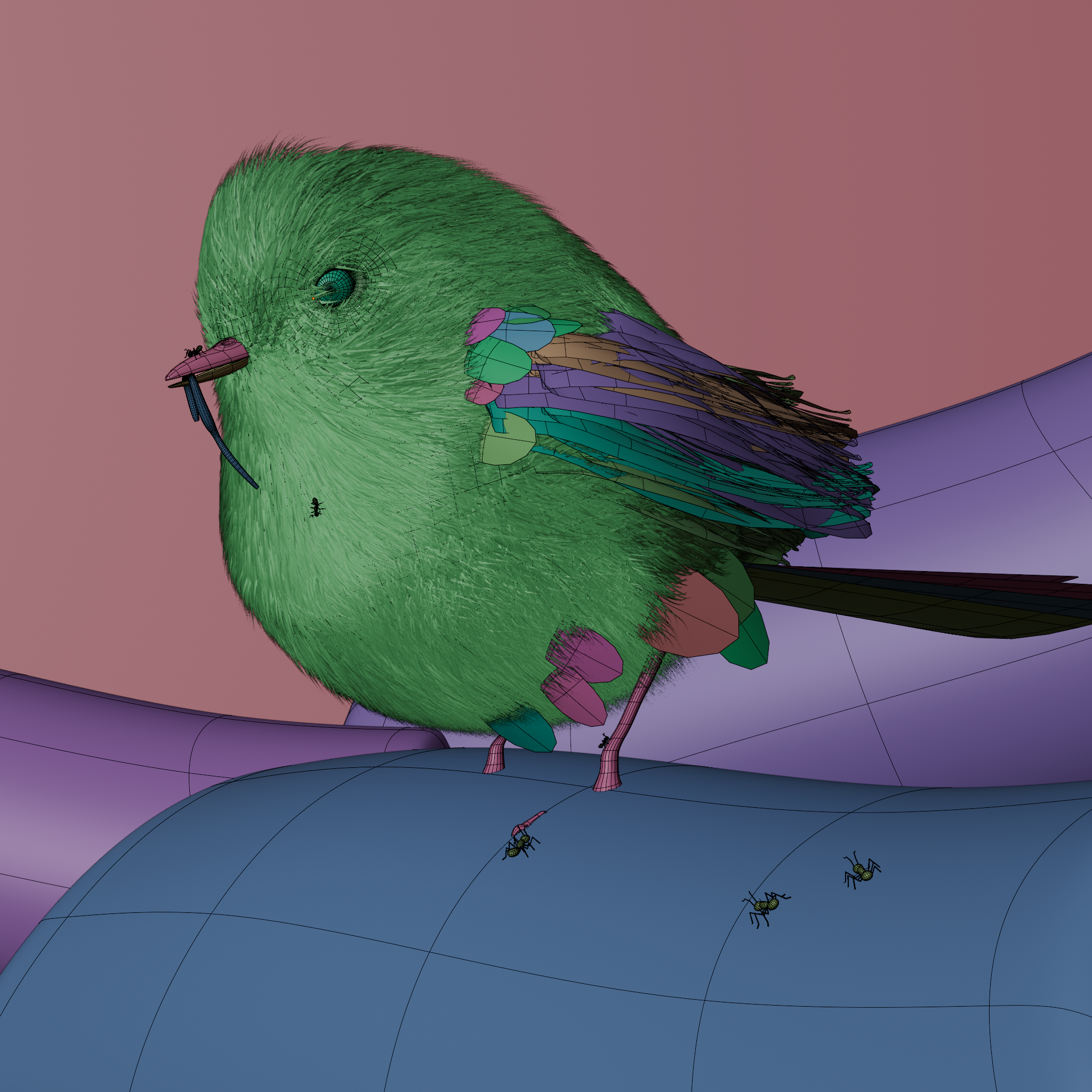
Viewport:
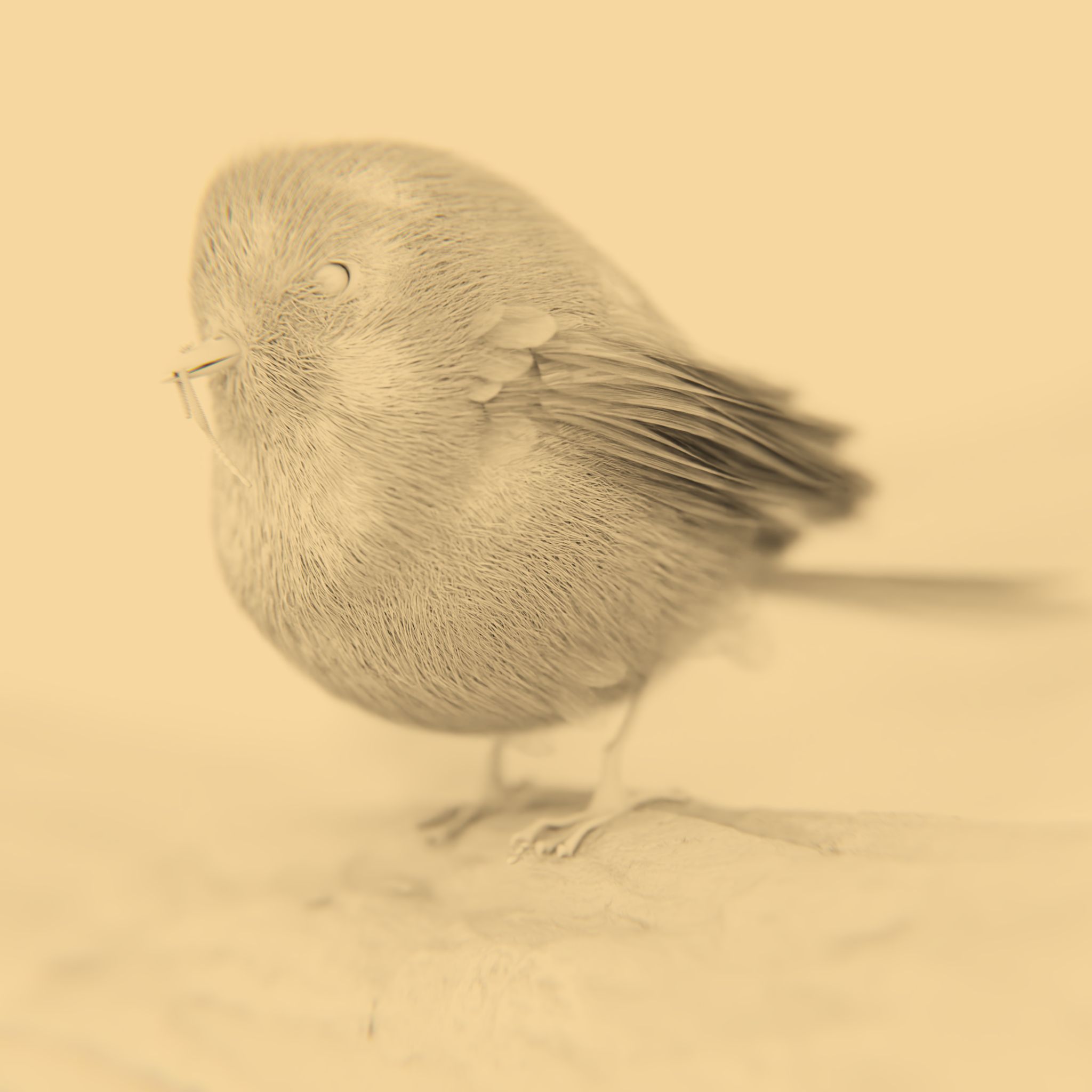
AO:
Thank you for reading! If you have any questions or feedback, please don’t hesitate to share your thoughts. Have a nice day!
About the Artist
Rodolpho Rodrigues is a 3D artist from Brazil. He currently works as a 3D Environment and Prop Artist at Miralumo Films, a Brazilian animation studio.


really nice work