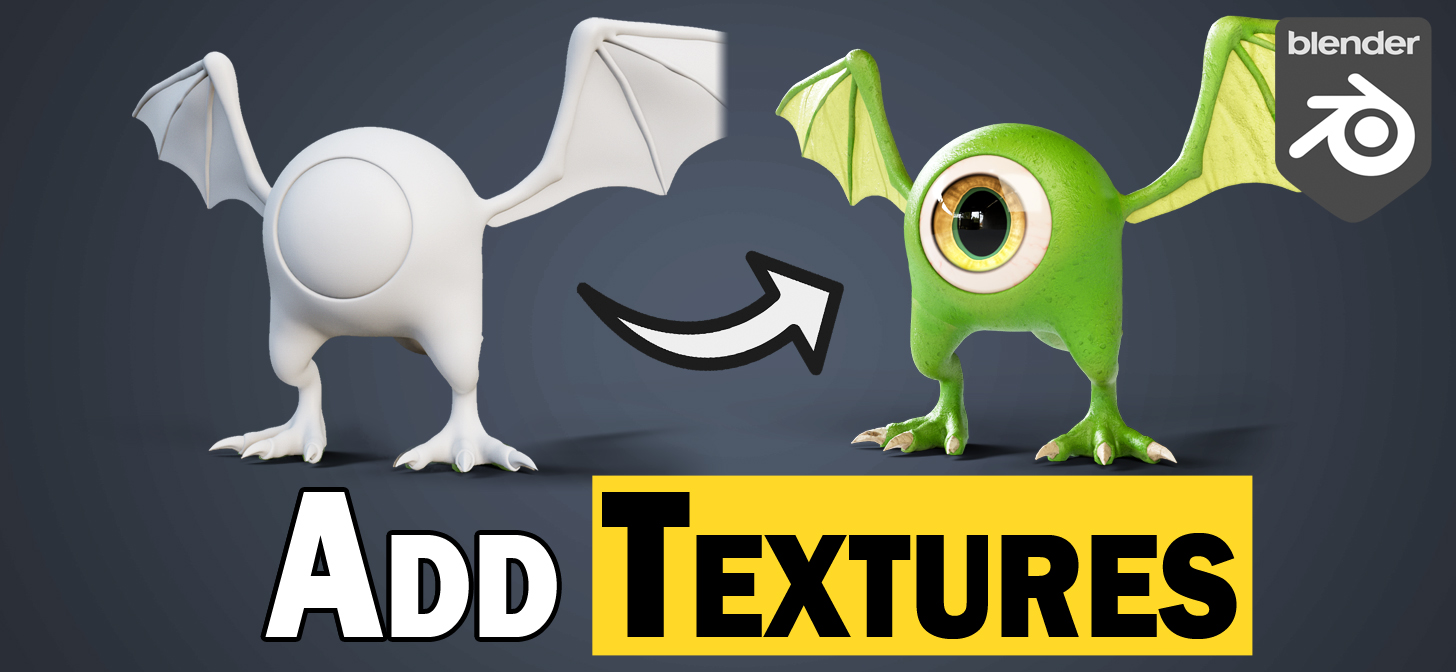
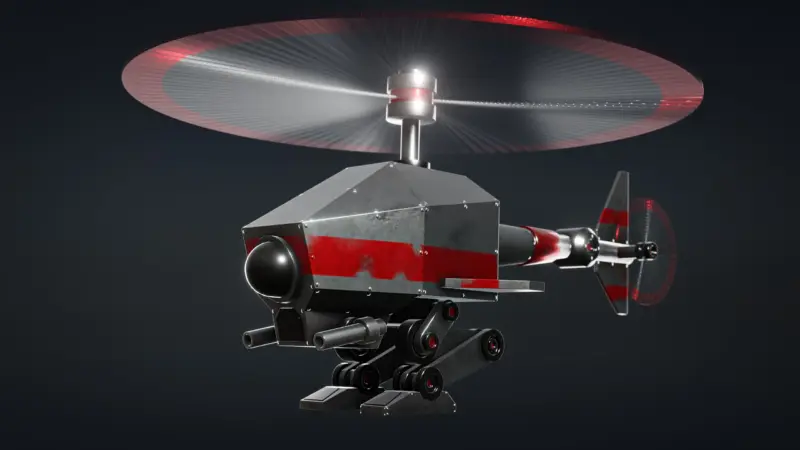
Jamie Dunbar is the founder of Dragonboots Studios - a 3D animation company based in Australia. They predominantly work with the Texas Children's Hospital in America, creating educational animations to teach children about heart disease procedures.
Jamie has over 10 years of character design experience. He converted to Blender over three years ago and Dragonboots Studios now uses a combination of Maya and Blender.