

Blender 4.3 Released: Check Out These Standout Features


The third release in Blender’s groundbreaking 4.x series has arrived, marking another significant milestone in Blender’s evolution. Blender 4.3 brings one of the most ambitious overhauls we’ve seen, completely reimagining Grease Pencil while introducing substantial improvements across the board. This release not only consolidates the innovative strides made in 4.0 but pushes Blender’s capabilities even further with refined workflows and enhanced performance.
Here’s a look at the key features (and then some) that stood out to us in this newest release, but it’s highly recommended to check out the release notes and the release overview for a full picture of all the awesome new features available now at our fingertips!
1. Grease Pencil: Reimagined & Reborn
The undoubted star of this release is the complete rewrite of Grease Pencil. This fundamental reimagining removes longstanding limitations while introducing a more robust architecture, setting the stage for future expansion. The results show in both performance and usability, marking a new chapter for Blender’s 2D animation toolbox. While this initial release was focused on feature parity, many improvements found their way in, as is tradition with Blender’s development.
A New Architecture
The rewrite delivers substantial improvements across the board:
- Multi-threaded operations for significantly improved performance
- File sizes reduced by 2.5x to 3.4x
- Layer groups for enhanced organization and control
- Brush management through intuitive asset libraries
- Direct stroke drawing without buffer limitations
- Enhanced eraser tool with precise stroke cutting
Built for the Future
While maintaining compatibility with existing files, the new architecture sets the foundation for expanded capabilities:
- Complete Geometry Nodes integration
- Comprehensive brush asset system with over 130 default brushes
- Streamlined file management for better project organization
Brush Revolution

The brush system has been completely overhauled with a focus on production efficiency, and Grease Pencil brushes are now a part of Blender’s brush asset library.
2. Geometry Nodes: For Each Element & More
Geometry Nodes continues its evolution with powerful new features that expand its procedural capabilities. The addition of the For Each Element zone opens up new possibilities for complex geometry manipulation, while Grease Pencil integration bridges the gap between 2D and 3D workflows.
For Each Element Zone
Using this zone is great for many use-cases that were impossible or very complex before
A significant addition to the procedural toolkit:
- Evaluate nodes for every point, face, or edge independently
- Join results into new geometries or attributes
- Enhanced control over procedural operations
- Optimized performance for complex operations
This feature is particularly valuable for creating detailed procedural effects, and unlocks the possibility of creating more efficient and much more advanced solvers and constraint handling for physics calculations, among other things.
Gizmos

Another long awaited feature made its debut in this release, Gizmos! They allow the controlling of Geometry Nodes values visually within the viewport, without having to go through the node output or even the modifier stack.
Grease Pencil Integration
The integration with Grease Pencil marks a revolutionary step forward for hybrid workflows:
https://x.com/_pepeland_/status/1856311786896490809
- Direct access to layers, curves, and control points
- Seamless conversion between Grease Pencil and curve data types
- Preserved attributes and materials during conversion
- Enhanced debugging capabilities with new naming system
3. Rendering & Shading Enhancements
The rendering pipeline continues to evolve with material and shading improvements, especially in metallics and volume scattering.
New Metallic BSDF
A dedicated node for metallic materials that bridges artistic control and physical accuracy:
- F82 Tint Conductor Fresnel approximation
- Full Conductor Fresnel with IOR and Extinction coefficients
- Improved accuracy for real-world metal materials
- Seamless compatibility between Cycles and EEVEE

Oren-Nayar Diffuse Roughness
The Oren-Nayar BSDF (used for Diffuse BSDF with non-zero roughness) now is energy-preserving and accounts for multiscattering.
The Principled BSDF now has a Diffuse Roughness input, which acts like the Roughness input on the Diffuse BSDF
New Volume Scattering Phase Functions
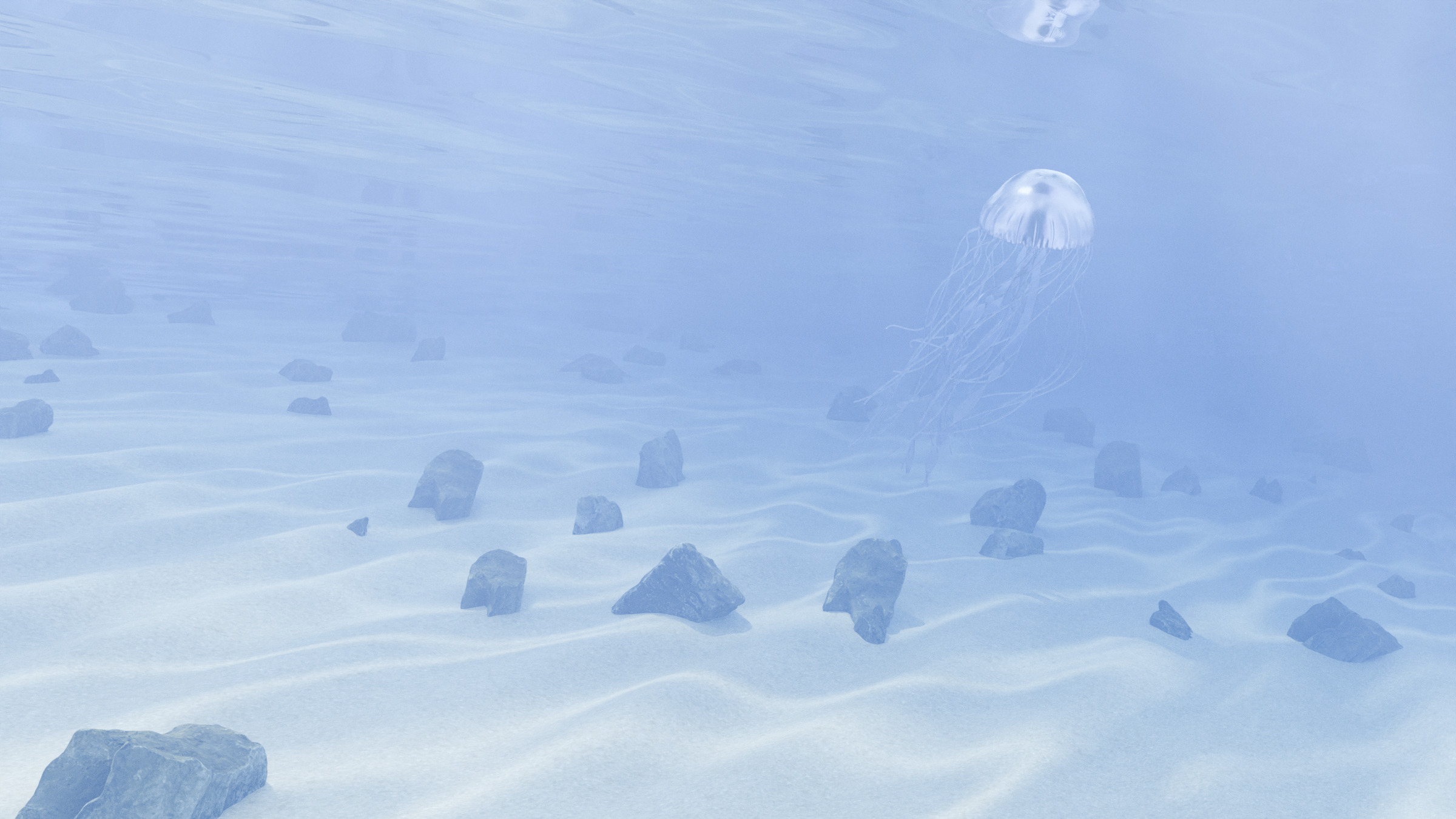
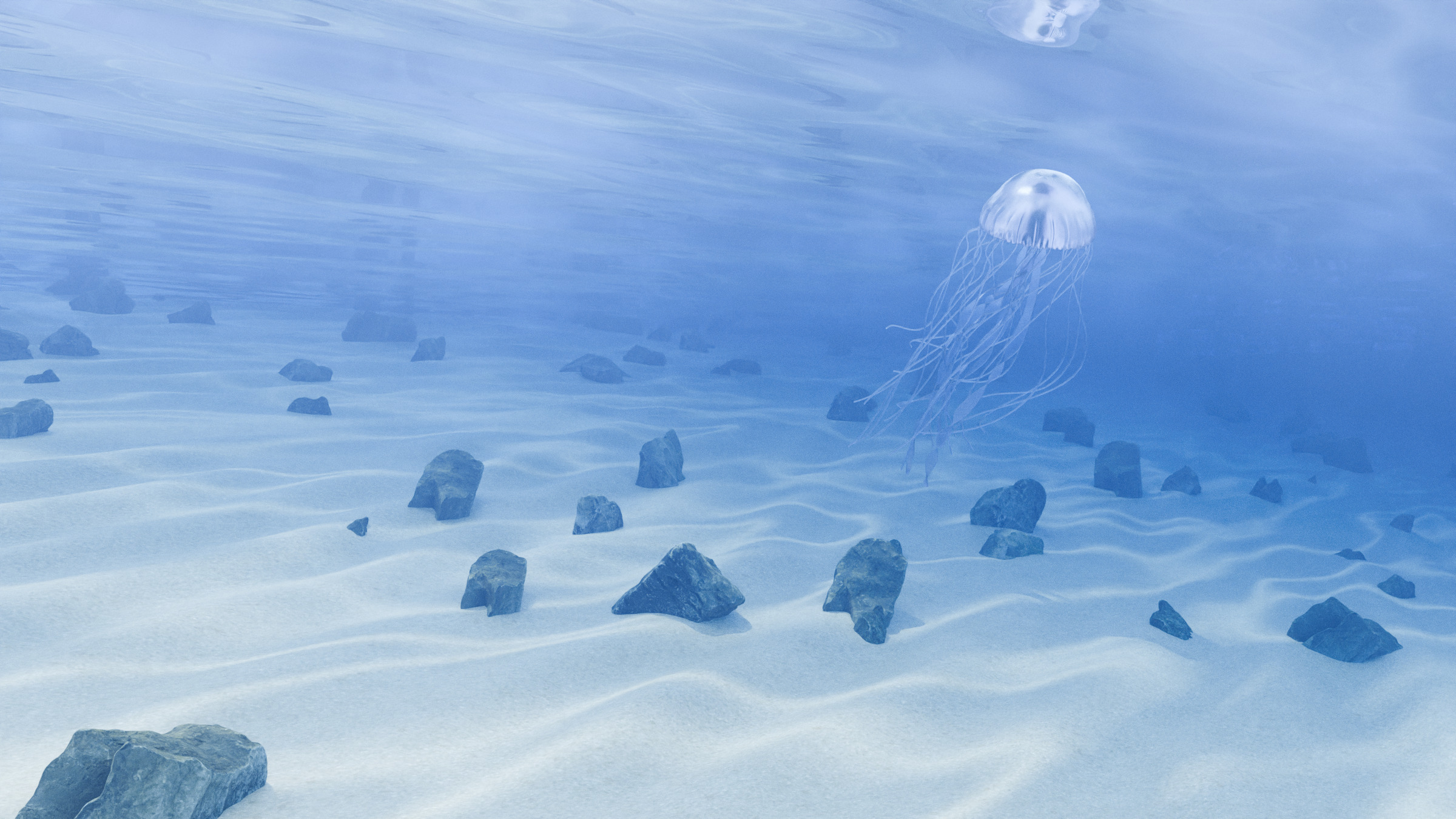
The Volume Scattering node now supports more phase functions in addition to Henyey-Greenstein, which make it much more versatile and better suited for more tasks.
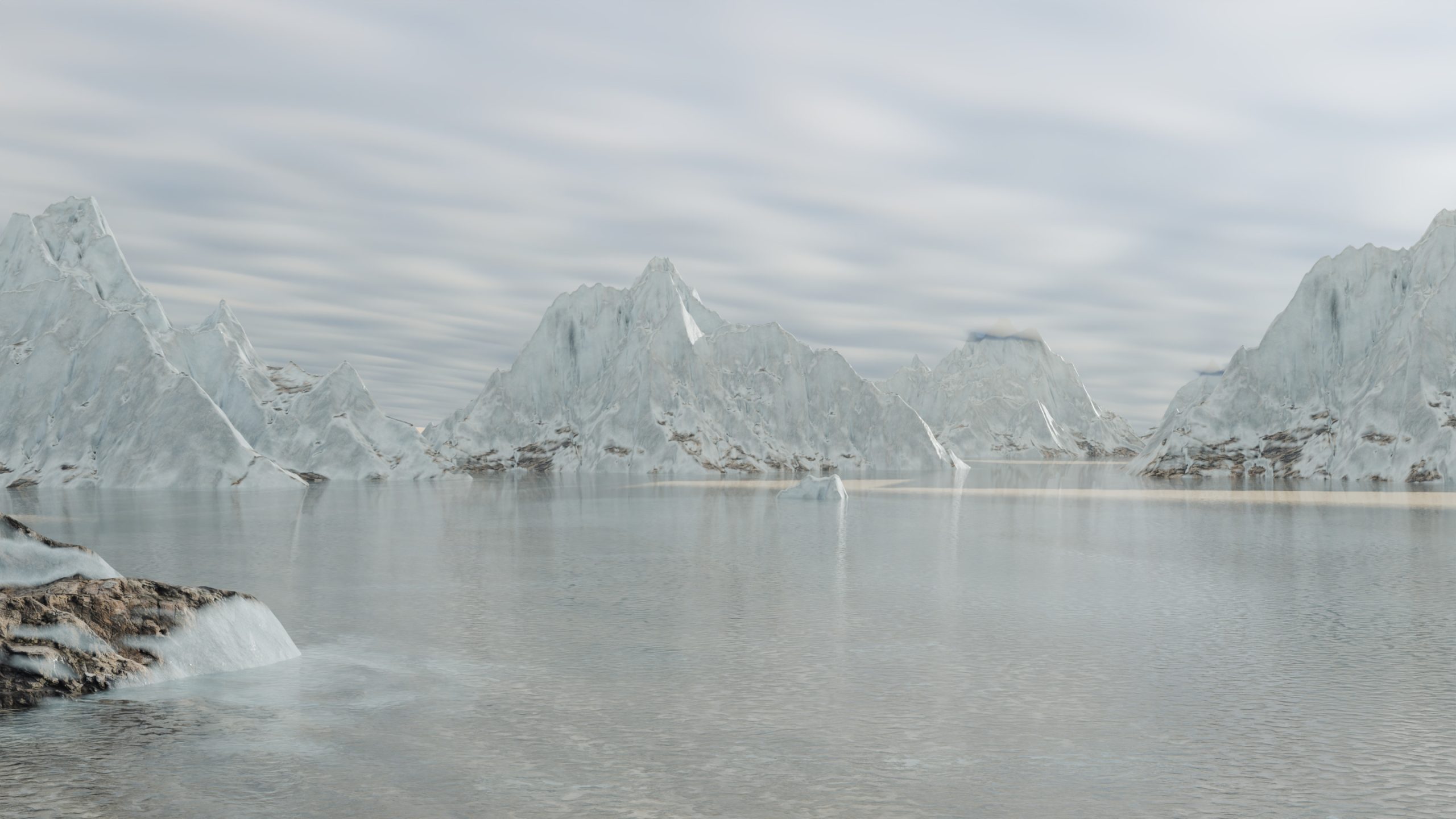
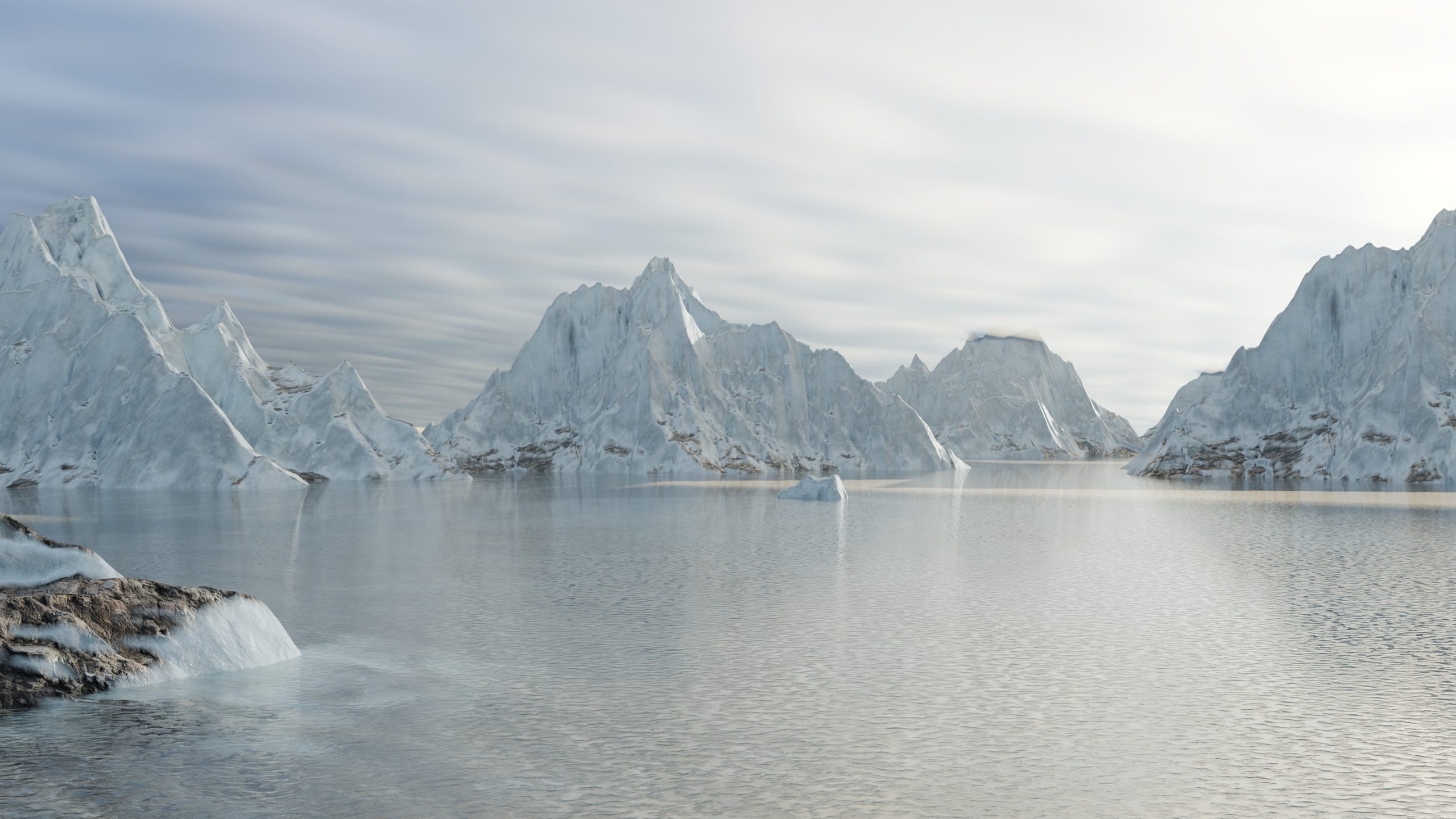
- Rayleigh for atmospheric scattering
- Fournier-Forand for underwater scattering
- Draine for interstellar scattering
4. Sculpt Mode: Performance & Power
The sculpting system receives a substantial overhaul focused on performance optimization and tool refinement, as this post on the developer blog outlines.
Major Performance Gains
Significant optimizations across all sculpting operations:
- 5x faster entry into sculpt mode (11 seconds to 1.9 seconds on 16M face meshes)
- 8x faster brush evaluation for mesh sculpting
- Optimized viewport performance
- Enhanced multi-threaded operations
Enhanced Brush Management
Integration with Blender’s new asset system brings improved organization and accessibility:
- 130+ default brush assets in the Essentials library
- Consistent thumbnail design for improved recognition
- Streamlined brush customization and sharing
New Sculpting Tools
The brush toolset has been expanded and overhauled:
- Painting Tools: Hard/Soft variants for Paint, Erase, and Blend operations
- General Sculpting: New brushes including Grab 2D, Grab Silhouette, and more
- Cloth Sculpting: The cloth sculpting brushes have been overhauled into various brushes
But wait: there’s more…
Multipass Realtime Viewport Compositing in EEVEE:
New Unwrapping Method “Minimum Stretch”:

Ability to move editor areas to any other area by dragging:

Revamped color Picker:

Check out the official 4.3 overview over on the Blender.org website, where Pablo Vazquez and the team showcase what the latest Blender has to offer. Now, time to download Blender 4.3 and put all of these new features to the test. Happy Blending!


Very Nice !
In Color management The Khronos BPR changes colors towards red ! Especially the colors of the textures .
I hope they soon improve the Asset Browser and an Import Photoshop brush feature would be awesome.