
Creating a Videogame in Blender (+Free Download)


Stache created a fully interactive videogame in vanilla Blender using a model from Sketchfab, a YouTube tutorial and some Python coding help from ChatGPT. The result is pretty cool!
Key Techniques Covered
- Car Modeling: Creating a car model from scratch in Blender to avoid using third-party assets.
- Physics-Based Rigging: Setting up a realistic car rig using Blender’s rigid body system and constraints.
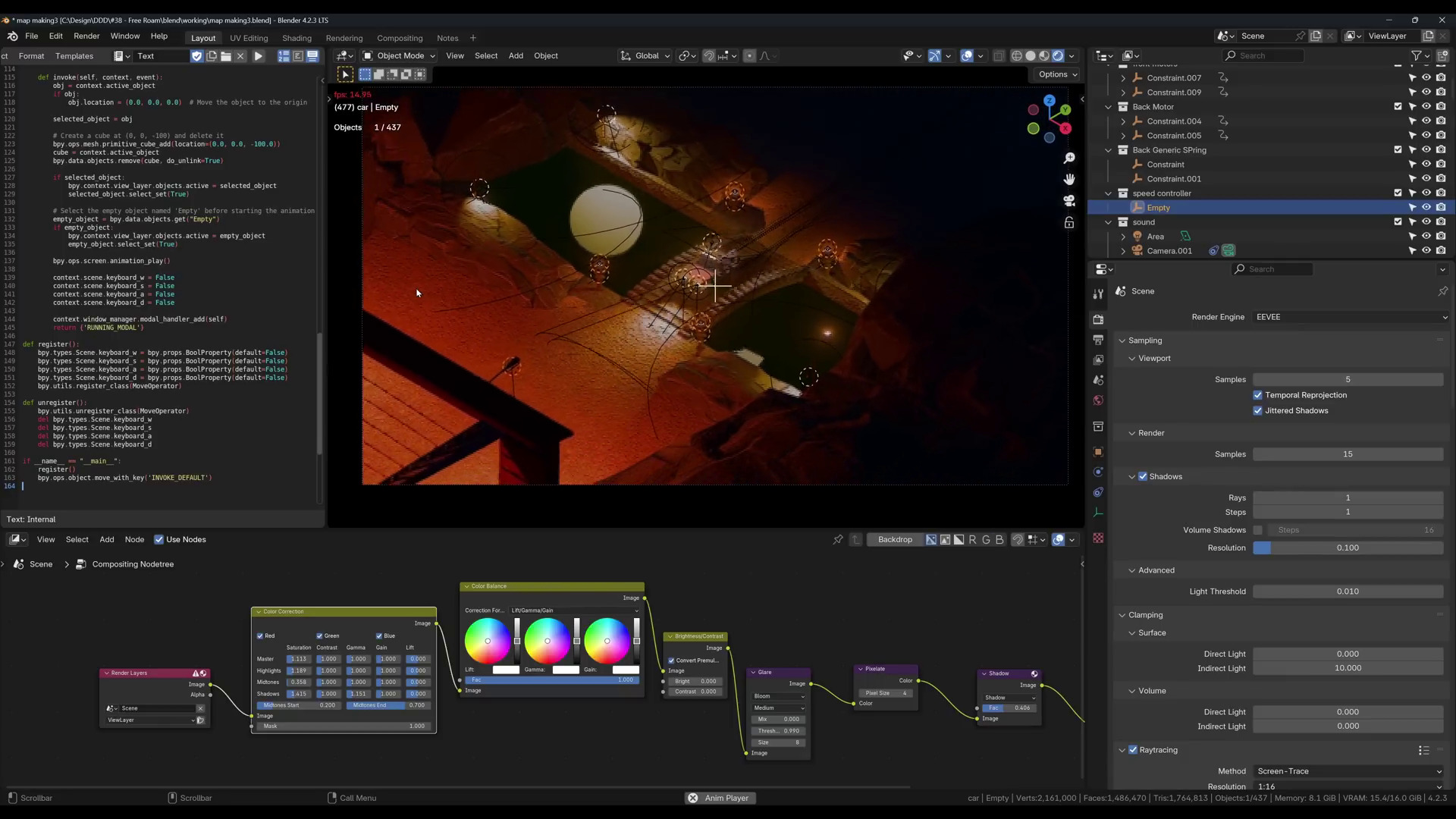
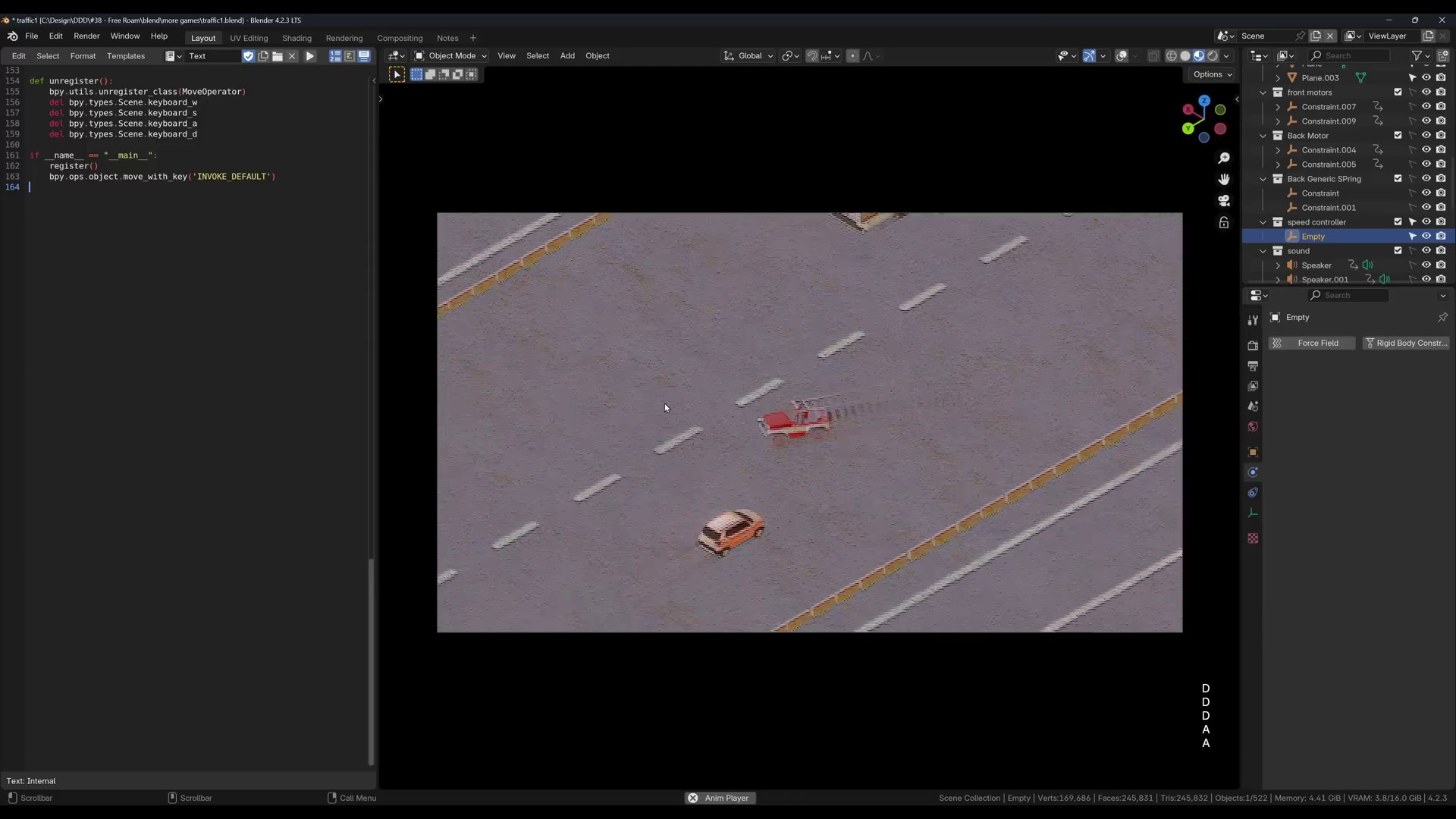
- Python Scripting for Controls: Using ChatGPT-generated Python scripts to control the car’s speed and steering with keyboard inputs.
- Rendering with EV Next: Leveraging EV Next for real-time lighting and reflections to achieve a stylized, pixel art look.
- Game Design Variations: Experimenting with game mechanics like maze-solving, traffic avoidance, and stunt jumps.
- Interactive Gameplay Setup: Implementing custom game elements, including car controls (W, A, S, D) and a braking system.
- Compositing for Visual Effects: Adding effects like bloom, glare, and color grading through Blender’s compositor.
You can try this game yourself – download it here!