
Behind the Scenes: Cyberpunk

INTRODUCTION
Hi, my name is Andrey, and I’m a digital artist from Moldova. My 3D studies started a few years ago and now, I continue to dive into this magic all the time.
I’ve been working as a freelance artist and designer for over 15 years and in that time, I’ve had the opportunity to work in a variety of areas, from movies and games to working on board games and book publishing.
3D is helping me expand my potential and in my spare time, I’ve even started to develop my own game. I like stylized 3D, crazy concepts, and unusual use of 3D powers.
INSPIRATION
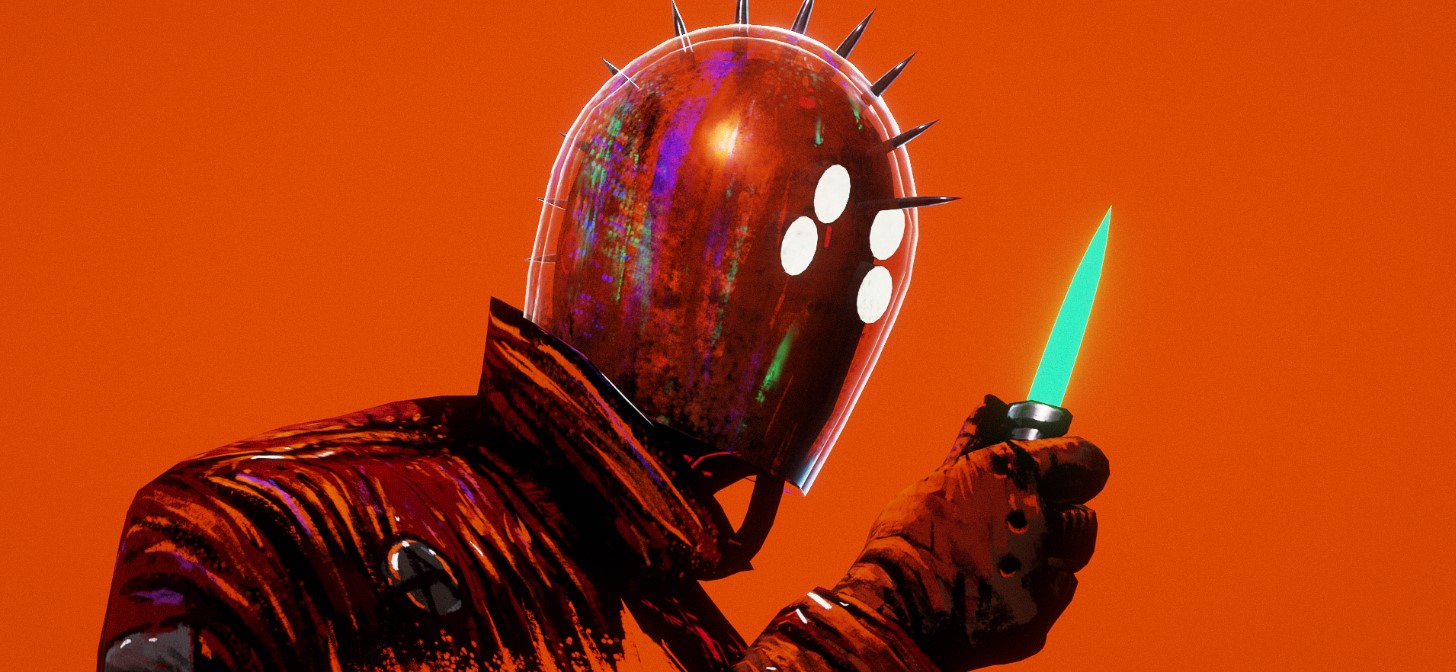
This work has a long history, as it was originally a small 2D sketch. This sketch was inspired by the work of the artist, boneface, specifically his artwork for the music band, Queens of the Stone Age, in support of the album, Like Clockwork. Then for the album presentation, a whole animated movie was created with different plots and characters that accompanied the tracks from the album. I was particularly fascinated by the character from the bar; you can see some similarities of the characters in my concept.
At the time, I was still completely unfamiliar with 3D and for many years this sketch remained a sketch. When I started learning Blender, I became interested in learning how to create 3D work that would look like 2D. For practice, I took my old sketches, and this one came in handy.

PROCESS
Modeling
At that point, I already had a rough understanding of the basic aspects of uv-unwrapping and hand painting. I made a very simple 3D model (I had no plans to model this character completely, but just to make it look like a concept), and made a sweep for it. I did this work in Blender.

Textures
I already understood how to achieve a 2D look. One such option is shadeless rendering, where textures don’t react to lighting in any way. In Blender, it is possible to achieve shadeless rendering through workbench rendering, but it has one problem that I still haven’t figured out—it doesn’t work with opacity. That is, opacity maps will not give transparency in the right places, and I really need it to make the edges of the character’s clothes flow smoothly into the background. (Fun fact: On Sketchfab, there is an option to use shadeless rendering with opacity support, so I got the best look for my project there).
If you connect the base color map to emission nodes with value 1 in material settings, it can make your material look more 2D when rendering in EEVEE and CYCLES.
All further work is hours of hand painting. As you can see, in addition to the standard base color drawing, I also manually drew opacity and emission maps. All work with textures is done in Substance 3D Painter. It is very comfortable to paint with masks.

For example, you want to create these glowing cyberpunk lights on the glass. You make a solid fill color, add a black mask on it, and then draw on this mask with white color, showing the glow where you need it.
Rendering
Although I’ve written examples of how to achieve a 2D view in EEVEE and CYCLES, it is in Sketchfab that I achieved the view I like the most. It has a very handy editor and post-processing capabilities. Here, I even added a model with a little animation, which can also be viewed in real time.
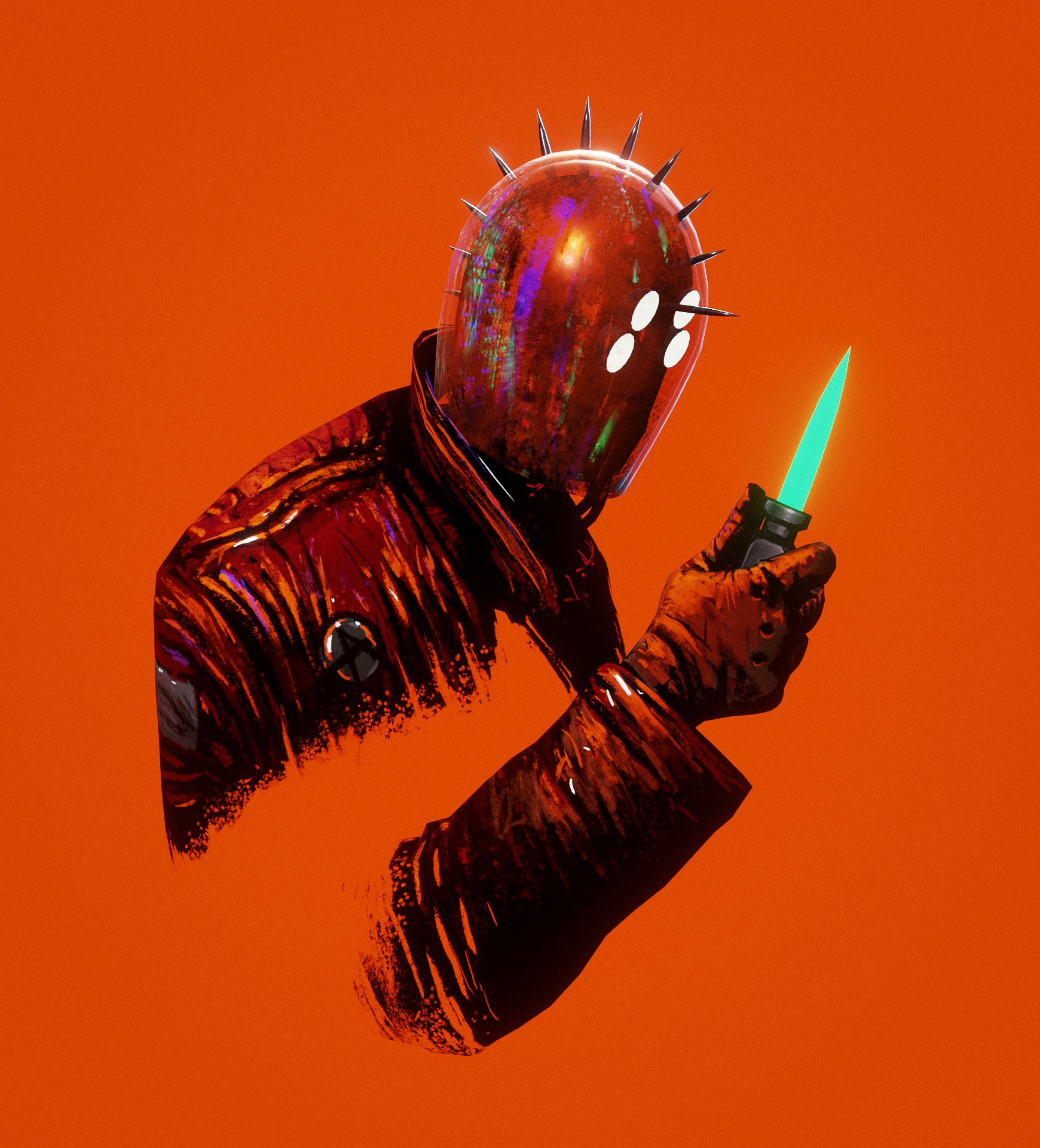
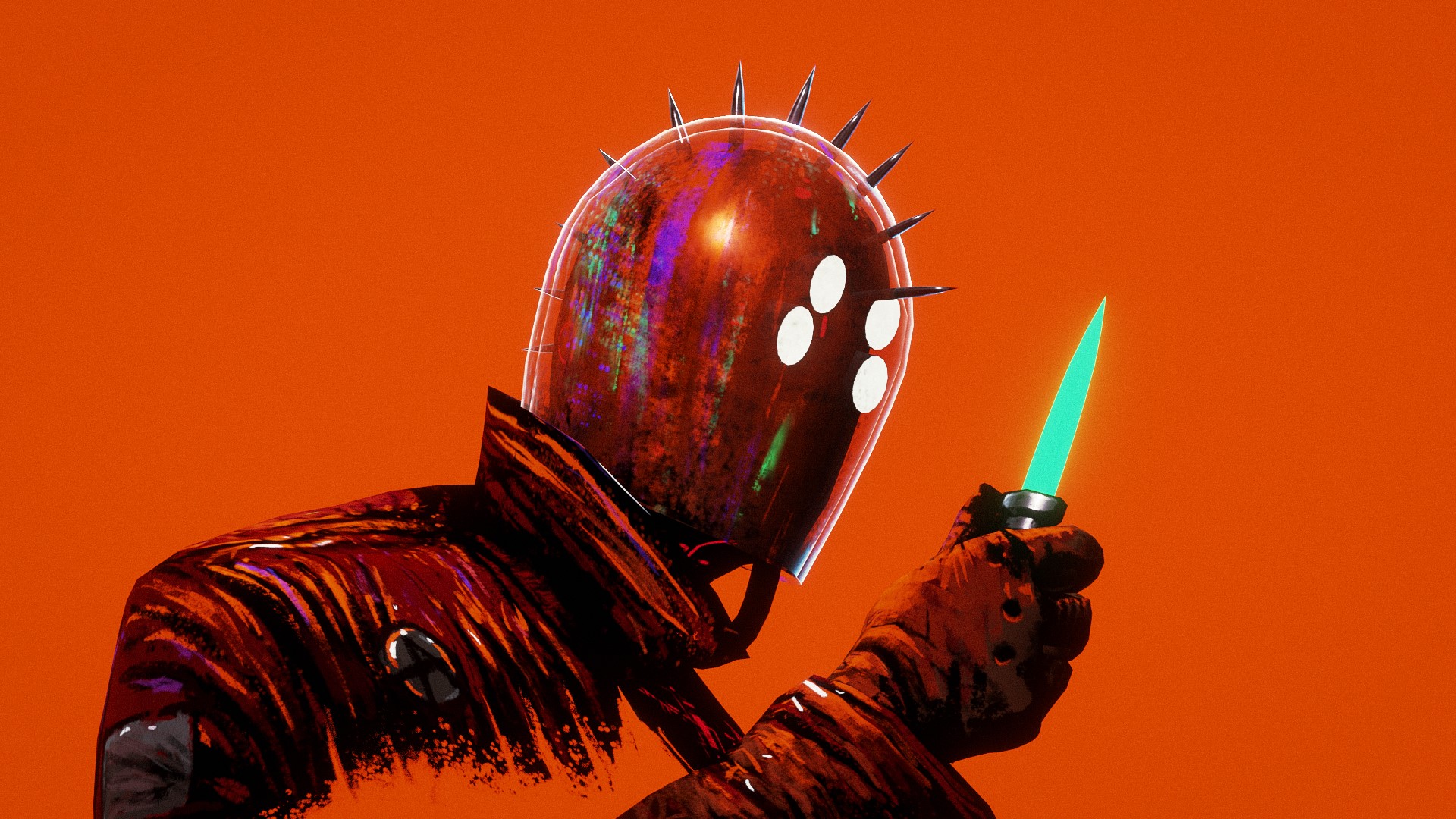
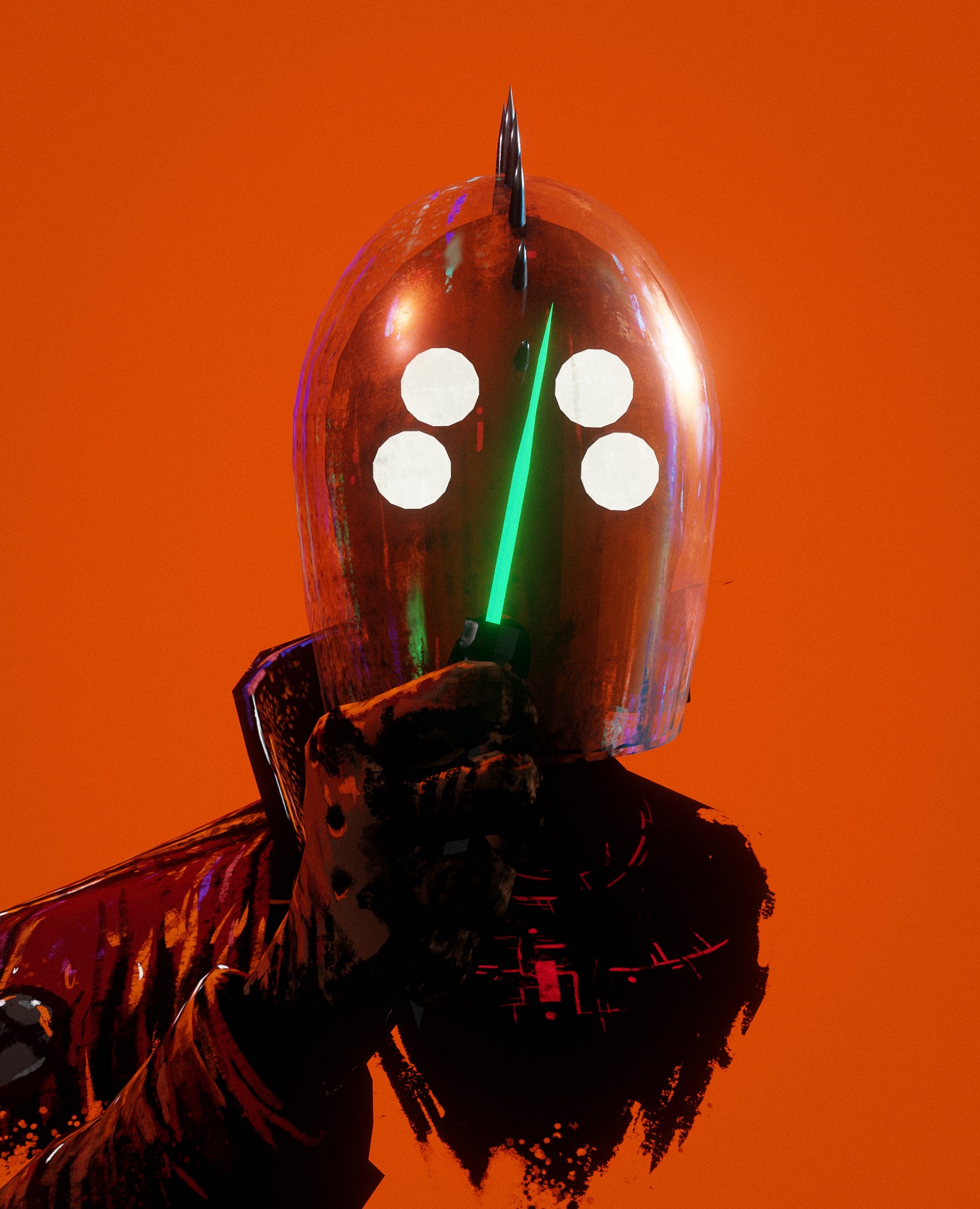
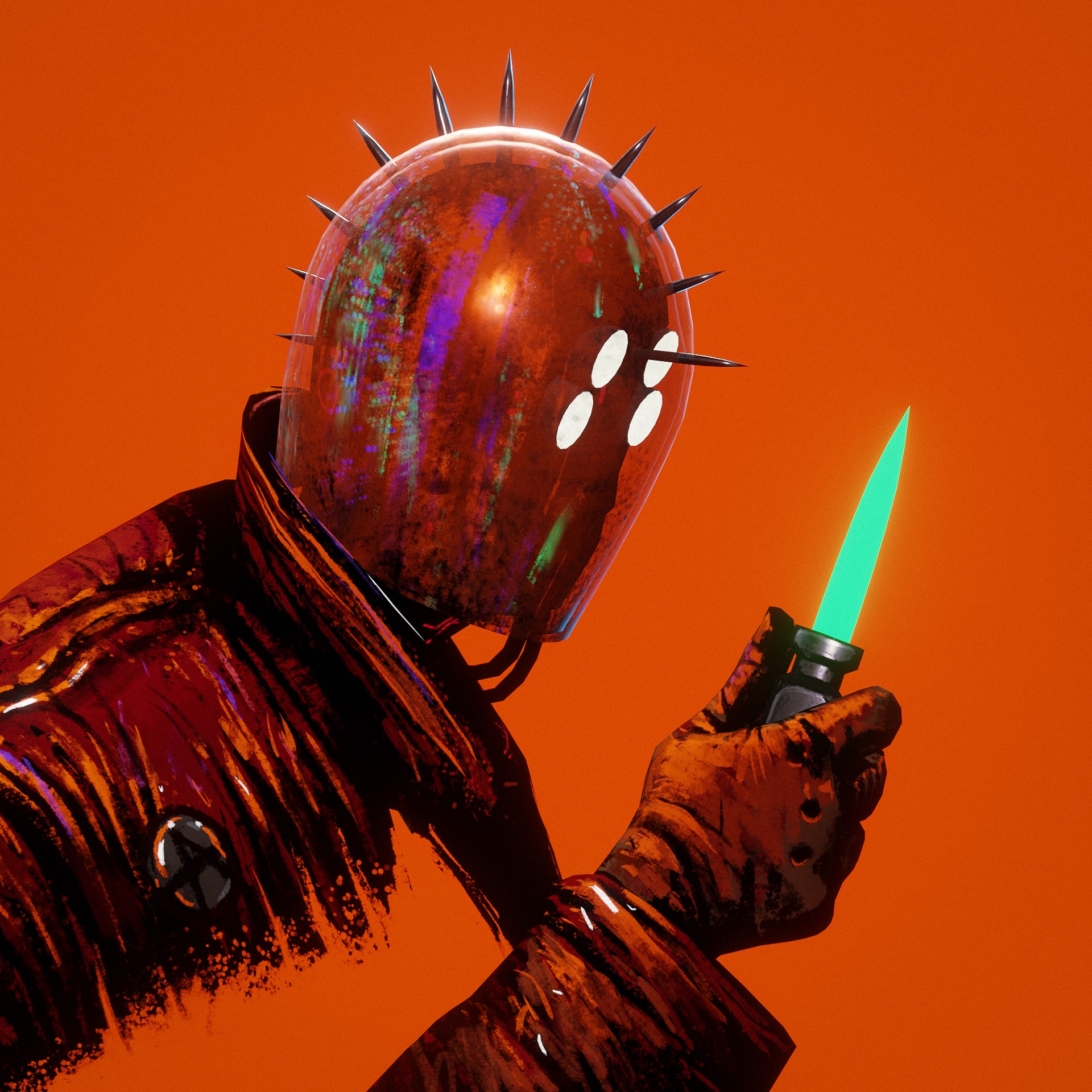
And below are renders made in Blender!
RENDER: Cyberpunk
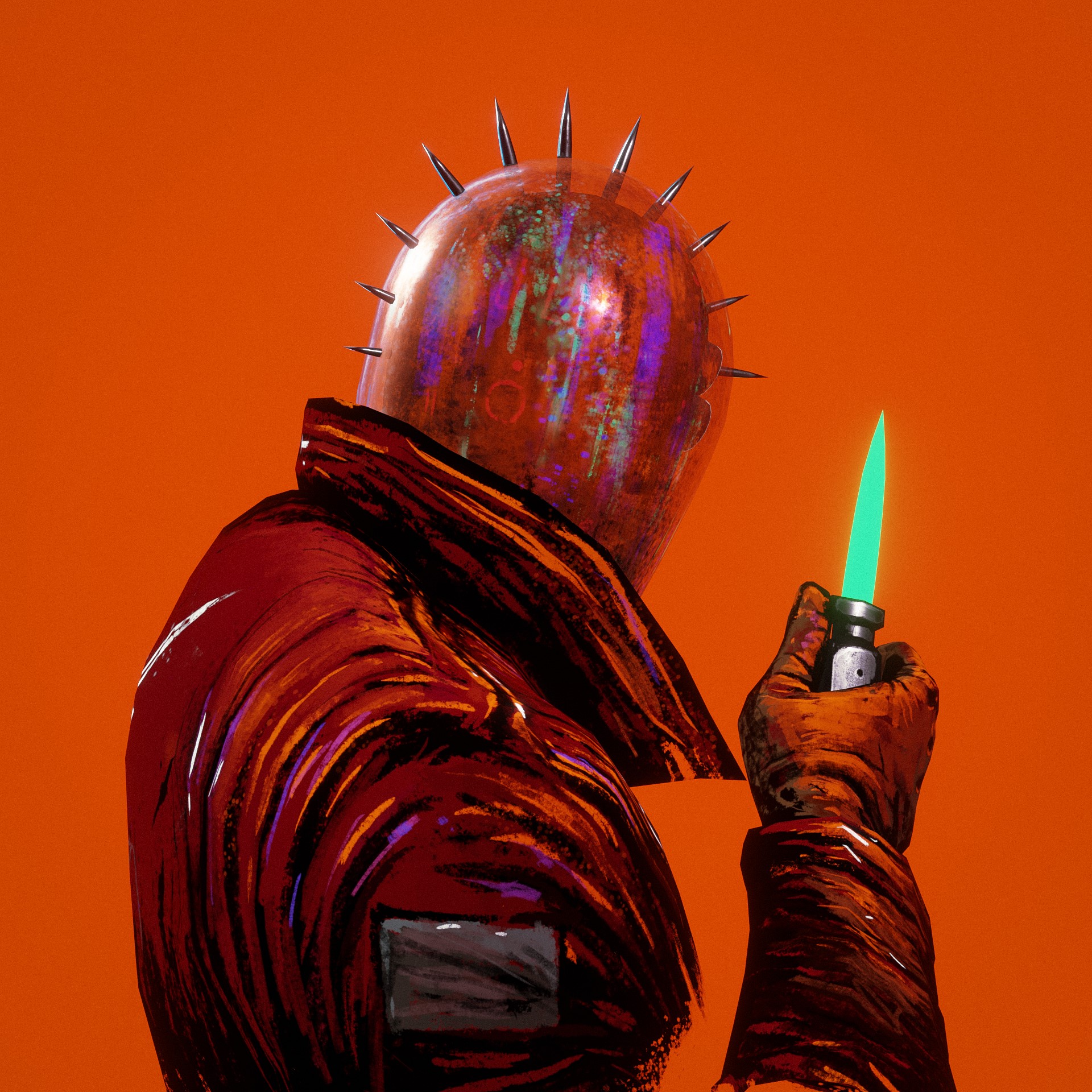
You can also check out the full project on ArtStation. And below is the animated video:
Thank you for reading! Feel free to check out and connect with me on my social media.
About the Artist
Andrey Negrúl is a freelance 2D/3D artist. He is currently working on his own video game and world building project, and is always open to collaborations and new interesting connections.