Turning Blender into a painting program!

Sophie Jantak writes:
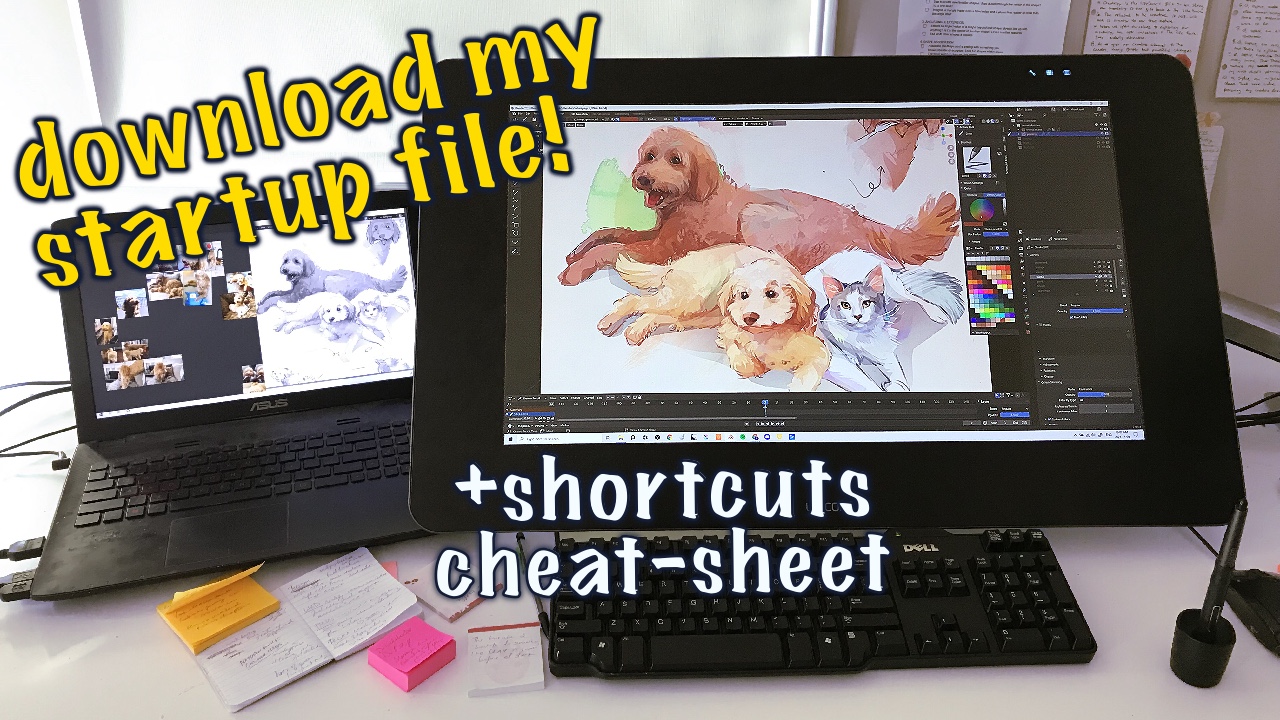
I started using grease pencil because it made 3D art seem possible for me, a very non-3D kind of artist. Eventually I felt satisfied with the cool 3D stuff I had made, but I was hooked on grease pencil. Draw mode feels as natural to me as drawing in any “typical” digital painting program, but then these strokes also exist with geometry in 3D space and can be customized endlessly. Edit, Sculpt, and Vertex paint mode have become such valuable and enjoyable parts of my workflow.
And so I’m starting a series about how I use this software as a painting program, and my first tutorial tackles keyboard shortcuts (including modifications) and interface personalization.
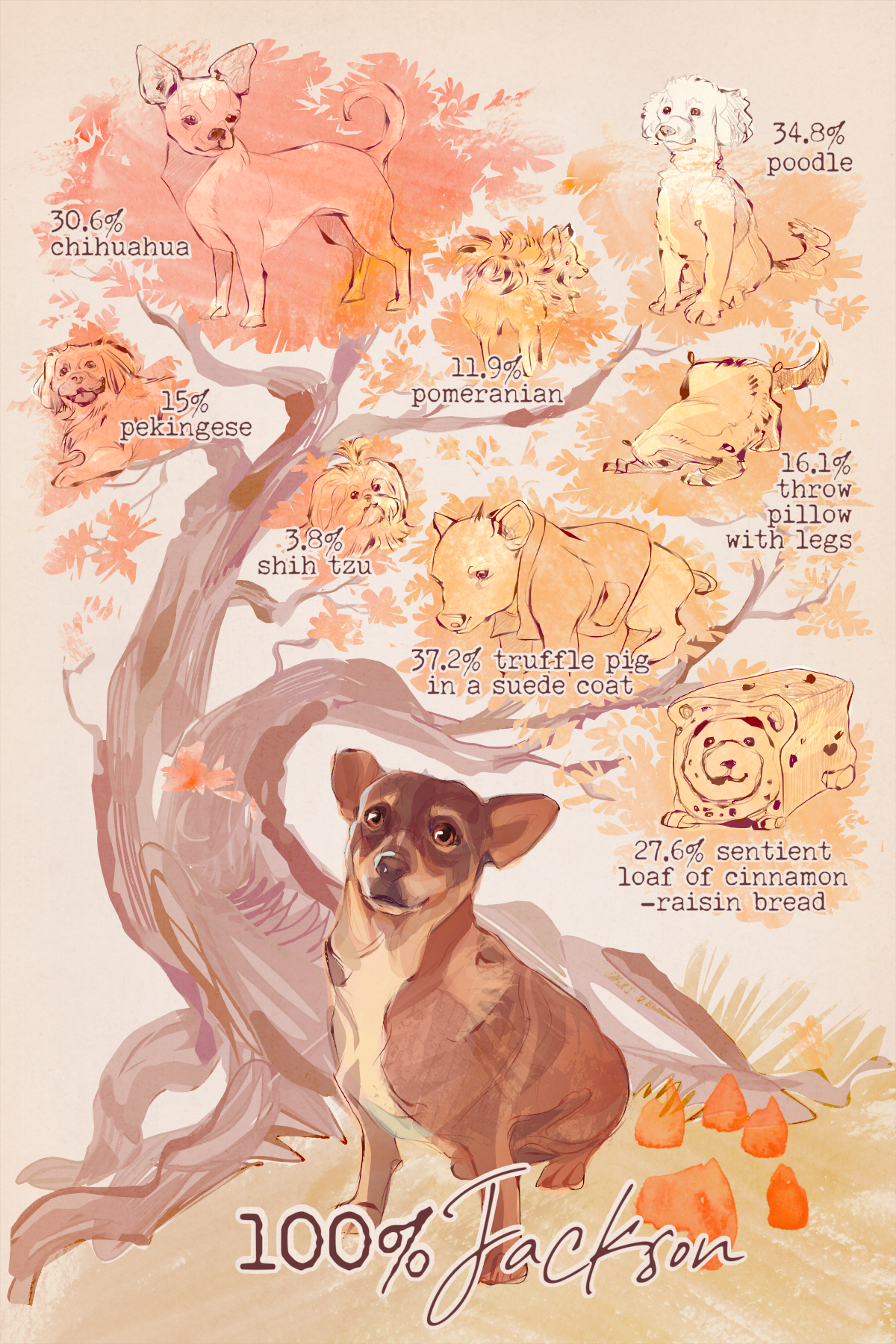
This series is partly inspired by the fact that I’ve just done my first batch of commissions, projects for clients totally unrelated to Blender, and I chose to do them with grease pencil because I genuinely love it and with it I produce my best work. These are also my first pieces made 100% with Blender, not started in Blender and then finished in other programs. 1 single render (granted they took up to 30 seconds, a new record!). But I’ve loved experimenting with the text tools, continuing to make brushes, and further develop my painterly grease pencil style.
And everyone is happy with their commissions!
(I can’t share much yet as they’re all Christmas gifts, but I can share this!)


Sophie I love your videos you do the most interesting work in chudi just complaining that I have seen I’ve been working in many 2D programs before the last two years I’ve been focusing exclusively on blender.
rsherdigital.substack.com
Thanks again!
You are a real talent Sophie. To think Blender is shifting to 2D art and sculpting so fast and the effects thereof are so impressive. Not so long ago they did not receive much notice.