
Behind the Scenes: Autumn

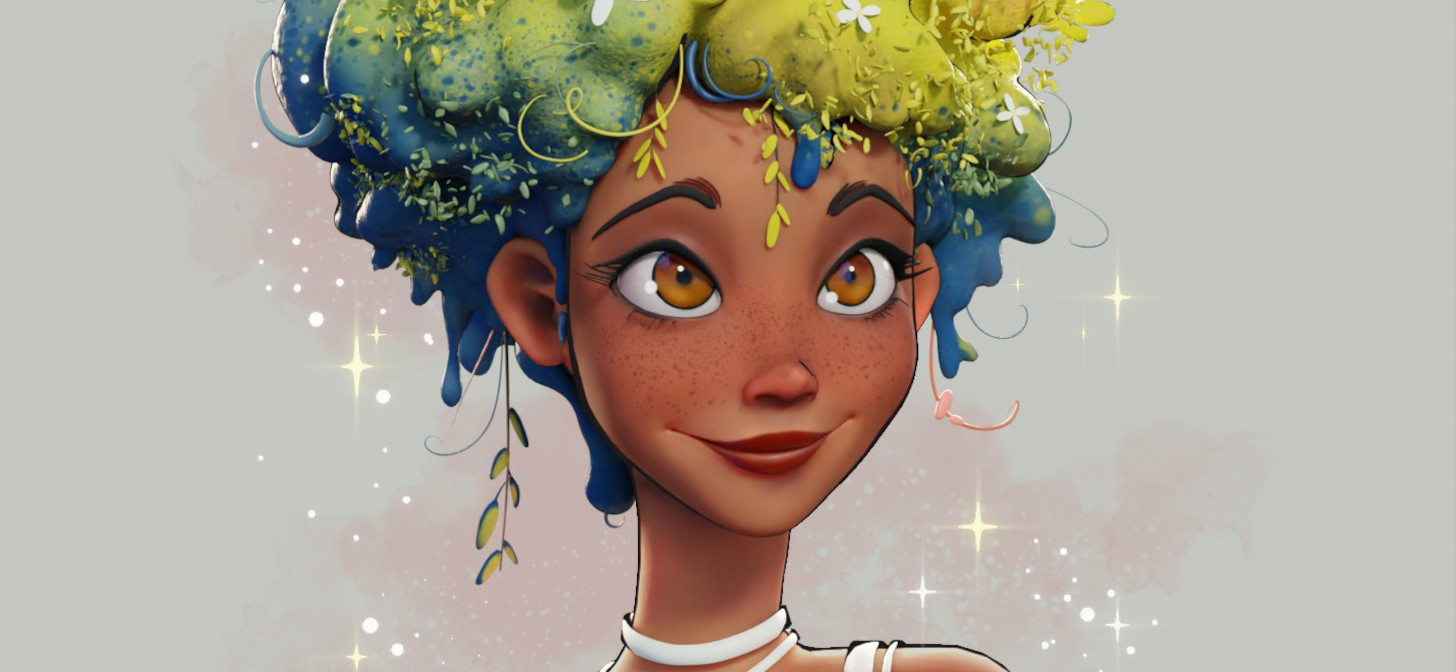
I have been a freelance graphic designer since 2010. I consider myself more of a generalist in 3D. I touch everything. But I have mastered modeling better than animation.
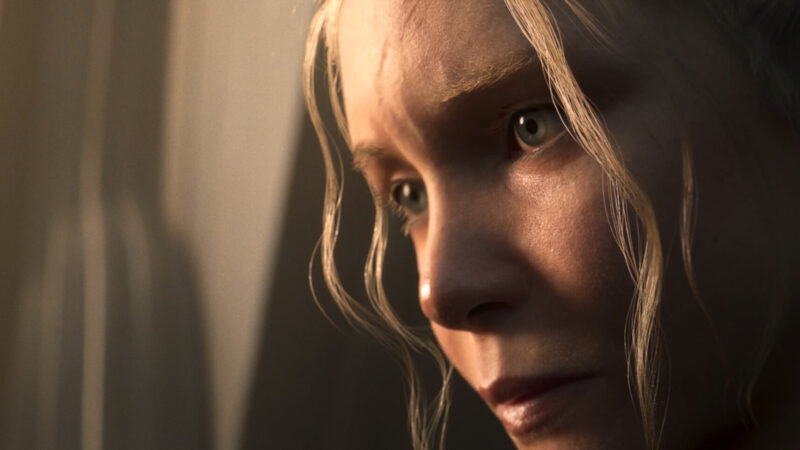
For this project, I wanted to create a woman’s face to improve my proportion skills. And Gretel’s drawing motivated me right away. Every little detail counts. Moving vertices slightly to change the physiognomy! Moreover, I wanted to improve my skills on the face rig.
1. The Face
I wanted to reproduce the drawing of Gretel Lusky.
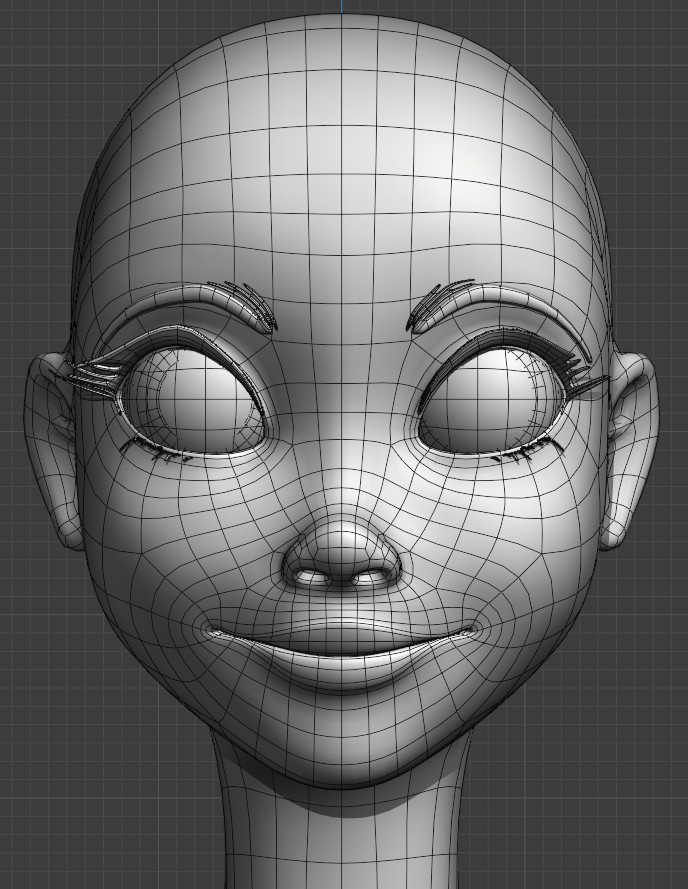
I modeled the face with mesh modeling to get the right topology.
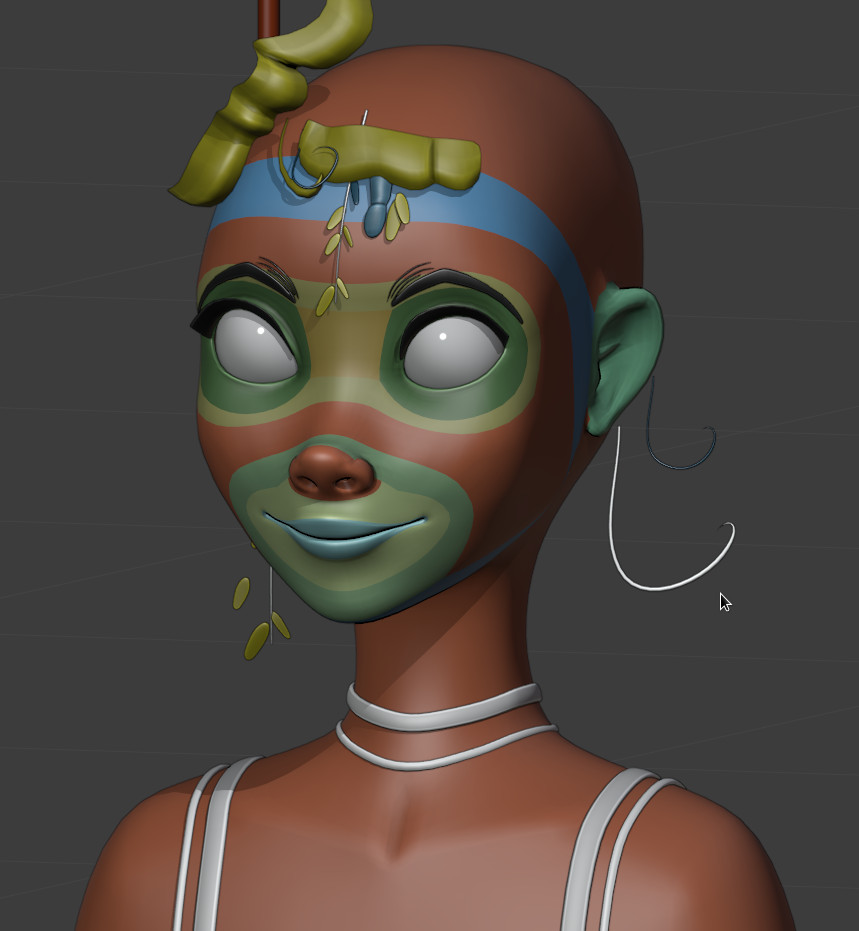
And finally, with a lot of morphological retouching, I achieved a symmetrical model. Then I unwrapped the mesh.
2. The Leaves
I started with a lot of metaballs…
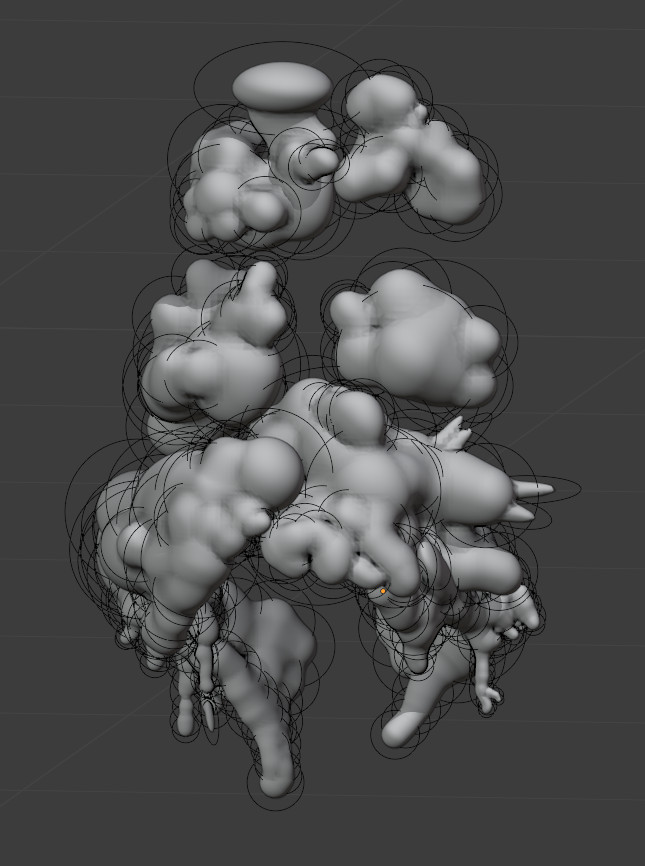
And at the end, I converted metaballs to mesh and sculpted in sculpt mode to get a good shape. I used Instant Meshes for retopology of the sculpt and then I unwrapped it.
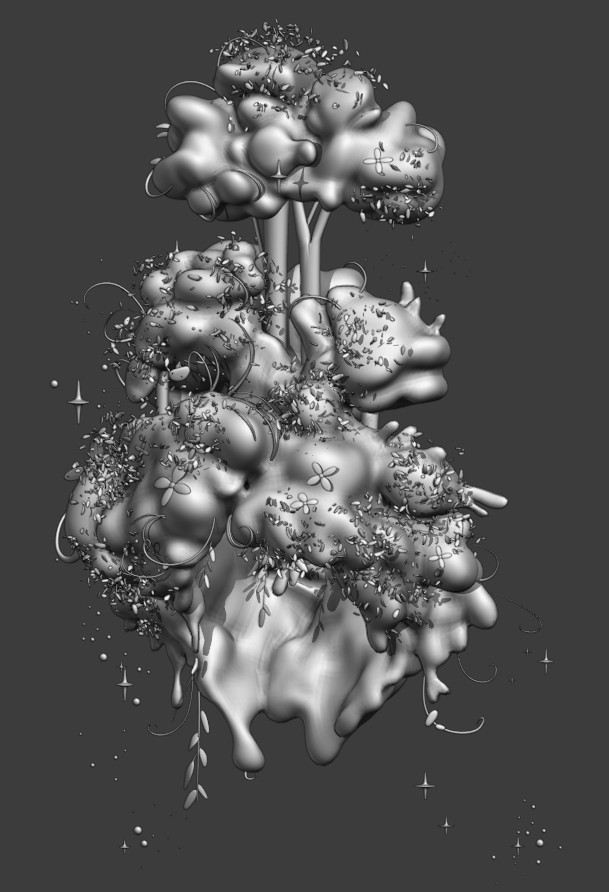
At that point I added all the details (tree trunk, flowers, stars, particles, and lines).
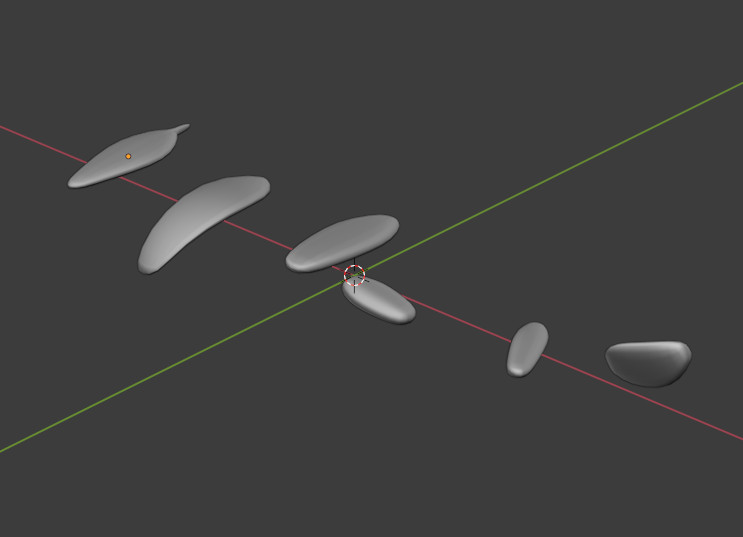
For the leaves in the wind, I used particles: 5 emitters, 6 leaf meshes in a group (pink, yellow, green, and blue, with a material for them) and converted the particles.
3. The rig
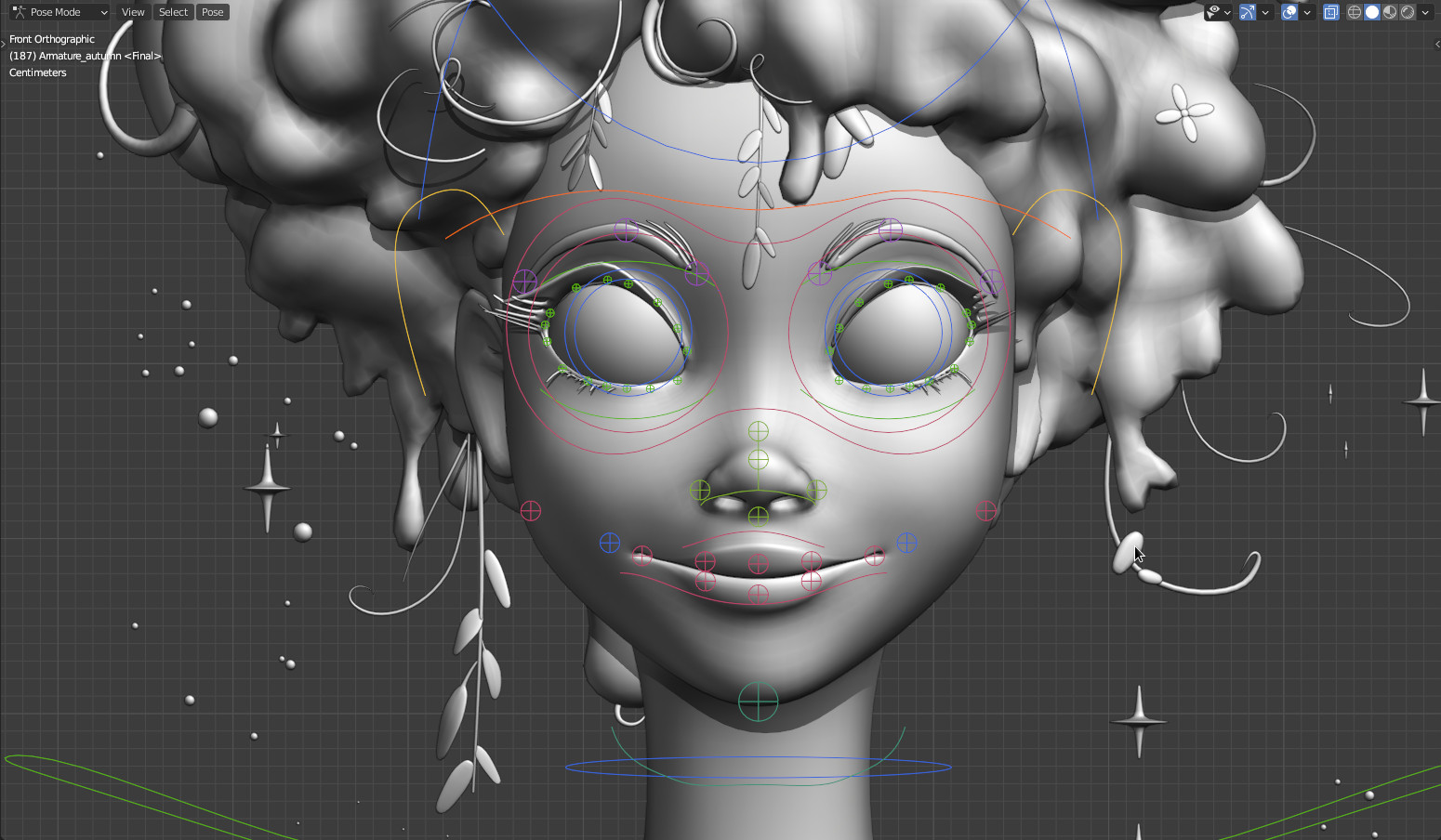
I prefer to establish a rig before painting because sometimes you need to update the mesh for the rig. I used bendy bones mostly but not for the eyes.
I did not use shape keys to deform the symetricality of the face.
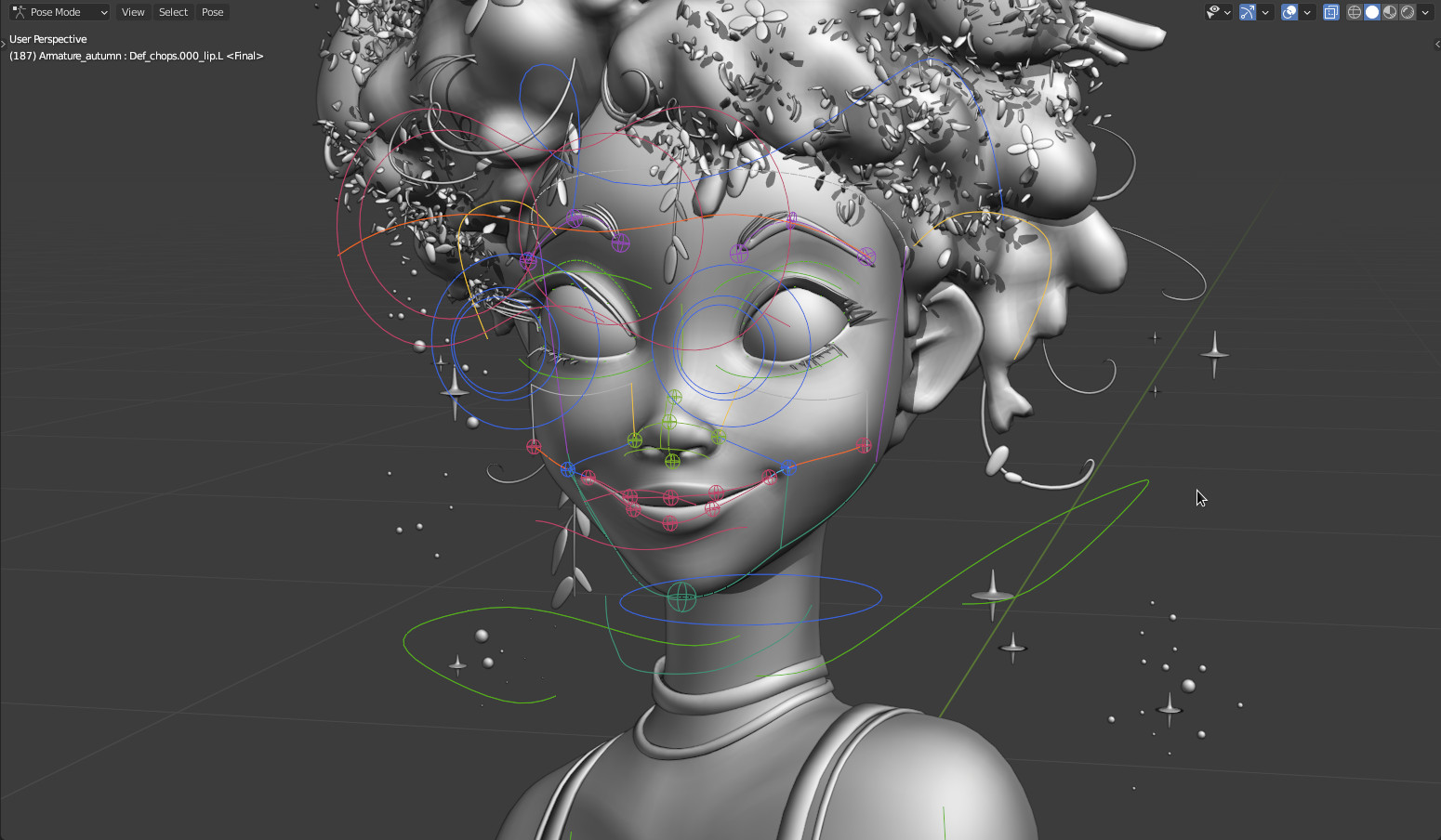
I created a lot of groups for the bones to differentiate them. And I created custom shapes for control bones.
Deform bones:

Control bones:
Mechanism bones:
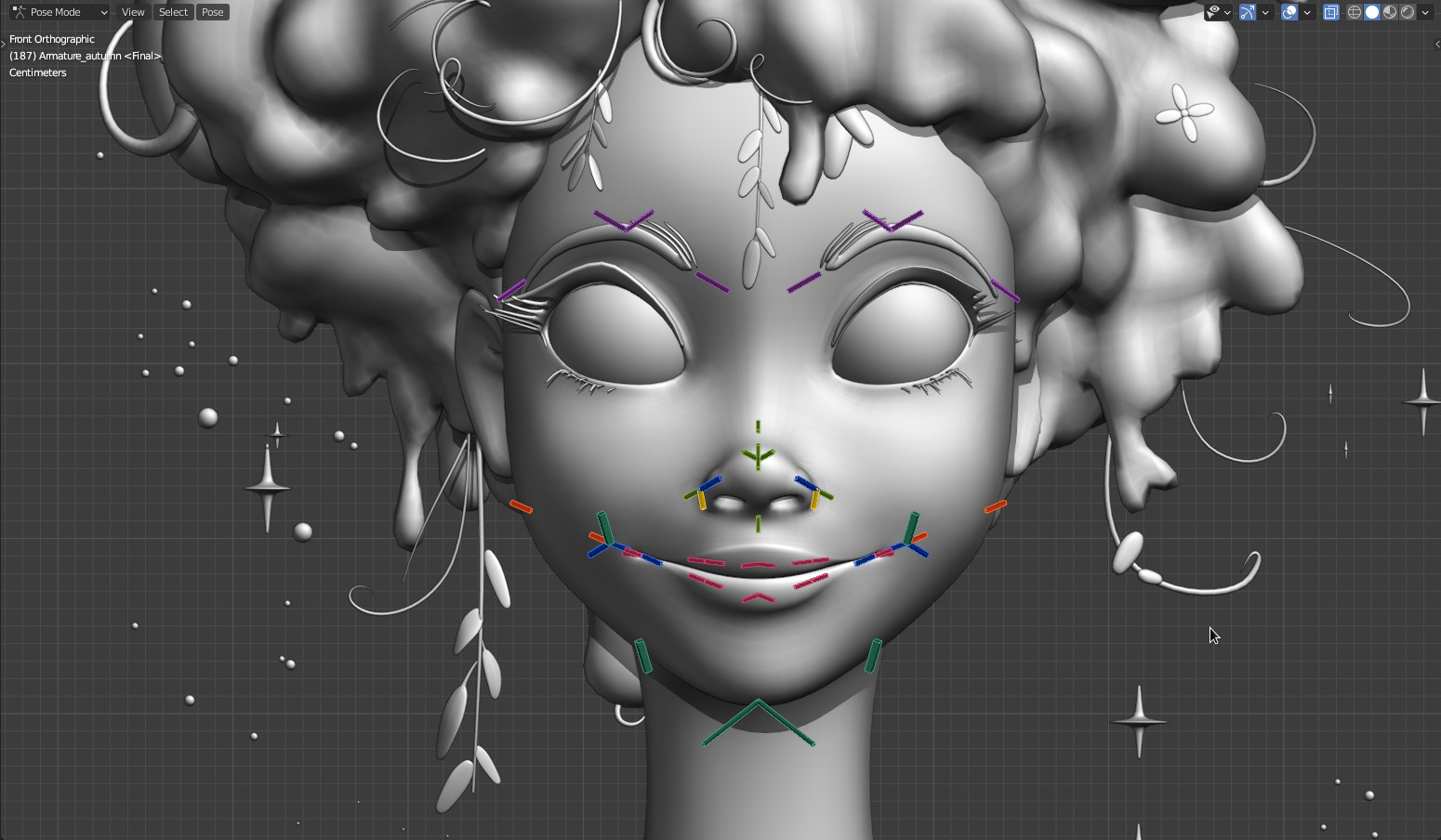
For the corner of the lips, I created a deform bone to form the commissures.
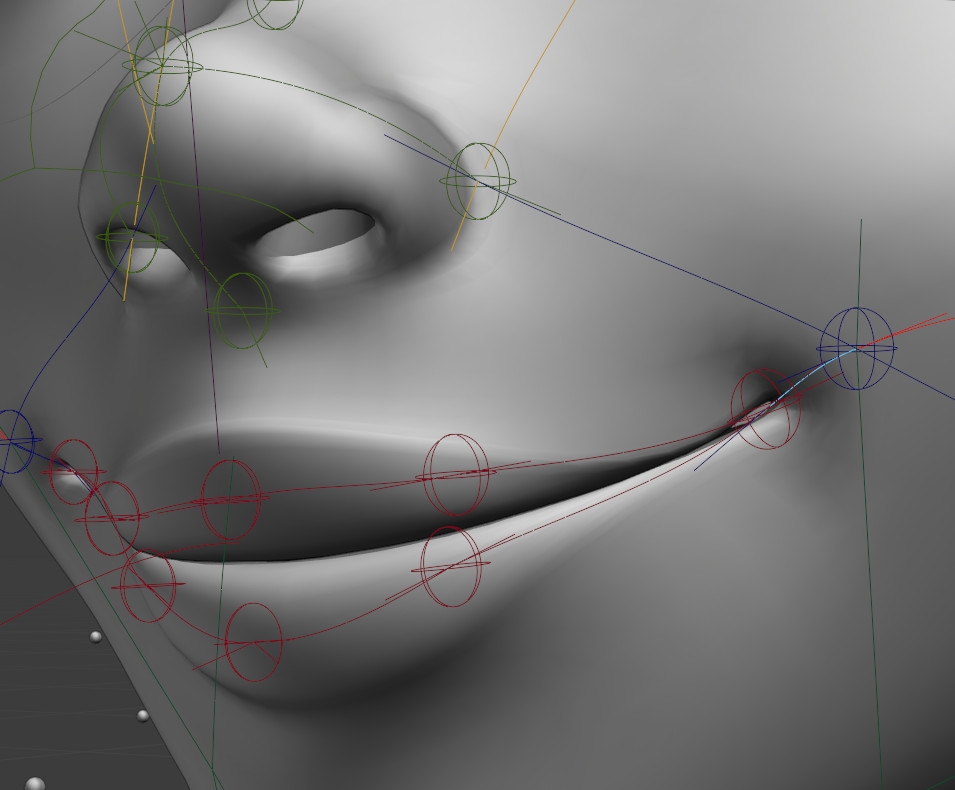
And, finally, I deformed the face with this rig. And I added a pose in the pose library.
4. Paint
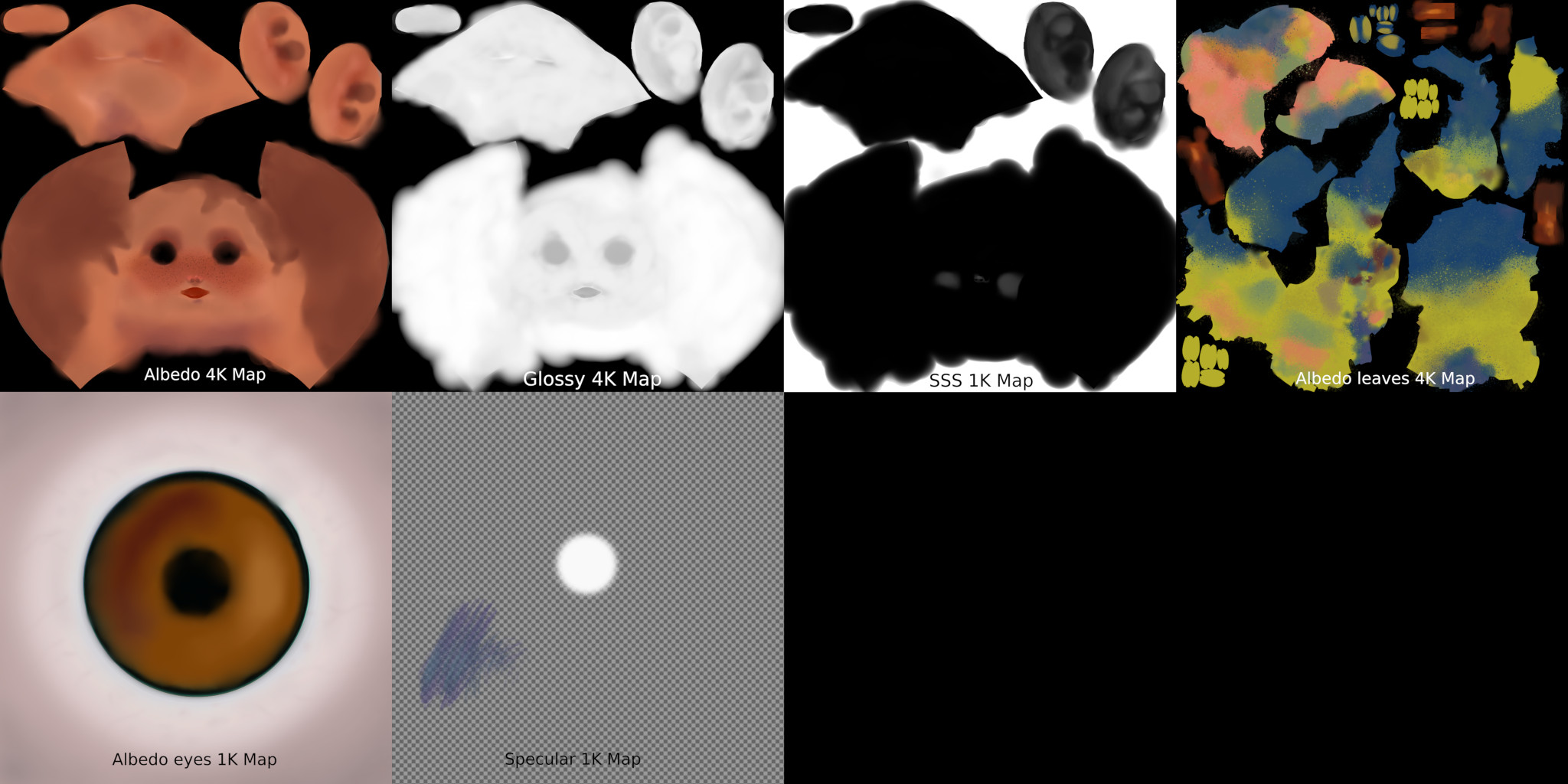
I painted the albedo first with Blender for the tint and then finalized it with Krita. I made a specular map for the eyes.
5. Materials
The skin:
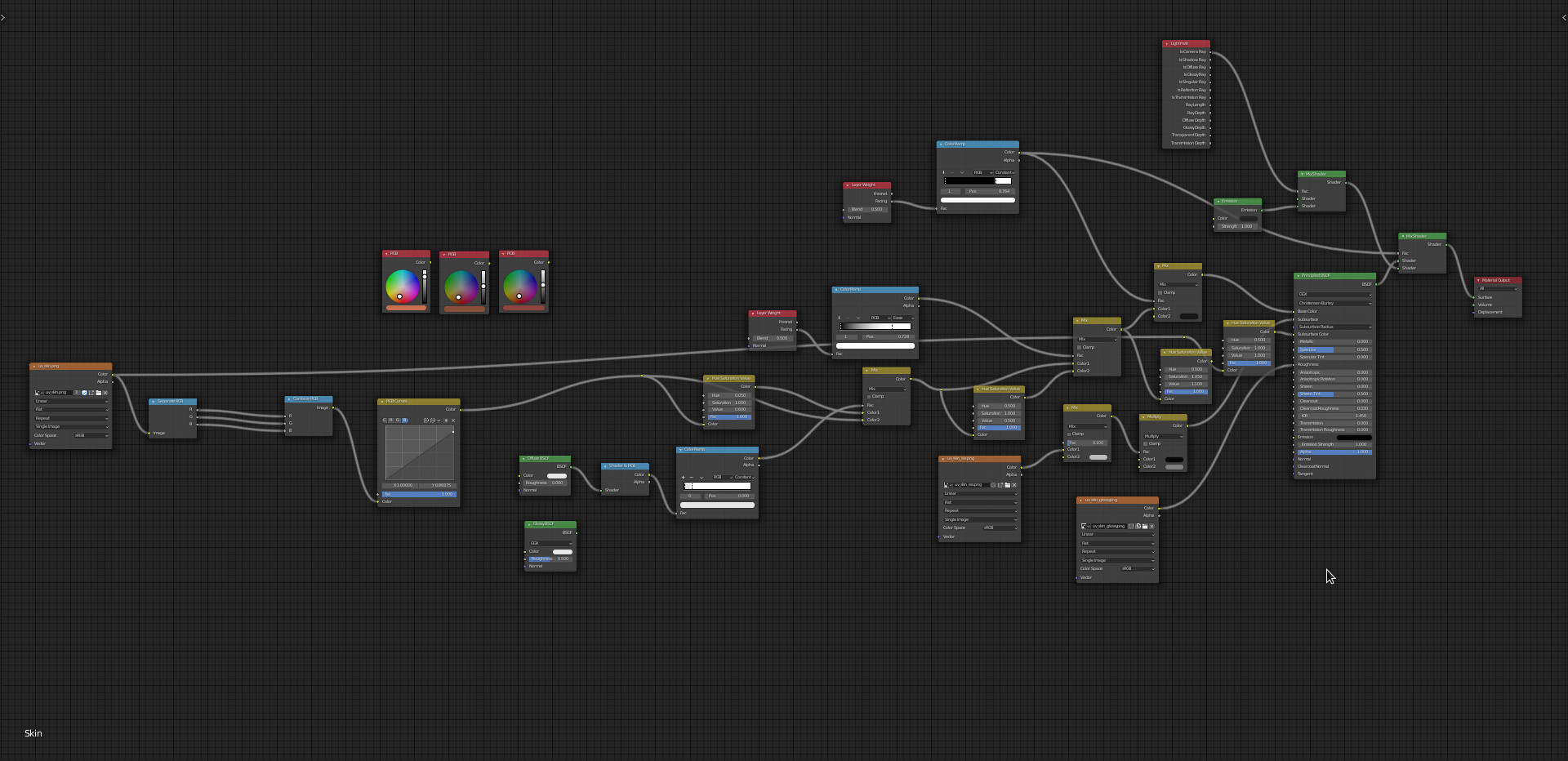
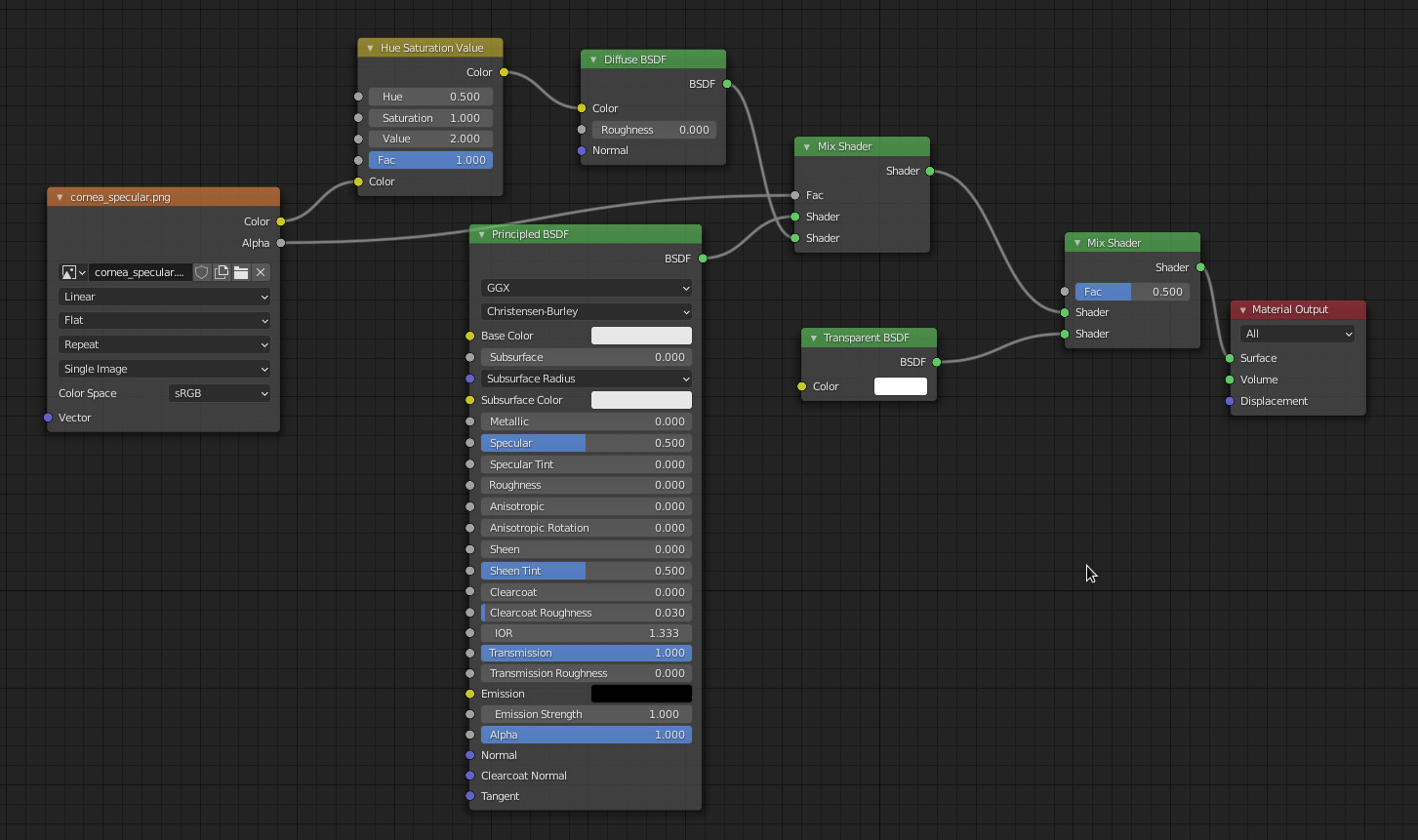
The cornea:
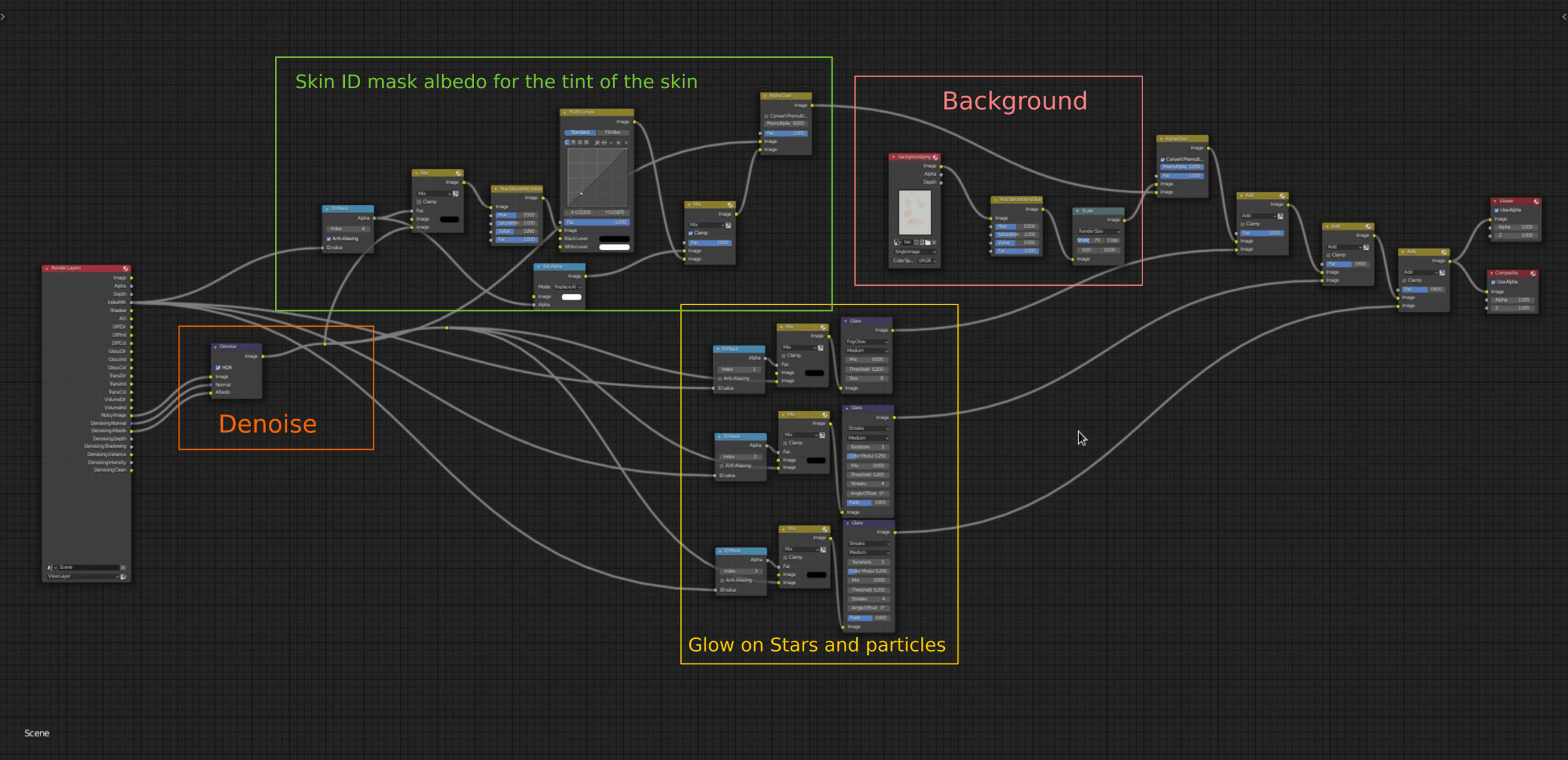
6. Compositing
I painted the background in Krita and added some compositing in Blender.
7. Finalising
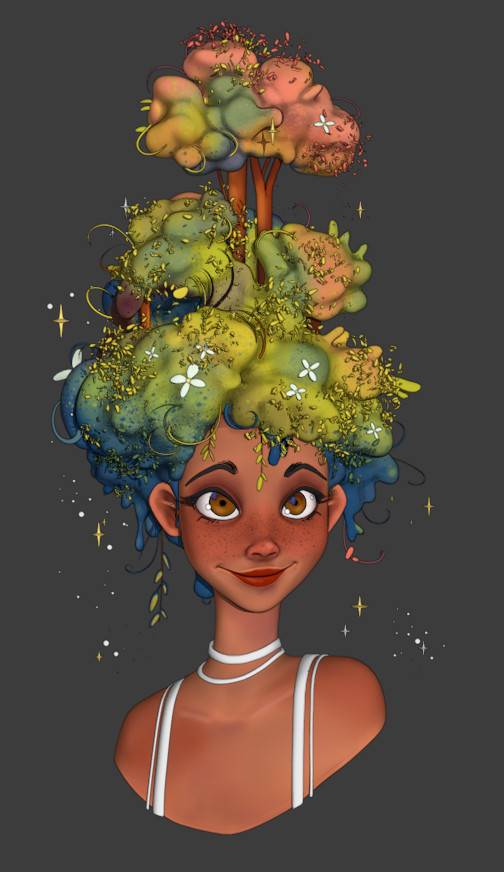
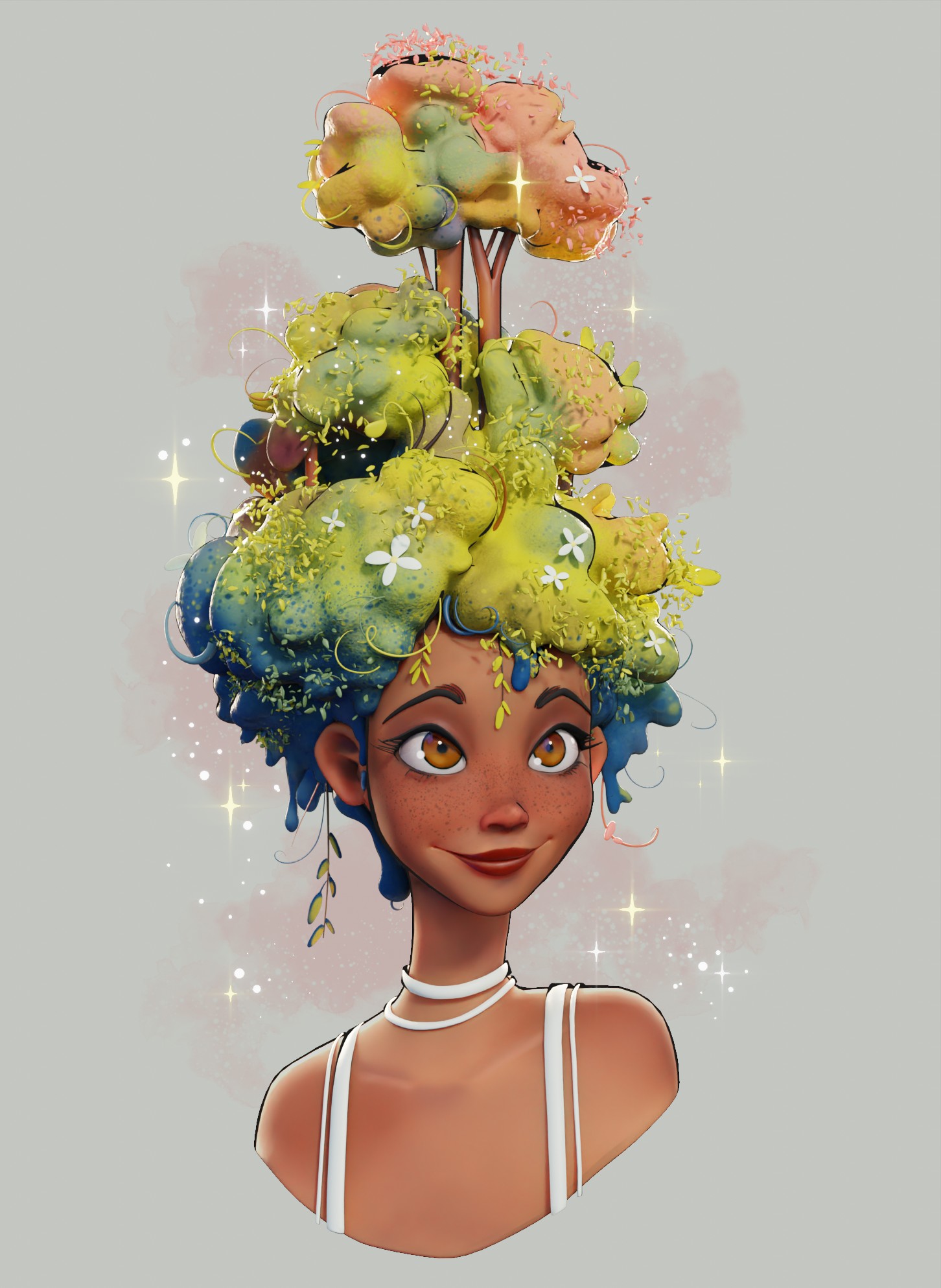
After multiple corrections of proportions, here is a comparison:

And that’s it.
About the Author
 Damien Monteillard, 3D Generalist

wow ! :)
wow is not enough, I would go for WOW!!!! :-)
OmyDays! This piece is absolutely stunning! I love how soft the lighting is, and how you were even inspired by the concept’s color schemes as well. Amazing how you make the hair so interesting and believable, but also graphically pleasing. I love everything about the piece. So inspiring! Well done!