Nice idea, but I think the same as Richard. It’s also not that accurate what you’re saying sometimes, e.g. the IOR value doesn’t depend on your scene as you say, but on each material you want to create. And if you have an object with several “materials” like metal with rust, metal will have a different IOR than rust already. Every materialtype has it’s own IOR value and there are multiple lists out there, first on google atm: https://pixelandpoly.com/ior.html
There needs to be said more to some nodes than what you say. I know i’ts a lot of work already, but I think actually giving out correct and especially essential information is quite important, especially for someone new, to whom this kind of tutorial should be targeted at.
Anyways it’s a nice overview but it can only serve as a quick overview where not all information is 100% accurate which renders your time you took for making it already a minimal bit of a waste ;)

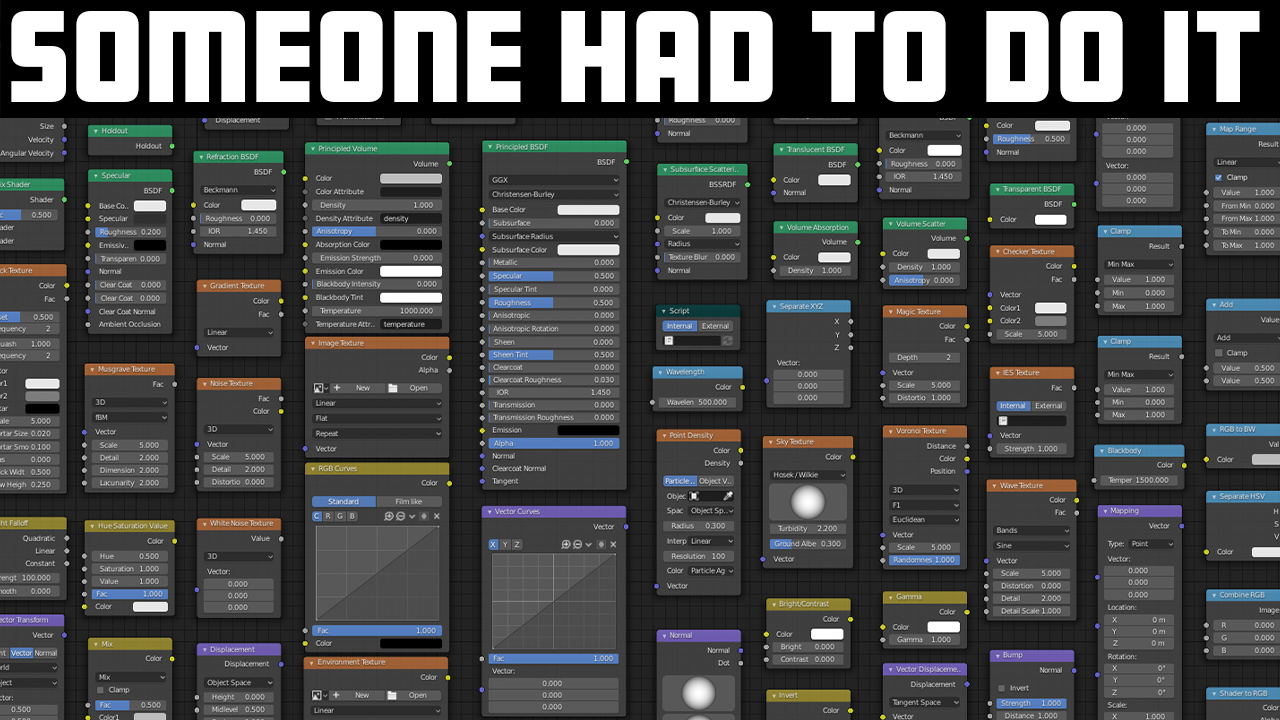



this is truly awesome, thanks for your hard work on this!
To me this is something Blender really needs, but for me in all honesty, this is way too rushed and glossed over. Needs more depth per node.
Nice idea, but I think the same as Richard. It’s also not that accurate what you’re saying sometimes, e.g. the IOR value doesn’t depend on your scene as you say, but on each material you want to create. And if you have an object with several “materials” like metal with rust, metal will have a different IOR than rust already. Every materialtype has it’s own IOR value and there are multiple lists out there, first on google atm: https://pixelandpoly.com/ior.html
There needs to be said more to some nodes than what you say. I know i’ts a lot of work already, but I think actually giving out correct and especially essential information is quite important, especially for someone new, to whom this kind of tutorial should be targeted at.
Anyways it’s a nice overview but it can only serve as a quick overview where not all information is 100% accurate which renders your time you took for making it already a minimal bit of a waste ;)