
Neltulz Add-on: Smart Frame – Quickly Frame, Isolate & Template Objects

Neltulz writes:
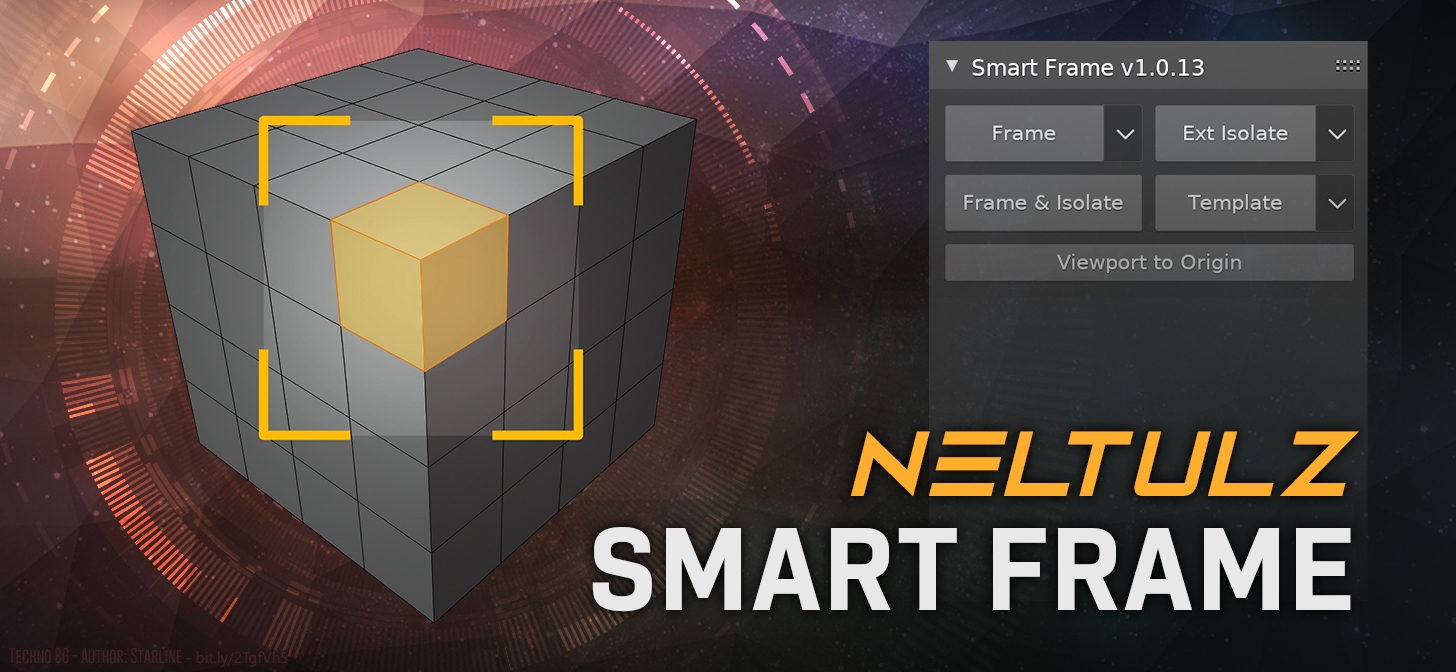
Blender Addon that allows you to quickly frame selection, isolate selection, and display objects as templates (Wireframe with click-through capability)
Frame Objects or All when nothing is selected using F key (Customizable in Keymap Preferences)
Frame Vertices, Edges, Faces, and adjust zoom level using F key (Customizable in Keymap Preferences)
Showstopper Feature: Frame multiple 3d viewports in multiple windows. This is a custom quad view layout so that each view can have its own custom display settings. Users who are familiar with Autodesk Maya and 3DS Max will greatly appreciate this!
Exclude object types (such as lights) when framing objects.
Isolate Objects, Vertices, Edges, or Faces when using the “SHIFT+F” Key (Customizable in Keymap Preferences)
Convert objects to Templates with click-through capability quickly and easily. Great for reference such as blueprints.
How to use: Select an object, face, edge, or vertice, and press F to frame, or Shift+F to isolate. CTRL+Shift+F to frame & isolate simultaneously. You can also exclude certain objects from being isolated, which is useful for preventing things like, image planes, or image backgrounds from being hidden.
If nothing in the scene is selected when pressing F to frame, “Frame All” will be chosen instead. You can also exclude by visibility, so you can exclude (for example) lights, when framing.
Please report any bugs at the official Blender Artists Support Thread.