

Hardware review: QuadraClicks RBT Rabbit Mouse


A mouse is still considered to be the main input device for Blender, as many controls still rely on mouse wheel input, left-clicking, middle-clicking and right-clicking.
Personally I’m also very fond of my trusty pen on a tablet for input, but that’s predominantly because sculpting is my main activity in Blender.
One of the most important reasons for me to switch from a mouse to a tablet + pen is the increasing risk of Repetitive Strain Injury when intensively using a mouse. Conditions like Carpal Tunnel Syndrome can seriously affect the functioning of your hand and wrist, and be very painful.
The QuadraClicks RBT (Right ‘Bove Touch) Rabbit Mouse wants to change the way you control a mouse. In stead of the usually necessary, slightly strained grip, the RBT allows you to let your hand rest in a relaxed, ergonomic manner, partly on the back of your mouse and partly on the underlying surface.
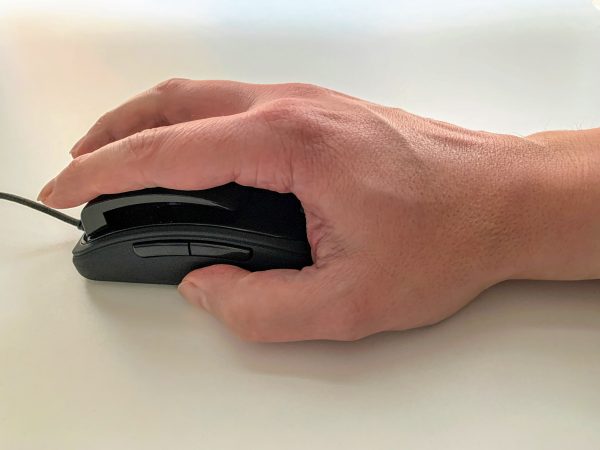
The RBT’s novel approach to mouse use requires some acclimation. Clicks are performed using the base of your forefinger and middle finger, instead of your fingertips. This allows you to keep your hand in a relaxed, unbent position during moving and clicking. Clicking feels solid, with the pleasant sound of microswitches. Clicking with the base of your mouse fingers needs some practice, particularly double-clicking. But you get used to it pretty quickly, and the unconstrained grip feels natural.
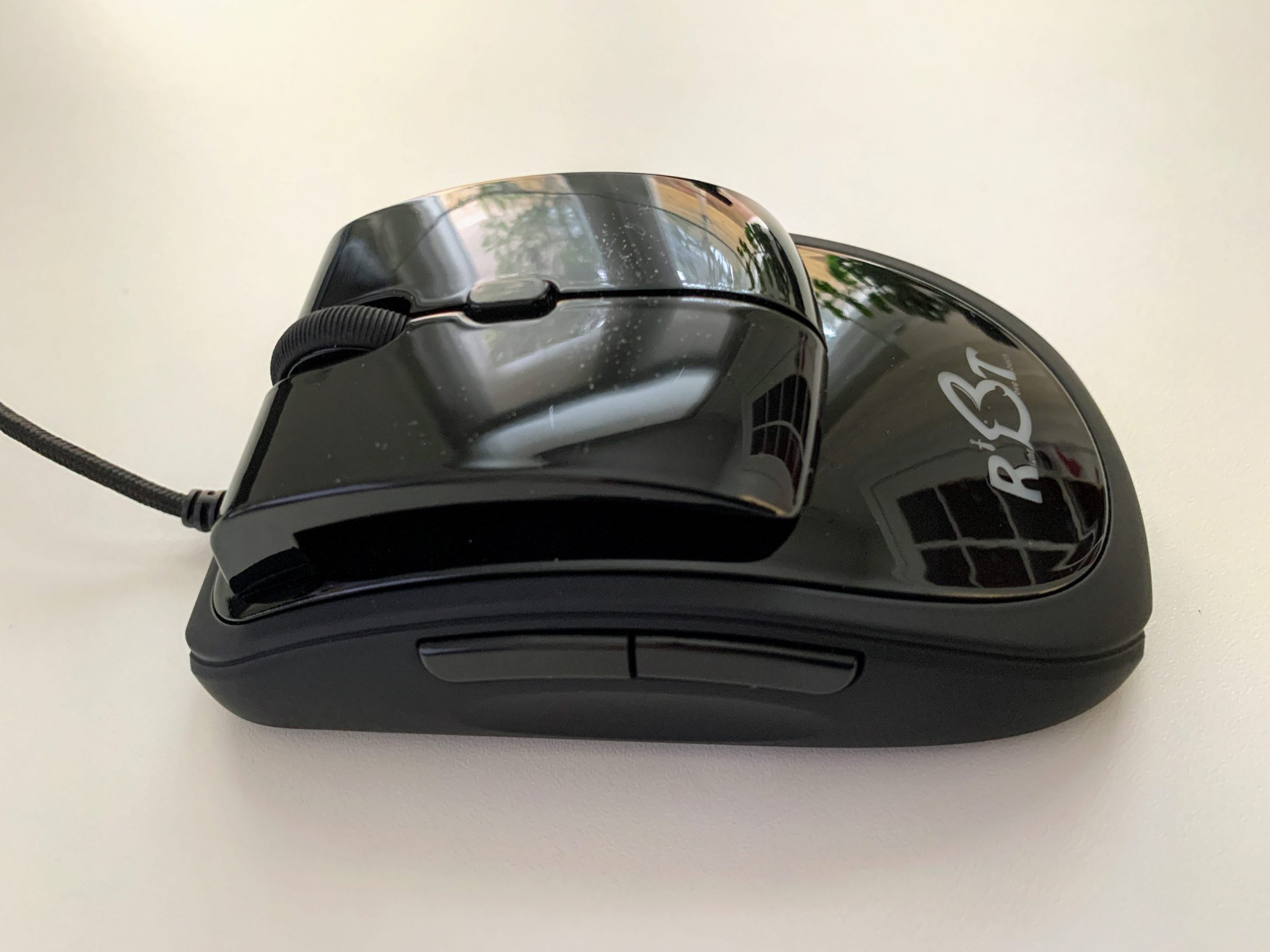
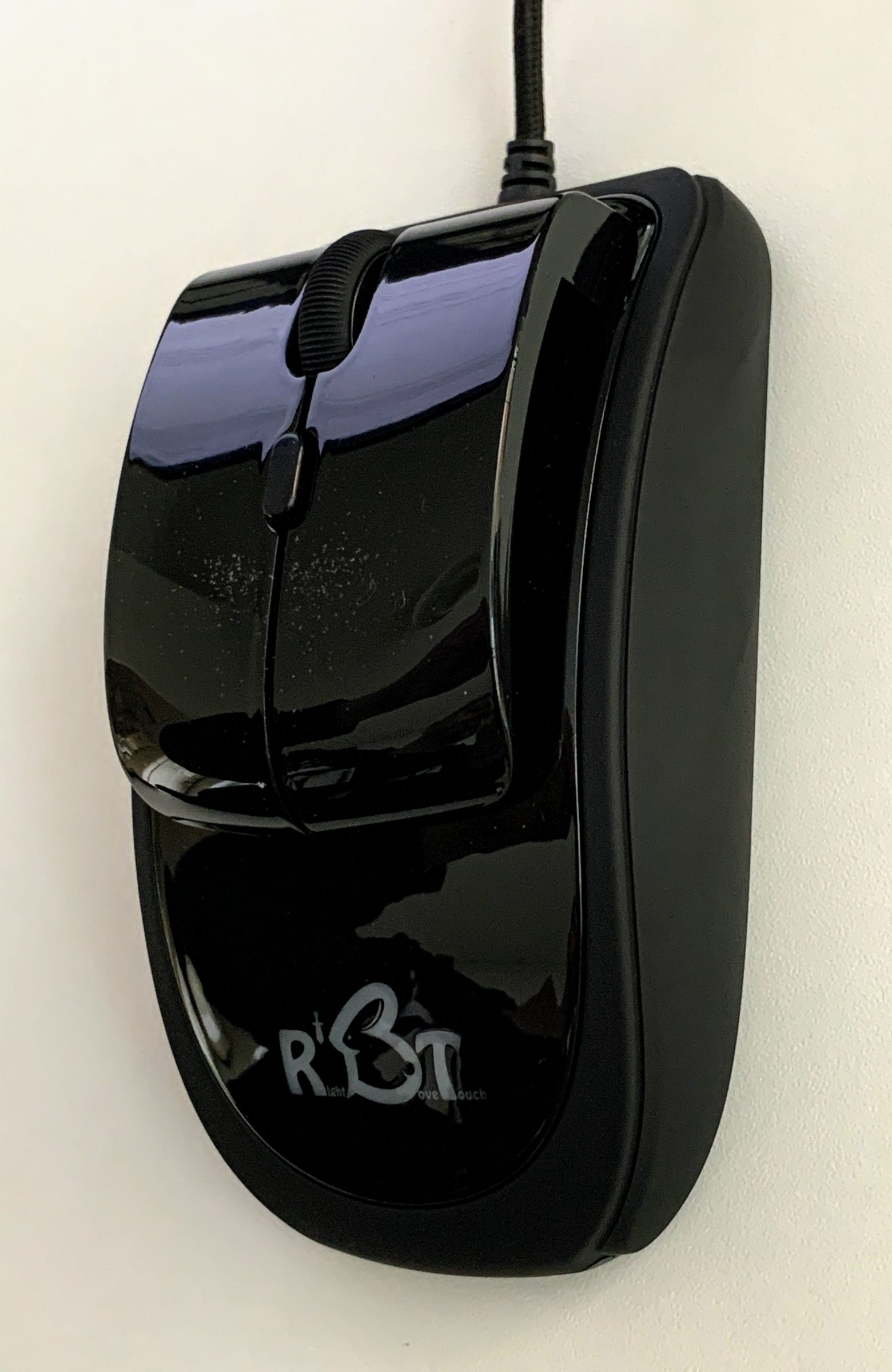
Next to the left, right and middle mouse button (also serving as the wheel), there’s a fourth button on top, located a bit below the mouse wheel button. At the top right side of the mouse are two additional buttons. By default the Forward and Backward functions are assigned to the side buttons (e.g. for use in a browser), but you can download dedicated drivers from the producer’s website, and customize functions like mouse sensitivity, button assignment, DPI settings and the behaviour of the LED light behind the logo. If you don’t want a light at all, there’s a switch for that on the bottom side of the mouse.
At the time of writing the drivers are only available for Windows, there are no macOS or Linux drivers at the moment. Also, there’s no option in the drivers to assign a double-click to a button, which would further ease forefinger strain.
— Review continues beneath the photo gallery —
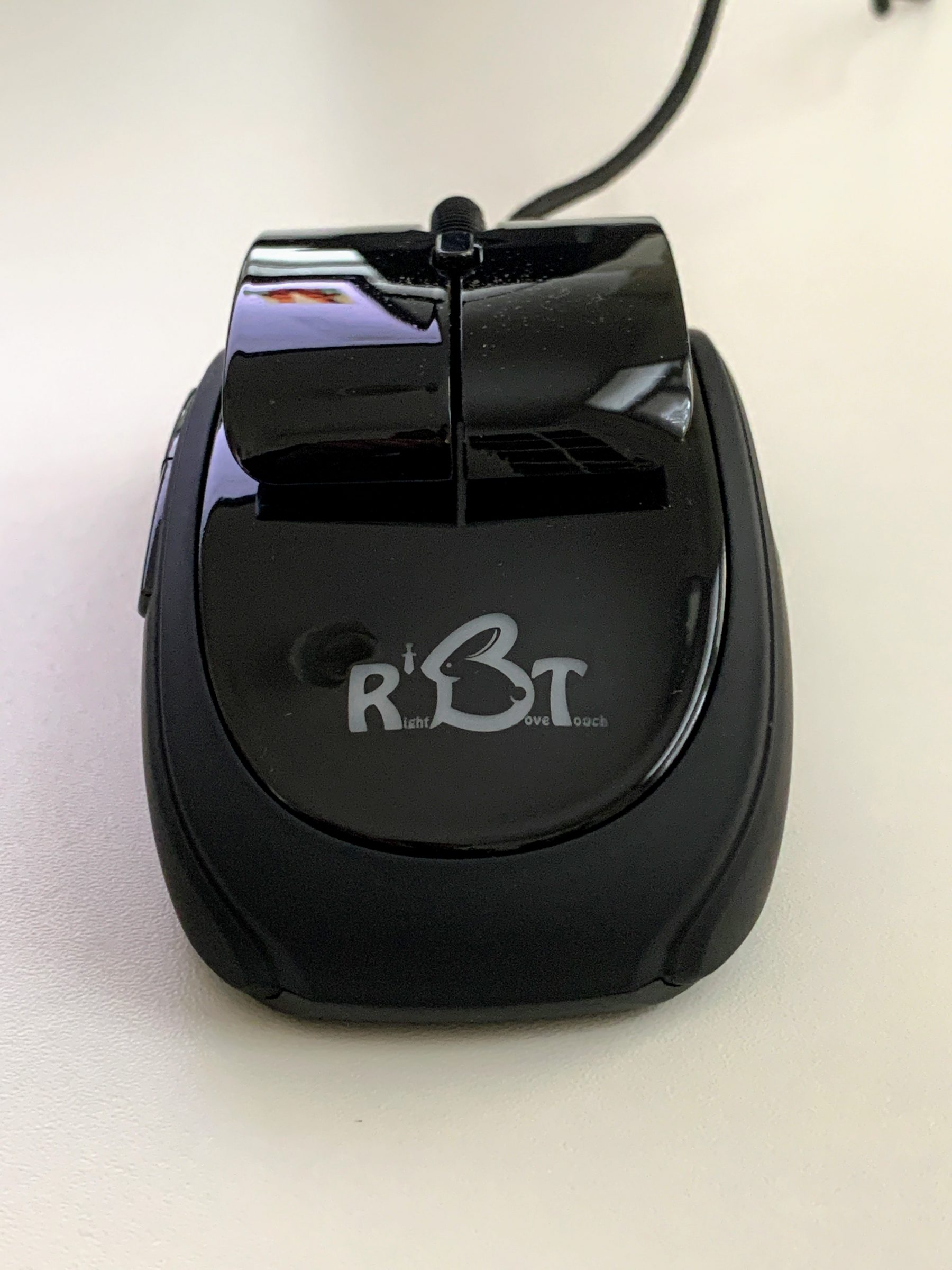
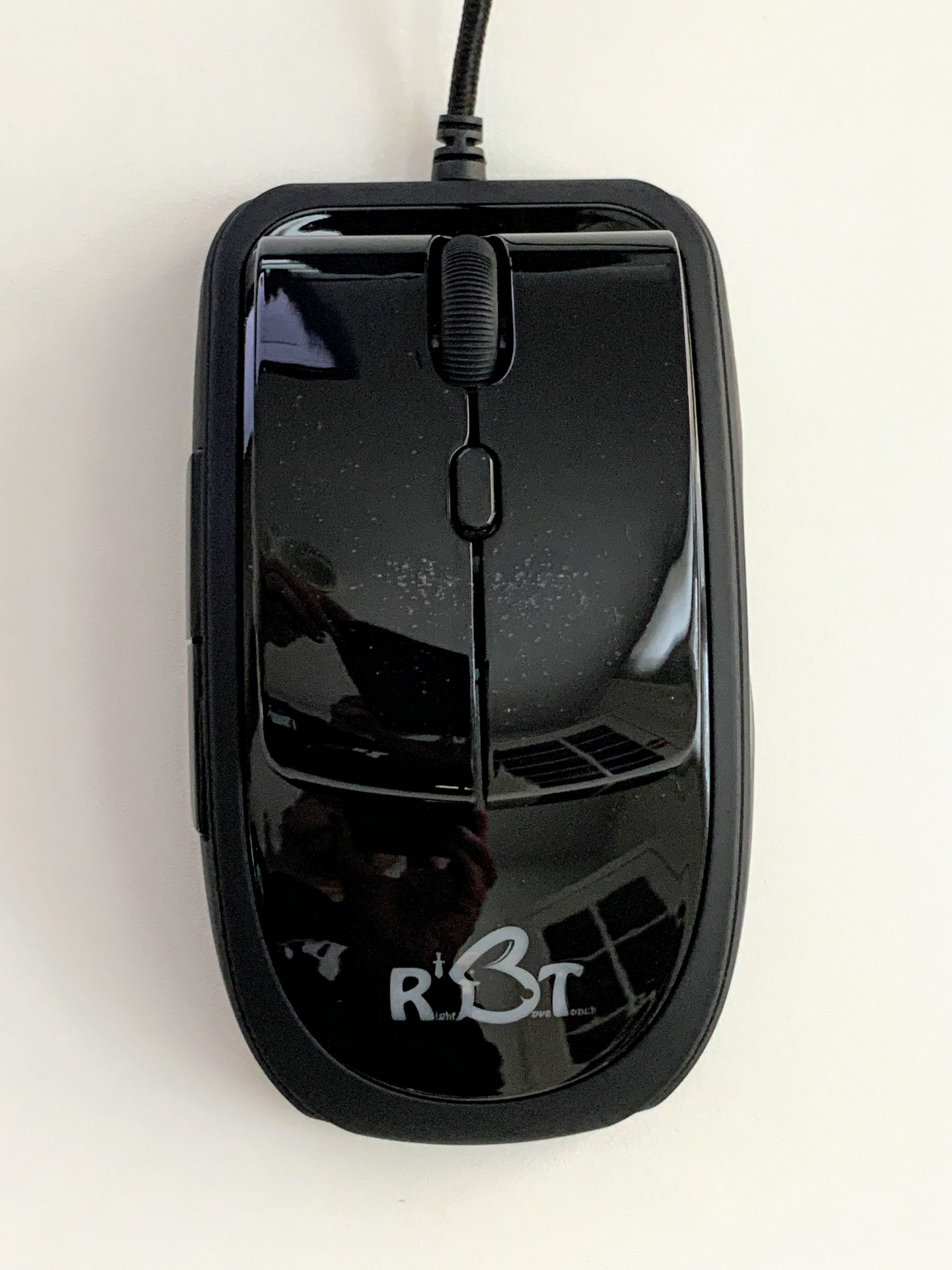
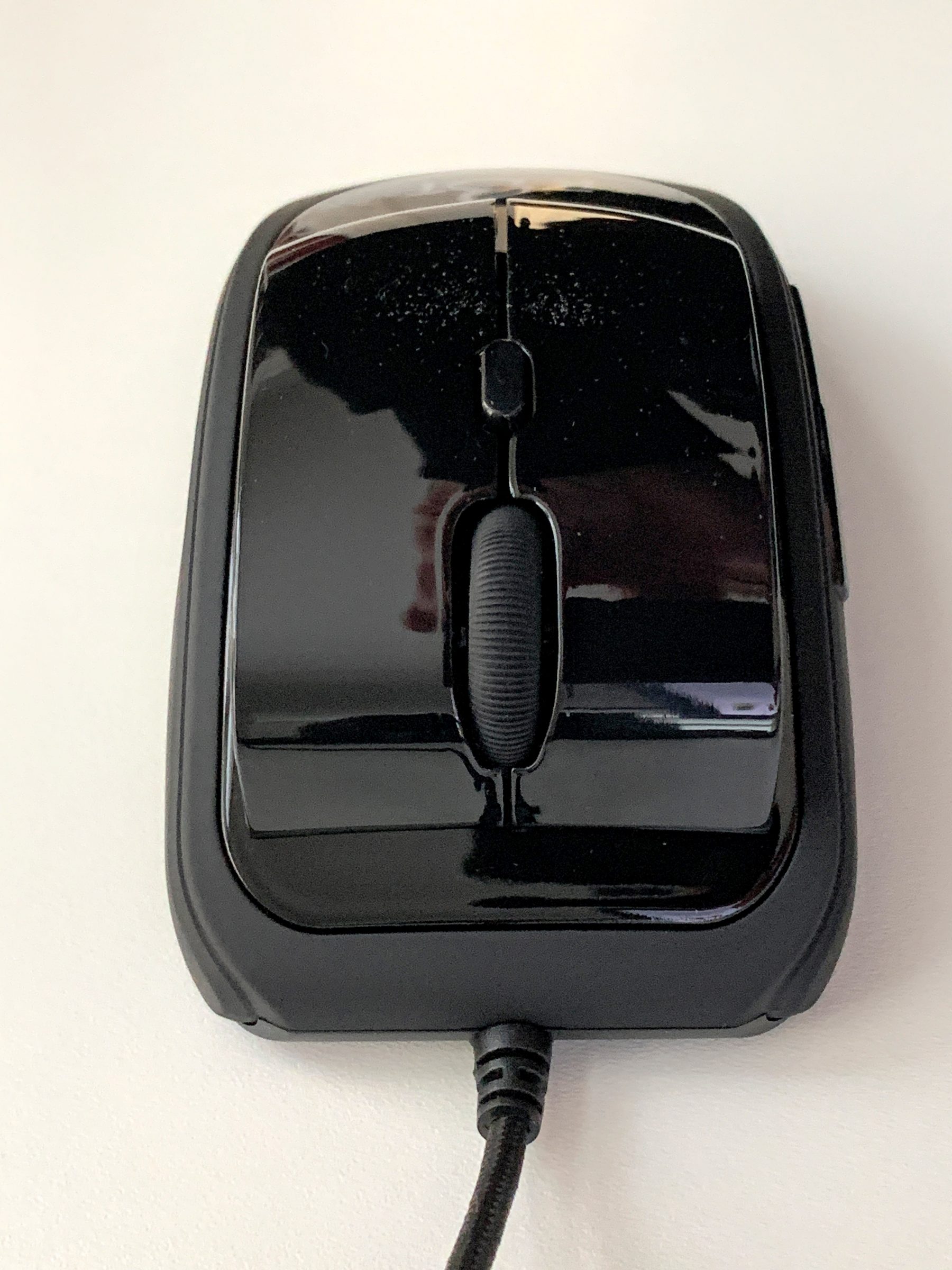
The RBT mouse is also being used at the Blender Foundation, according to a tweet of chairman Ton Roosendaal:
At first everyone thought "ugly weird mouse". But two of the free ergonomic mouse samples @QuadraClicks sent us are now use every day, by Pablico and Andy. https://t.co/cbooJoUjfl #b3d pic.twitter.com/EMDmpvfils
— Ton Roosendaal (inactive)? (@tonroosendaal) April 26, 2019
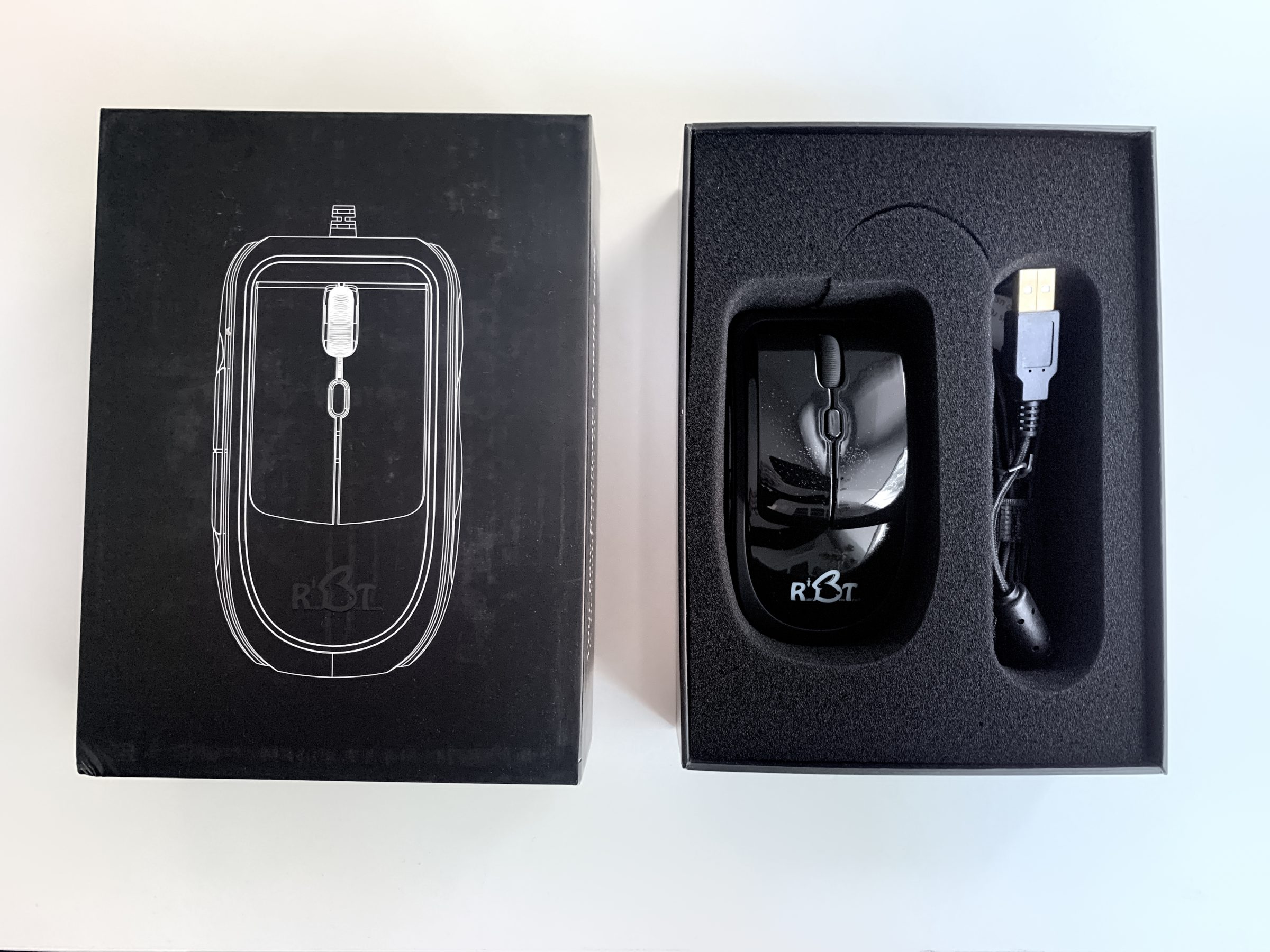
The mouse comes in a nice box with a protective soft inlay, can simply be plugged into a USB port and you’re good to go (tested on a Windows 10 PC), although I’d recommend to install the drivers for fine-tuning the controls if you’re running Windows.
I couldn’t find information on the producer’s website regarding a left-handed version of the RBT mouse. It is probably not available yet, because the RBT mouse project was funded via Indiegogo, and manufacturing an additional left-handed version would have needed a larger budget to start with.
There’s also no wireless edition of the mouse at the time of writing, but the cord is lightweight and ensures no noticeable input lag.
Discount code
QuadraClicks has provided a special 40 % discount code, exclusively for Blender Nation readers:
enter BN2020 when ordering your RBT mouse from the QuadraClicks website.
Link


It looks like a mouse trap
Hahaha. :-D
Hey, if it’ll reduce Repetitive Strain Injury, ugly is the new sexy!
Interesting product share. Definitely worth a look from me.
Thanks!
I like the idea, but given that the mouse offers a mechanical RSI solution, why are drivers an issue at all?
It’s very strange that in this day and age you can still find an HID device that provides no new software features, yet boasts Incompatibility with Any operating systems. That’s a fail.
I could only test the mouse on Windows, but I assume it works with the default macOS and Linux system mouse driver. It does on Windows. I guess the only thing you can’t do on macOS or Linux at the moment is customize model-specific settings. But I’d contact the publisher to be sure.
I use this with steermouse driver for my mac works really well with Revit too
Looks like a promising piece of a mouse.
From my experience out of all that I’ve tried only M500 logitech seems the best for me.