
Render Cycles Fast with AI Denoiser

SouthernShotty writes:
Hi,
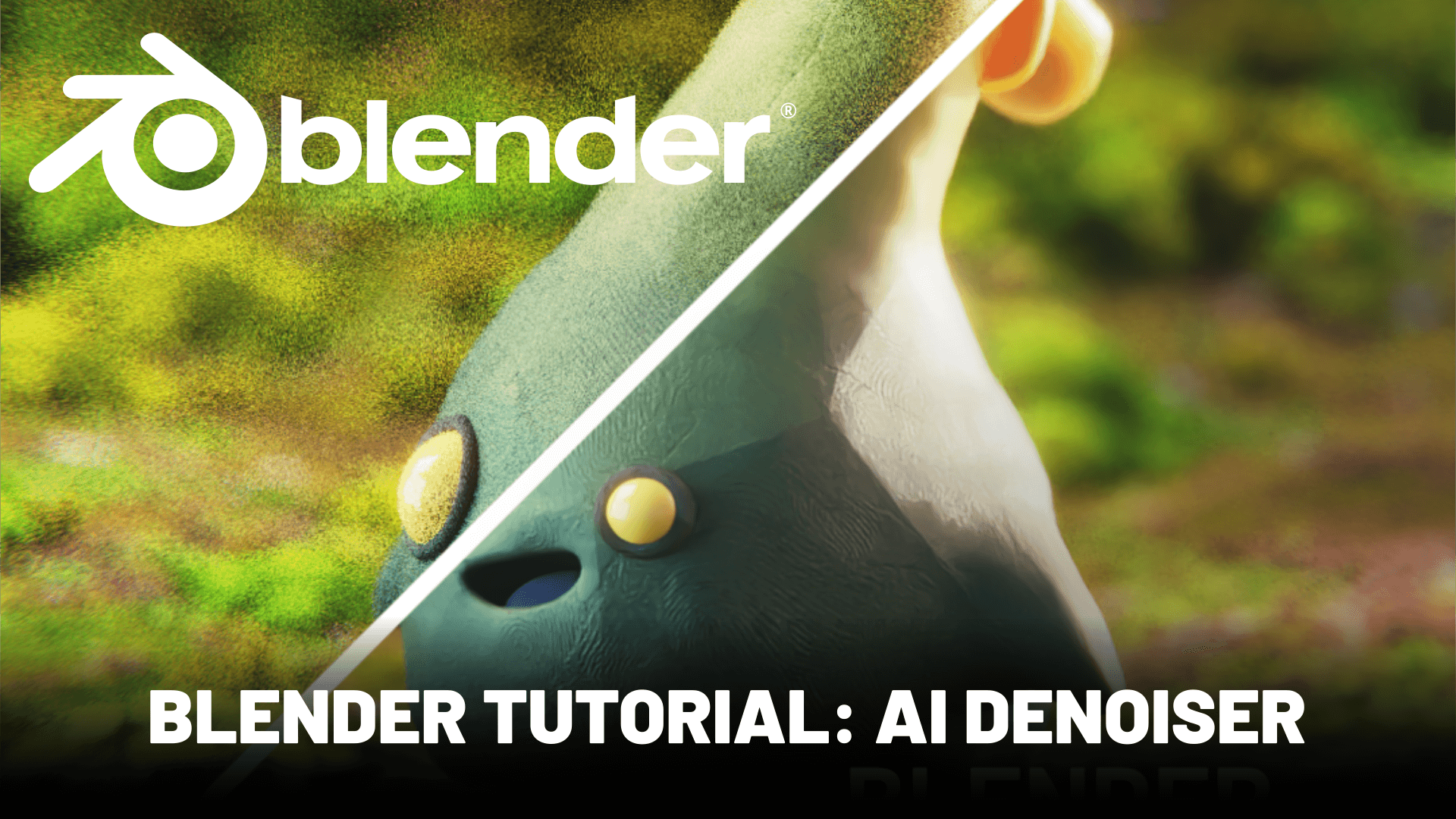
Here is a quick tutorial showing you how to use the new AI denoiser coming out with Blender 2.8. I show an example of the AI denoiser being used on one of my animated scenes.
I’ve seen huge increases, turning 66 hour renders into 45 minute renders on a single machine. Of course, there are some limitations. It only looks at one frame at a time – so the denoise can cause distortion in animation. It sometimes gets a bit fuzzy with edges, so maybe not ideal for architectural renders, at extremely low samples.
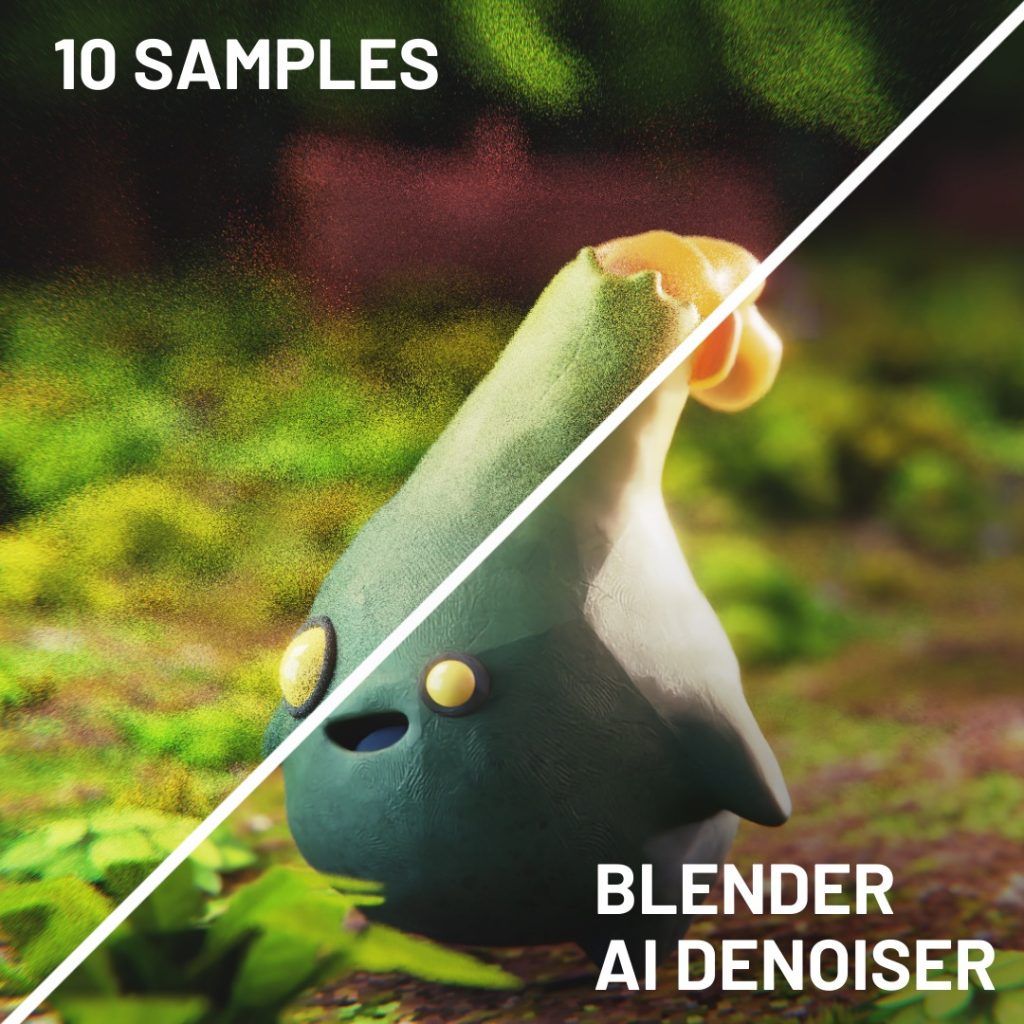
For client work, I would be wary, but for internet compression, I think the results are adequate and as long as you crank the samples a little higher – it is a great tool. Also, if you’re on a lower-end machine it’s better to be able to render something than nothing at all sometimes!
Watch in 1080p so you can see the visual difference better. Share any of your creations, I would love to see. I really do think that Eevee and AI denoiser make it easier for people to create renders with less powerful computers, which is really awesome.


Is it temporally stable? If not it won’t help in animations since it would create flckers and shimerings.
look at the animation, it seems really stable.
It is not. I touch on that in. The video a little bit.
Do you know how to use the denoising intensity option that’s available on the render layers node?
I found that the default settings worked great. Though you can experiment if you’re not getting good results.
Yes, I see that you can. I was wondering how you would do that exactly. I don’t understand what to plug denoising intensity into.
I haven’t found documentation on it yet. They added this pass a while ago and are just now releasing information about it. In the upcoming months I assume the manual will be updated with documentation on the full node set up.
Hi SouthernShotty.
I’m a bit confused here. What is the difference between “AI denoiser” and “Open Image Denoise” in Blender 2.81? Are they both the same thing or different things? Are they both available for free out of the box or should you purchase it? Is this “AI denoiser” = “Remington’s D-Noise”? The article only stated “..coming out with Blender 2.8. 1. .”.
Hi, this is the open image Denoiser available in version 2.81
It is free