
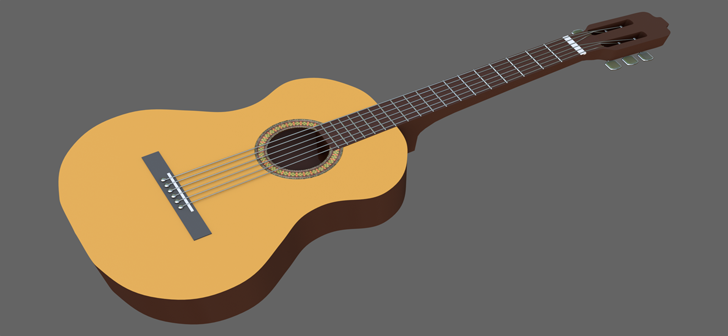
Modeling and texturing a guitar – Blender 2.8 Tutorial

MakeGames writes:
We’ll be (mostly) using a [Curve Point] to model our guitar.
To use the [Curve Point], you need to activate a plug-in called ‘Add Curves: Extra Objects’ that can be found under [File – Preferences – Add-ons].
We’ll also be using the [Import Images as Planes] feature that would require an additional built-in plug-in as well.
To use the [Import Images as Planes] feature, you need to activate a plug-in called ‘Import-Export: Import Images as Planes’ that can be found under [File – Preferences – Add-ons].
3D blueprint, image/normal textures and the .blend start file can be downloaded from here.