• Home
  • Art
    • Behind the Scenes
    • Images
    • Video
    • Games
    • Models & Rigs
    • Headers
    • Repositories
  • Development
    • Blender Development
    • Add-ons
    • Python Scripts
  • Education
    • Books
    • Tutorials
    • Videotutorials
    • Training Videos
  • Community
    • Conferences
    • Contests
    • People
  • Contribute
    • Contact
    • Submit News
    • Submit Header Graphic
    • Supporting BlenderNation
  • Home
  • Art
    • Behind the Scenes
    • Images
    • Video
    • Games
    • Models & Rigs
    • Headers
    • Repositories
  • Development
    • Blender Development
    • Add-ons
    • Python Scripts
  • Education
    • Books
    • Tutorials
    • Videotutorials
    • Training Videos
  • Community
    • Conferences
    • Contests
    • People
  • Contribute
    • Contact
    • Submit News
    • Submit Header Graphic
    • Supporting BlenderNation
sala
BlenderNation
sala
Videotutorials

Procedural Bricks in Blender 2.8 – Tutorial


Simon Thommes · April 7, 2019

Simon Thommes writes:

Hey there,

You might have seen my recent procedural brick shaders. I made a tutorial on how to create a custom one with the nodegroup that I made/used.

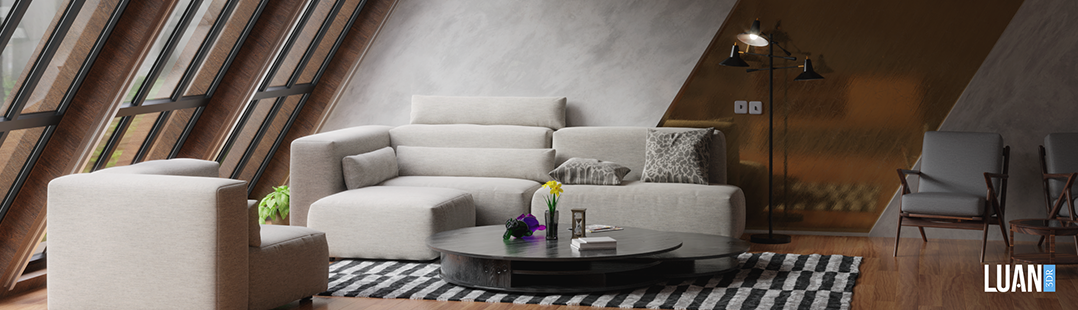
Br’cks for free on Gumroad

Author Simon Thommes
Blender enthusiast since v2.5
Advertisement
Ads help pay for running BlenderNation. Please consider adding us to your allow list.

2 responses

  1. Juan Gea
    19 May 2019 at 22:51

    Can you add a voronoi style for this?

    The idea is to be able to generate this kind of patterns:

    http://bateig.com/wp-content/uploads/2017/05/Mamposteria-en-piedra-natural-portada.png

    Awesome shader BTW :)

    Cheers!

    Edit: BTW I tried going into the node group to add it by myself… but it’s way to complex to try to touch it :)

    Reply
    1. Simon Thommes
      20 May 2019 at 13:04

      The nodegroup generates a brick texture from scratch and relies on rows. A random pattern like this would need a much more complicated and completely different setup. (not sure how)
      Voronoi could be used instead, but it would look much different from the example you linked and it wouldn’t work well at all.

      Reply

Leave a reply Cancel

Your email address will not be published. Required fields are marked *

Featured posts

  • Best of Blender Artists: 2026-24
  • Best of Blender Artists: 2026-23
  • Best of Blender Artists: 2026-22
  • Best of Blender Artists: 2026-21
  • Best of Blender Artists: 2026-20

Support BlenderNation

Keep independent Blender coverage alive

BlenderNation is run by a small passionate team. Your support makes continued independent coverage possible.

Support on Patreon →
Related articles
Videotutorials

Sand Castle Tutorial

Community Reporter · June 16, 2026
Videotutorials

Creating a Helicopter Robot in Blender

Ryan King Art · June 14, 2026
Videotutorials

A Quick Guide to Fields in Blender’s Geometry Nodes

Community Reporter · June 11, 2026

About BlenderNation

BlenderNation collects the best free and paid resources for the Blender 3D community.

Support BlenderNation

Become a supporter Advertise

Contact

Contact us Submit news

Follow us

LinkedIn Mastodon
© 2026 BlenderNation — Part of the vrotvrot.com network
View full size ↗