
Generating Realistic Terrain in Blender 2.8

BlenderEngine writes:
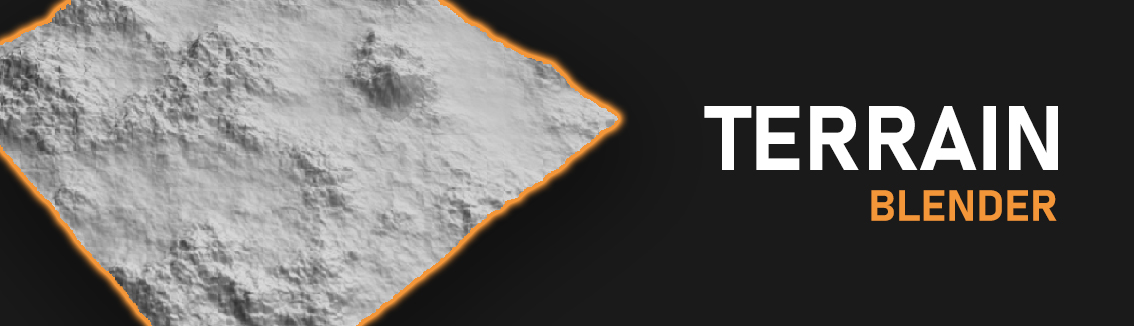
The tutorial demonstrates how how generate a costume terrain inside Blender 2.8 using Blender’s generated cloud images that act as a height map to create the landscape look. Additionally, you can customize the scale and the amount of details of the terrain depending on what look you’re aiming for. Great for building large terrains for films and games in Unity3D and Armory
Steps in the video:
- Add a plane. Subdivide it into 60k+ vertices
- Add displace modifier. Create new image.
- Set the midlevel to 0. Strength to about 0.2 – 0.5
- Open textures tab, select clouds.
- Set the scale and detail to your liking
- Enable color ramp for further adjustments.
- White represents the highs. Black is the low levels.
https://youtu.be/wNyNc6nLCTQ

I have one thing to say about this: It needs erosion.
Yeah, erosion is what makes a terrain realistic. I wish we had a dedicated feature for that. Time for a new Code Quest :wink:
Or you can try Gaea, it has everything you need.
yes, I’ve been watching a review on a YouTube channel recently. Looks kinda cool. Its free version is way less restrictive compared to that of other vendors though has evident limitations. The indie version seems very well priced and it’s a one-off payment which is nice in this day and age inundated with multitudes of subscription-only software.