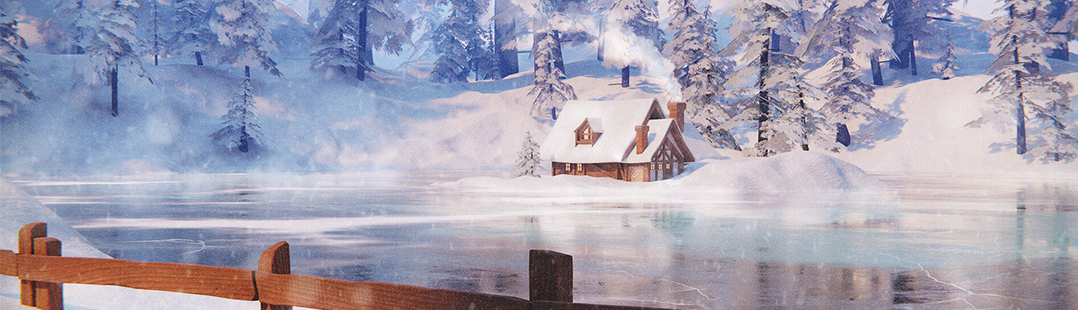

EEVEE: Pros, cons and weird workflow changes

pavla writes:
“I learned more about Eevee from these 8 lessons than I have anywhere else. By far.” ~ Kent Trammell
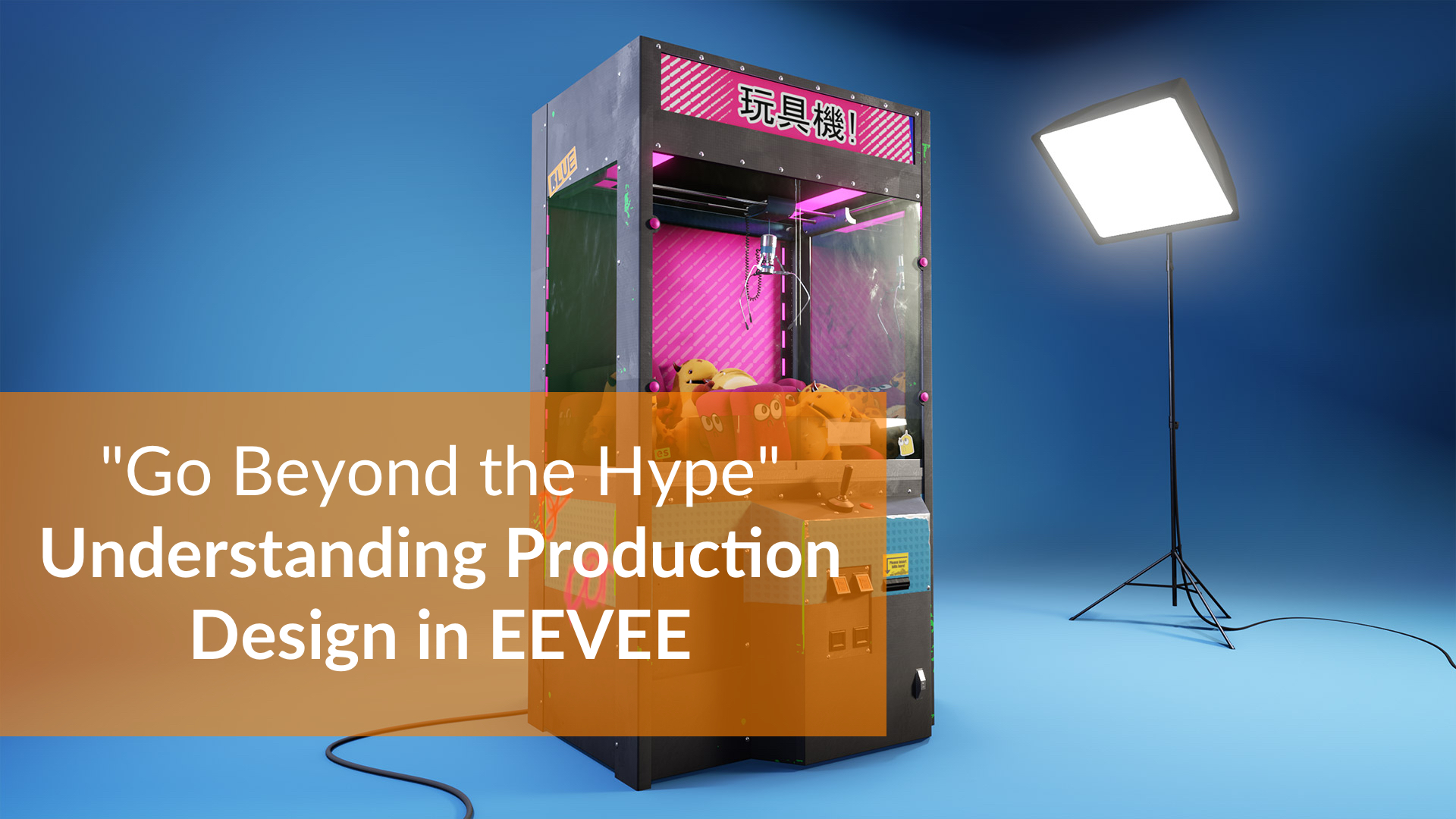
Get up to speed with Blender 2.8 and its ground-breaking realtime render engine, Eevee. In this Blender 2.8 video tutorial, Ethan Snell takes you deep into the details about Eevee’s lighting and material capabilities along with a cubic ton of tips and tricks.
What You’ll Learn:
- Collections showcase – While this organizational feature isn’t an Eevee-exclusive, it’s very useful and worth a sneak peak.
- Eevee lights + Post effects – Shadow bias, contact shadows, bloom, reflection probes, baked GI…all things covered here.
- Eevee materials – It’s so nice that Eevee’s materials are compatible with Cycles. Though it’s important to be aware of where they’re different, especially when it comes to transparency.
- Game art tricks – Since Eevee is a game engine at heart, it helps to know some game artist tricks to both improve visual quality and speed optimize your scene.



Link is broken :)
Fixed it, sorry!