
13000+ personalized 3D motion graphics videos

pieter mylle writes:
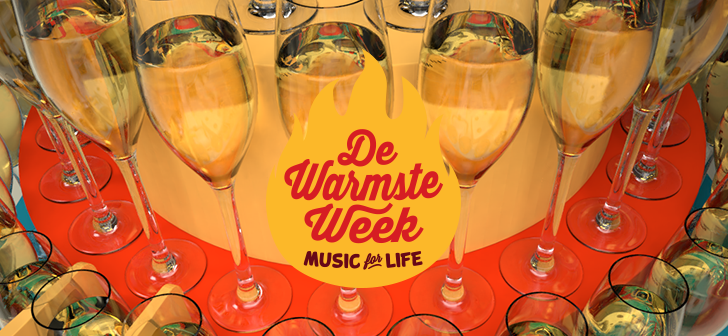
Each year, the Belgian radio and television station VRT organizes “The Hottest Week”, a fundraising campaign for which people can set up an action to help one of almost 2.000 charities.
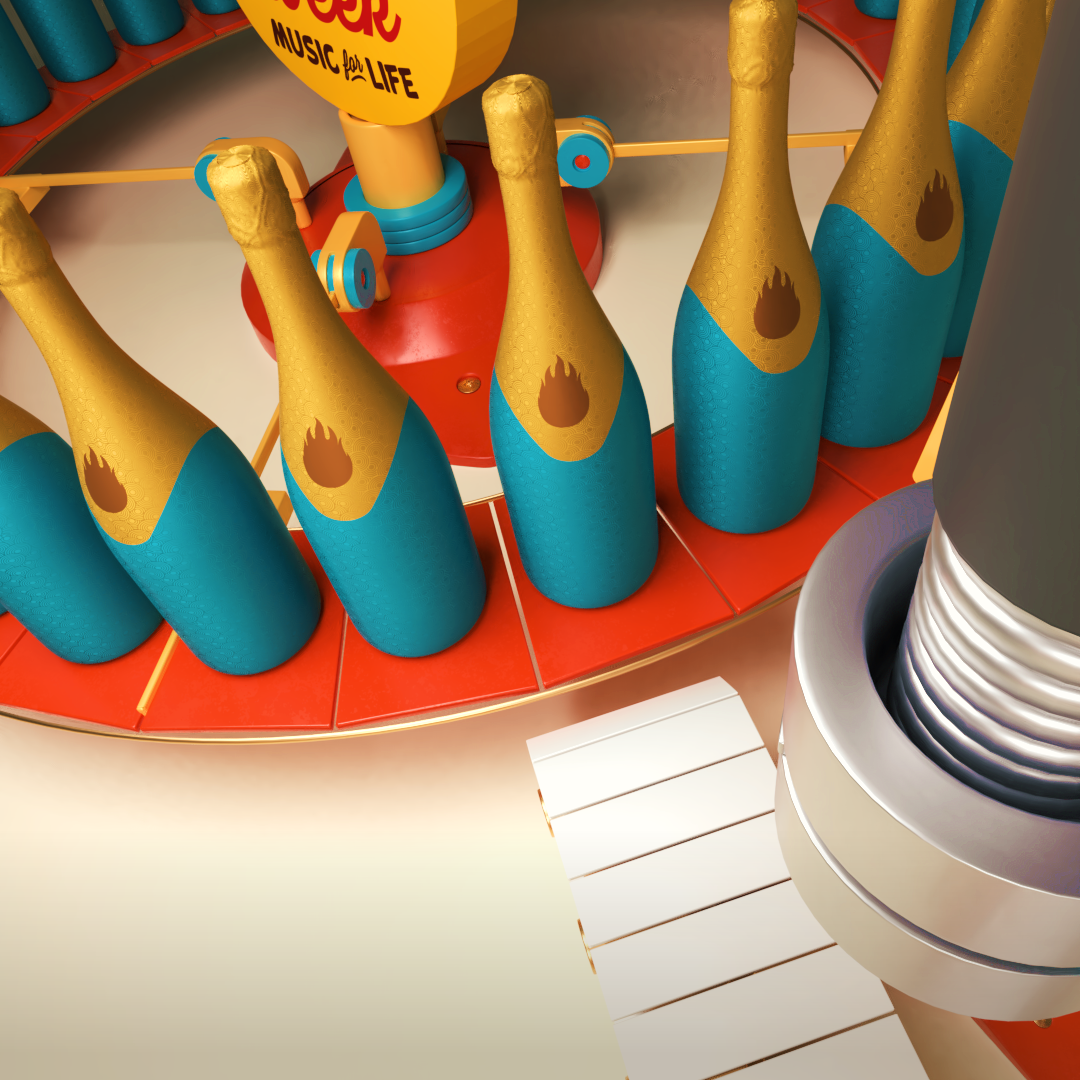
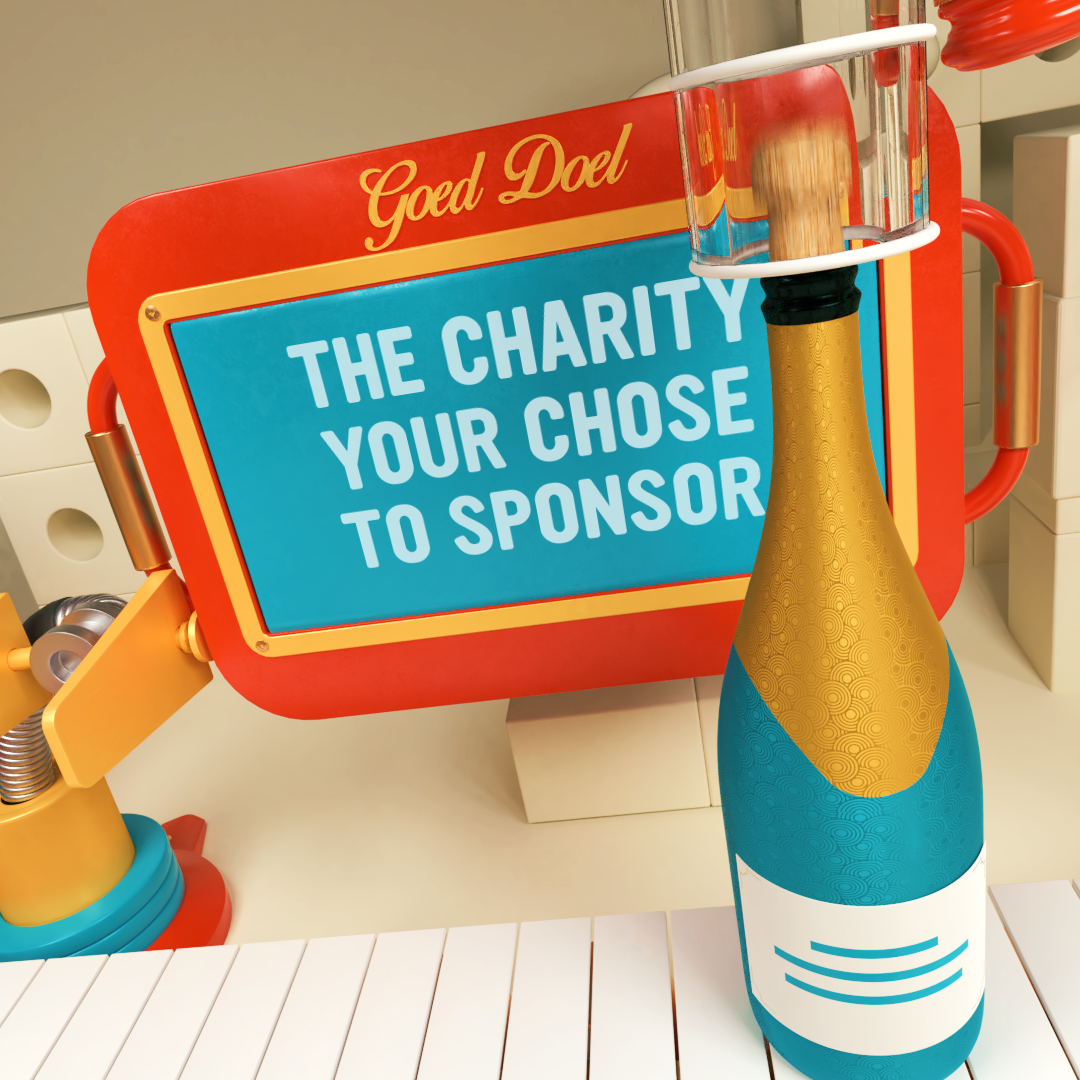
As part of this project, I worked on the creation of a 3D motion graphics video campaign that spread 13.000+ personalized videos to thank each of the 13.000+ action organizers.
The thank you video:
What is a personalized video?
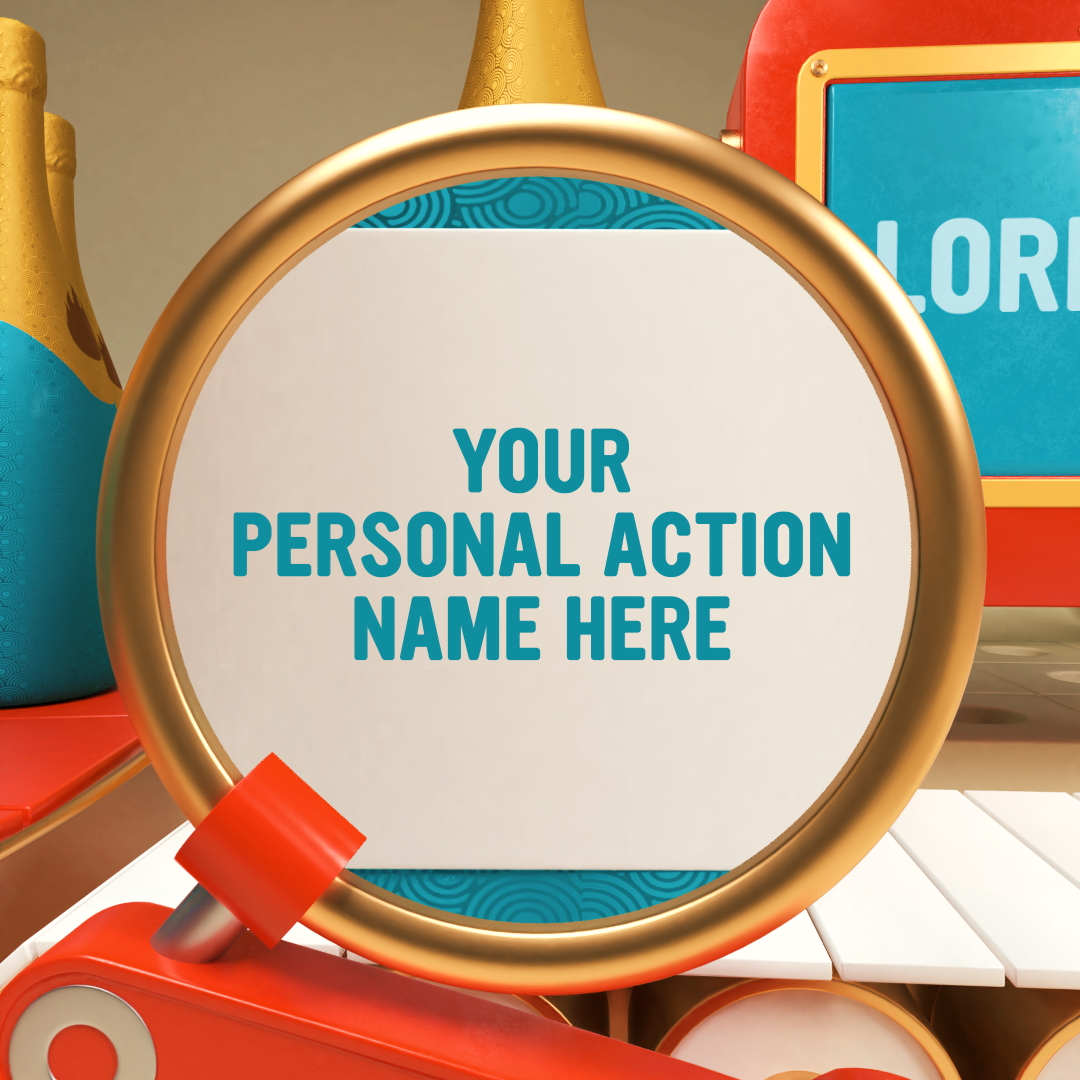
A personalized video is a basically a video which contains dynamic elements. This means everyone will see a different video, based on the same template(s). Dynamic elements can be text, images, video, animation, entire scenes, audio, … The result is a bulk of x number of videos that can be spread very targeted to an audience.
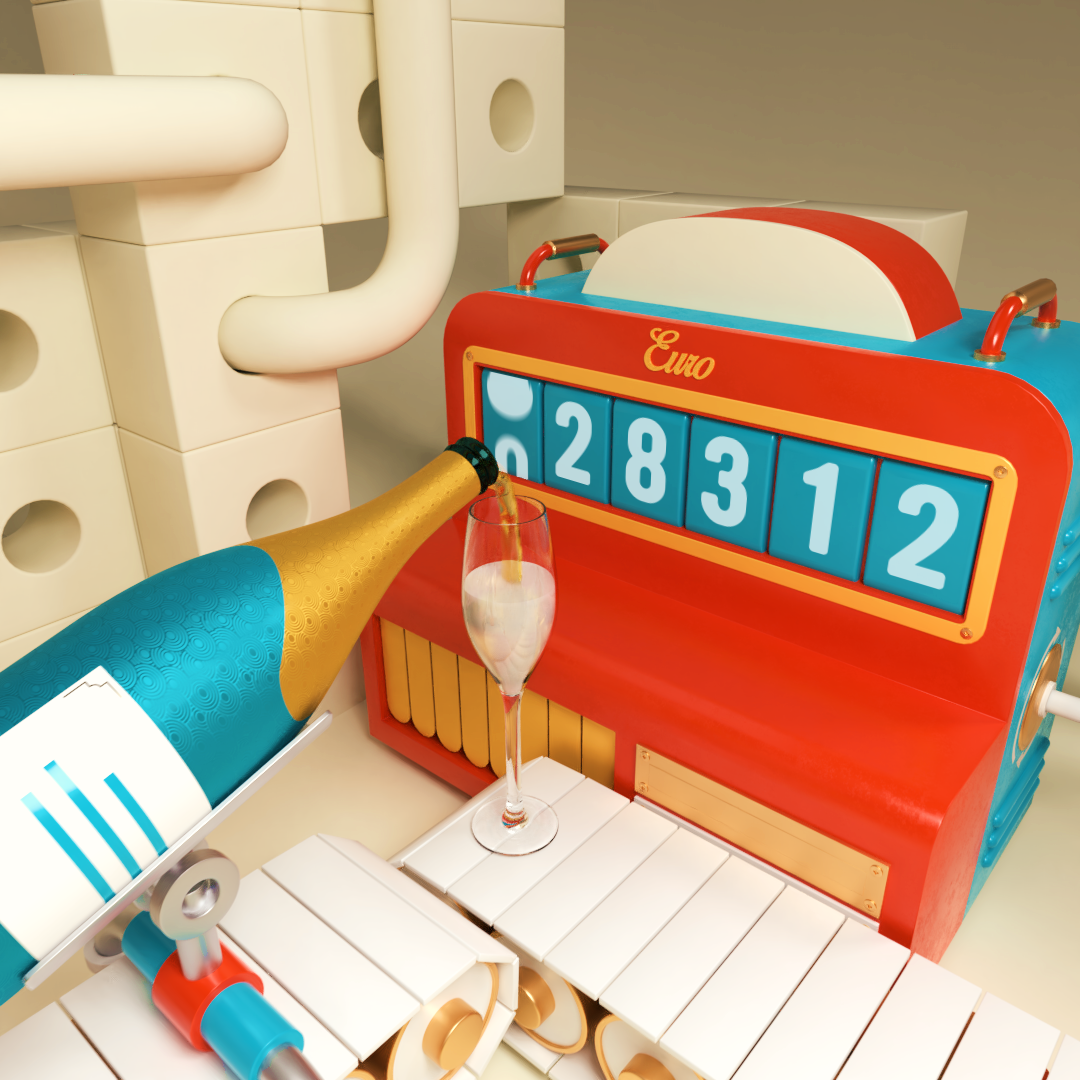
In this campaign, these where the dynamic elements: action name, charity name, amount of money.
Why personalized video for this campaign?
It is a trendy video marketing tool to target an audience in a very personal, innovative and efficient way. Personalizing the content can increase for example significantly the click through rate of mailing campaigns.
Using a datasheet with personalized records, 13.000 videos have been rendered. A SaaS pv platform, using the power of AWS has been used to render the huge amount of videos in the cloud
in a very short time frame, which is impossible with local machines/resources.With this project, all action organizers received their shareable (social media) and downloadable personal video.
Important workflow tip that might inspire yours!
As client projects come with deadlines … short deadlines, you don’t have much time to play around. Efficiency in workflow becomes important, especially with 3D motion graphics. For that reason, I split this project in 2 main phases: “Think” and “Do” phase … obvious steps but easily forgotten. It’s very attractive to start with modeling, texturing, lighting, … but the result will mostly not be what you’re aiming for, certainly when a client is involved.
Think phase:
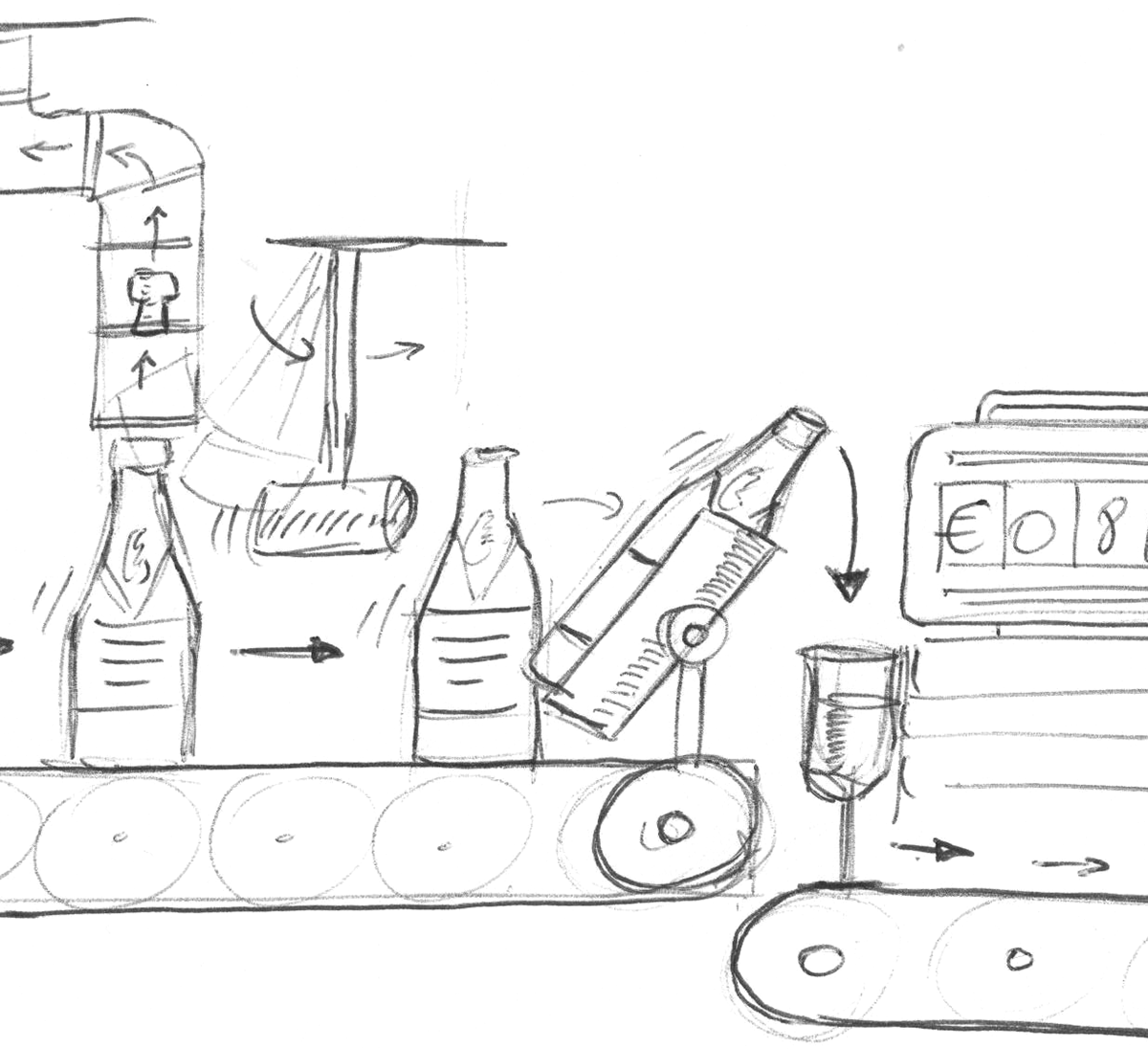
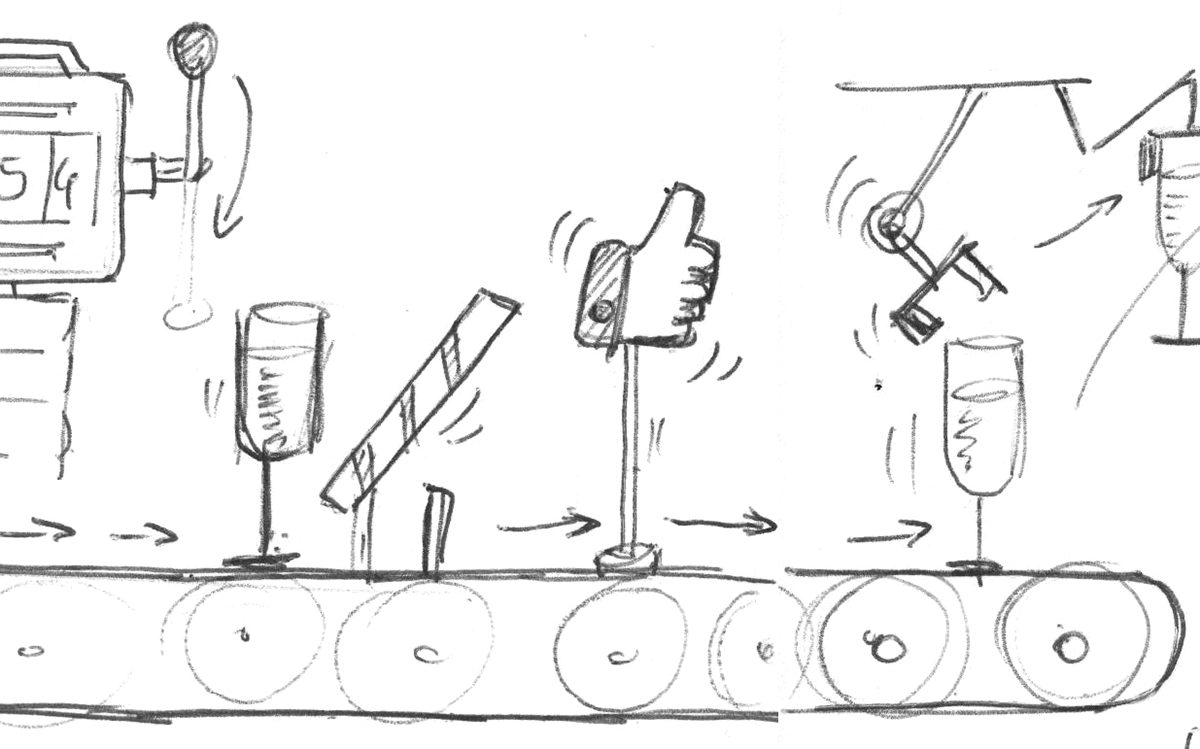
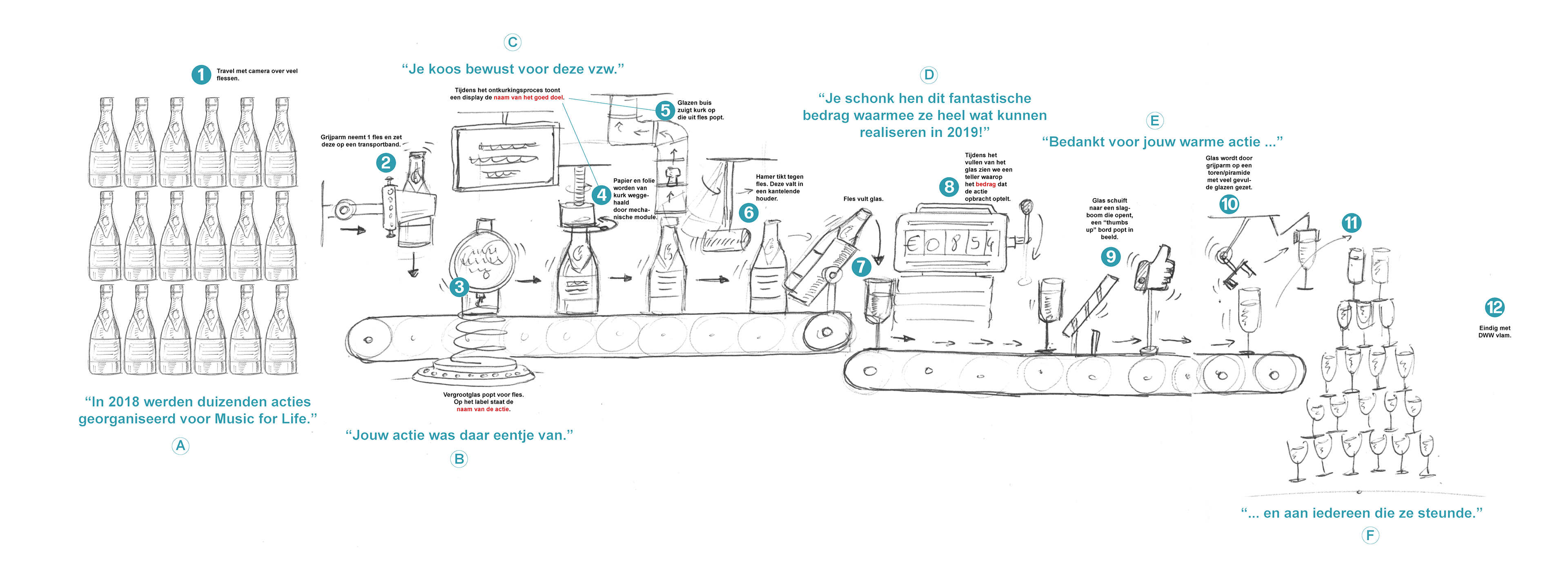
The most important step was coming up with a good story/script, keeping personalization in mind, and sketch it as a storyboard.
Putting the storyboard visuals, along with a computer voice of the script, as an animatic on a timeline in this early phase is a huge time saver for further project completion. Why? It helps to see if the story actually works, without loosing yourself in detail. Creating an animatic gives better insight into timing, staging, framing of 3D scene(s) that will need to be created. As the 3D video is a single scene camera shot with voice over, everything must be timed perfectly. You now will know how much detail you have to model, which objects in a scene will be important, how long they will be shown, … This approach also helps you to convince a client before starting with the time consuming production phase.
Do phase:
The goal of the Think phase is to make the Do phase easy peasy. It takes away the complexity in production. Bringing the Think phase to a good end solves a lot of production issues. You can now keep your focus on the creation stuff.
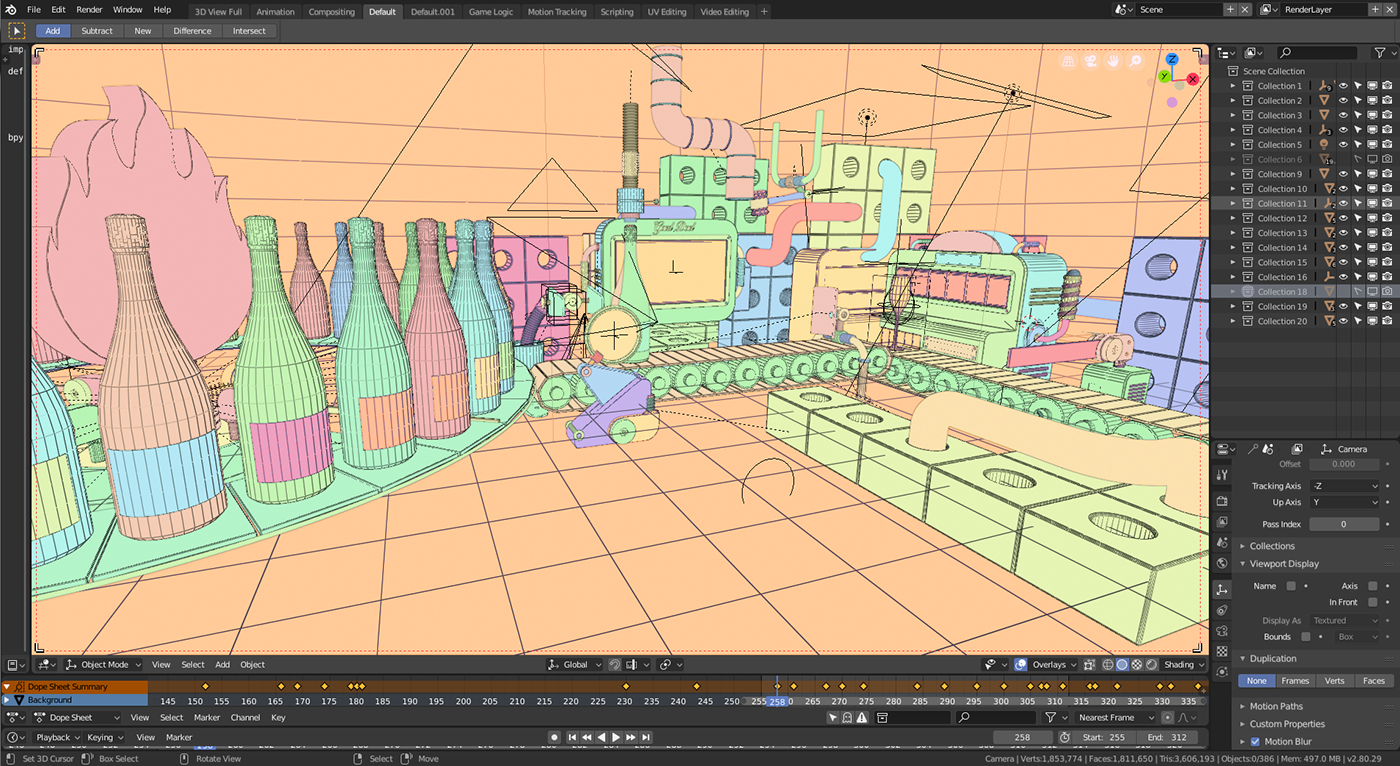
Blender is used for modeling, shading, texturing, animation, and preview rendering. Renderstreet for the final HD render, After Effects for compositing and personalization preparation.
Thanks for reading and happy Blending!

Wow looks very impressive! Super clean shots. Are they examples how a customized version looks like?
Much appreciated Rombout! Sure, have a look on Facebook and search for “de warmste week bedankt”. In the video results you should find some social shared videos.
You can also find more visuals on:
https://www.behance.net/gallery/74061295/Personalized-3D-thank-you-videos
Found, wondering how this was all rendered dynamic, must be a complicated setup. I was thinking first this renders on the fly as some others do. Not sure than can be done though.
One of the few times i understand a video in my own language ;) nice results
That’s great. Could you please give some insights on how you did the champagne being poured in the glass? Thank you.
Hi “UserUser”,
I choose to do this process without liquid simulation.
The pouring of the champagne is a modified cylinder that follows a curve from the bottle top into the glass.
To obtain the effect of pouring, I added a cloud displacement modifier to the cylinder from which the texture coordination is set to a null object. Moving the null object in any direction animates the cloud displacement modifier along the cylinder, giving the look of pouring liquid.
The glass content contains 2 meshes, one for the liquid, one for the foam. Both meshes are masked by 2 other objects via boolean modifiers. The modifiers are animated to fill the glass with a foam looking and a champagne looking material.
Subtle bubbles of the champagne are added in post, but this could have been a particle modifier with small emission objects.
Thank you. Very smart and great result.
Looking pretty good!
Very nice, I live in Belgium and my daughter took part in “de warmste week”. We received our personalized video with the correct name and money result. I already wondered how this was made. Nice to see the process and even better to see that it was made in Blender! Thanks man!
Thanks David, great to hear your daughter took part in the campaign!