

TexTools 1.1.0 Released

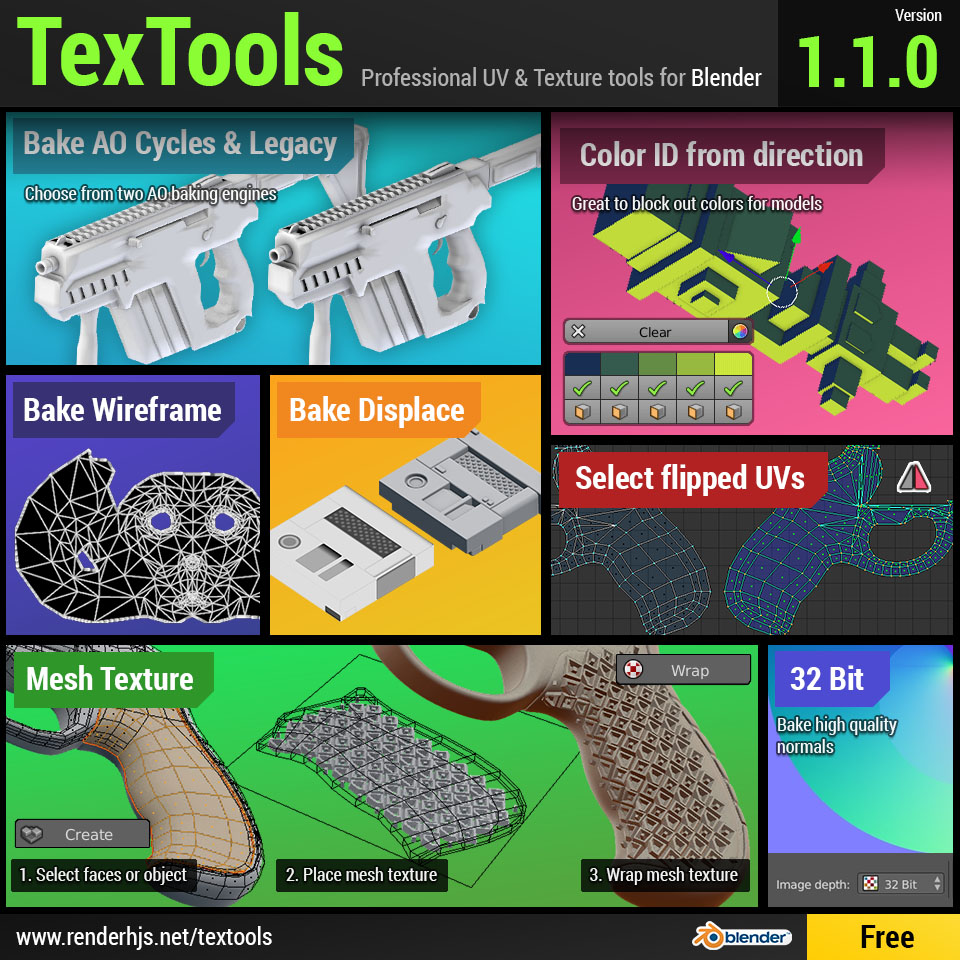
TexTools 1.1.0 adds several new bakemodes and more.
What’s New
Mesh texture tools
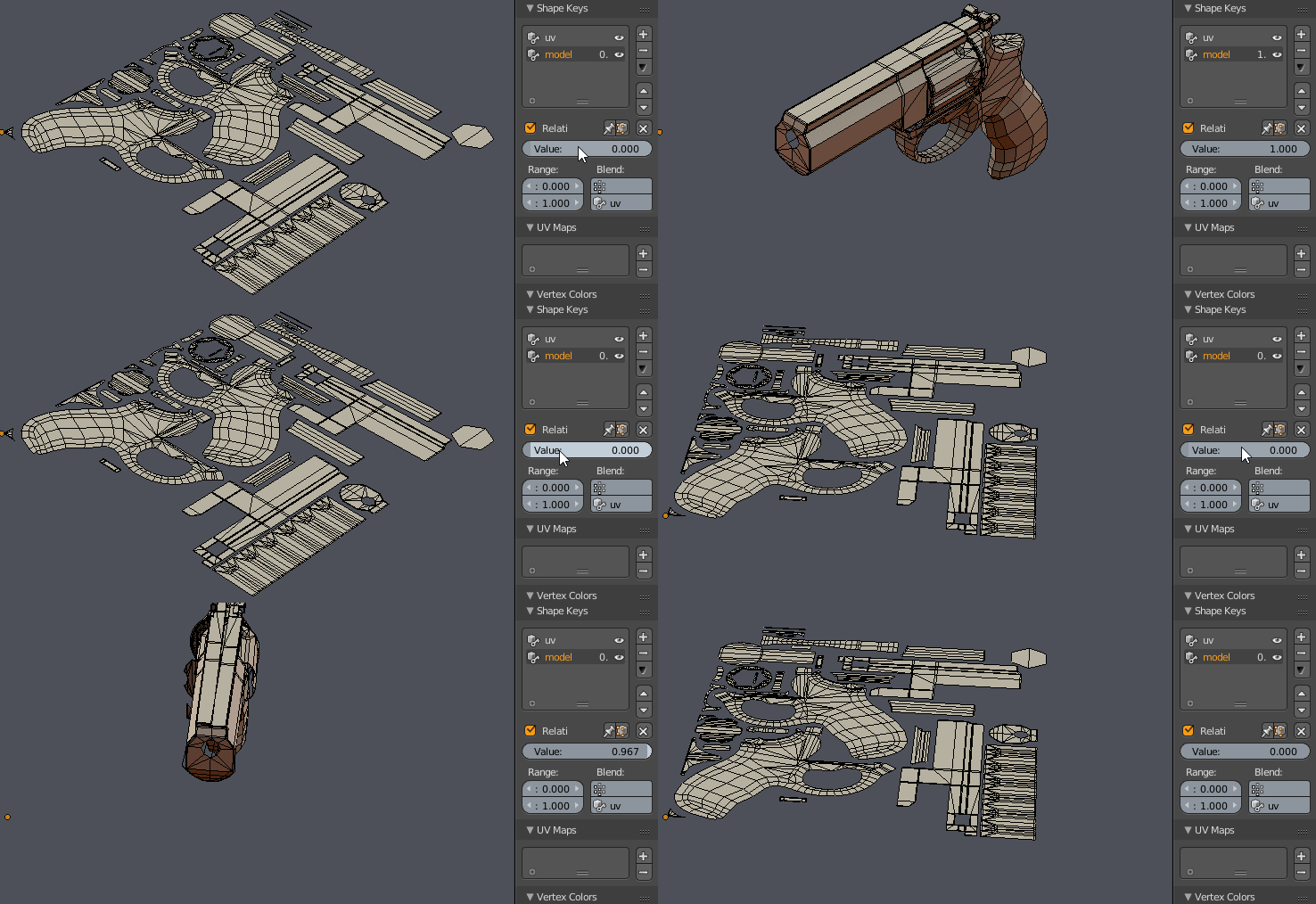
A new tool to wrap meshes like textures around your objects. Consists of 2 tools: Create UV mesh and wrap selected UV mesh and Mesh Texture.
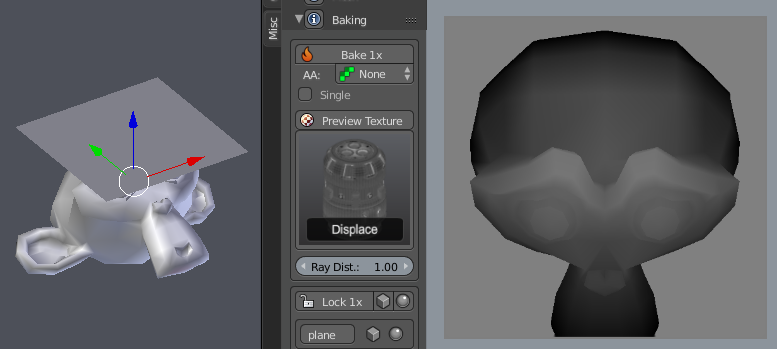
Bake mode: Displace
A Blender renderer feature: A bit like a depth mask on a normal projected basis. Great for mesh displacement in engines or 3D packages.
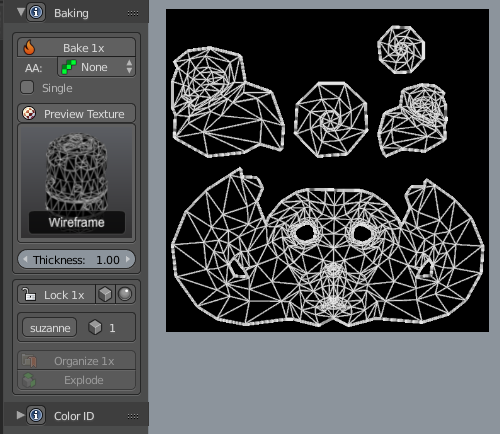
Bake mode: Wireframe
Quick bake of the wireframes as a black and white mask. Perhaps in some cases just faster than exporting the UV layout manually.
Bake mode: Legacy AO and AO
As the previous AO baking mode (using Blender render engine) didn’t support cages I decided to add the Cycles AO baking mode as well which supports Cages. The Legacy AO mode will have in many cases nicer results because of the normalized feature it uses but for cages use the now normal AO mode.
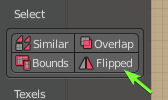
Select flipped UV islands
Simple tool to selected Flipped UVs. It will select any UV island that has at least one UV faces flipped.
Color ID from directions: 2, 3, 4 or 6
Process that me and a friend came up with years ago and that we used for hand painted 3D models or pixel art renders.
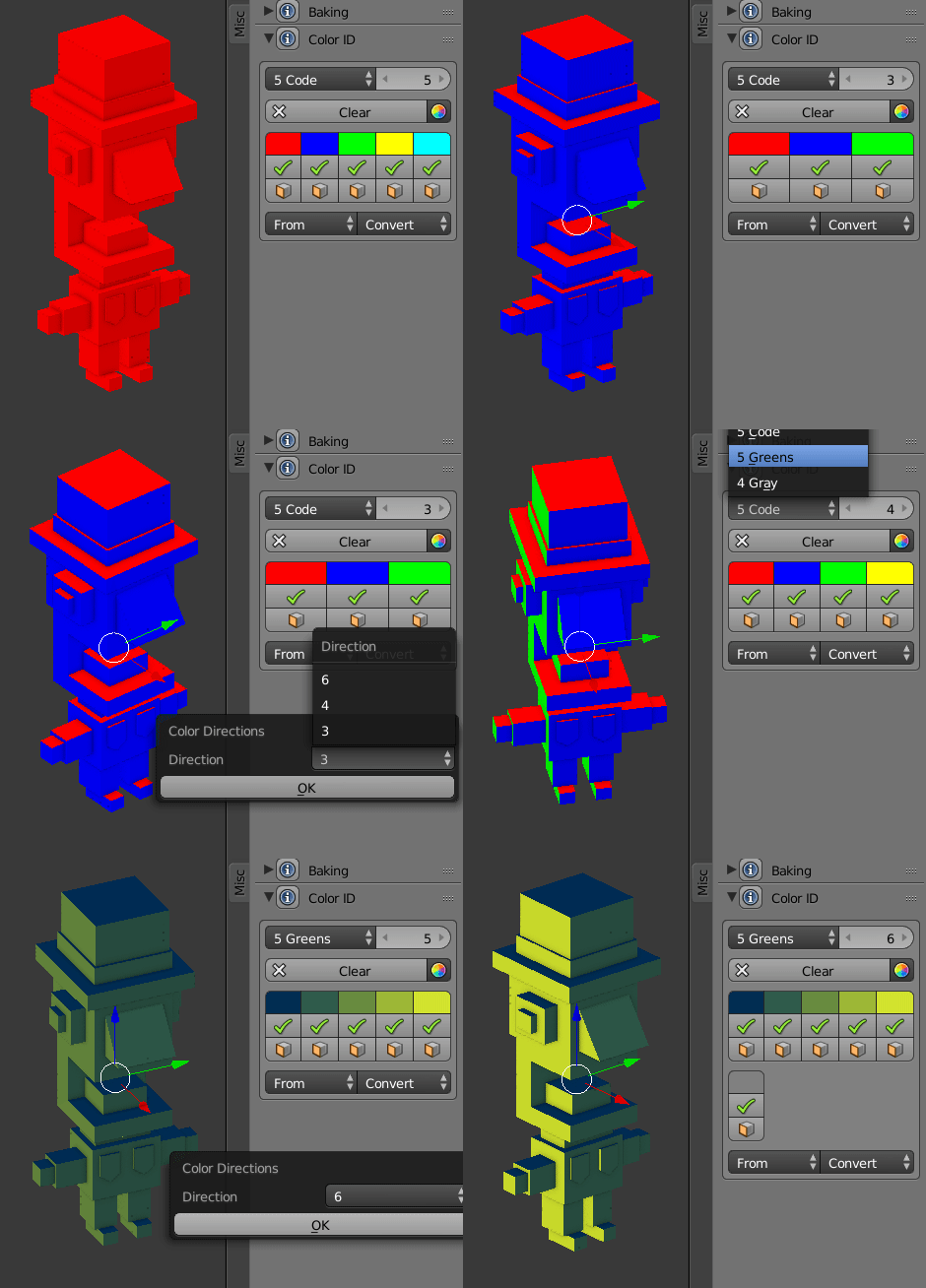
This model for example uses this technique with unique directional colors for up, left & right, front & back
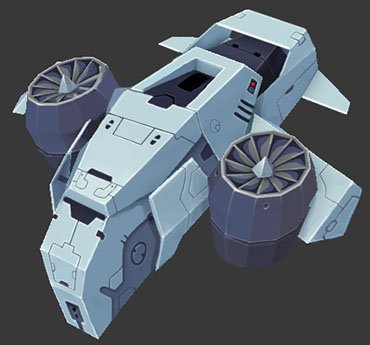
Bake 32 bit float mode added
New option in the addon preferences to change from 8 bit per channel to 32 bit per channel texture baking.
Apart from the new features a lot of bug fixes have been addressed with this release.

I’m going to have to give this a try. Texturing has been something that I’ve really kind of avoided for a long time… too long, really. Given what you do for a living and the fact that you’ve been inclined to share with the community, I feel like I really can’t go wrong. Thank you!
Absolutely great ad-don with impressive development. Backing maps is much easier now. Thank you! I can see new Mesh texture tool, this looks very interesting. Could be a chance for some explanation, tips on how to use it? Thank you very much for your work! Excellent Ad-don!
out standing! so fast development of this addon, thank you!
Man, you are too cool! Thanks!
A really impressive tool, thanks a lot….
Is there any tutorials for this ? This is hard to to understand from just these images