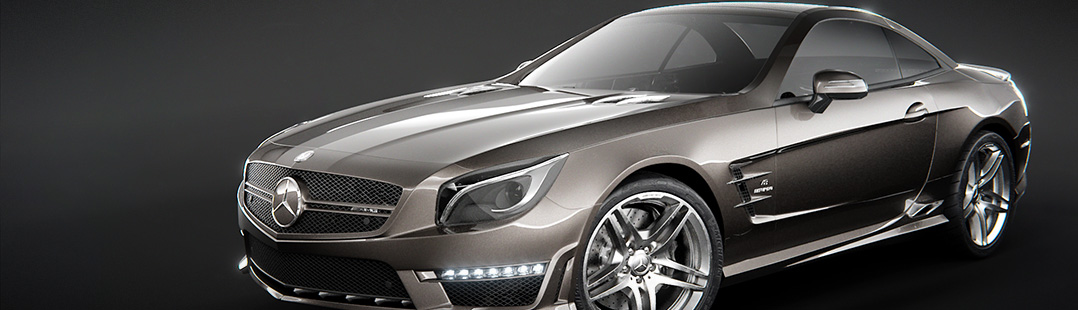

Quick Setup for 3 Basic Materials using the Principled Shader

DerekElliott writes:
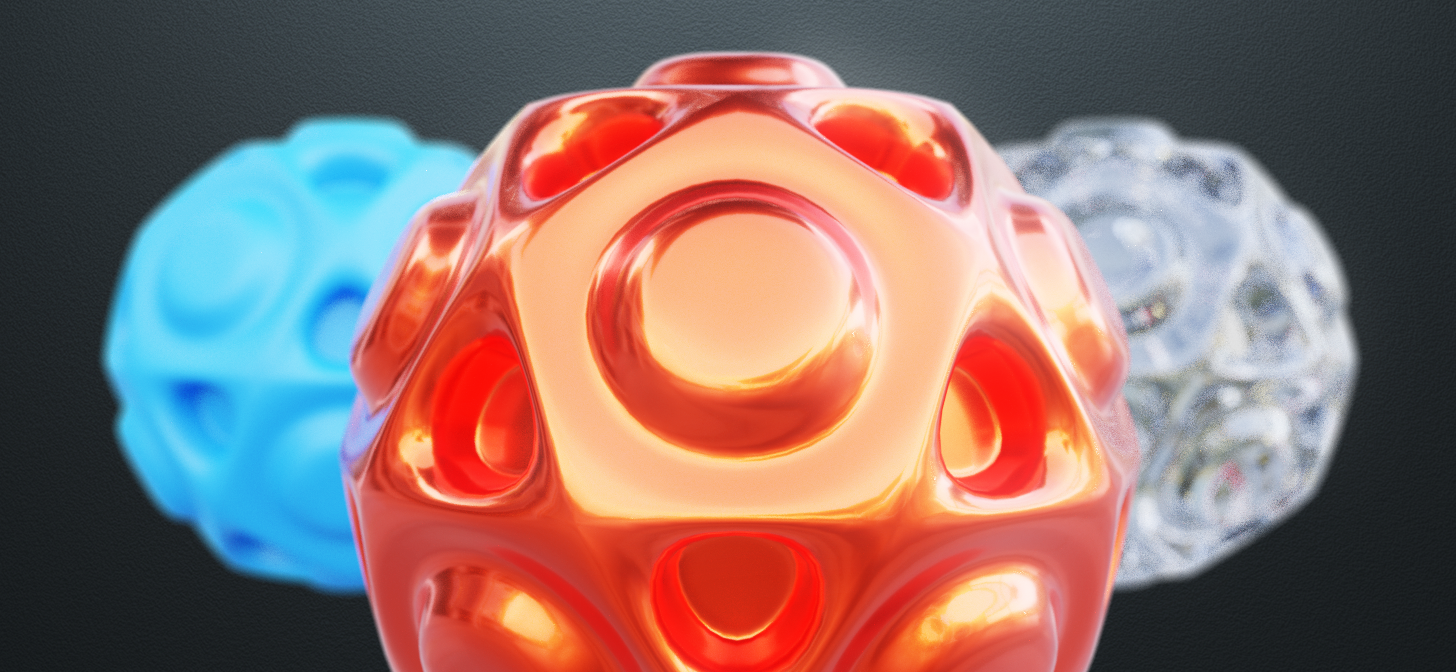
Today I have a quick tutorial for the beginners and people just getting started with setting up materials in Blender using the [still kind of] new Principled Shader. This will give you a jump-start on understanding basic material setup and how to start creating realistic shaders of your own in just a few minutes.
This tutorial goes over how to set up three basic materials. A rough colored plastic-type material, a glassy material, and a car-paint style material using the exciting new “clearcoat” slider.
Enjoy, and let me know if there’s more materials you’d like to learn how to make in the future, or other topics you’d like to see covered in a new tutorial by me. Happy Blending!


Nice clear and easy to follow Tutorial.
Thanks Curebiace! Glad you thought so.
so very straightforward and to the point good tutorial, think i’ll subscribe
Thanks Peter
Clear and to the point, liked it very much! Thank you for taking the time to share your knowledge.
Of course! I was worried it was “too simple” but it seems that this worked well.
Everyone please feel free to leave comments here or on my videos for tutorial suggestions.
Thanks!
Thanks