• Home
  • Art
    • Behind the Scenes
    • Images
    • Video
    • Games
    • Models & Rigs
    • Headers
    • Repositories
  • Development
    • Blender Development
    • Add-ons
    • Python Scripts
  • Education
    • Books
    • Tutorials
    • Videotutorials
    • Training Videos
  • Community
    • Conferences
    • Contests
    • People
  • Contribute
    • Contact
    • Submit News
    • Submit Header Graphic
    • Supporting BlenderNation
  • Home
  • Art
    • Behind the Scenes
    • Images
    • Video
    • Games
    • Models & Rigs
    • Headers
    • Repositories
  • Development
    • Blender Development
    • Add-ons
    • Python Scripts
  • Education
    • Books
    • Tutorials
    • Videotutorials
    • Training Videos
  • Community
    • Conferences
    • Contests
    • People
  • Contribute
    • Contact
    • Submit News
    • Submit Header Graphic
    • Supporting BlenderNation
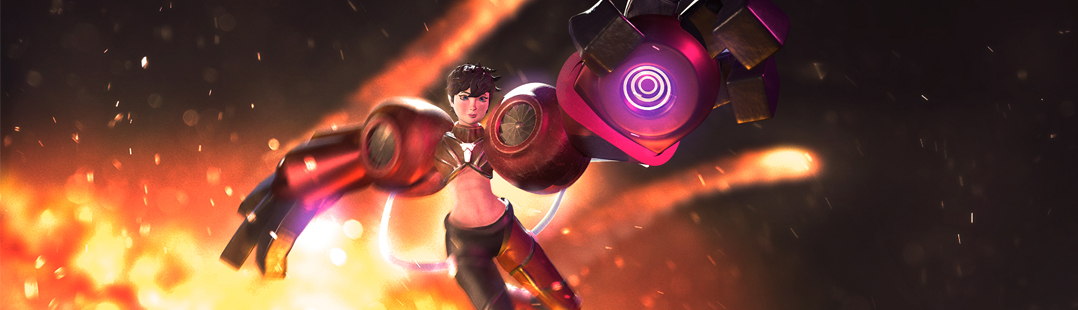
Kate - A brilliant engineer.
BlenderNation
Kate - A brilliant engineer.
Videotutorials

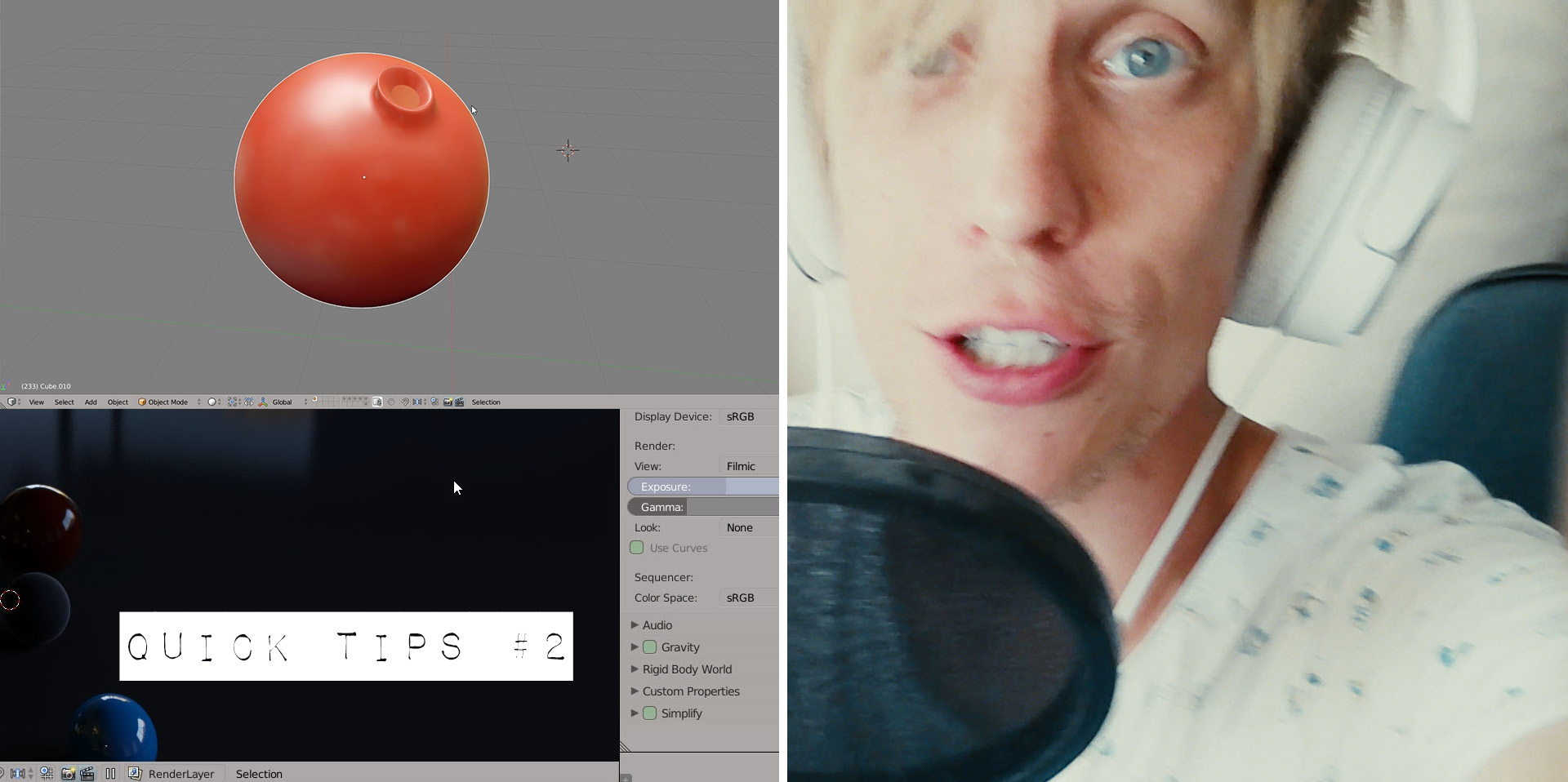
18 Quick Tips for Blender and Cycles (#2)

Gleb Alexandrov · August 23, 2017

Gleb Alexandrov writes:

Get better at CG every day with this collection of Blender quick tips. Today, get ready to digest 18 Blender tricks, total productivity boosters.

Author Gleb Alexandrov
An artist, founder of the Creative Shrimp blog.
Advertisement
Ads help pay for running BlenderNation. Please consider adding us to your allow list.

4 responses

  1. Hank Lerma
    23 August 2017 at 17:50

    Thank you!

    Reply
  2. Dixiepig
    26 August 2017 at 06:40

    That tip about emulating a 3 button mouse in the interface options menu just changed my life. I’m often using a laptop with no numpad and no mouse; this makes it finally workable.

    Reply
  3. Reaction
    26 August 2017 at 18:37

    Tip 14: A quick way to avoid overwriting your files and also maintain several intermediate backups is to simply include a number at the end of your Blender file when you first save it, e.g. Masterpiece-001.blend. After that you can simply press: F2, Numpad +, Numpad Enter, at any time. Blender will detect the number in the filename, auto-increment it to -002 and save a file. If you have a disaster, just open the previous version. It’s even quicker than Gleb’s tip!

    Reply
  4. blazer003
    28 August 2017 at 18:50

    I’m always glad I watched a simple tips video. I may know most of the stuff, but every time it seems I learn something new. Drag and drop images into Blender in this case. Thanks!

    Reply

Leave a reply Cancel

Your email address will not be published. Required fields are marked *

Featured posts

  • Best of Blender Artists: 2026-30
  • Best of Blender Artists: 2026-29
  • Best of Blender Artists: 2026-28
  • Overgrown: a Feature Film Project by Blender Studio
  • Blender 5.2 LTS: Physics Just Got Insane!

Support BlenderNation

Keep independent Blender coverage alive

BlenderNation is run by a small passionate team. Your support makes continued independent coverage possible.

Support on Patreon →
Related articles
Videotutorials

Free Download: Low-poly Rock Generator

Community Reporter · July 11, 2026
Videotutorials

Tearing Cloth with Geometry Nodes

Community Reporter · July 9, 2026
Videotutorials

Geometry Nodes for Beginners

Ryan King Art · July 8, 2026

About BlenderNation

BlenderNation collects the best free and paid resources for the Blender 3D community.

Support BlenderNation

Become a supporter Advertise

Contact

Contact us Submit news

Follow us

LinkedIn Mastodon
© 2026 BlenderNation — Part of the vrotvrot.com network
View full size ↗