

Tutorial: Ink Dropping in Water Simulation

Gabz writes:
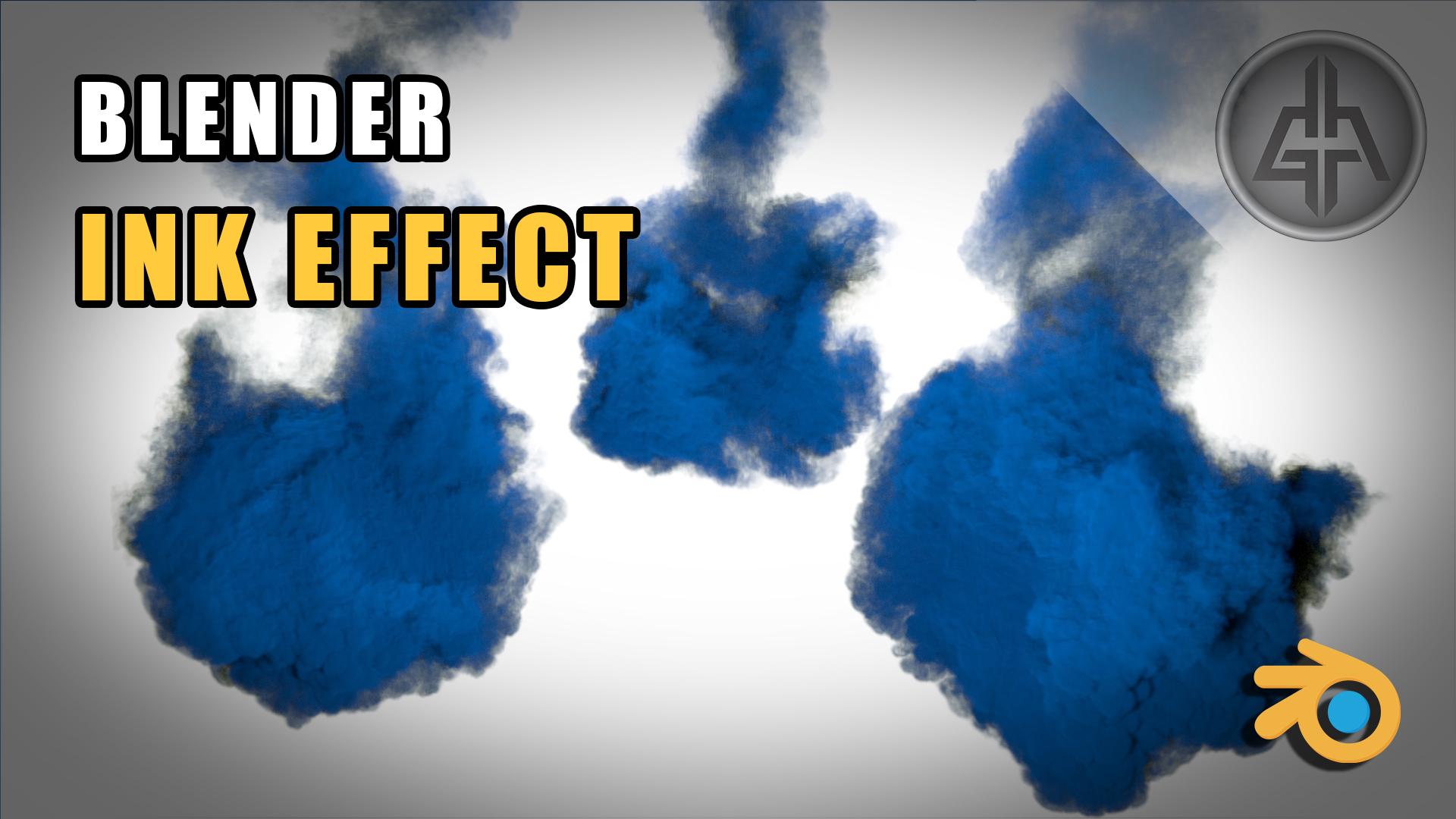
In this blender tutorial, of the Animation & Physics series, we see how to create a drop of ink in the water. We use the smoke system that blender provides to create this beautiful ink effect. Thanks!


“set to GPU, and if it does not appear to you go to user preferences…”
even then it does not appear… maybe it is because i don’t have a GPU that blender/cycles support.
why do you expect, that everybody has a GPU. is that tutorial not valid for other users?
you didn’t say, that GPU is only an option.
I don’t think the Ink gets so noisy though?
It’s because I made the Vorticity and the Wavelet strength too high. I actually explain a lil bit that I want more swirls, just a personal taste. Setting Vorticity and the Wavelet strength to 1 will solve the “too much noise” effect. =)
Something wrong with this tutorial?
https://www.blendernation.com/2016/04/05/tutorial-ink-drop-effect-cycles/
And result seems to me more accurate, personal taste :)
That is gorgeous! Thank you so much for sharing your skills GABZ! :)
I have one question: Is it possible to have two inks with different colors (or more) using this technique?
Hi Francisco! Thanks!
I actually tried making different colors in the same domain, but didn’t try too much. It’s a shame, in Blender, it’s not a straight forward process.
But, you can start here:
https://blender.stackexchange.com/questions/23802/multiple-smoke-flows-in-one-domain-with-different-colors
Hi GABZ!
Thank you very much for the quick reply and for anticipating the problem. Your setup is my favorite. I used to work a lot with watercolors and gouache. Your video brings back good memories to me! Thank you! :)
That’s awesome Francisco! Really glad to know that! =) Thanks!
This looks cool..very useful.. Thanks for sharing.. Finally I’m having new ideas for my next project