

OSL Improved Pointiness Shader adds Accuracy

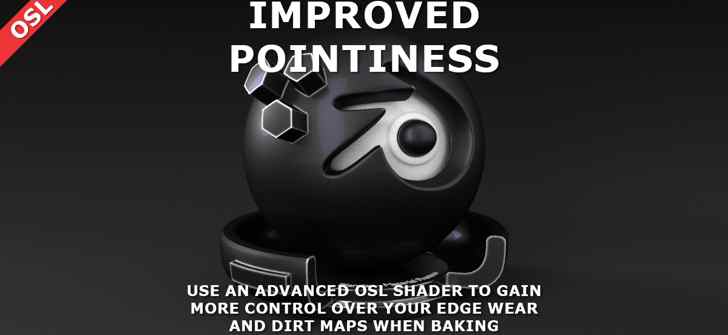
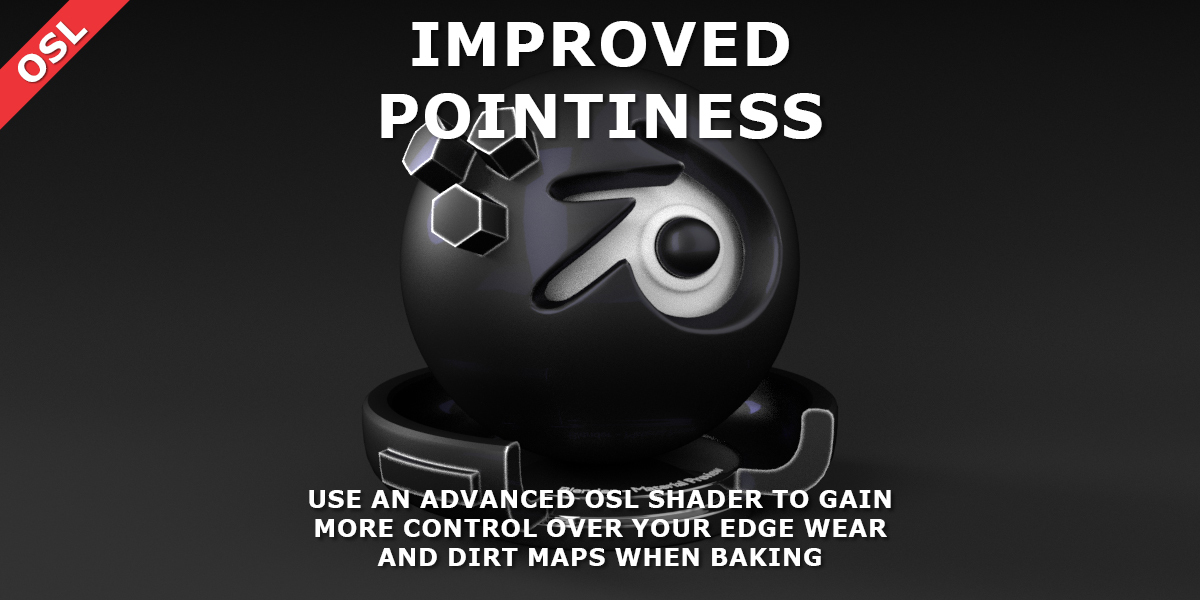
Tim Zoet’s Improved Pointiness shader adds several improvements over the one in Cycles.
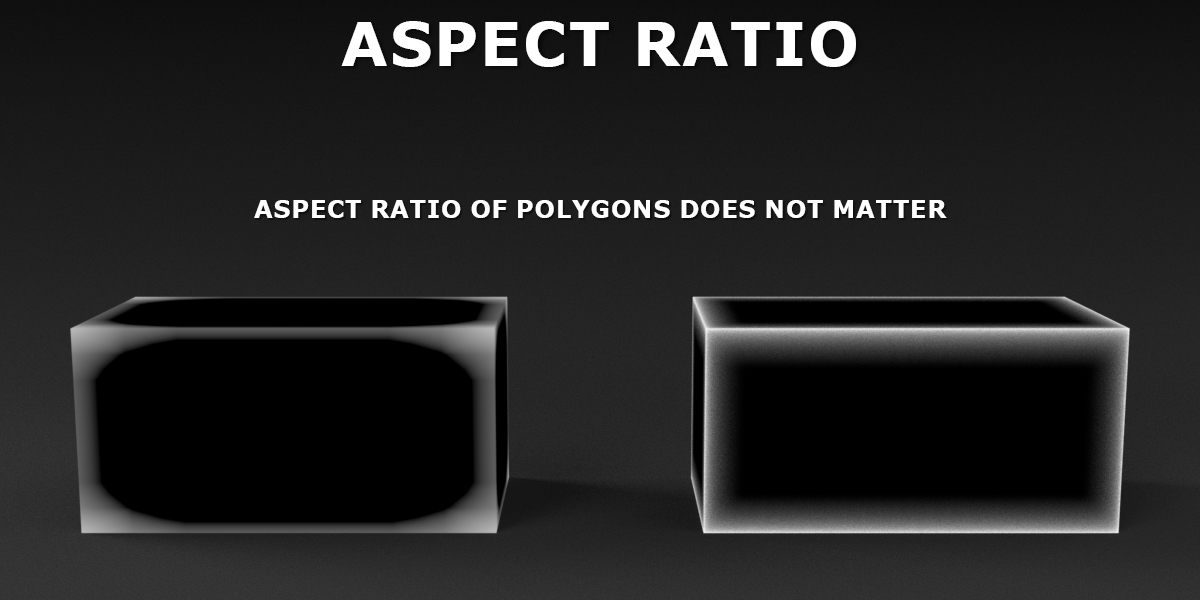
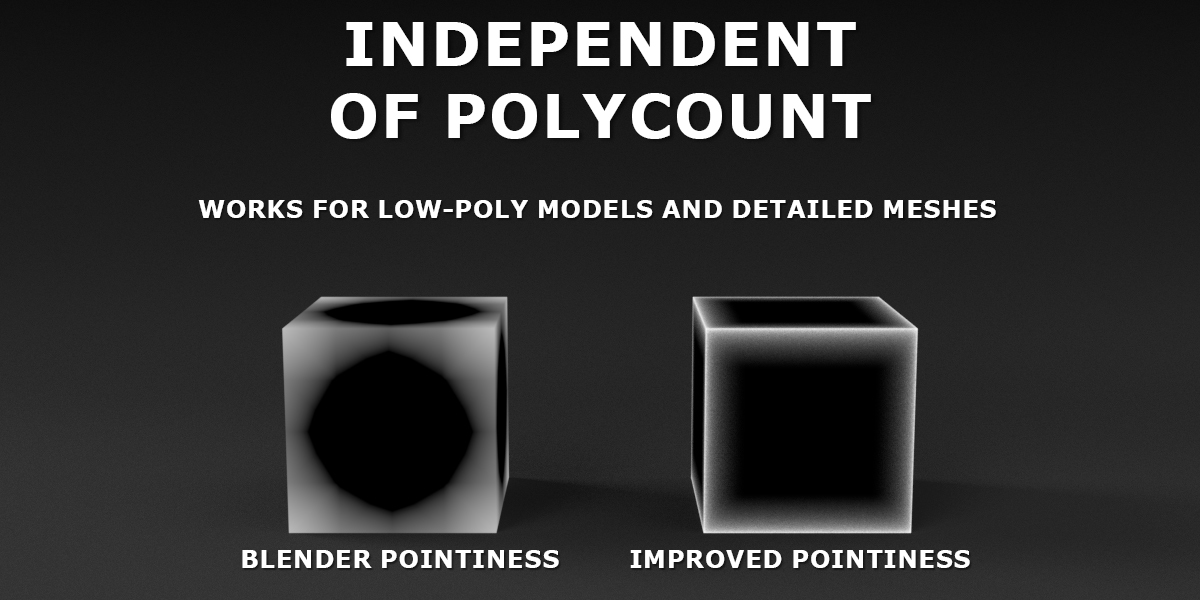
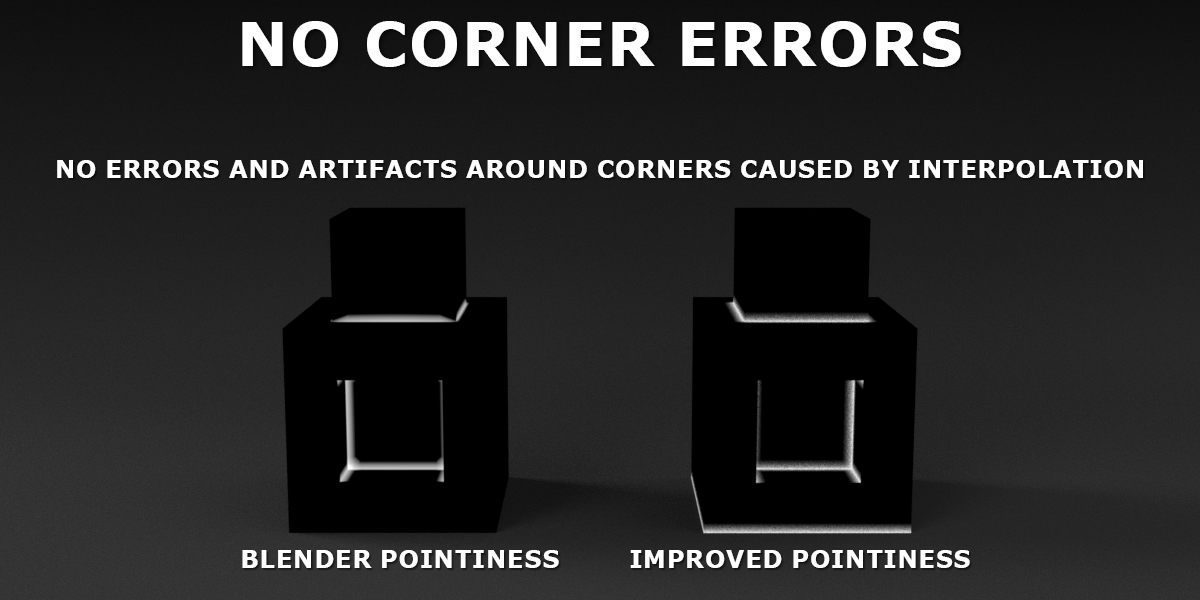
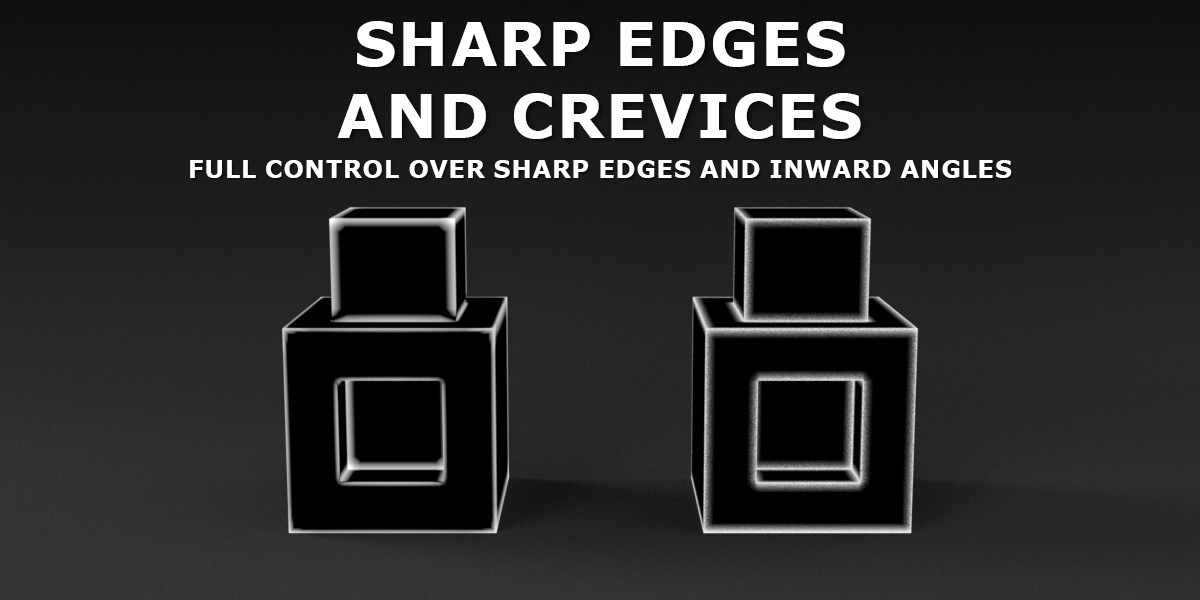
The pointiness attribute in Cycles can be very useful for rendering worn edges and dirt maps. However, it is far from perfect. It offers little to no control over the thickness of edges, corners cause problems and, most importantly, if the size of any polygons in your model are different from each other or when they change, you can start over again with designing your materials. All of these problems are mainly caused by how Blender calculates pointiness: it simply interpolates values between vertices.
This OSL script does things in a completely different manner. It analyzes the geometry around a point that is being shaded. When rendering a point on a triangle, the script will calculate a short offset along the normal and then shoot random rays in a hemisphere around that offset point. Depending on whether it hits something, it will calculate the differences in angle (and will perform some more mathematical magic) between the normal of the point and the found hit point to determine whether it found a sharp edge, a corner or a flat face.
Links

Am I correct in thinking that OSL shaders will not render on the GPU with Cycles?
If so, it’s a shame, as this looks very useful.
I think it’s not working with GPU unfortunately sorry.
Blender indeed does not support GPU rendering for OSL. You’ll have to bake your textures before you can use them in Cycles.
I don’t think there is any renderer available that has full GPU support for OSL, let alone an open source one. Recently, I found this (https://developer.blender.org/D1745) page, and it looks like it is still very far away. But maybe, somewhere in the not too distant future, there might be GPU support. We can only hope (and harass the Blender devs asking for GPU support :)).
I think it’s not working with GPU unfortunately sorry.
This is how the default pointiness feature should work. Rendering on CPU is not fun.
Looks great. I tried using the Blender pointiness shader with some low poly animation but found I needed to add edge loops to bring out the edges which went against the point of using low-poly. Can’t wait to give this a try.
This is based on this http://lesterbanks.com/2014/03/blender-osl-bevel-shader/ ?