

Phantom Photo Match available for Blender

Guus Thissen writes:
Greetings Blender community,
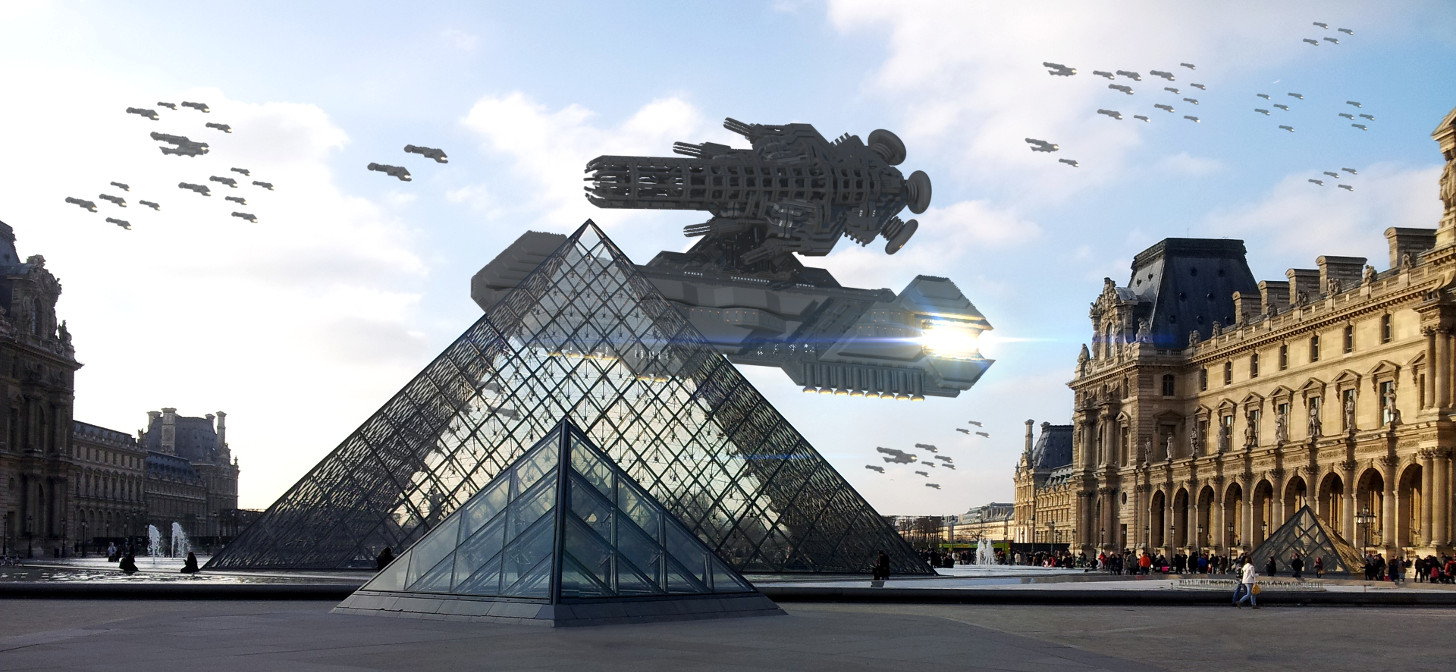
Phantom Photo Match is now available for Blender and Octane Render for Blender! It allows you to create augmented reality with perfect accuracy, inside real life photographs of an (architecture) project you might be doing.
The interface is extremely easy to use. Phantom Photo Match is designed to do all of the annoying stuff for you. NO MORE CLUELESS CAMERA GUESSING! Now you will be able to do it super accurately. And most of all: FAST. If you need to do this often, this tool will save you many hours of work and annoyance.
It works as follows:
- Import a photo
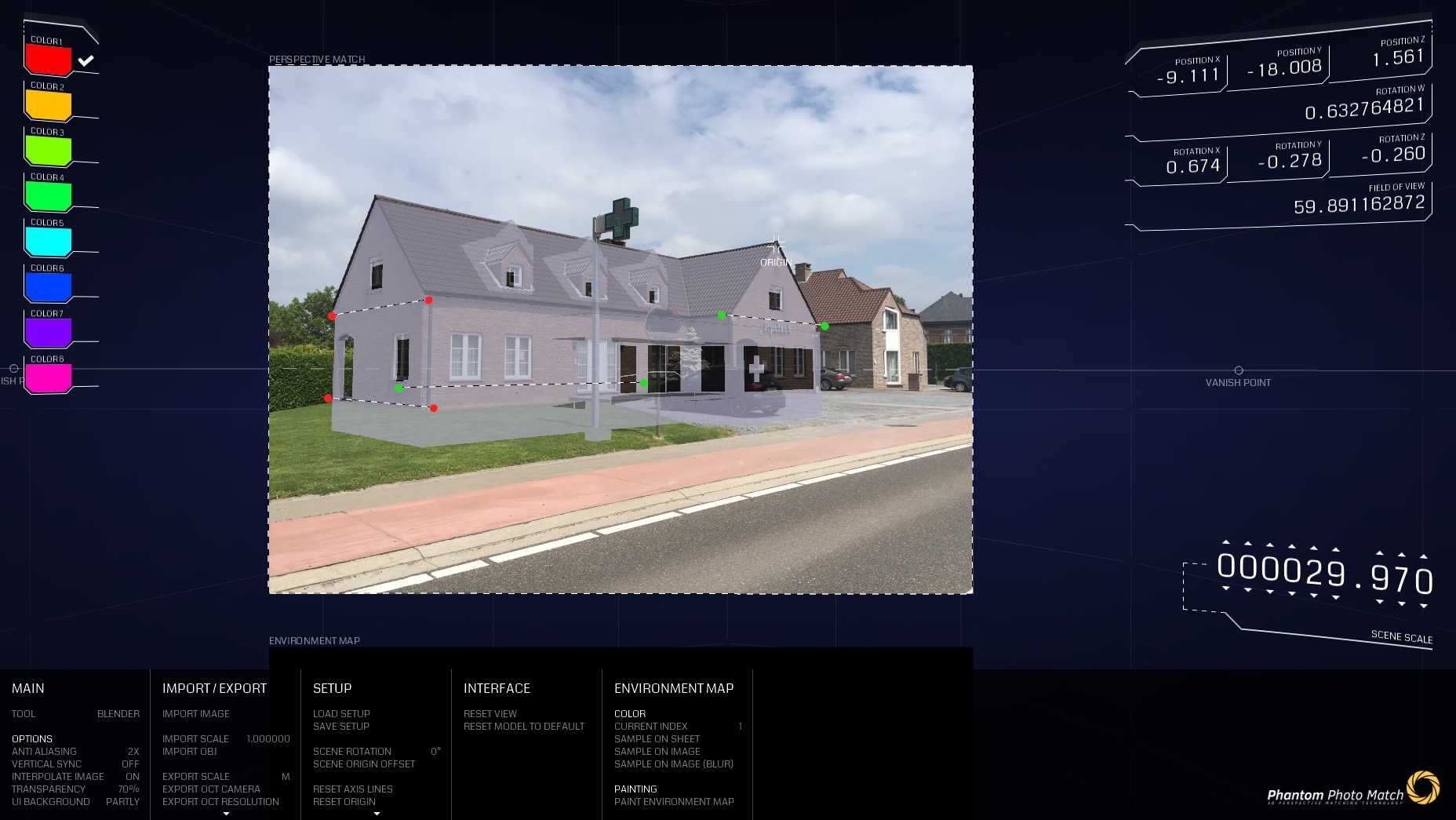
- Align 4 axis lines along the perspective lines of your photo.
- Optional: import your OBJ mesh
- Drag the origin marker around the photo to determine the origin point of your OBJ mesh. Then use the scale setting to make sure your scene is correctly scaled against the photograph.
- During the edits, Phantom Photo Match will use it’s powerful algorithm to mathematically reverse engineer the correct perspective data. This happens in realtime, so whenever you made an edit, the correct new camera is automatically calculated for you. When you are happy, simply click one of the variables in the top-right corner of the screen. That variable is then copied to your clipboard (with a much higher decimal precision than shown in the GUI for super accuracy), then you can just use CTRL+V to copy paste it in the camera settings inside Octane. Octane Render has no support to load the camera settings from a file, so I came up with this method instead, and it works very fast. You simply put the programs alongside each other, click in PPM, paste in Octane, repeat until you have entered all 10 properties. (Position, Target, Up-vector and Horizontal FOV)
Phantom Photo Match also has a seperate UI element for Blender in the top-right corner. Simply press the numbers in that UI element and then hit CTRL+V in your Blender camera’s properties.
Best,
Guus Thissen
Phantom Technology owner
Link


Neat tool with a snazzy interface. I wonder how it compares to BLAM.
Great looking tool. I use BLAM a lot. Can you render in the Blender Render or Cycles with Phantom Photo Match? IF not, it means the cost will be $399 for Octane and the cost of your addon minimum is euro 19.99. I did notice the 7 day demo.
@ Bachnoral
Yes, Phantom Photo Match delivers the exact camera properties, they should work in Blender Cycles too! (Basically any renderer)
Hi Bachnoral,
Yep, it works perfectly in blender cycles. You don’t need to purchase Octane for this to work in Blender.
Barry
I was reading your license and just can’t understand if what I make in it is mine. Like selling models I make and renders I make. Would like to know. Usually license say something like can’t alter the software, but anything you make in it is yours. I understand about the single computer usage and I’m certainly not going to give it to anyone else.
Many thanks, hope to hear more from you
@ Bachnoral
Thanks for asking, the ‘personal’ in the license agreement refers to you not sharing the license with anyone else. The products you create with it can be used commercially or non-commercially, whatever you wish. Anything you make with it can be sold. So there are no limitations there!
The only limitation is that the free trial version may not be used commercially. If you make something with it that you want to take commercial, just get the yearly or lifetime license :)
@Phantom107, FYI, the link to “Phantom Technology” in your signature in the body of this article is broken. There’s a weird %2C in it that probably snuck in as part of the posting process.
Fixed, thanks!
Trouble to download with Chrome, not a secure site
It is not available for download, where you get the link?