• Home
  • Art
    • Behind the Scenes
    • Images
    • Video
    • Games
    • Models & Rigs
    • Headers
    • Repositories
  • Development
    • Blender Development
    • Add-ons
    • Python Scripts
  • Education
    • Books
    • Tutorials
    • Videotutorials
    • Training Videos
  • Community
    • Conferences
    • Contests
    • People
  • Contribute
    • Contact
    • Submit News
    • Submit Header Graphic
    • Supporting BlenderNation
  • Home
  • Art
    • Behind the Scenes
    • Images
    • Video
    • Games
    • Models & Rigs
    • Headers
    • Repositories
  • Development
    • Blender Development
    • Add-ons
    • Python Scripts
  • Education
    • Books
    • Tutorials
    • Videotutorials
    • Training Videos
  • Community
    • Conferences
    • Contests
    • People
  • Contribute
    • Contact
    • Submit News
    • Submit Header Graphic
    • Supporting BlenderNation
The Grove 3 - 3
Videotutorials

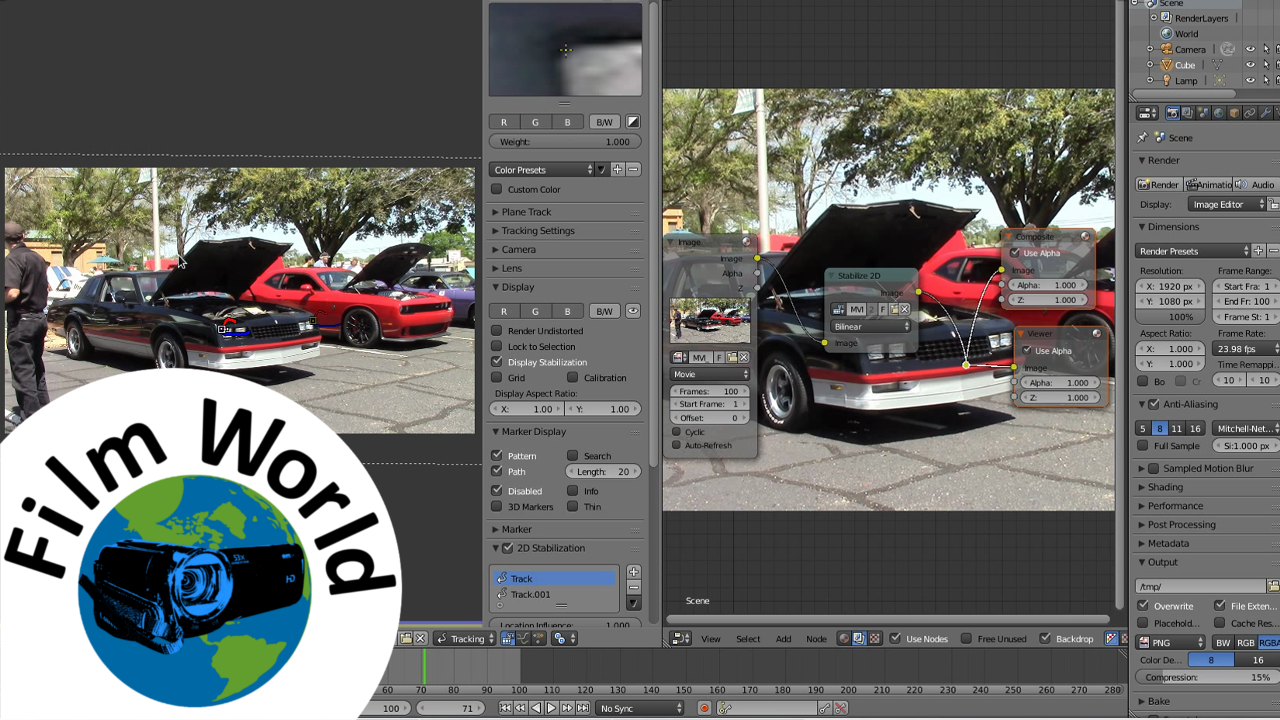
Learn how to stabilise video footage in Blender

Community Reporter · April 8, 2016

Micah Pendleton writes:

In this Blender tutorial, I show you how to stabilize your video footage using only Blender

Author Community Reporter
Advertisement
Ads help pay for running BlenderNation. Please consider adding us to your allow list.

2 responses

  1. antoniobuch
    11 April 2016 at 08:44

    You forgot to mention that you can 2D Stabilize in the Sequence Editor too. Select your Movie Clip strip and look for the Stabilize 2D Clip checkbox in the sequencer’s properties panel ;)

    Reply
    1. Micah Pendleton
      27 April 2016 at 14:25

      Cool. I, actually, didn’t know you could do that. I don’t work to much in the VSE any more. I use to only use the VSE but now I use Kdenlive as my NLE. I have, however thought about giving the VSE another try.

      Reply

Leave a reply Cancel

Your email address will not be published. Required fields are marked *

Featured posts

  • Overgrown: a Feature Film Project by Blender Studio
  • Blender 5.2 LTS: Physics Just Got Insane!
  • Best of Blender Artists: 2026-27
  • Behind the Scenes: Somnus
  • Best of Blender Artists: 2026-26

Support BlenderNation

Keep independent Blender coverage alive

BlenderNation is run by a small passionate team. Your support makes continued independent coverage possible.

Support on Patreon →
Related articles
Videotutorials

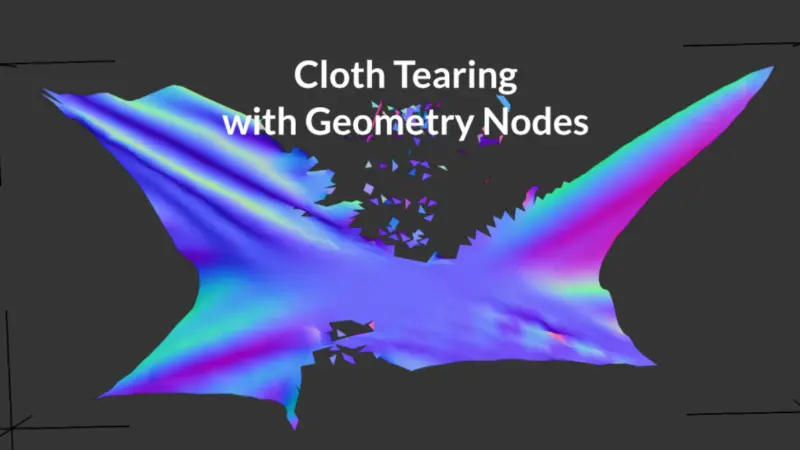
Tearing Cloth with Geometry Nodes

Community Reporter · July 9, 2026
Videotutorials

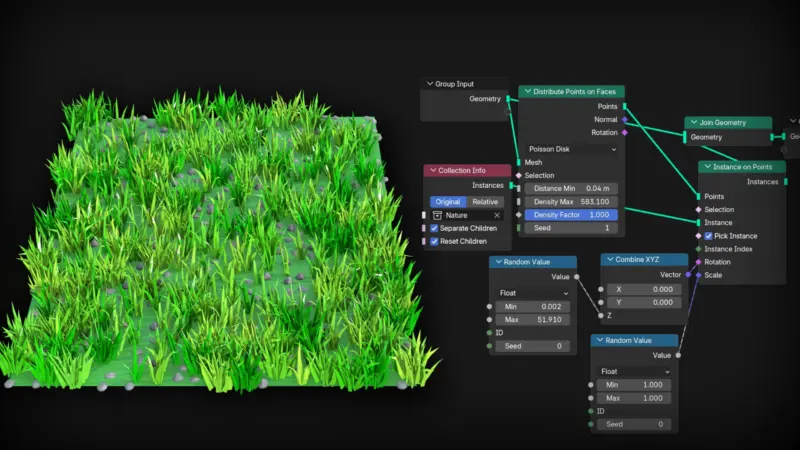
Geometry Nodes for Beginners

Ryan King Art · July 8, 2026
Videotutorials

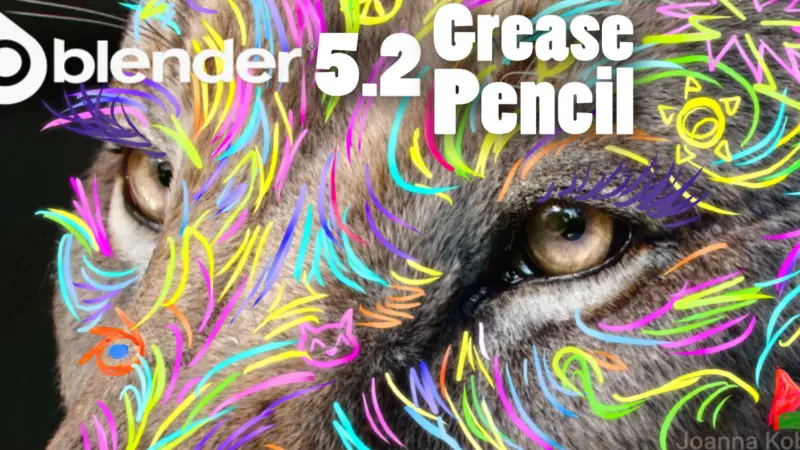
Blender 5.2 Grease Pencil: 16+ New Features Breakdown

Mumu Mundo · July 6, 2026

About BlenderNation

BlenderNation collects the best free and paid resources for the Blender 3D community.

Support BlenderNation

Become a supporter Advertise

Contact

Contact us Submit news

Follow us

LinkedIn Mastodon
© 2026 BlenderNation — Part of the vrotvrot.com network
View full size ↗