

Quick Tip: Hard And Soft Edges in Blender

Aidy Burrows writes:
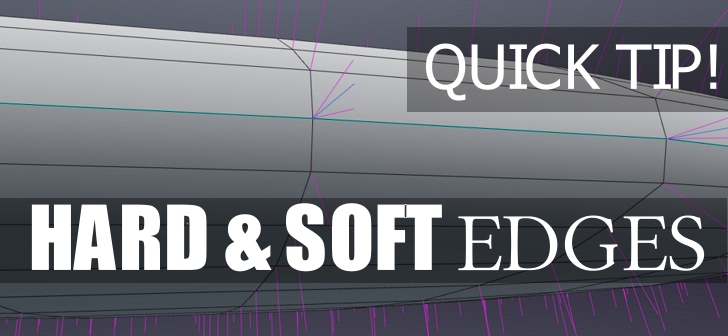
Confused about soft and hard edges? You’re not alone, the good news is it’s actually really easy. Find out 2 methods in this quick video.
After this quick video you’ll know about…
- Hard and soft edges without a modifier
- Hard and soft edges with the edge split modifier
- Visualizing normals
Note : ‘Hard’ & ‘Soft’ Edges are thought of as being more Maya terms. Blender equivalents are ‘Sharp’ edges (Found under the Ctrl E shortcut for edges) and ‘smooth’ and ‘flat’ face shading (Found under the Ctrl F shortcut for faces)
Hope it’s helpful! :) Aidy.


Pretty well explained, thanks a lot!