

Viewing your Blender art on a Cardboard with Sketchfab

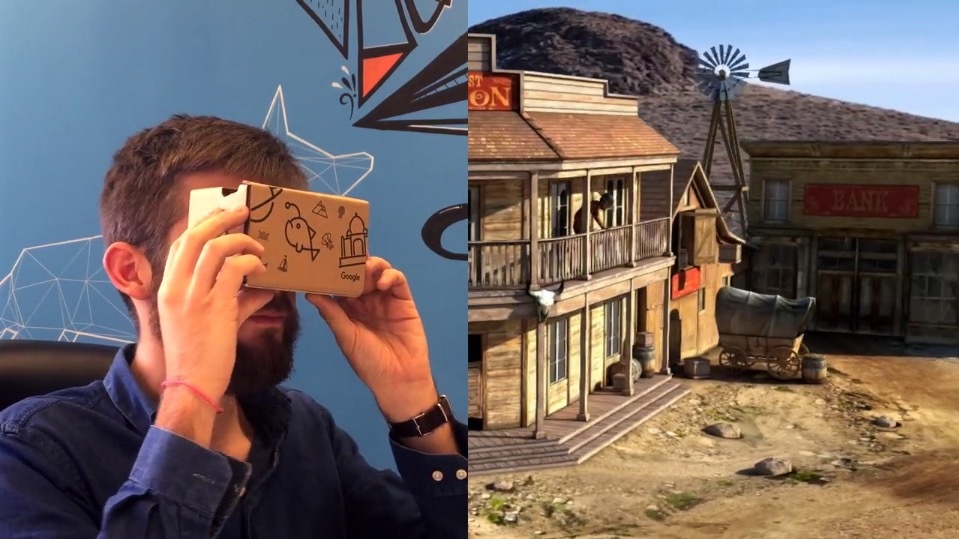
Sketchfab has just added a VR button to their viewer, making it super easy to explore any of the 500k+ models in their library on your Cardboard viewer. Thanks to their strong support for Blender, it’s now easier than ever to publish your projects to VR.
Do you have a Cardboard? Then pick up your phone, head to the #blender gallery on Sketchfab, select a model and hit the VR button. Enjoy exploring some awesome Blender work in 3D!
Creating VR models for Cardboard places some extra restrictions on what you can do as the hardware is relatively light. Here’s what you need to keep in mind.
Full disclosure: I work at Sketchfab. Back to playing with my Cardboard work :)


Too bad it has to be cardboard, and not Oculus Rift :(
We’re working on Oculus Rift support – see the announcement. It’s a bit trickier than Cardboard though, so that was a natural startingpoint :)
Awesome, and good luck
Looking forward to this. Do you have a roadmap entry for Gear VR too?
We’re looking at all the major VR platforms :)