• Home
  • Art
    • Behind the Scenes
    • Images
    • Video
    • Games
    • Models & Rigs
    • Headers
    • Repositories
  • Development
    • Blender Development
    • Add-ons
    • Python Scripts
  • Education
    • Books
    • Tutorials
    • Videotutorials
    • Training Videos
  • Community
    • Conferences
    • Contests
    • People
  • Contribute
    • Contact
    • Submit News
    • Submit Header Graphic
    • Supporting BlenderNation
  • Home
  • Art
    • Behind the Scenes
    • Images
    • Video
    • Games
    • Models & Rigs
    • Headers
    • Repositories
  • Development
    • Blender Development
    • Add-ons
    • Python Scripts
  • Education
    • Books
    • Tutorials
    • Videotutorials
    • Training Videos
  • Community
    • Conferences
    • Contests
    • People
  • Contribute
    • Contact
    • Submit News
    • Submit Header Graphic
    • Supporting BlenderNation
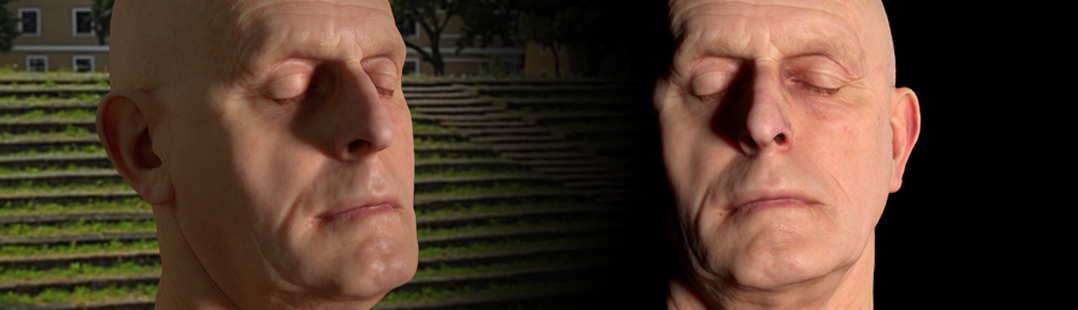
Realistic skin shader in Blender Cycles
BlenderNation
Realistic skin shader in Blender Cycles
Videotutorials

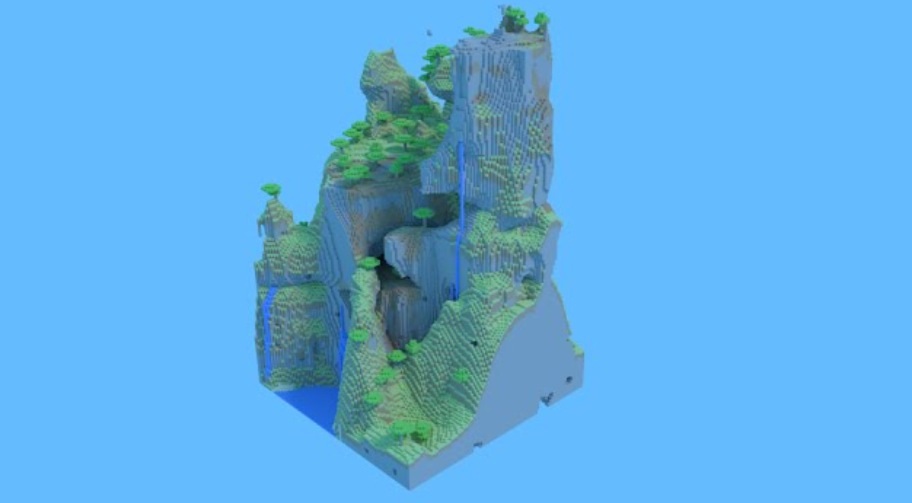
Rendering Minecraft Worlds with Blender using Cycles

Community Reporter · September 19, 2014

Matthew Scott shows how to export your Minecraft models, import them into Blender and get them rendered.

Author Community Reporter
Advertisement
Ads help pay for running BlenderNation. Please consider adding us to your allow list.

7 responses

  1. LéDestructé
    19 September 2014 at 17:28

    thats definitely not worth a post

    Reply
  2. Reaction59
    20 September 2014 at 00:14

    For some reason, certain people get very excited about Minecraft. Even Microsoft, who just spent $2.5bn buying the rights. I guess if Blender can be a side tool for Minecraft geeks to make solid models of their creations, it’s news enough…

    Reply
  3. Guest
    22 September 2014 at 14:09

    That’s remember me that. Minecraft world and some vegetations.

    Reply
  4. QuantumCrab
    7 July 2015 at 08:43

    Help! When I upload my model, It is just white with colours!

    Reply
    1. Bart
      7 July 2015 at 09:03

      Upload it where?

      Reply
      1. Anuga
        7 July 2015 at 10:23

        I’m guessing his meaning “Import” the model into blender, that there are no materials on it.
        Or, at least, he can’t see any materials.

        Reply
    2. QuantumCrab
      11 July 2015 at 03:59

      Without colours

      Reply

Leave a reply Cancel

Your email address will not be published. Required fields are marked *

Featured posts

  • Best of Blender Artists: 2026-24
  • Best of Blender Artists: 2026-23
  • Best of Blender Artists: 2026-22
  • Best of Blender Artists: 2026-21
  • Best of Blender Artists: 2026-20

Support BlenderNation

Keep independent Blender coverage alive

BlenderNation is run by a small passionate team. Your support makes continued independent coverage possible.

Support on Patreon →
Related articles
Videotutorials

Sand Castle Tutorial

Community Reporter · June 16, 2026
Videotutorials

Creating a Helicopter Robot in Blender

Ryan King Art · June 14, 2026
Videotutorials

A Quick Guide to Fields in Blender’s Geometry Nodes

Community Reporter · June 11, 2026

About BlenderNation

BlenderNation collects the best free and paid resources for the Blender 3D community.

Support BlenderNation

Become a supporter Advertise

Contact

Contact us Submit news

Follow us

LinkedIn Mastodon
© 2026 BlenderNation — Part of the vrotvrot.com network
View full size ↗