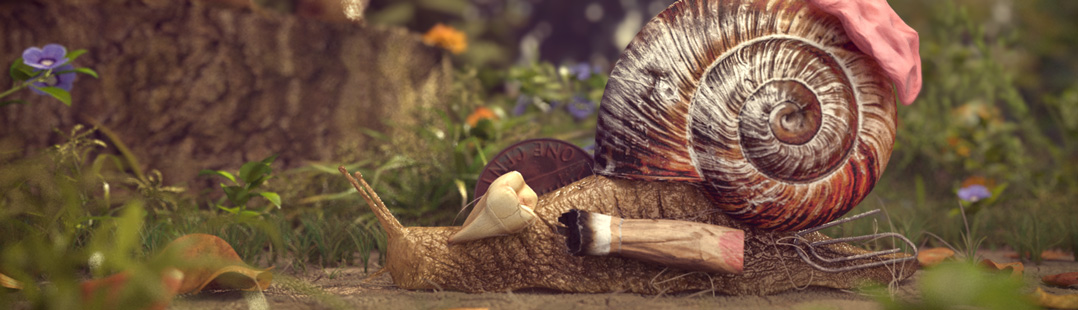
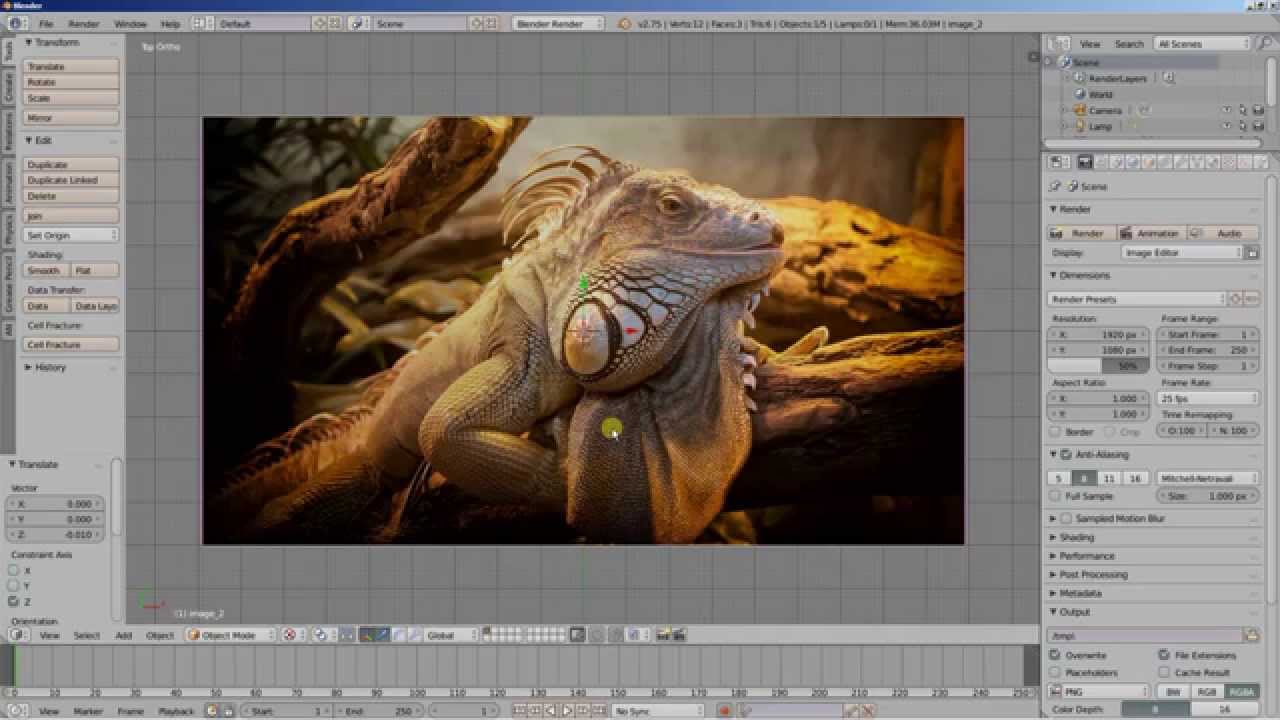
Cory Taylor sent us his collection of Blender fluids simulations, including some pretty amazing stuff. This shows the possibilities that has one of the less-known features of Blender. Enjoy!
Tag Archives: video
FreezingMoon.org Adds Tutorial Section
The Freezing Moon Foundation has been working on improving it’s website among other things since the last time they’ve been featured here on BlenderNation. Along with those improvements, a tutorials page is being developed, which has been already populated with quite a few neat tutorials mainly related to our beloved Blender and GIMP apps. Check it out and keep an eye on it for constant updates and more tutorials!
Project London: Multiply Teaser
Applying a Decal in Blender 2.5 Alpha 1
I had a question yesterday about adding a decal to a mesh for my project, and David Ward came to my rescue by recording this excellent little tutorial on UV mapping an image onto a Suzanne in Blender 2.51!
The Process Diary – Poly-Modeling a Human Figure (Part 4)
Paul Caggegi (creator of the Process Diary,) has been working on a series of video tutorials on poly-modeling a human figure. This month’s episode is the fourth video in the series, covering the boots and hands.
http://vimeo.com/9719919
“So Pure” Music Video by Lukas
Lukas has made a nice little music video with just Blender and Photoshop!
Sakura Music Video
ekakiya wrote: I recently made short PV animation for the Japanese song “sakura”. It’s done with a combination of 2D and 3D.
Sequence Made for TV Show Klaas Vaak
We recently delivered a 3d sequence made in Blender for a new TV show on Dutch television for the Eftleng Efteling (a large Dutch theme park).
Our work was a 30sec and 10sec 3d sequence created 100% in Blender for the intro and outro sequence of a live action TV show called Klaas Vaak, about a wizard who draws in sand.
Skinit.com Commercial Made with Blender 3D
Jeremiah W. has created a video for the skinit.com 60 second commercial contest. He used Blender to render and animate the 3D models, as well as some other elements. The actual electronic models were purchased on the web, “as my skills and patience did no allow for the quality that I could buy ;-) (plus I got them at a really good price)”. All of the texturing, animation, lighting, and rendering were done in Blender.
BGE Beginner Tutorial : Using Video Textures
Ever wondered how to set up the new video textures feature in the Blender Game Engine? Dennis has written a easy to follow tutorial on exactly how to do it.