
2009 Blender F1 Challenge

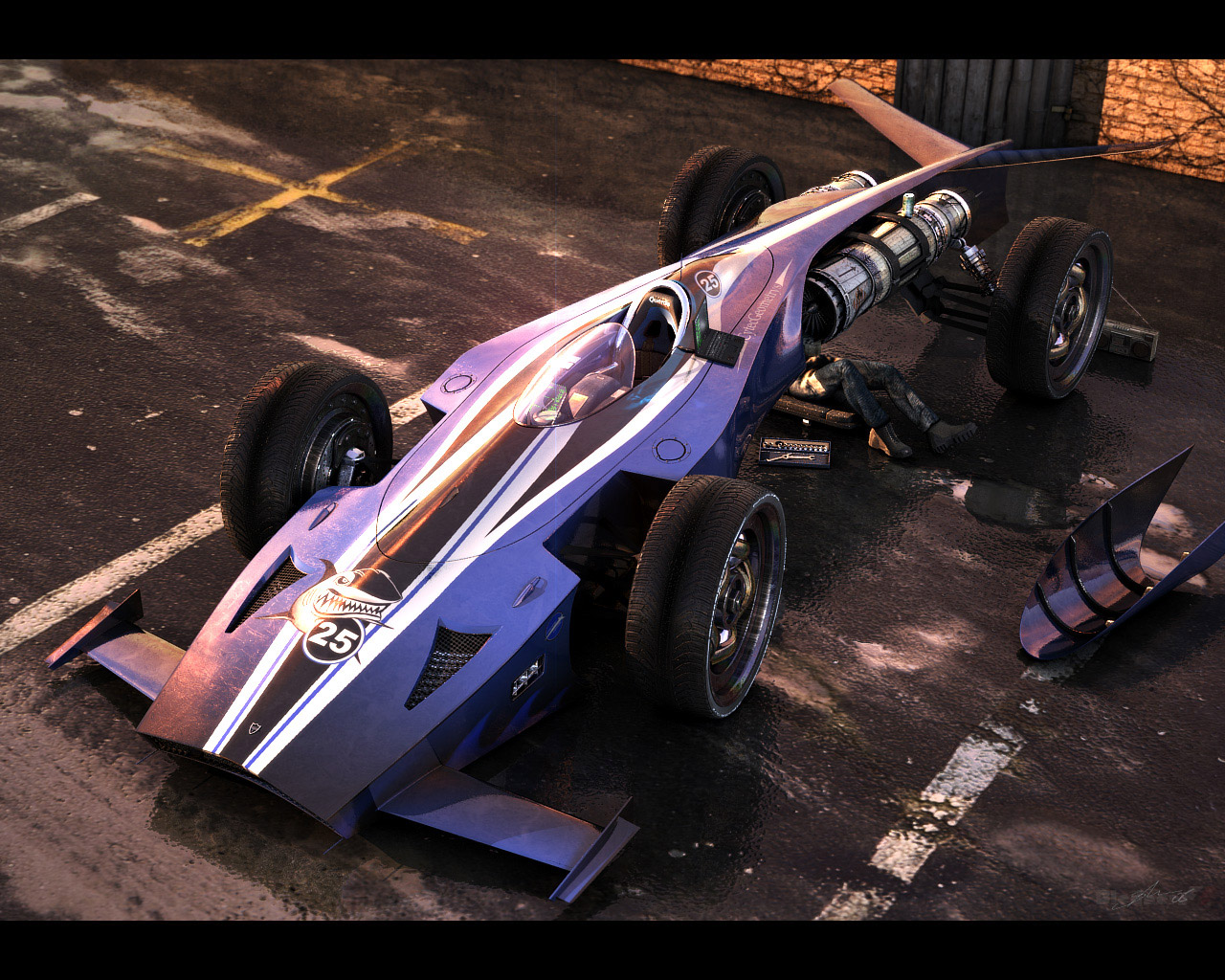 The 2009 Blender F1 Challenge starts tomorrow!Â
The Blender F1 Challenge is back once again for year number 9!!! The 2009 Blender F1 Challenge starts April 19, 2009 and closes to entries on June 20, 2009.
The Blender F1 Challenge “challenges” Blender users to design, model and render their version of a F1 racer of the future. That “future” could be next year, in 20 years or even 1000 years into the future. It is all in the imagination! Visit the official Blender F1 Challenge site at www.blenderf1.com.
Information and rules are available on the official site so get your Blender machine fired up and put your imagination to work. We want to see those F1 racers of the future!!
Thanks!
CurtisS

I think that the aerodynamic will change…. hmmm I will give it a try :D
Tempting :)
Maybe I’ll give myself more than 2 days to finish mine this year and actually submit a finished entry.
I think that this challenge must be renamed to AirRace challenge or something simillar, because the future of formula1 is there, in the air!! of course it will need a lot of time until petrol ends up.
Hi J-S;
I dare you to enter this year…. :)
Curtis
Great to see the progression in the quality of the renderings since 2001. Blender has come a long way…
Don’t dare him CurtiS, he’ll just deprive himself of sleep and thump the rest of us sensless. And that would just inspire me to beat him by doing the same…
I think it’s fair to say that last time most of us were but whooped! I swear the guys at pixar keep friggin entering the competition using fake user names! not too mention the guys over at lucas friggin arts! I honestly wount be surprised to see darth maul, or R2D2 piloting a vehicle! And They always wait untill the last minute to throw your hopes against the rocks and spit on them, with fancy pancy shaders and modelling that makes even your greatest F1 look like a carrot!
so…yeah I’m game>:-)
Curtis, I double dare you to create more available time in a day so I can enter ;)
I’ll try to squeeze some late night hours for this. No promise tho :)